

TV Cast for Chromecast
BlueStacksを使ってPCでプレイ - 5憶以上のユーザーが愛用している高機能Androidゲーミングプラットフォーム

Run TV Cast for Chromecast on PC or Mac
Let BlueStacks turn your PC, Mac, or laptop into the perfect home for TV Cast for Chromecast, a fun Video Players & Editors app from 2kit consulting.
About the App
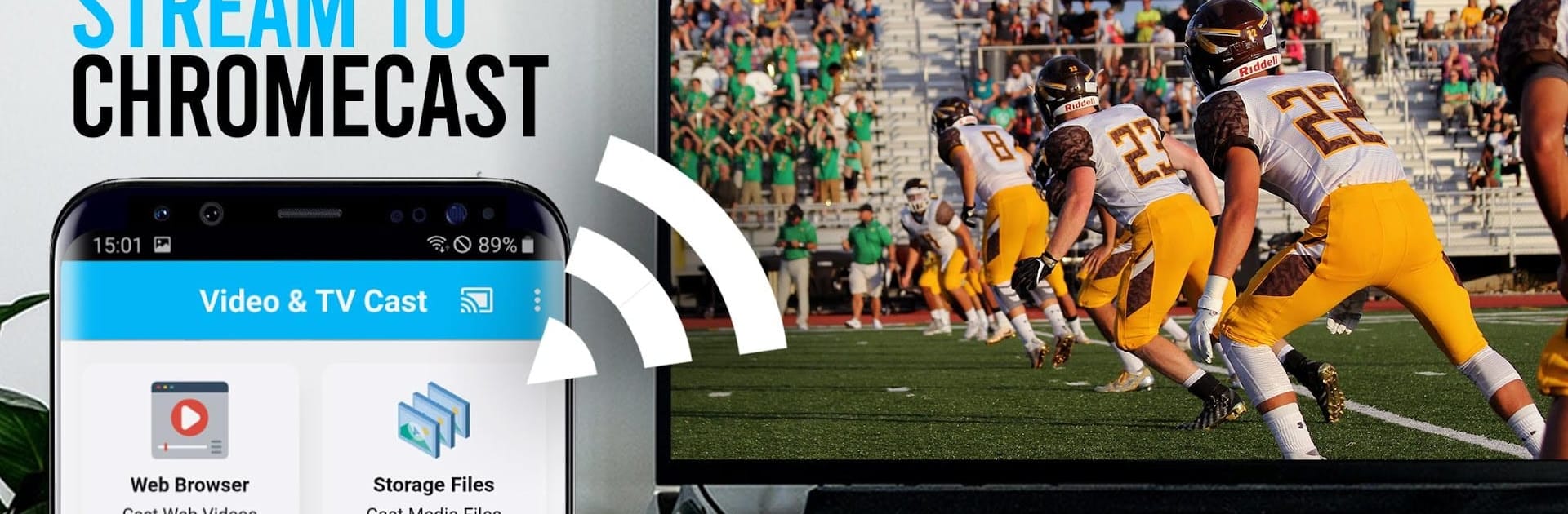
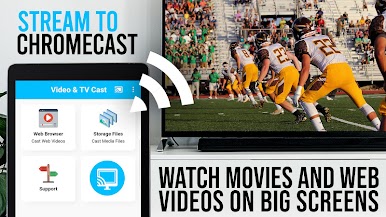
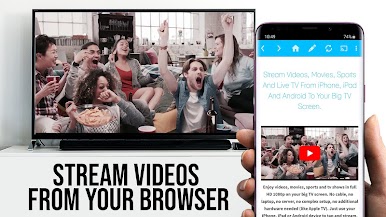
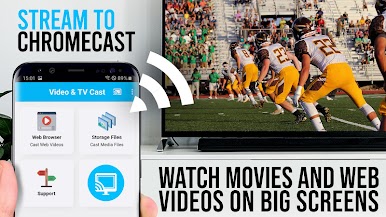
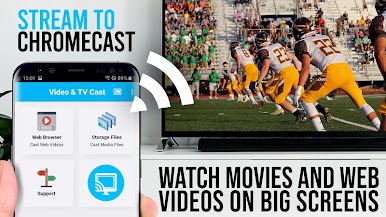
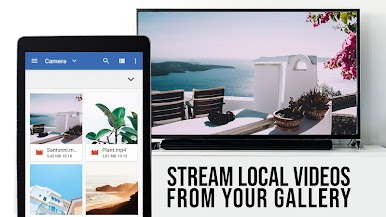
If you’ve ever wanted to cast web videos, livestreams, or online movies straight from your Android to your Chromecast, TV Cast for Chromecast by 2kit consulting makes it easy. Forget about squinting at your small screen—this app helps you send your favorite web content to your TV in just a few taps. Whether it’s catching the latest sports stream, browsing for funny viral clips, or streaming live TV, it’s all about relaxing and enjoying the big-screen experience from the comfort of your couch.
App Features
-
Simple Web Browser Integration:
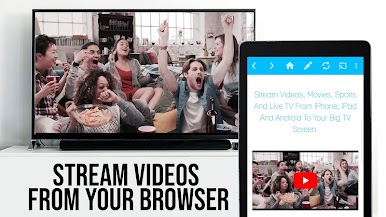
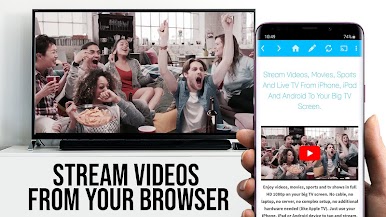
Browse any site within the app’s built-in browser and pick videos to cast—no complicated setup, just tap and play. -
Wide Video Format Support:
Works with mp4, m3u8, and hls livestreams, including videos over https. Full HD streaming is ready for your Chromecast. -
Direct Video URL Casting:
Got a direct video link? Enter it right into the app’s browser bar to play it instantly on your Chromecast. -
Live TV & IPTV Compatibility:
Stream live TV channels, web IPTV, and more, making catching live events a breeze. -
No Device Mirroring Needed:
The app sends only the video—so you can still use your phone for other things while casting. -
Minimal Permissions:
Your privacy matters. TV Cast for Chromecast only asks for the basics, so it doesn’t touch any of your personal or location info. -
Supports All Chromecast Devices:
Compatible with every Chromecast model and Google Cast enabled Android TV. -
Try It on Your Computer:
TV Cast for Chromecast pairs well with BlueStacks for a smooth experience on your PC or Mac, letting you stream even more comfortably. -
Fast Video Detection:
When you’re browsing, the app quickly finds playable videos beneath the browser window so you’re never left hunting for the right link. -
Helpful Tips Built-In:
On-screen hints and quick troubleshooting tips get you back to watching if something ever stalls your stream. -
Built for Video-Players Fans:
Designed specifically for anyone who loves streaming videos to the biggest screen in the house.
BlueStacks brings your apps to life on a bigger screen—seamless and straightforward.
TV Cast for ChromecastをPCでプレイ
-
BlueStacksをダウンロードしてPCにインストールします。
-
GoogleにサインインしてGoogle Play ストアにアクセスします。(こちらの操作は後で行っても問題ありません)
-
右上の検索バーにTV Cast for Chromecastを入力して検索します。
-
クリックして検索結果からTV Cast for Chromecastをインストールします。
-
Googleサインインを完了してTV Cast for Chromecastをインストールします。※手順2を飛ばしていた場合
-
ホーム画面にてTV Cast for Chromecastのアイコンをクリックしてアプリを起動します。

