

GD&T
BlueStacksを使ってPCでプレイ - 5憶以上のユーザーが愛用している高機能Androidゲーミングプラットフォーム

Run GD&T on PC or Mac
Get freedom from your phone’s obvious limitations. Use GD&T, made by Carl Zeiss, a Productivity app on your PC or Mac with BlueStacks, and level up your experience.
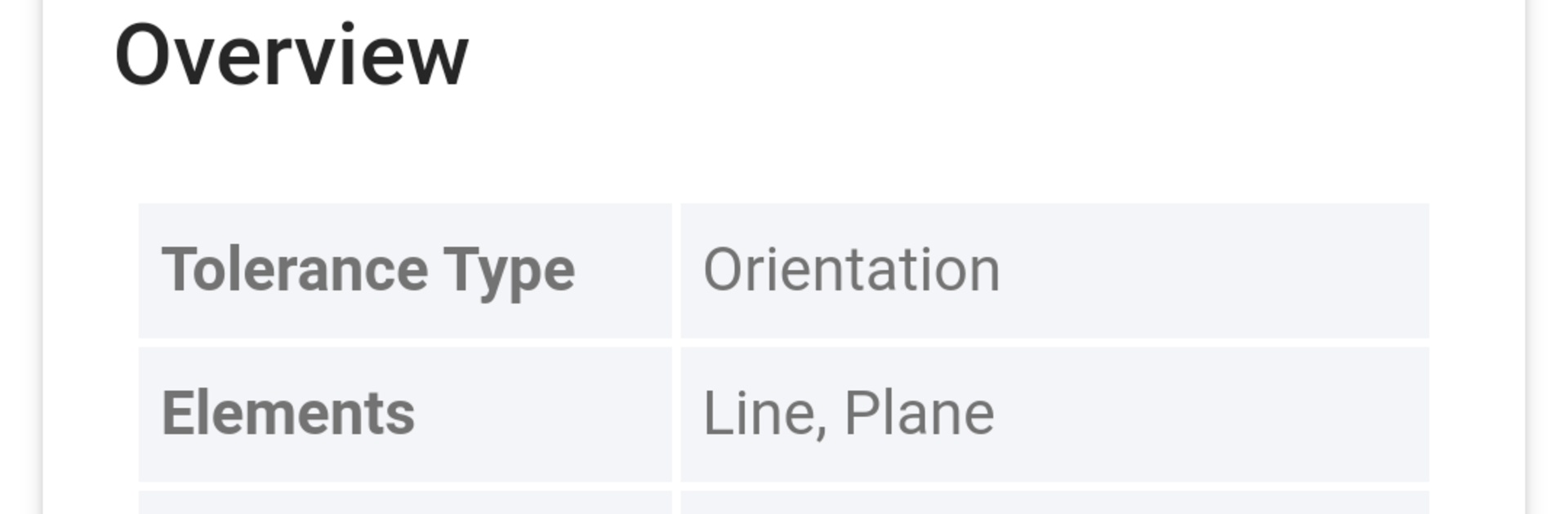
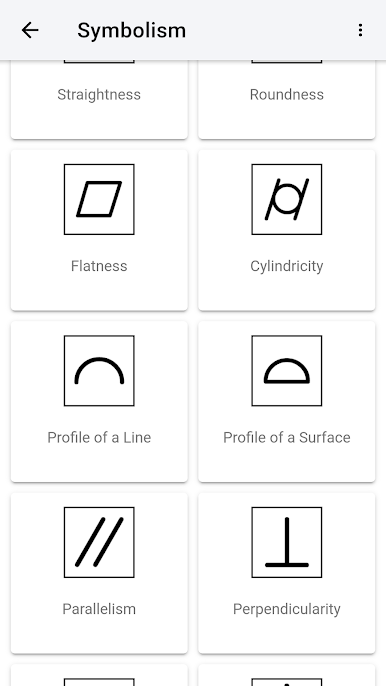
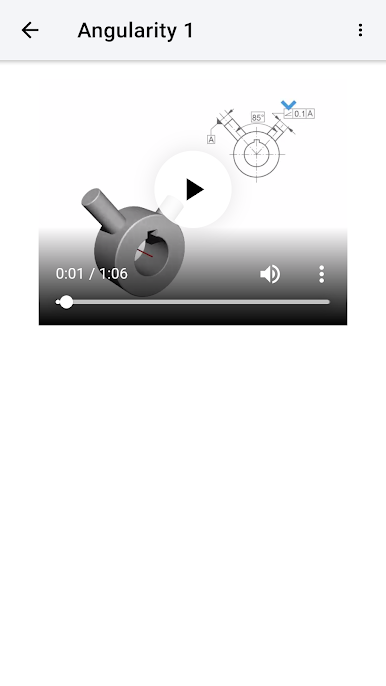
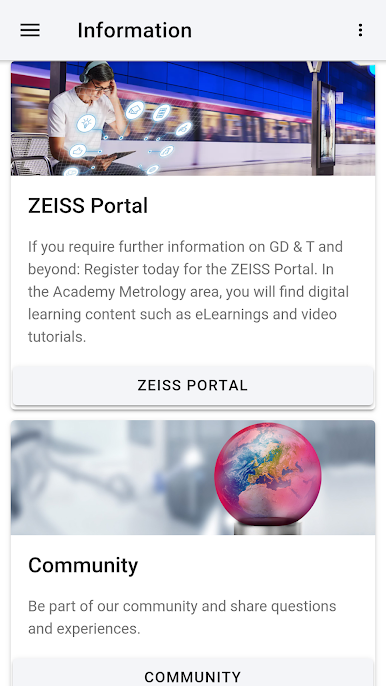
GD&T’s kind of like having a digital handbook for all that geometric dimensioning and tolerancing stuff, but way more visual than just flipping through a textbook. It explains a lot of those technical terms—straightness, roundness, parallelism, flatness, and so on—in plain language, and there are tons of examples for each one. The whole thing is pretty friendly to people who are learning this for the first time but still goes into enough detail for folks who want to check up on something specific at work.
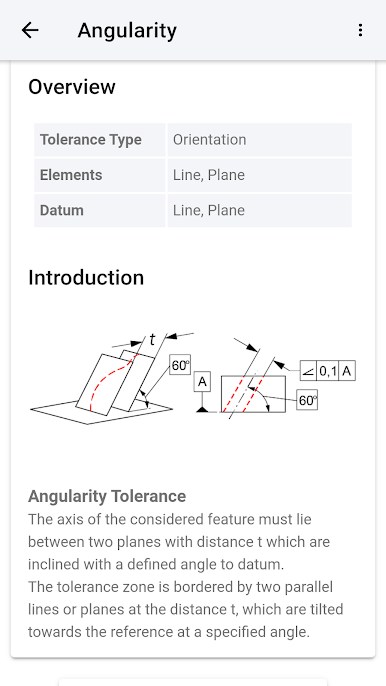
Using it on a bigger screen with BlueStacks makes it feel like you’re consulting an actual manual, but better, since you can see all the little animations clearly. The animations are a standout—there are a bunch, and watching them helps connect the definitions to the real-life shapes or positions they’re talking about. Everything’s divided up by the different tolerance types, so finding what you need doesn’t take long. It’s all based on ISO 1101, so it lines up with the standards people use day-to-day. Whether someone’s reviewing for a course, learning on the job, or just needs a quick refresher, the app makes all the complicated parts of GD&T seem a lot less intimidating.
BlueStacks gives you the much-needed freedom to experience your favorite apps on a bigger screen. Get it now.
GD&TをPCでプレイ
-
BlueStacksをダウンロードしてPCにインストールします。
-
GoogleにサインインしてGoogle Play ストアにアクセスします。(こちらの操作は後で行っても問題ありません)
-
右上の検索バーにGD&Tを入力して検索します。
-
クリックして検索結果からGD&Tをインストールします。
-
Googleサインインを完了してGD&Tをインストールします。※手順2を飛ばしていた場合
-
ホーム画面にてGD&Tのアイコンをクリックしてアプリを起動します。

