

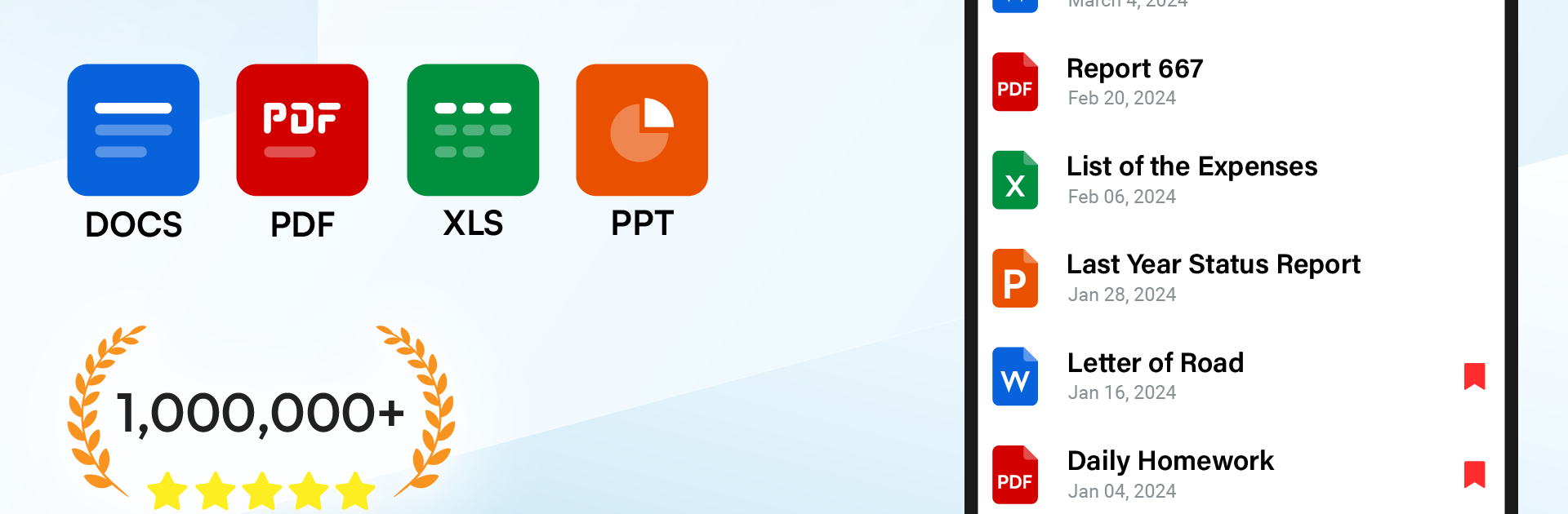
ドキュメントアプリ - ワードリーダー
BlueStacksを使ってPCでプレイ - 5憶以上のユーザーが愛用している高機能Androidゲーミングプラットフォーム

Run Docs Reader - Docx, Excel, PPT on PC or Mac
Why limit yourself to your small screen on the phone? Run Docs Reader – Docx, Excel, PPT, an app by Save Status, Video & Image Downloader, best experienced on your PC or Mac with BlueStacks, the world’s #1 Android emulator.
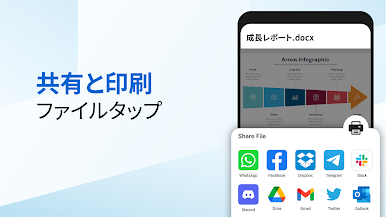
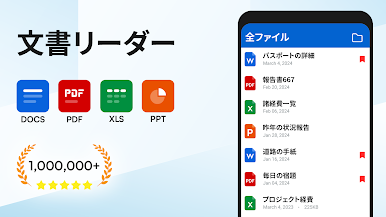
Docs Reader – Docx, Excel, PPT feels like that no-nonsense file opener everyone keeps on their phone, just now it runs smooth on a PC with BlueStacks too. It pulls in all the docs on the device and lines them up in one place, so Word docs, PDFs, spreadsheets, slides, and text files are easy to find. The interface is simple, nothing confusing, with the basics right up front. Rename, share, print, toggle dark mode, switch between horizontal or vertical reading, zoom in, and get a clean reading screen without clutter. It even sorts by name, size, or last opened, and shows file details if someone needs them.
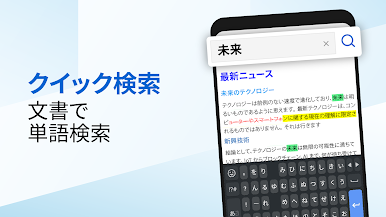
The nice surprise is how much works offline. Open and read files without internet, search inside documents, and jump to a page fast. Conversion from Word to PDF is built in, which saves a headache. There are bookmarks, favorites, and a recent list, so getting back to a report or a slide deck is quick. On BlueStacks, the bigger screen and mouse make long PDFs and spreadsheets less of a squint, and printing from the desktop setup just feels natural. It also auto scans storage and organizes files into sensible groups, which makes scrolling through a pile of .docx and .pdf way less painful. Nothing flashy here, just a light reader that opens stuff fast and gets out of the way.
Ready to experience Docs Reader – Docx, Excel, PPT on a bigger screen, in all its glory? Download BlueStacks now.


ドキュメントアプリ - ワードリーダーをPCでプレイ
-
BlueStacksをダウンロードしてPCにインストールします。
-
GoogleにサインインしてGoogle Play ストアにアクセスします。(こちらの操作は後で行っても問題ありません)
-
右上の検索バーにドキュメントアプリ - ワードリーダーを入力して検索します。
-
クリックして検索結果からドキュメントアプリ - ワードリーダーをインストールします。
-
Googleサインインを完了してドキュメントアプリ - ワードリーダーをインストールします。※手順2を飛ばしていた場合
-
ホーム画面にてドキュメントアプリ - ワードリーダーのアイコンをクリックしてアプリを起動します。

