

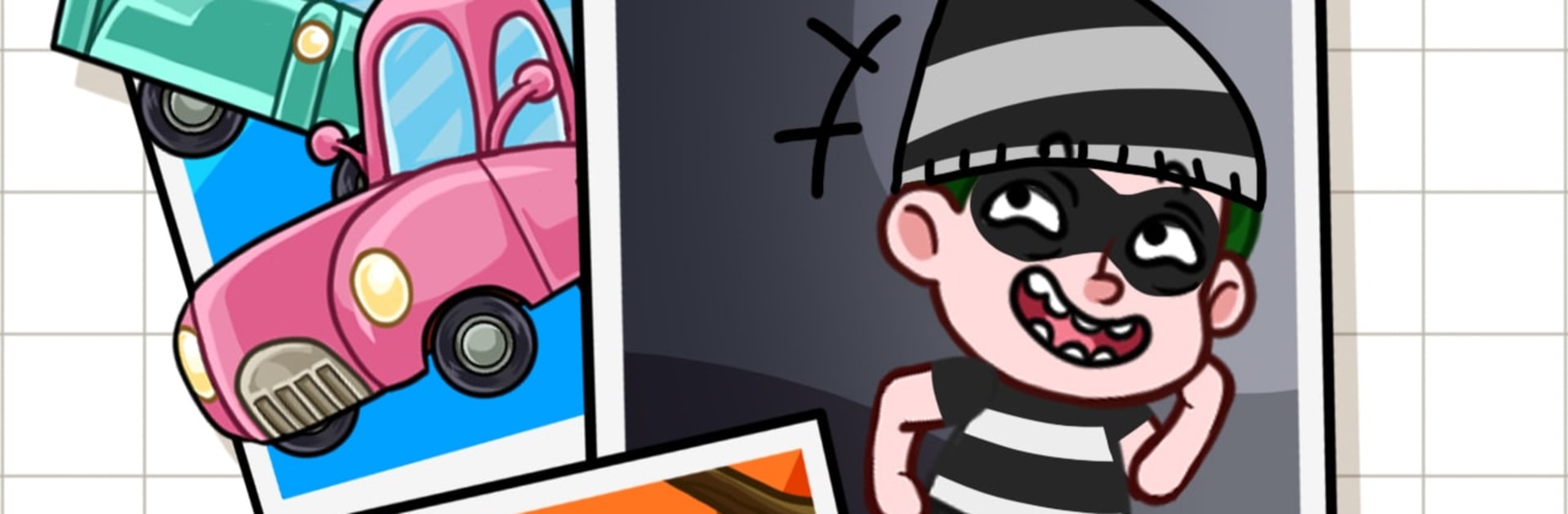
Rush Home: 描画パズルゲーム
BlueStacksを使ってPCでプレイ - 5憶以上のユーザーが愛用している高機能Androidゲーミングプラットフォーム

Play Rush Home: Draw Puzzle Game on PC or Mac
Step into the World of Rush Home: Draw Puzzle Game, a thrilling Puzzle game from the house of Questzy. Play this Android game on BlueStacks App Player and experience immersive gaming on PC or Mac.
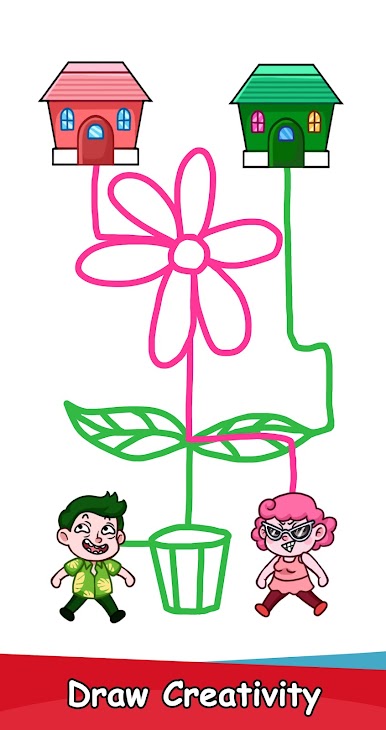
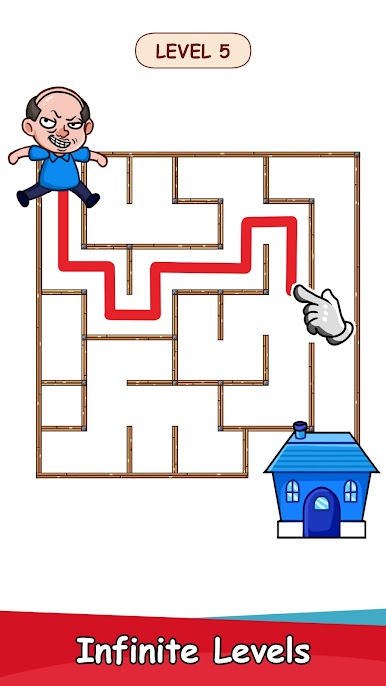
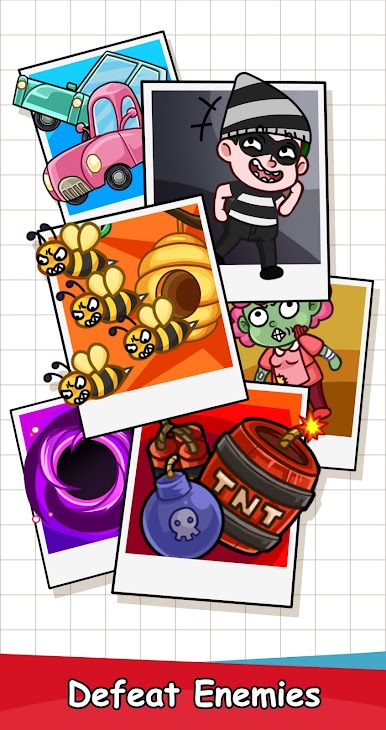
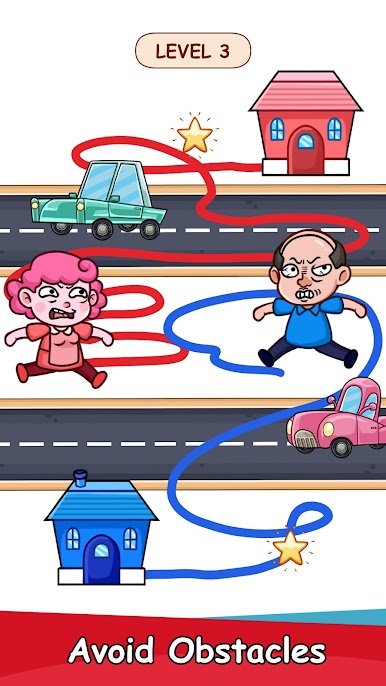
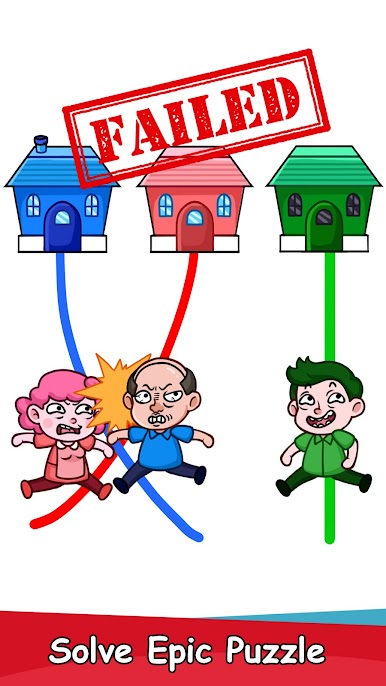
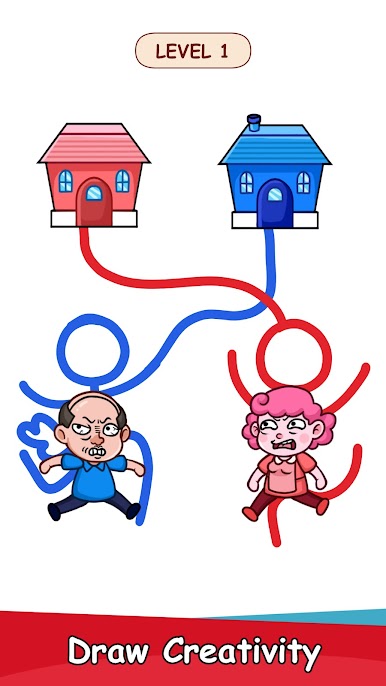
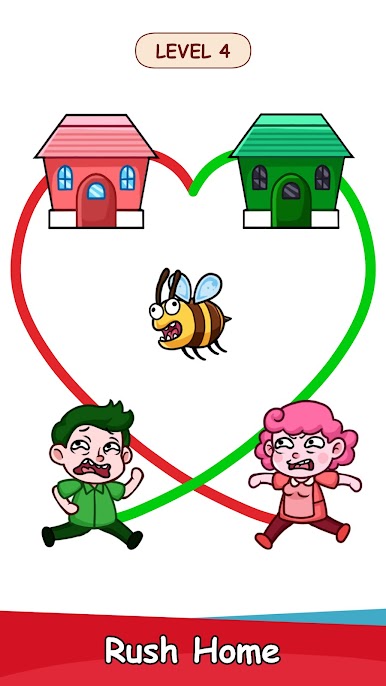
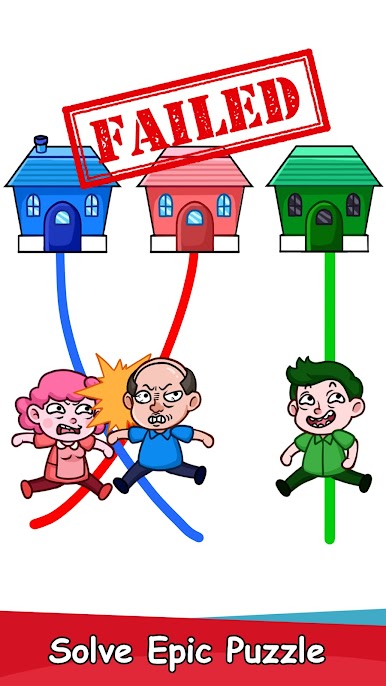
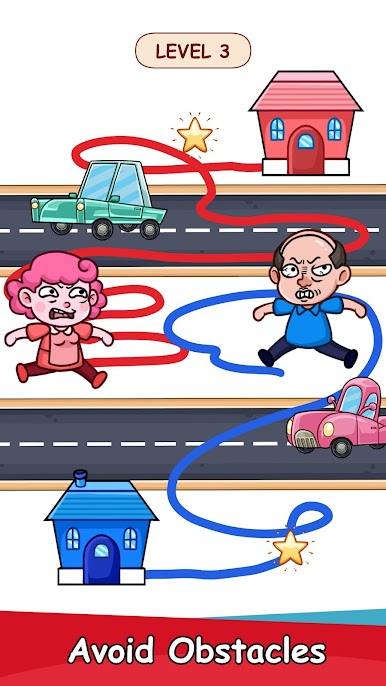
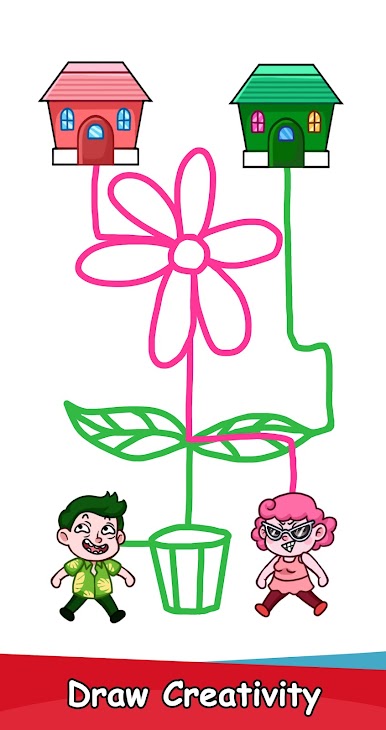
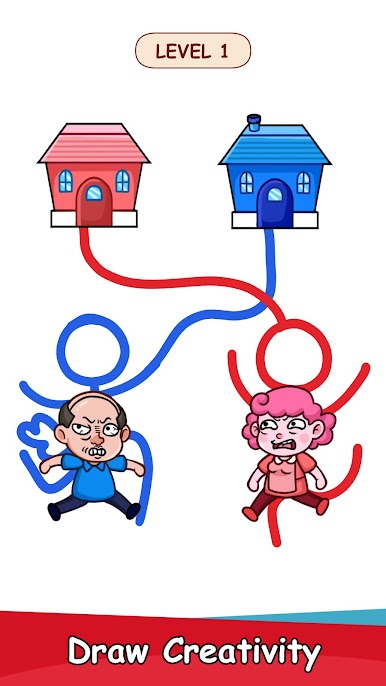
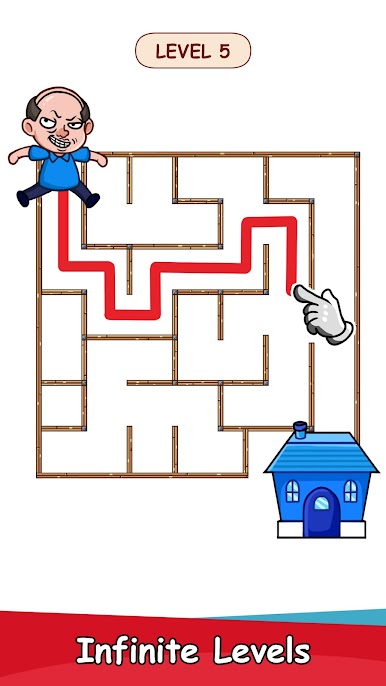
Rush Home is a quick draw-and-run puzzler about getting someone to a bathroom before time hits zero. Each stage asks the player to sketch a route, then the little character follows that line trying not to get pancaked by cars, fall into pits, or get snagged on traps. The fun is in mapping a clean path fast, shaving corners, baiting moving hazards, then watching it play out like a tiny stunt show. When it goes wrong, the character face-plants and the toilet trip is over. Reset is snappy, so it turns into that one more try loop.
Levels bounce between busy streets, parks, countryside, all colorful and easy to read at a glance. Visuals are bright and readable, not heavy, so it is easier to spot danger. Controls are simple sketching, just drag to draw and let it run. On PC with BlueStacks, a mouse makes cleaner lines and the bigger screen helps plan routes without squinting.
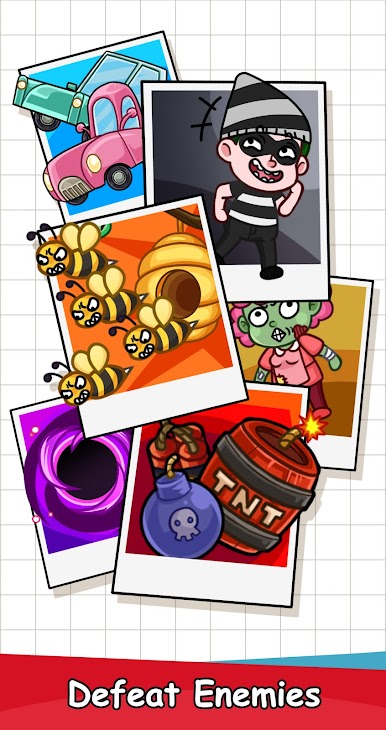
There are some goofy outfits to dress the runner, and the difficulty scales in a nice way. Early stages teach the basics, then the game stacks tricks like traffic patterns, spinning hazards, spring traps, and timing gates that force quick reactions and a bit of planning. It feels casual enough for a break, but later maps will punish sloppy lines and risky shortcuts. Good for short sessions, or chasing a tighter path to squeeze past the timer and reach the toilet with a tiny bit of dignity intact.
Make your gaming sessions memorable with precise controls that give you an edge in close combats and visuals that pop up, bringing every character to life.
Rush Home: 描画パズルゲームをPCでプレイ
-
BlueStacksをダウンロードしてPCにインストールします。
-
GoogleにサインインしてGoogle Play ストアにアクセスします。(こちらの操作は後で行っても問題ありません)
-
右上の検索バーにRush Home: 描画パズルゲームを入力して検索します。
-
クリックして検索結果からRush Home: 描画パズルゲームをインストールします。
-
Googleサインインを完了してRush Home: 描画パズルゲームをインストールします。※手順2を飛ばしていた場合
-
ホーム画面にてRush Home: 描画パズルゲームのアイコンをクリックしてアプリを起動します。

