


このページには広告が含まれます
水分補給アクアリウム
健康とフィットネス | Andreas Budde
BlueStacksを使ってPCでプレイ - 5憶以上のユーザーが愛用している高機能Androidゲーミングプラットフォーム

Play Drink Water Reminder Aquarium on PC
Do you drink enough water? Do you forget drinking water regularly?
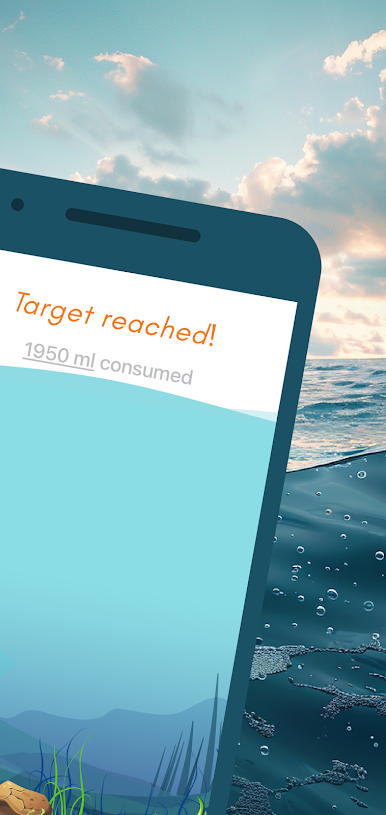
This beautiful water reminder app will change that. Follow your daily water consumption with a filled virtual aquarium. It has never been that much fun to reach your target. Get reminders to drink water and with every sip a fish dances for you! Over time, new fish will be added to motivate you further.
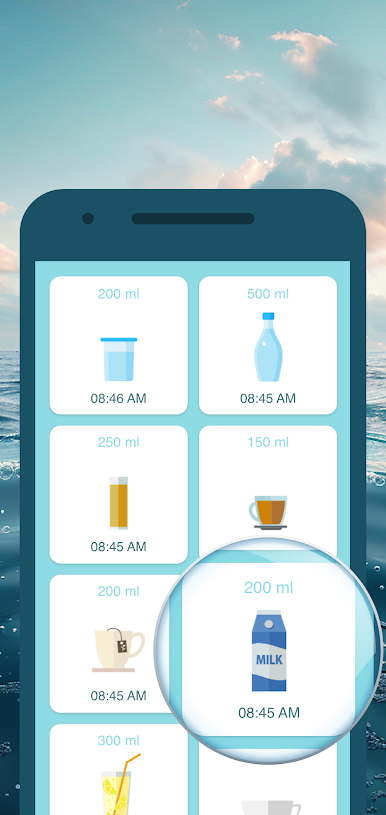
This water tracker app can be easily adapted to your needs and shows you all the past consumption in the water diary. So there’s no excuse for not keeping your water budget under control. Let's go and drink water! Please consult a doctor to define your personal water drink target.
This beautiful water reminder app will change that. Follow your daily water consumption with a filled virtual aquarium. It has never been that much fun to reach your target. Get reminders to drink water and with every sip a fish dances for you! Over time, new fish will be added to motivate you further.
This water tracker app can be easily adapted to your needs and shows you all the past consumption in the water diary. So there’s no excuse for not keeping your water budget under control. Let's go and drink water! Please consult a doctor to define your personal water drink target.

水分補給アクアリウムをPCでプレイ
-
BlueStacksをダウンロードしてPCにインストールします。
-
GoogleにサインインしてGoogle Play ストアにアクセスします。(こちらの操作は後で行っても問題ありません)
-
右上の検索バーに水分補給アクアリウムを入力して検索します。
-
クリックして検索結果から水分補給アクアリウムをインストールします。
-
Googleサインインを完了して水分補給アクアリウムをインストールします。※手順2を飛ばしていた場合
-
ホーム画面にて水分補給アクアリウムのアイコンをクリックしてアプリを起動します。

