


このページには広告が含まれます
eTuning - For Shimano Steps
ツール | eTuning
BlueStacksを使ってPCでプレイ - 5憶以上のユーザーが愛用している高機能Androidゲーミングプラットフォーム

Play eTuning - For Shimano Steps on PC
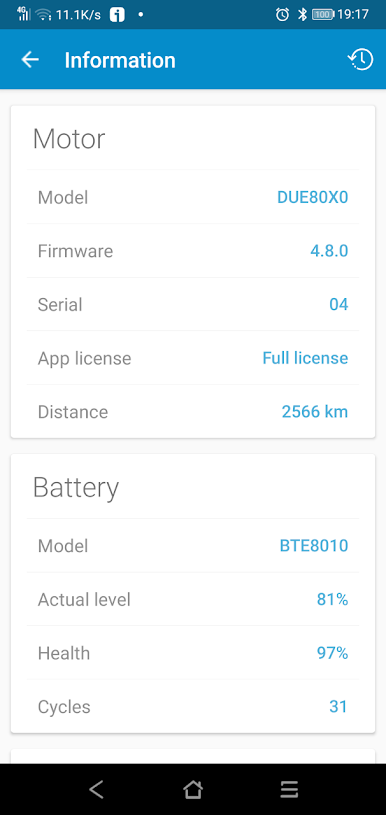
eTuning is an app for Shimano Steps motors that allows you to configure from your mobile device via bluetoth the ebikes with this system. This is not official Shimano app, It is an app developed by third parties.
Configurable parameters
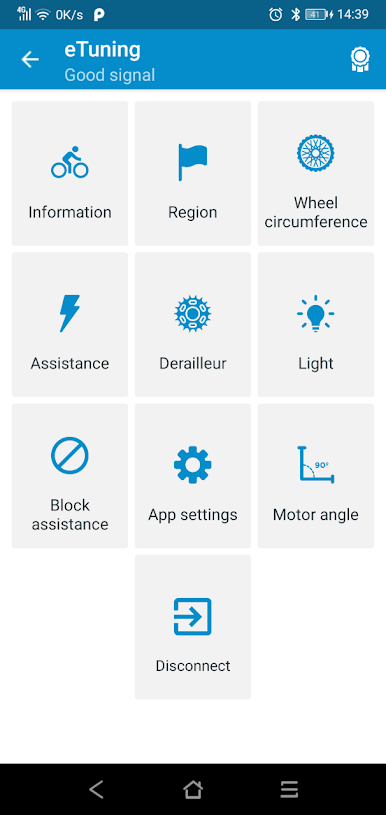
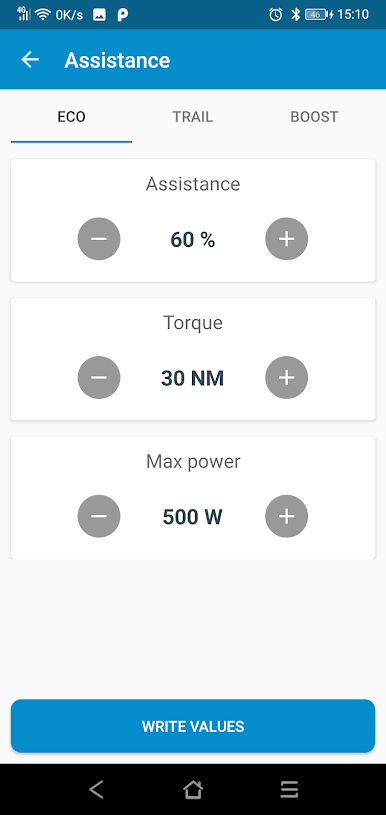
• Eco, Trail and Boost modes. Assist (%) , torque (NM) and power (W)
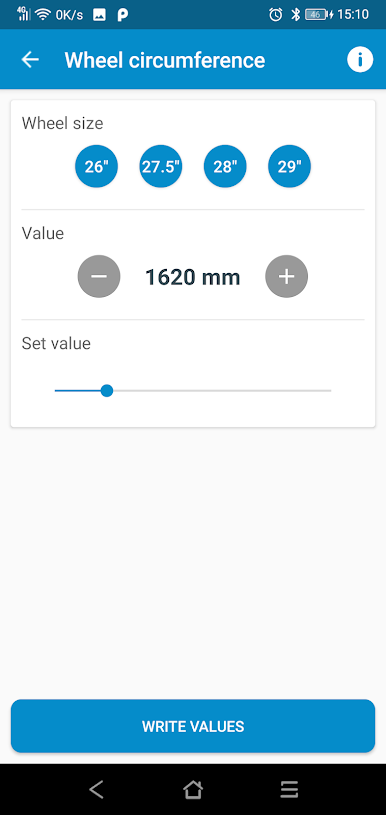
• Wheel circumference
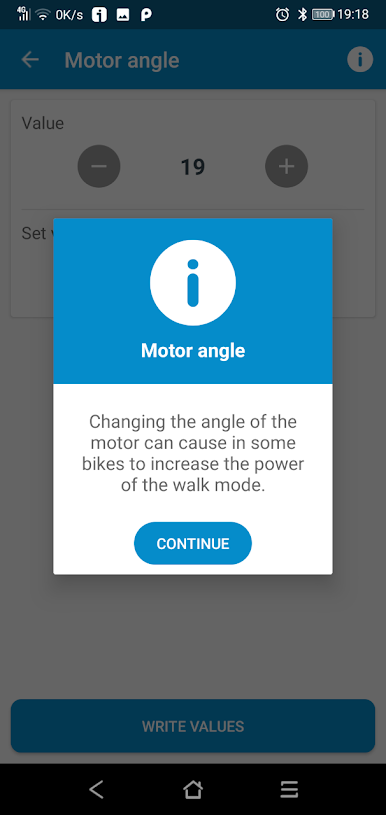
• Motor angle
• Gearing type (mechanical, electrical) and chainrings size
• Light
• Disable assistance in one click to prevent other use bike
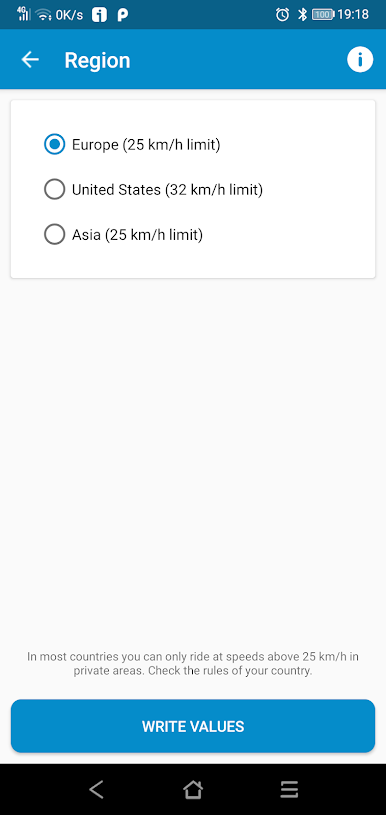
• Destionation Market
Shimano Steps compatible hardware
Screens:
• SCE6000
• SCE6010
• SCE6100
• SCE7000
• SCE8000
• EWEN100
• SCEM800
Motors:
• E5000
• E6000
• E6002
• E6100
• E7000
• E8000
• EP8
Configurable parameters
• Eco, Trail and Boost modes. Assist (%) , torque (NM) and power (W)
• Wheel circumference
• Motor angle
• Gearing type (mechanical, electrical) and chainrings size
• Light
• Disable assistance in one click to prevent other use bike
• Destionation Market
Shimano Steps compatible hardware
Screens:
• SCE6000
• SCE6010
• SCE6100
• SCE7000
• SCE8000
• EWEN100
• SCEM800
Motors:
• E5000
• E6000
• E6002
• E6100
• E7000
• E8000
• EP8
eTuning - For Shimano StepsをPCでプレイ
-
BlueStacksをダウンロードしてPCにインストールします。
-
GoogleにサインインしてGoogle Play ストアにアクセスします。(こちらの操作は後で行っても問題ありません)
-
右上の検索バーにeTuning - For Shimano Stepsを入力して検索します。
-
クリックして検索結果からeTuning - For Shimano Stepsをインストールします。
-
Googleサインインを完了してeTuning - For Shimano Stepsをインストールします。※手順2を飛ばしていた場合
-
ホーム画面にてeTuning - For Shimano Stepsのアイコンをクリックしてアプリを起動します。

