

エレクトラドラムマシン/サンプラー
BlueStacksを使ってPCでプレイ - 5憶以上のユーザーが愛用している高機能Androidゲーミングプラットフォーム

Run Electrum Drum Machine/Sampler on PC or Mac
Let BlueStacks turn your PC, Mac, or laptop into the perfect home for Electrum Drum Machine/Sampler, a fun Music & Audio app from niko twenty.
About the App
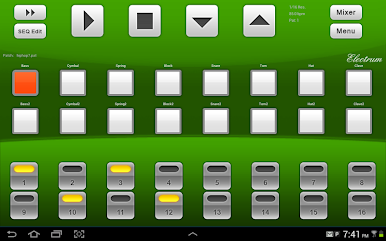
If you’re all about crafting your own beats and putting a personal spin on your music, Electrum Drum Machine/Sampler is going to fit right in with how you jam. It’s designed for anyone who wants to build tracks from scratch—whether you’re a bedroom producer, beatmaker, or just someone who likes to freestyle and capture inspiration quickly. This Music & Audio app from niko twenty lets you play with sounds, loop in your own samples, and even record vocals straight from your device, keeping things fun and totally in your control.
App Features
-
Record Your Freestyle
Lost a lyric or flow before you could jot it down? Just hit record and save your vocal, rap, or instrumental ideas directly within the app. -
Custom Sample Import
Don’t like standard beats? You’re free to load up your own WAV samples from your device—no more cookie-cutter sounds. -
Live Sample Audition
Try out new samples on the fly while your beat’s running. Hit a pad and instantly hear how things fit together without stopping the music. -
Pad Recording with Mic
Need a clap or weird sound for your kit? Record samples using your microphone and assign them straight to drum pads for instant use. -
Flexible Export Options
Save your creations as WAV, MIDI, or even ringtones. Toss them into a DAW like FruityLoops or keep them handy for sharing. -
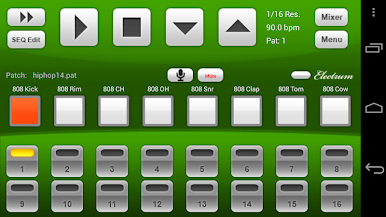
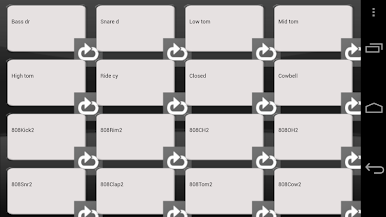
Up to 16 Sample Slots
Stack up to sixteen different samples for complex, textured beats—plenty of room for experimenting. -
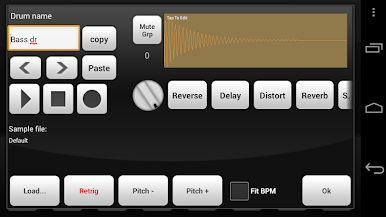
Built-In Effects
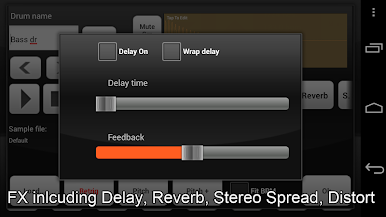
Add attitude to your tracks with reverse, delay, distortion, shuffle swing, and stereo spread. There’s reverb too, with a heads-up that it’s limited on some devices. -
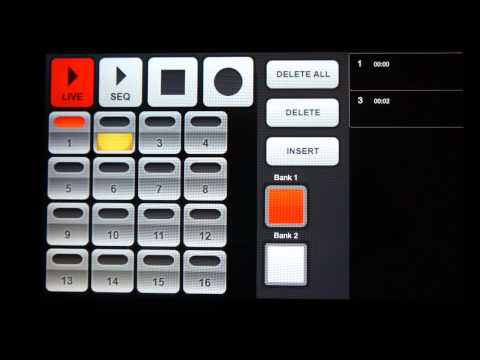
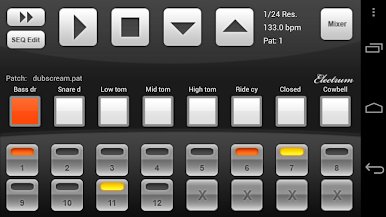
Advanced Sequencing Tools
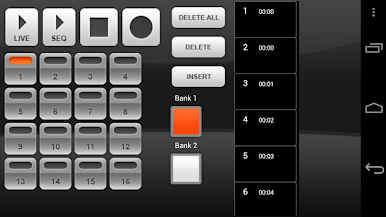
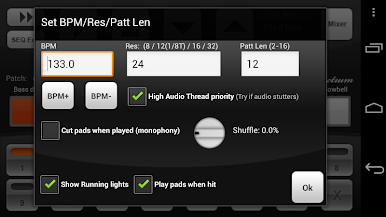
Use one-shots or loops, experiment with unique time signatures (try 3/4 or 6/8), and even stretch loops to match your tempo. -
Mute Groups for Realism
Get a more lifelike drum feel by setting up mute groups, just like on a real drum machine. -
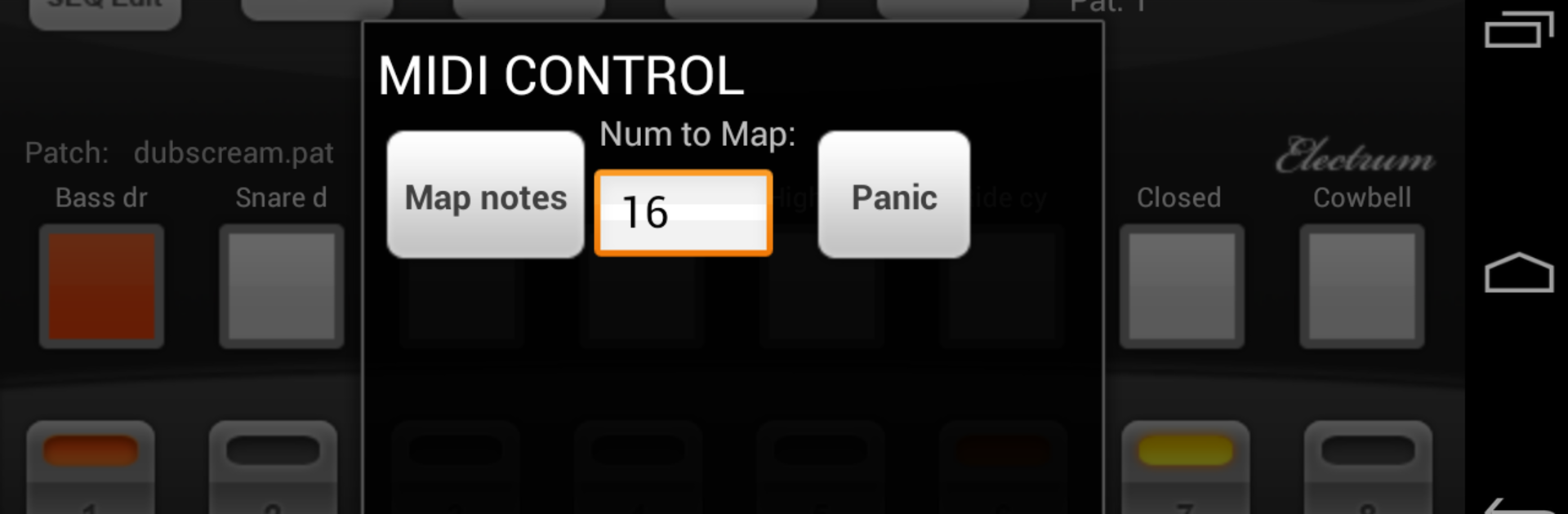
MIDI File Support
Want to load pre-made drum grooves or tweak complex patterns? Drop in MIDI drum files and get to work faster. -
Customize Drumkits
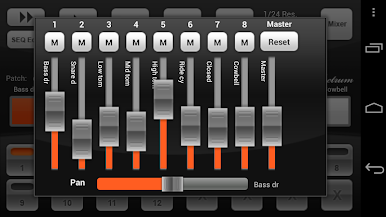
Tweak everything—edit sample start and end, adjust pitch and panning left/right, and save your kits for next time. -
USB MIDI & Keyboard Compatibility
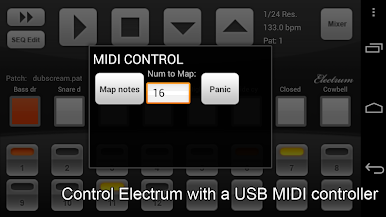
Sometimes pressing pads isn’t enough. Plug in a USB MIDI controller or even a computer keyboard with an OTG cable to play or control your patterns with physical keys. -
Runs Great on BlueStacks
If you’ve got BlueStacks set up, you can enjoy all these features with the flexibility of your PC setup and better workflow options.
Big screen. Bigger performance. Use BlueStacks on your PC or Mac to run your favorite apps.
エレクトラドラムマシン/サンプラーをPCでプレイ
-
BlueStacksをダウンロードしてPCにインストールします。
-
GoogleにサインインしてGoogle Play ストアにアクセスします。(こちらの操作は後で行っても問題ありません)
-
右上の検索バーにエレクトラドラムマシン/サンプラーを入力して検索します。
-
クリックして検索結果からエレクトラドラムマシン/サンプラーをインストールします。
-
Googleサインインを完了してエレクトラドラムマシン/サンプラーをインストールします。※手順2を飛ばしていた場合
-
ホーム画面にてエレクトラドラムマシン/サンプラーのアイコンをクリックしてアプリを起動します。

