


Whoscall:あなたとつくる、より安全な世界
BlueStacksを使ってPCでプレイ - 5憶以上のユーザーが愛用している高機能Androidゲーミングプラットフォーム

Run Whoscall - Caller ID & Block on PC or Mac
Whoscall – Caller ID & Block is a Communication App developed by Gogolook. BlueStacks app player is the best platform to use this Android App on your PC or Mac for an immersive Android experience.
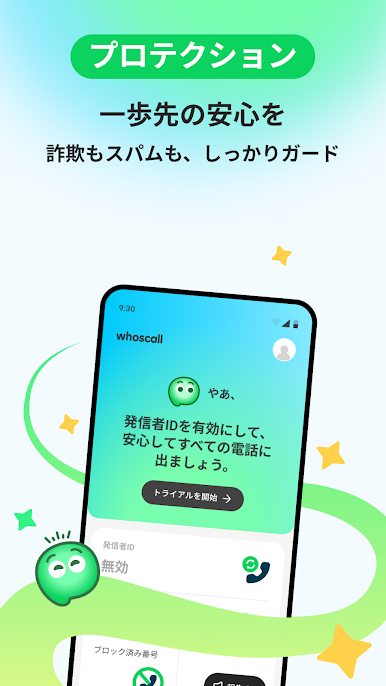
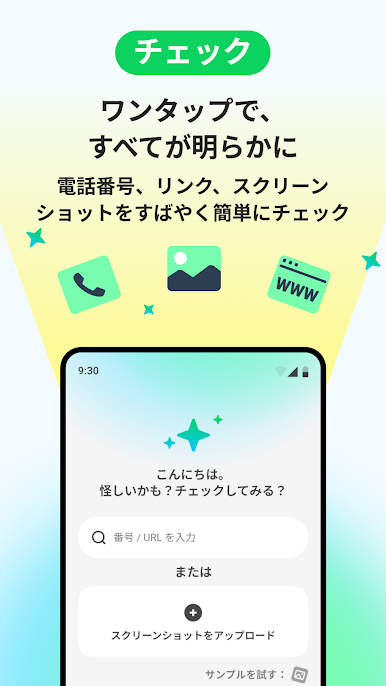
Download Whoscall – Caller ID & Block on PC with BlueStacks and block spam calls and messages from unknown numbers! Whoscall is here to provide you with a safe and trustworthy telecommunication environment.
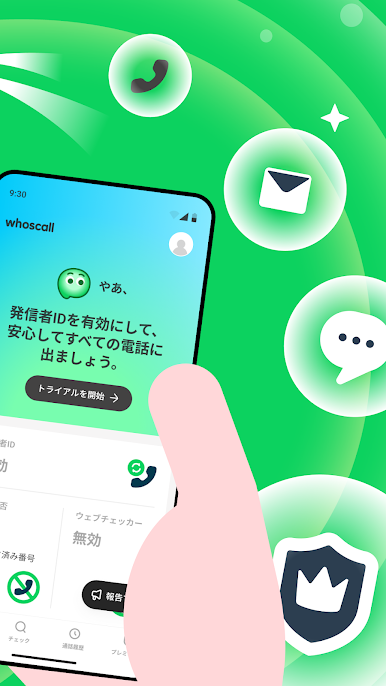
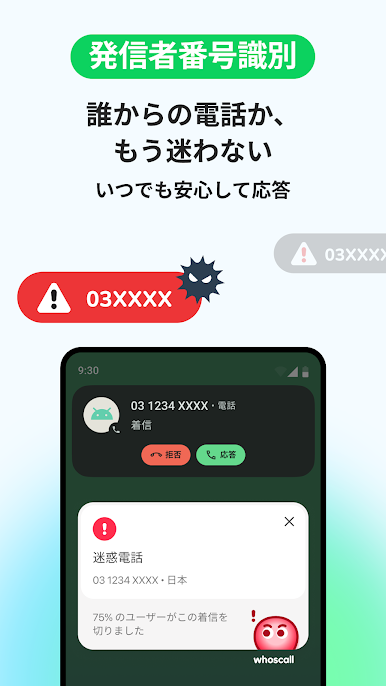
With over 70 million downloads worldwide, Whoscall comes equipped with Caller ID & Block function for incoming calls and text messages. Whoscall has access to a massive database of more than 1 billion numbers, so you can identify unknown calls and SMS, and block malicious spam numbers.
Whoscall has been recognized as one of the most popular apps in Taiwan and has won multiple awards from Google. Our community-based data is updated by millions of users worldwide, ensuring rich caller data.
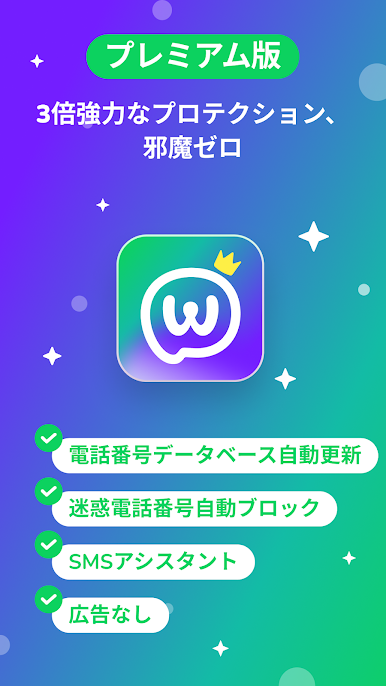
Download Whoscall – Caller ID & Block on PC with BlueStacks and experience a fully functional phone feature with SMS and anti-spam features.


Whoscall:あなたとつくる、より安全な世界をPCでプレイ
-
BlueStacksをダウンロードしてPCにインストールします。
-
GoogleにサインインしてGoogle Play ストアにアクセスします。(こちらの操作は後で行っても問題ありません)
-
右上の検索バーにWhoscall:あなたとつくる、より安全な世界を入力して検索します。
-
クリックして検索結果からWhoscall:あなたとつくる、より安全な世界をインストールします。
-
Googleサインインを完了してWhoscall:あなたとつくる、より安全な世界をインストールします。※手順2を飛ばしていた場合
-
ホーム画面にてWhoscall:あなたとつくる、より安全な世界のアイコンをクリックしてアプリを起動します。

