


ヒット&ラン Hit & Run:Solo Leveling
BlueStacksを使ってPCでプレイ - 5憶以上のユーザーが愛用している高機能Androidゲーミングプラットフォーム

Play Hit & Run: Solo Leveling on PC or Mac
Hit & Run: Solo Leveling is an action game developed by Supercent. BlueStacks app player is the best platform (emulator) to play this Android game on your PC or Mac for an immersive gaming experience!
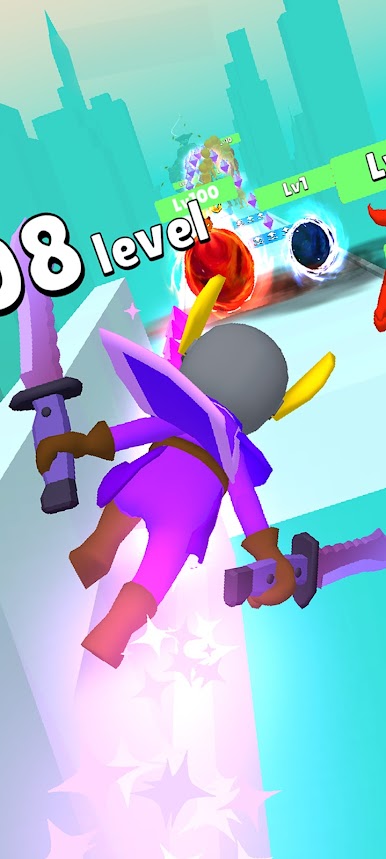
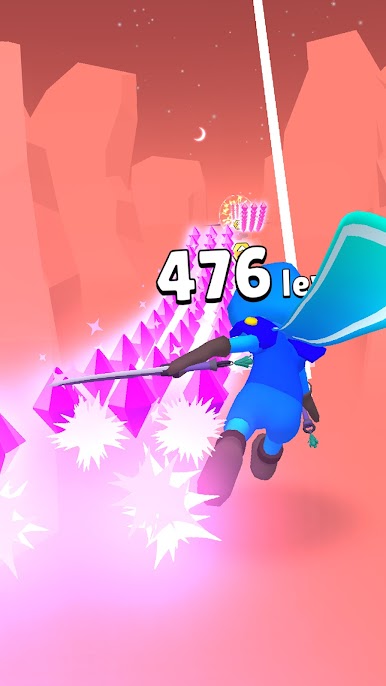
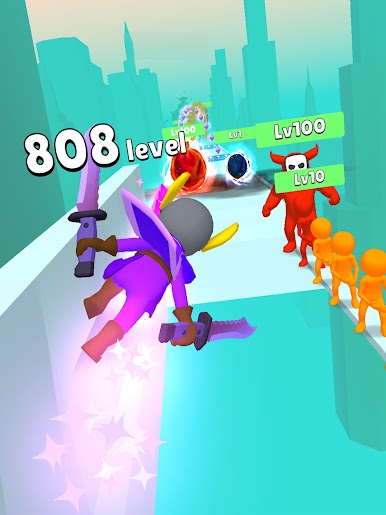
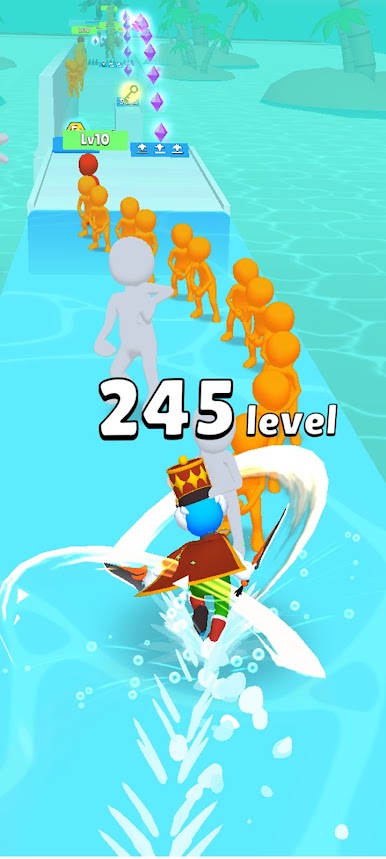
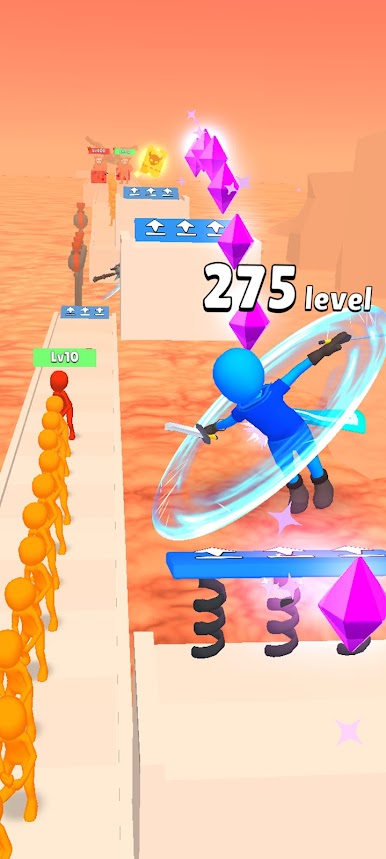
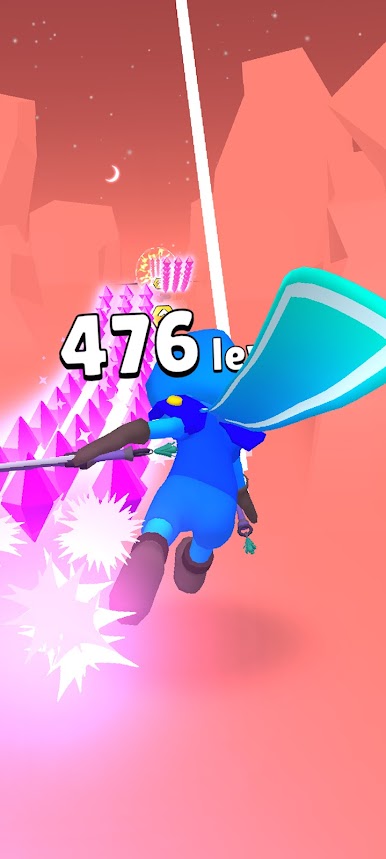
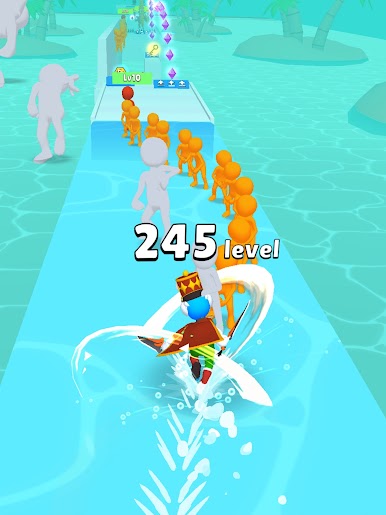
Play Hit & Run: Solo Leveling on PC and enjoy this casual platformer action game from the large and gorgeous display on your PC! You can either fight or loot treasure. But do you know when to fight?
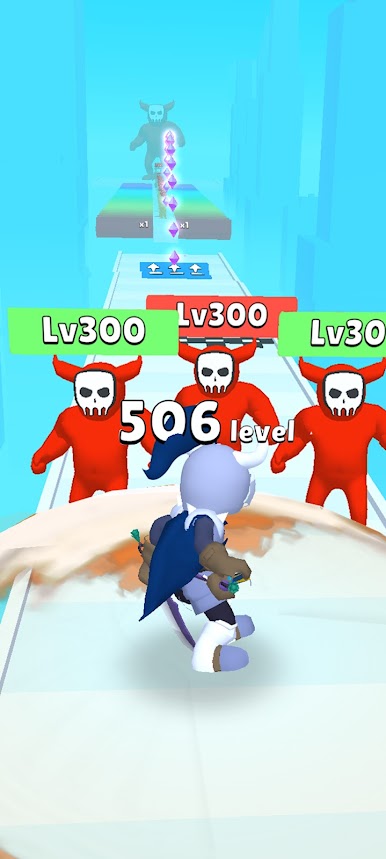
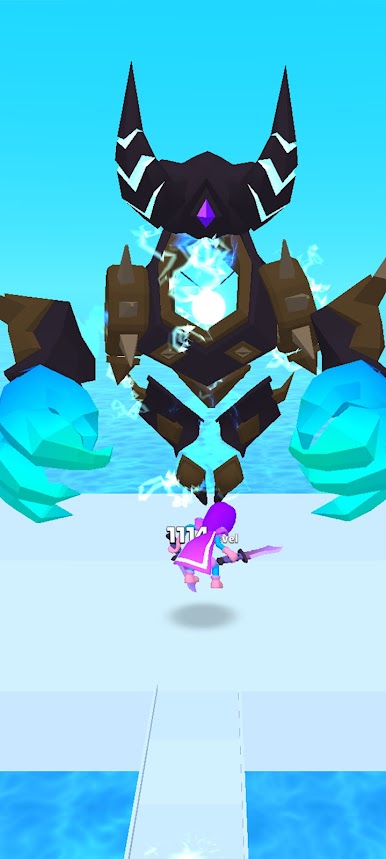
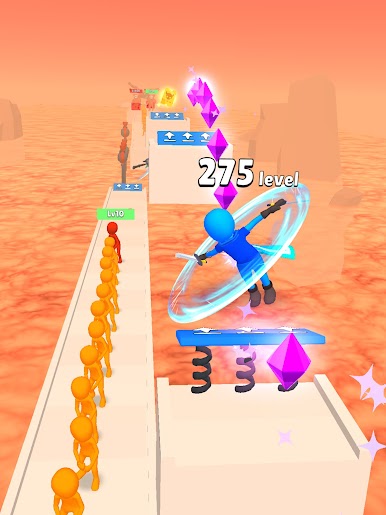
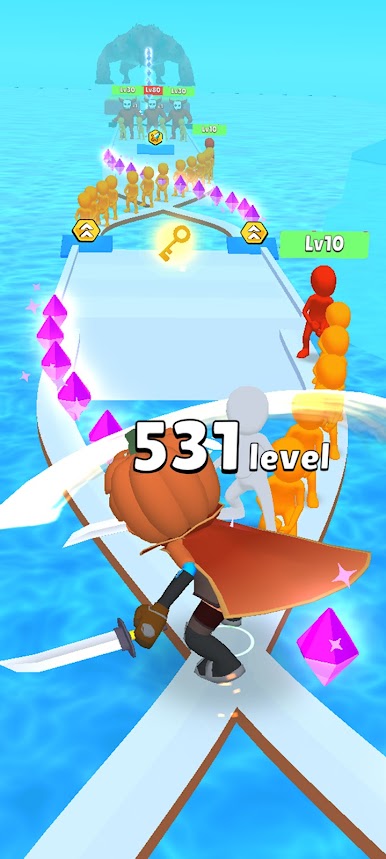
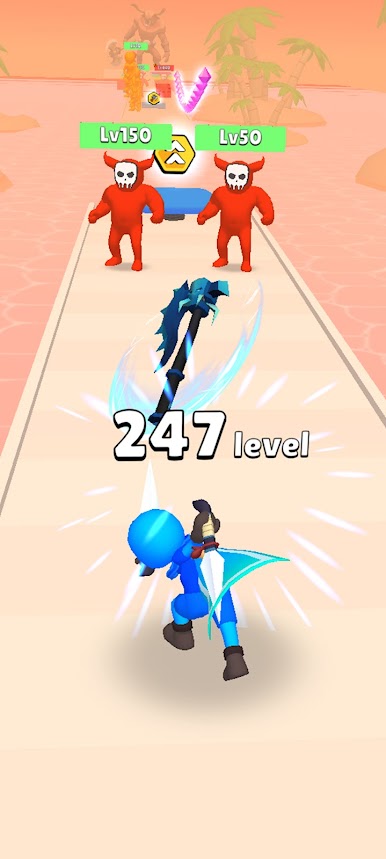
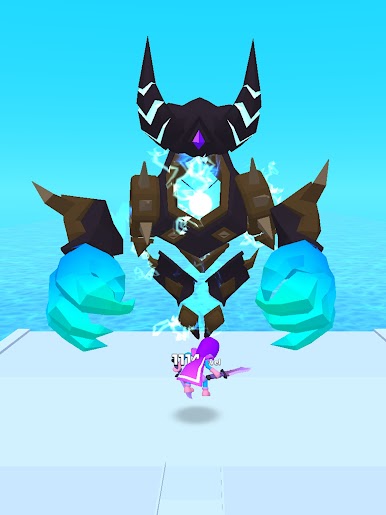
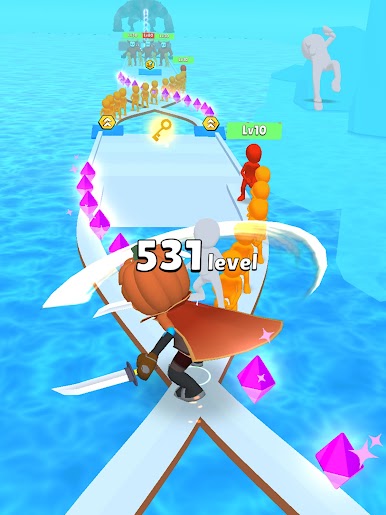
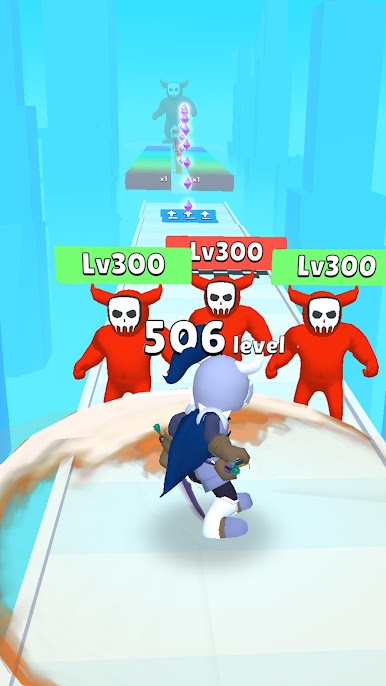
In the Hit & Run: Solo Leveling PC game, you must destroy all enemies on your way, including the fearsome bosses, regardless of their power. But be careful not to ignore the valuable rubies along the route!
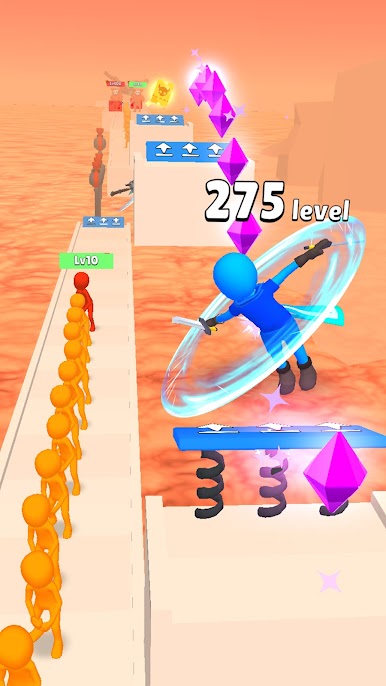
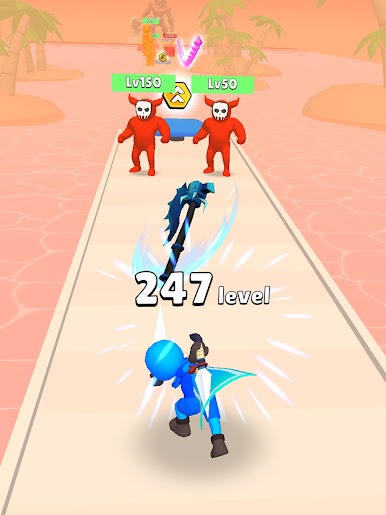
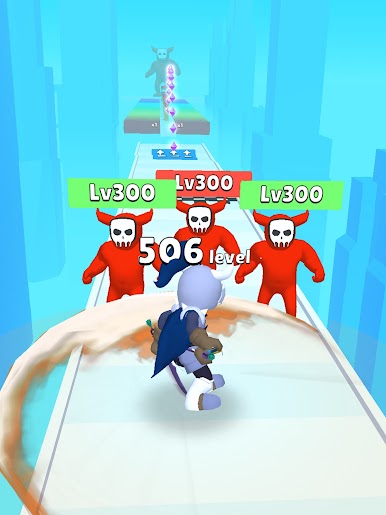
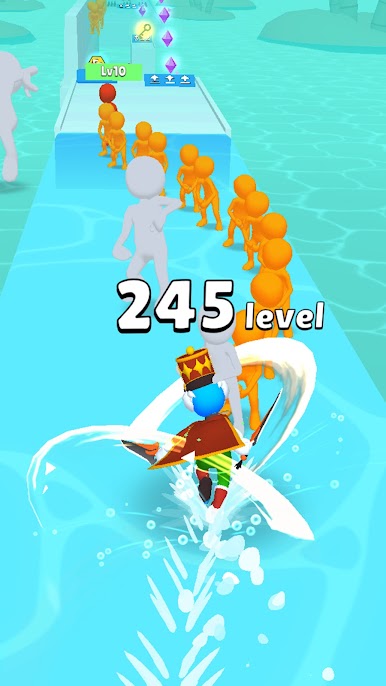
Enjoy a hack and slash action game where you must defeat all the enemies and remove all obstacles in your path. Be wise in choosing whom to fight. Avoid opponents who are more powerful than you, and instead challenge weaker opponents to a fight!
There are over 100 levels and progressively more challenging situations! Occasionally, you must choose between killing an enemy and taking their loot. If you want to thrive and become stronger, learn to make wise choices!
The higher you go, the more powerful the enemy becomes. Can you finish all the levels? It’s time to find out! Download Hit & Run: Solo Leveling on PC to play this exciting hack & slash platformer action game!
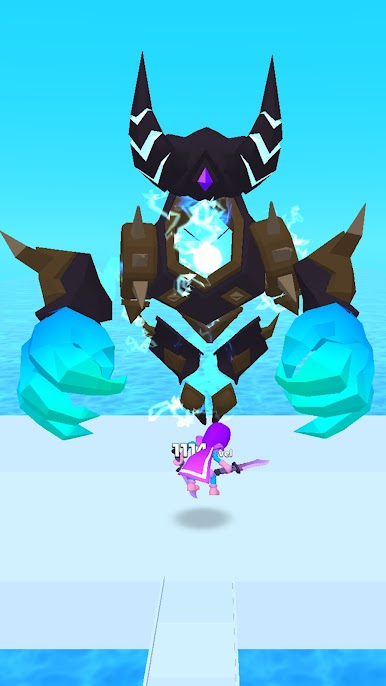
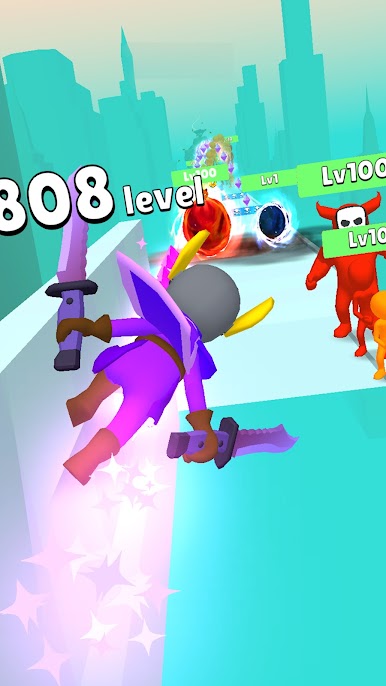
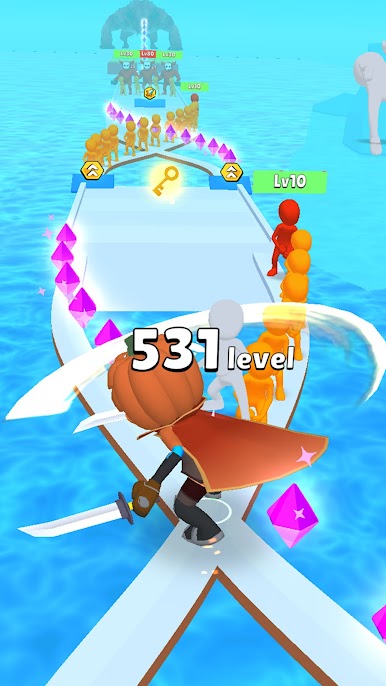
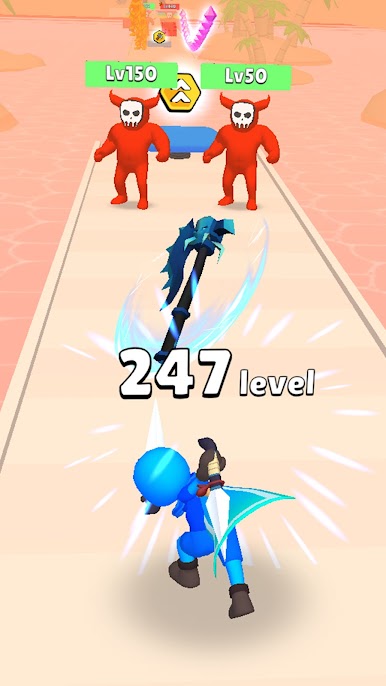
ヒット&ラン Hit & Run:Solo LevelingをPCでプレイ
-
BlueStacksをダウンロードしてPCにインストールします。
-
GoogleにサインインしてGoogle Play ストアにアクセスします。(こちらの操作は後で行っても問題ありません)
-
右上の検索バーにヒット&ラン Hit & Run:Solo Levelingを入力して検索します。
-
クリックして検索結果からヒット&ラン Hit & Run:Solo Levelingをインストールします。
-
Googleサインインを完了してヒット&ラン Hit & Run:Solo Levelingをインストールします。※手順2を飛ばしていた場合
-
ホーム画面にてヒット&ラン Hit & Run:Solo Levelingのアイコンをクリックしてアプリを起動します。

