


RaspController
BlueStacksを使ってPCでプレイ - 5憶以上のユーザーが愛用している高機能Androidゲーミングプラットフォーム

Run RaspController on PC or Mac
Let BlueStacks turn your PC, Mac, or laptop into the perfect home for RaspController, a fun Tools app from Ettore Gallina.
About the App
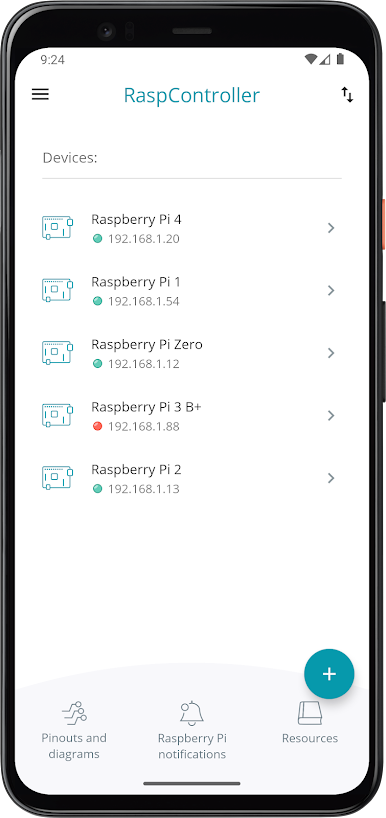
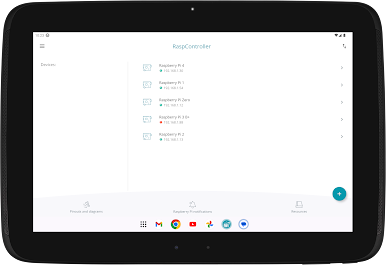
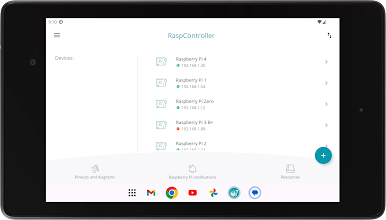
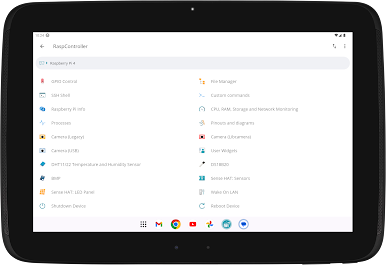
With RaspController, managing your Raspberry Pi from anywhere feels a lot more relaxed—and way less fiddly. Whether you need to toggle some pins, transfer files, or just peek at your device’s info, this app brings everything together in one place. If you’re used to bouncing between terminals, cables, and different screens, you’ll appreciate how smoothly it keeps you connected.
App Features
-
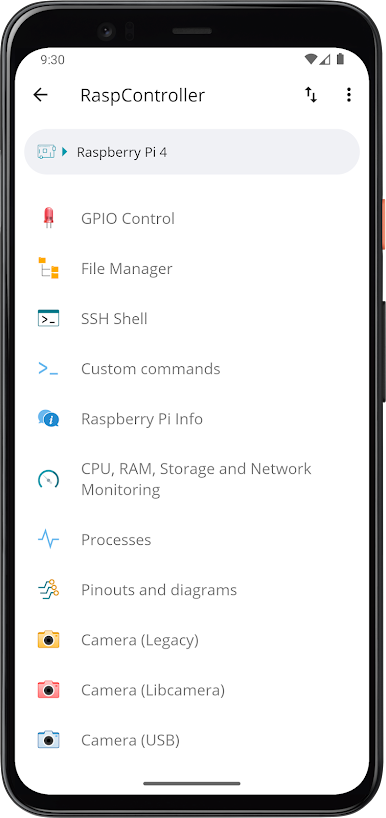
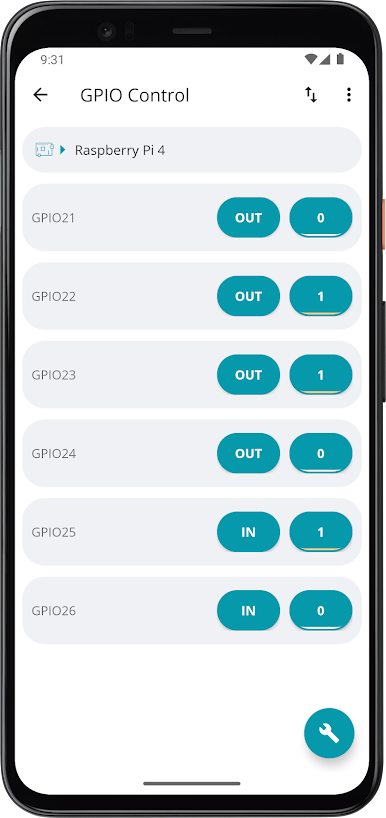
Quick GPIO Switching
Flip your Pi’s GPIO pins on or off, or even set up momentary impulses, all from your phone or bigger screen. Handy when you need to interact with hardware but can’t be nearby. -
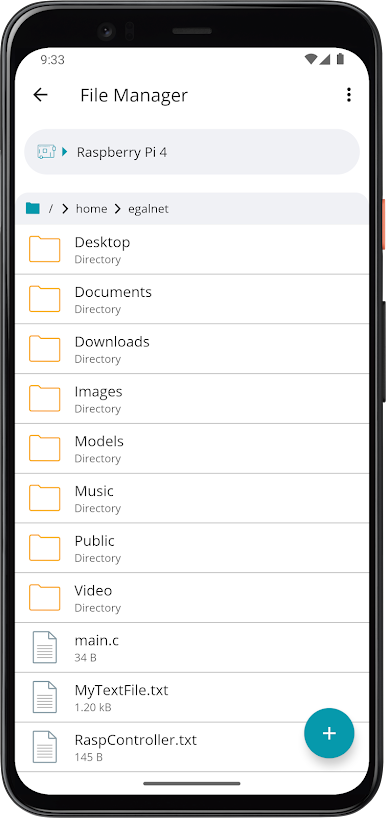
Full-on File Management
Browse files, copy or move stuff, edit text, and even download what you need. It’s like having your Raspberry Pi’s file system right in your hand. -
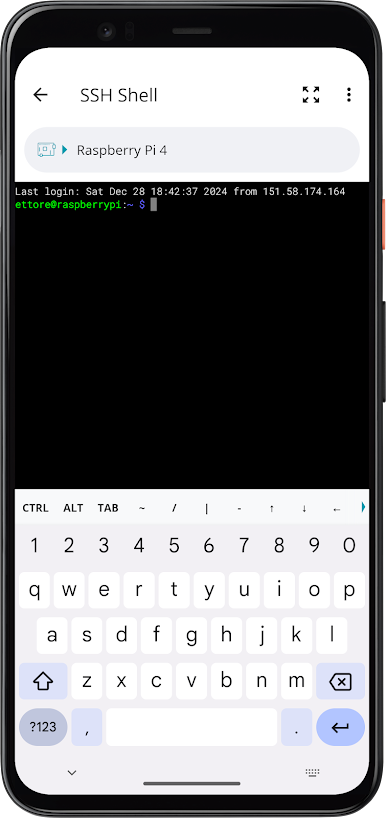
SSH Terminal Access
Run custom shell commands directly on your Pi without jumping between different apps. No fuss—just plain, direct control. -
System Resource Monitor
Check up on CPU, memory, and disk usage at a glance. Helps when you’re troubleshooting or just keeping tabs. -
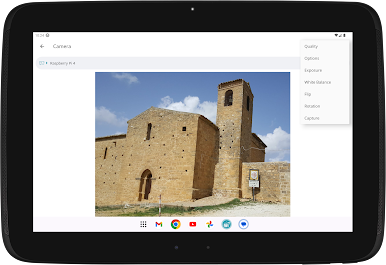
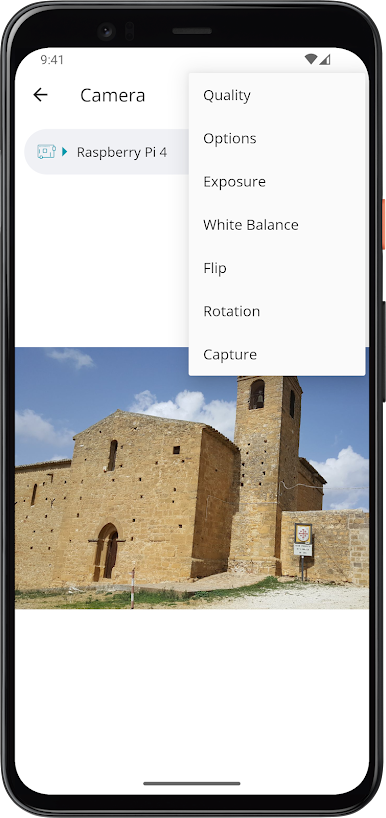
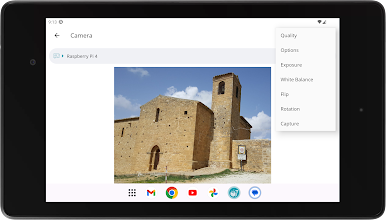
Camera Viewer
If you’ve hooked up a camera, you can watch the live feed wherever you are—great for quick check-ins. -
Widget Customization
Create your own widgets for faster access to those controls or details you use a lot. -
Active Process List
Get a look at what’s running on your Pi in real time, so you can manage or kill tasks as needed. -
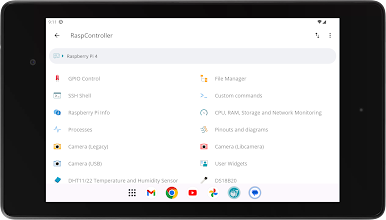
Sensor Support
Instantly view data from various sensors: humidity and temperature with DHT11/22, temperature with DS18B20, or atmospheric readings from BMP sensors. Sense Hat gets some love, too. -
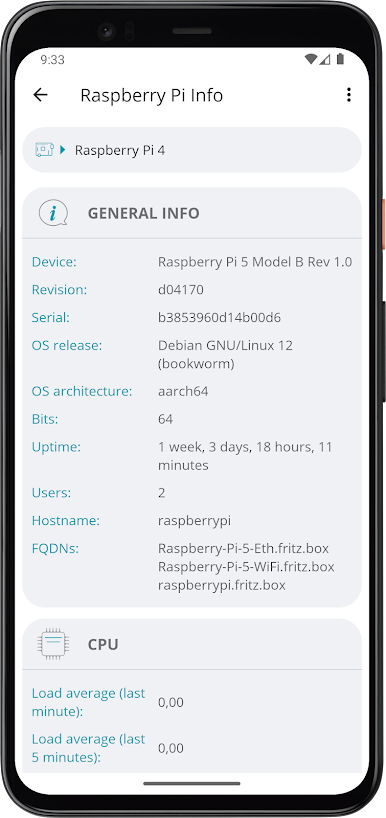
Complete Device Info
All the facts and figures about your connected Raspberry Pi, including pin diagrams and wiring info, are just a tap away. -
Wake-on-LAN & Power Actions
Remotely send magic packets to wake up devices or quickly shut down or reboot your Pi, whenever needed. -
Easy Authentication & Connection
Set up SSH connections with password or RSA authorization for secure access. Everything’s been tested on Raspbian for smooth performance.
Oh, and if you like tinkering with automation, there’s Tasker plugin support. For those who want a bigger workspace, using it with BlueStacks is surprisingly smooth.
Ready to experience RaspController on a bigger screen, in all its glory? Download BlueStacks now.

RaspControllerをPCでプレイ
-
BlueStacksをダウンロードしてPCにインストールします。
-
GoogleにサインインしてGoogle Play ストアにアクセスします。(こちらの操作は後で行っても問題ありません)
-
右上の検索バーにRaspControllerを入力して検索します。
-
クリックして検索結果からRaspControllerをインストールします。
-
Googleサインインを完了してRaspControllerをインストールします。※手順2を飛ばしていた場合
-
ホーム画面にてRaspControllerのアイコンをクリックしてアプリを起動します。

