

電気代
BlueStacksを使ってPCでプレイ - 5憶以上のユーザーが愛用している高機能Androidゲーミングプラットフォーム

Run Electrical Cost on PC or Mac
Multitask effortlessly on your PC or Mac as you try out Electrical Cost, a Productivity app by Ettore Gallina on BlueStacks.
About the App
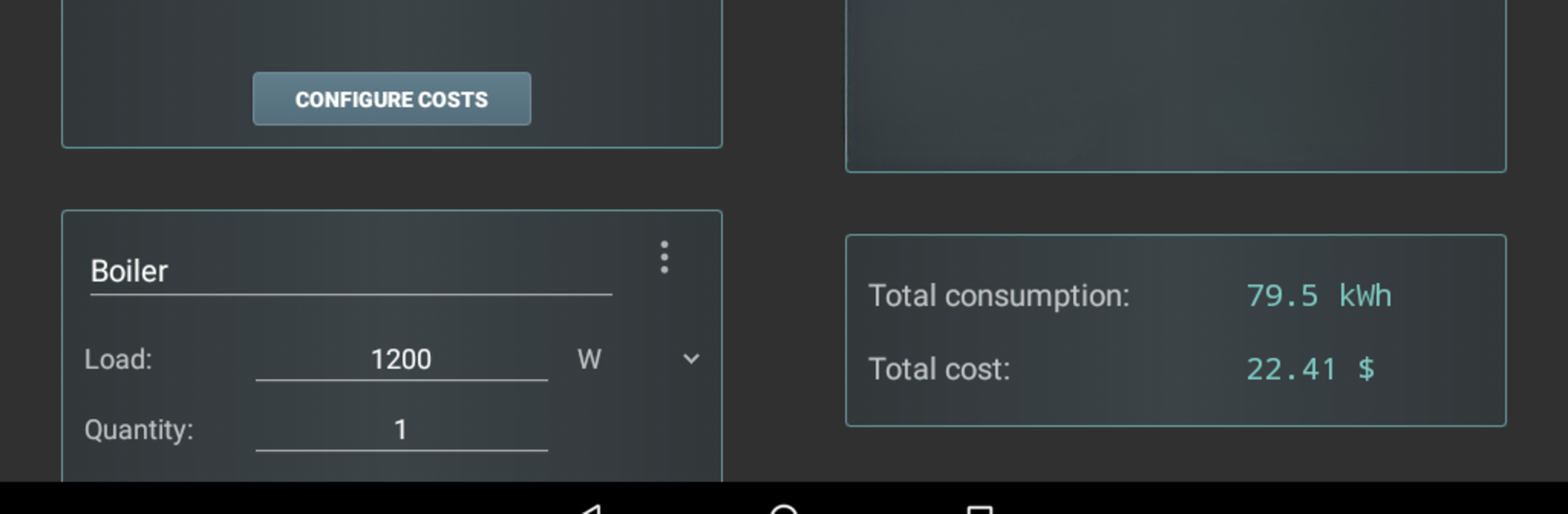
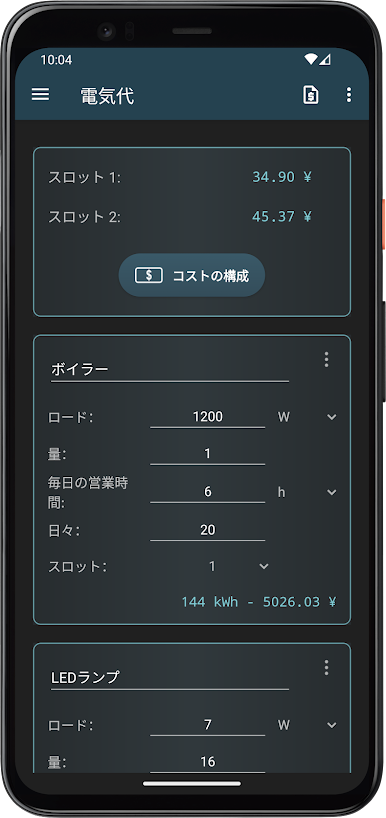
Ever wonder how much that dishwasher or space heater is really costing you? Electrical Cost, built by Ettore Gallina, brings a bit of clarity to your daily electricity usage. Designed for anyone who wants to keep an eye on their spending and the cost of running appliances, this Productivity app makes it simple to break down your energy costs—no math degree required. Open it up, and you’ll find an easy-to-use toolkit for tracking and estimating all sorts of household energy expenses.
App Features
-
Flexible Appliance Tracking
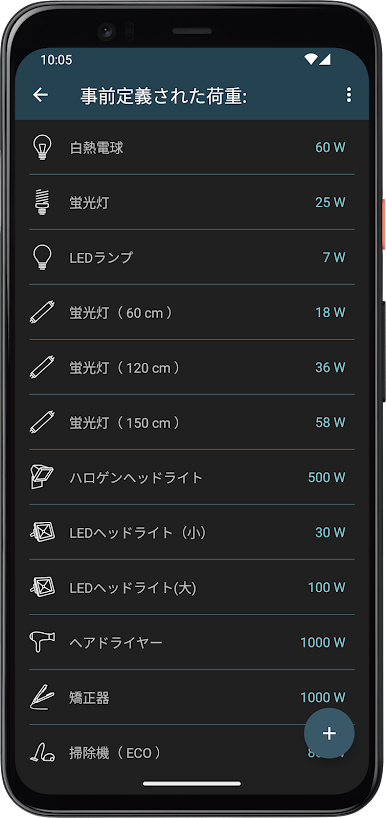
Hop between preset household appliances or punch in your own custom details—whatever fits your place. -
Personalized Currency Options
Set the app to your local currency, so every calculation really means something to you. No need to mentally convert. -
Slot Customization
Choose how you’d like to organize your calculations—simple slots for just-the-basics, or get detailed with consumption-based tracking. -
Cost Summaries by Timeframe
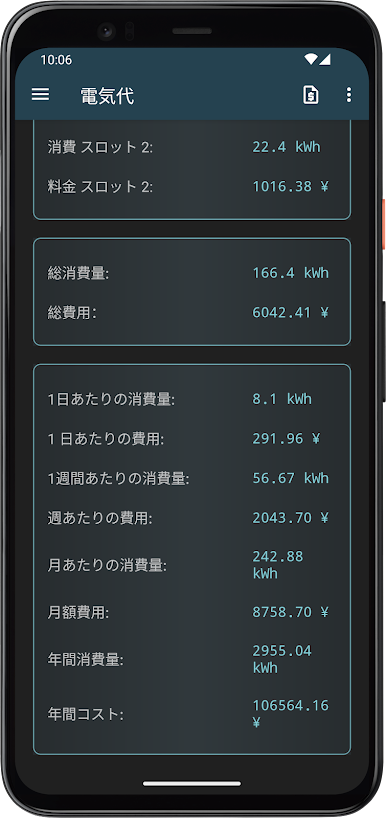
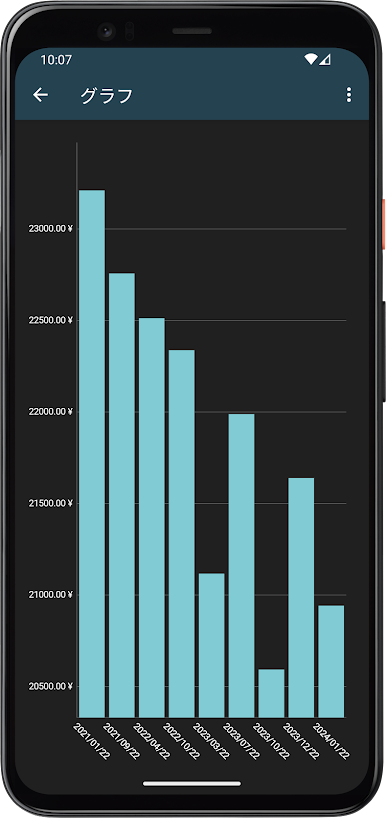
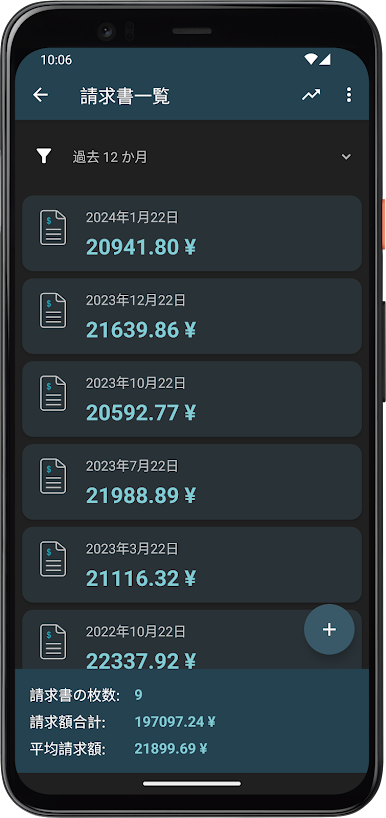
The app lays out your power consumption and costs across daily, weekly, monthly, or yearly views, giving you the big picture or the nitty gritty. -
Save and Export (with Pro)
Go Pro and you’ll unlock saving your favorite templates and exporting your data into text files—super handy if you like keeping records. -
Ad-Free Experience (with Pro)
Enjoy the app without those popups—Pro users won’t see ads at all. -
Accessible on BlueStacks
If you’re someone who likes managing things from your laptop or desktop, Electrical Cost also works smoothly through BlueStacks.
Managing home energy doesn’t have to be a hassle. With Electrical Cost, it’s all about transparency, flexibility, and having the info you need—whenever you want it.
Ready to experience Electrical Cost on a bigger screen, in all its glory? Download BlueStacks now.

電気代をPCでプレイ
-
BlueStacksをダウンロードしてPCにインストールします。
-
GoogleにサインインしてGoogle Play ストアにアクセスします。(こちらの操作は後で行っても問題ありません)
-
右上の検索バーに電気代を入力して検索します。
-
クリックして検索結果から電気代をインストールします。
-
Googleサインインを完了して電気代をインストールします。※手順2を飛ばしていた場合
-
ホーム画面にて電気代のアイコンをクリックしてアプリを起動します。

