


ピグパーティ~着せ替えゲームでかわいいアバター作成
BlueStacksを使ってPCでプレイ - 5憶以上のユーザーが愛用している高機能Androidゲーミングプラットフォーム

Run ピグパーティ~着せ替えゲームでかわいいアバター作成 on PC or Mac
What’s better than using ピグパーティ~着せ替えゲームでかわいいアバター作成 by CyberAgent Inc.? Well, try it on a big screen, on your PC or Mac, with BlueStacks to see the difference.
About the App
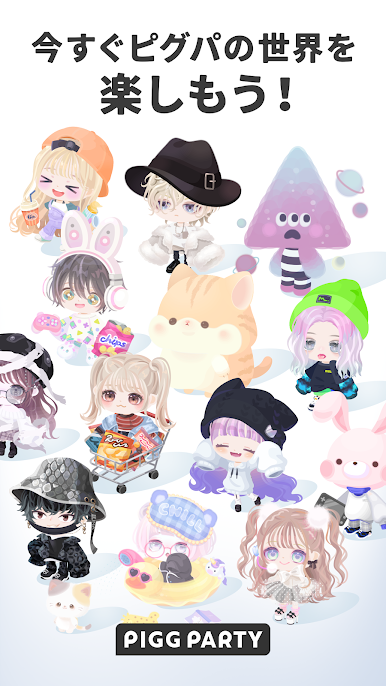
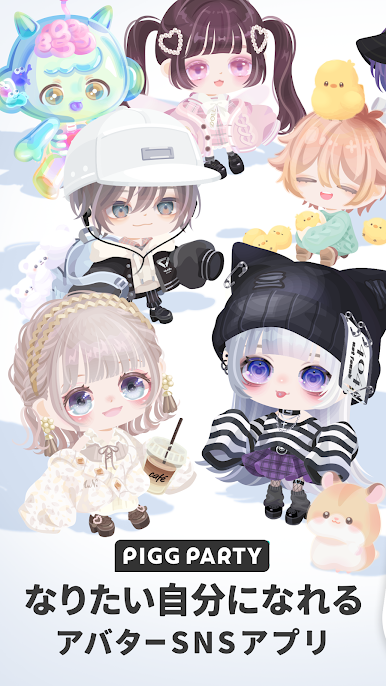
ピグパーティ~着せ替えゲームでかわいいアバター作成 is a Social playground for anyone who loves cute style and friendly chats. Build an adorable avatar, mix outfits to your heart’s content, and hang out with people who get your vibe. It’s creative, chill, and full of charming character collabs to explore.
App Features
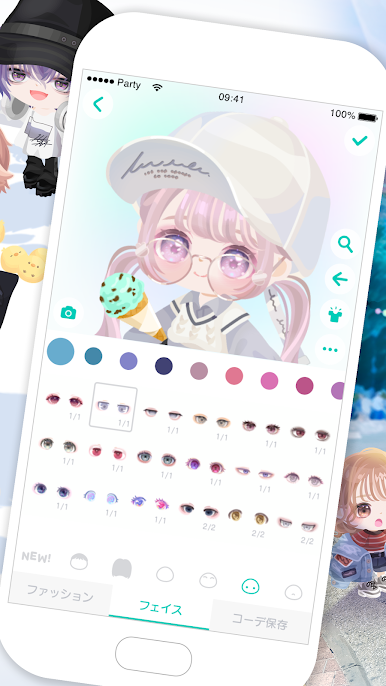
- Make your avatar: Start with a blank canvas and craft an avatar that feels like you—or the you you want to be—using tons of faces, hairstyles, and accessories.
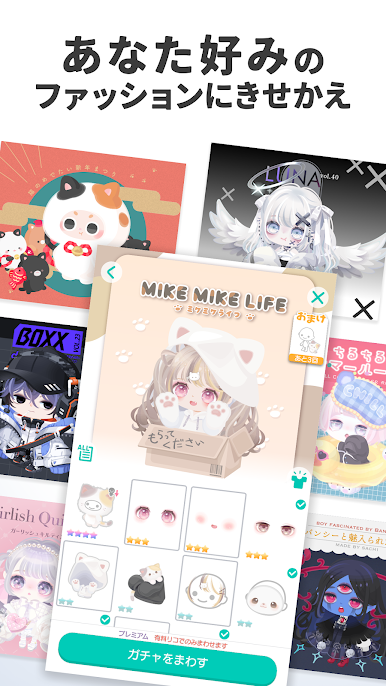
- Huge wardrobe: Browse tens of thousands of pieces, from everyday looks to standout costumes, with plenty of items themed around popular characters.
- Weekly new items: Fresh drops arrive regularly, so your closet keeps growing and your style never gets old.
- Character collabs: Dress in special collaboration sets inspired by characters you love and build fun, themed outfits.
- Collect and curate: Discover, earn, and collect items, then mix them into signature fits that show off your taste.
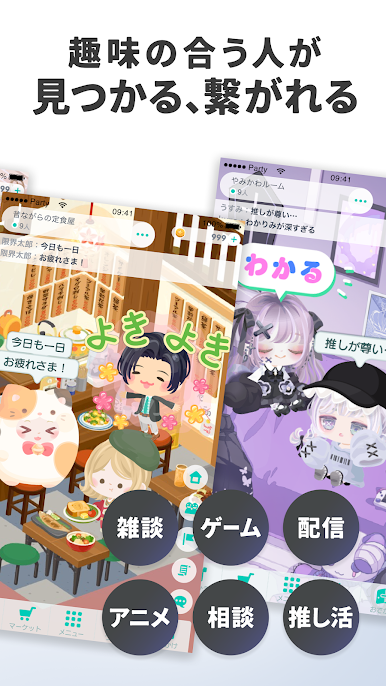
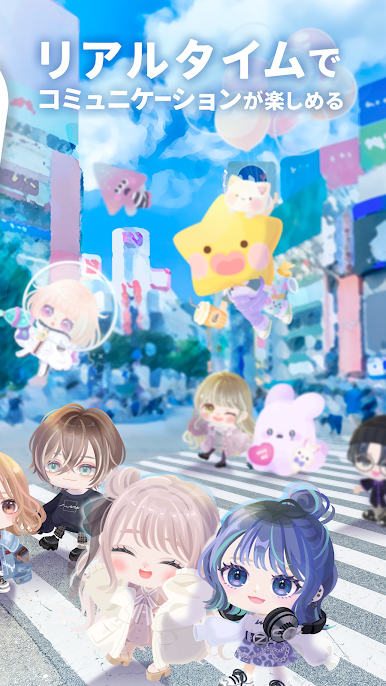
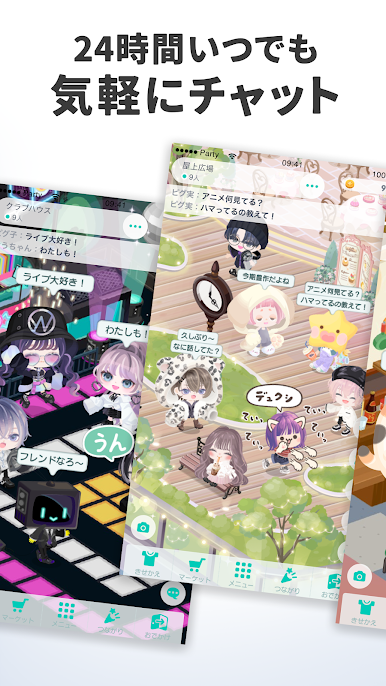
- Social hangouts: Pop into rooms and chat about fashion, favorites, or just how your day’s going—make new friends while you’re at it.
- Easygoing play: Simple dress-up controls and a relaxed pace make it a soothing break whenever you need one.
- Show your style: Share your latest look with friends in-app, get inspired by other creators, and swap ideas.
- Welcome perks: New players can snag generous starter items after signing up, making it easy to begin styling right away.
- Play on a bigger screen: Prefer designing with more space? It works smoothly on BlueStacks, handy for detailed styling and long chat sessions.
Eager to take your app experience to the next level? Start right away by downloading BlueStacks on your PC or Mac.
ピグパーティ~着せ替えゲームでかわいいアバター作成をPCでプレイ
-
BlueStacksをダウンロードしてPCにインストールします。
-
GoogleにサインインしてGoogle Play ストアにアクセスします。(こちらの操作は後で行っても問題ありません)
-
右上の検索バーにピグパーティ~着せ替えゲームでかわいいアバター作成を入力して検索します。
-
クリックして検索結果からピグパーティ~着せ替えゲームでかわいいアバター作成をインストールします。
-
Googleサインインを完了してピグパーティ~着せ替えゲームでかわいいアバター作成をインストールします。※手順2を飛ばしていた場合
-
ホーム画面にてピグパーティ~着せ替えゲームでかわいいアバター作成のアイコンをクリックしてアプリを起動します。

