


みんなの将棋 - 100段階のレベルと対局・詰将棋・講座で実
BlueStacksを使ってPCでプレイ - 5憶以上のユーザーが愛用している高機能Androidゲーミングプラットフォーム

PCでみんなの将棋 - 100段階のレベルと対局・詰将棋・講座で実をプレイ
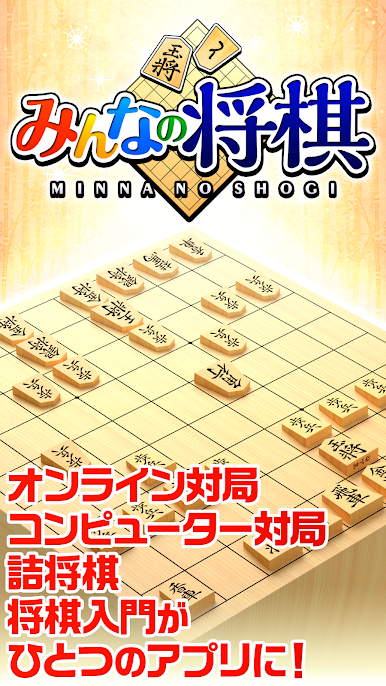
初心者から有段者まで、みんなのための将棋アプリ。
オンライン対局もコンピューター対局も詰将棋も将棋入門もこれ1本!
プレミアム会員は、さらに多数の戦法と200段階以上のレベルを追加!
----------------------------------------
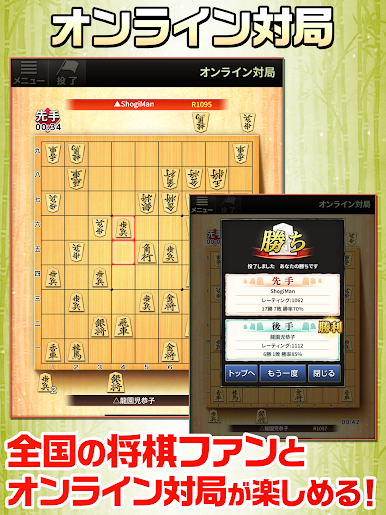
●●みんなの将棋オンライン Season1 開始!●●
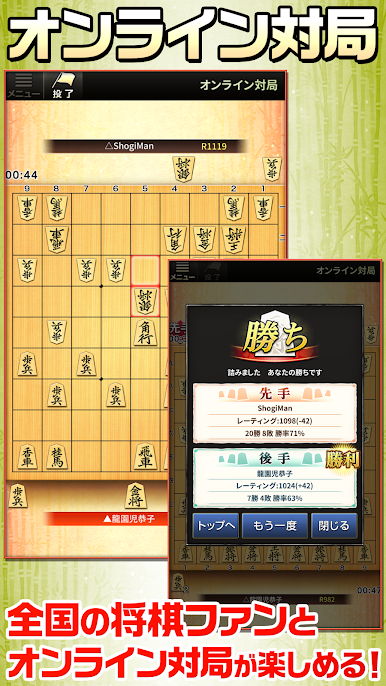
みんなの将棋にオンライン対戦機能を導入しました。
日本中の将棋ファンと気軽にオンラインで対局をお楽しみいただけます!
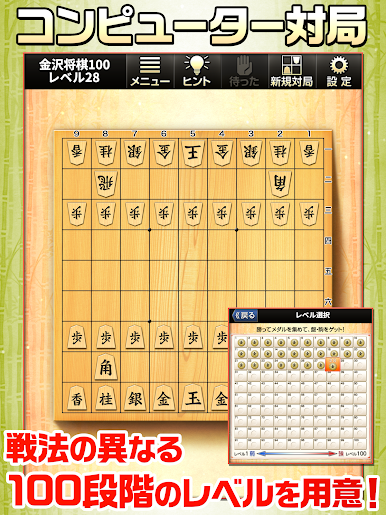
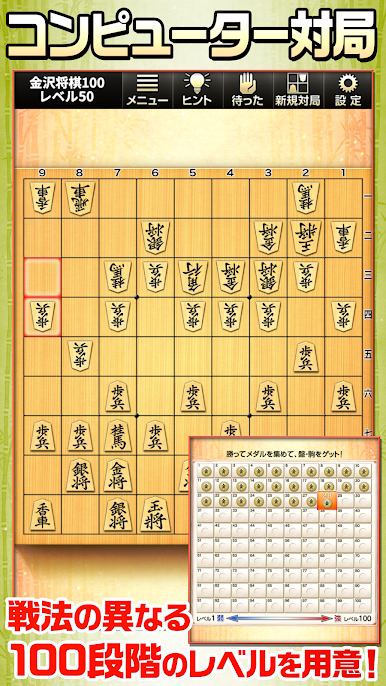
●●無料で遊べる100段階の『通常対局』●●
弱いレベルは弱く!強いレベルは強く!
それぞれ戦法の異なる100段階のレベルを搭載しました。
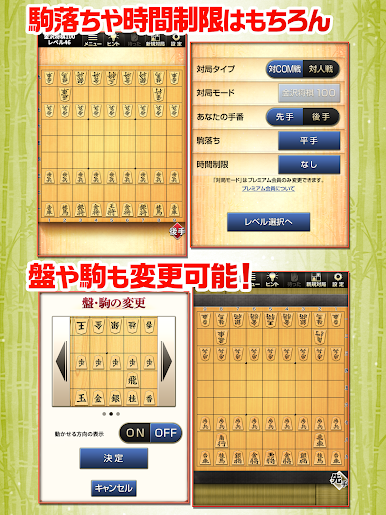
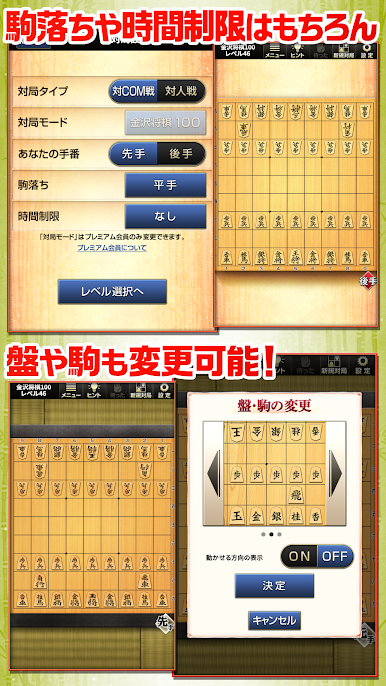
【メダルを集めて盤・駒をゲット!】
コンピューターに勝利することで、メダルをもらうことができます。
このメダルを集めると、変更できる盤・駒などが追加されていきます。
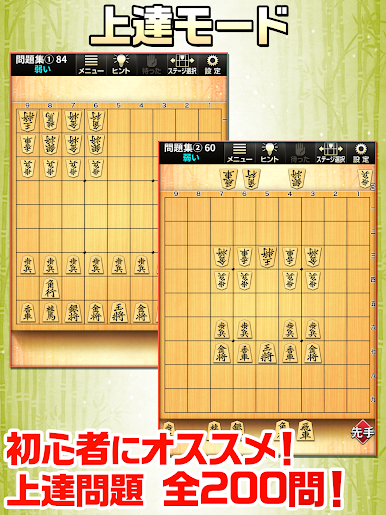
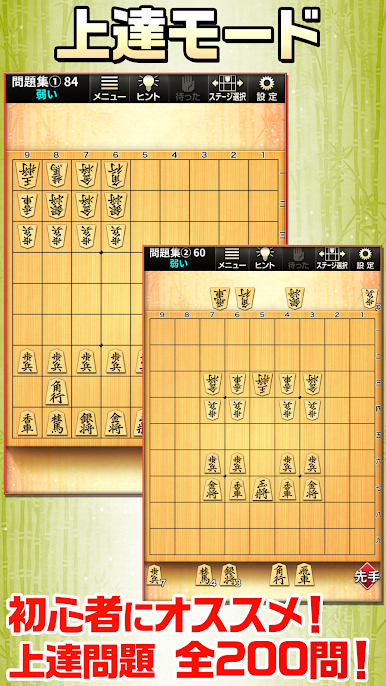
●●初心者必見!上達モード●●
「通常対局」でなかなかコンピューターに勝てない初心者におすすめの『上達モード』を搭載!
特定の盤面から勝利を目指すことで、上達に役立ちます。
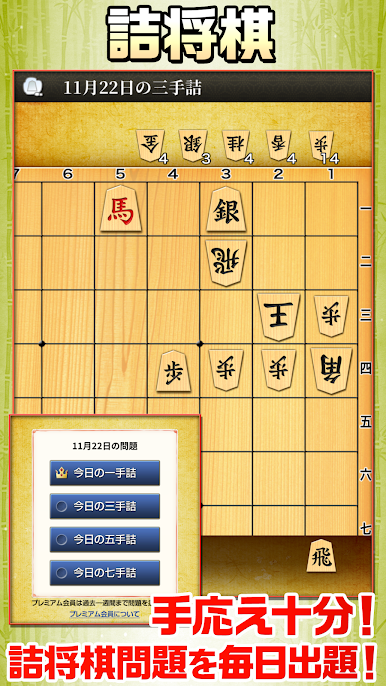
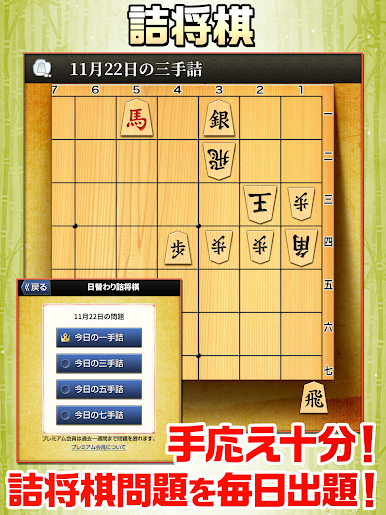
●●毎日挑戦!日替わり詰将棋●●
毎日"一手詰・三手詰・五手詰・七手詰"の問題を出題!
詰将棋に挑戦して、終盤力を鍛えよう!!
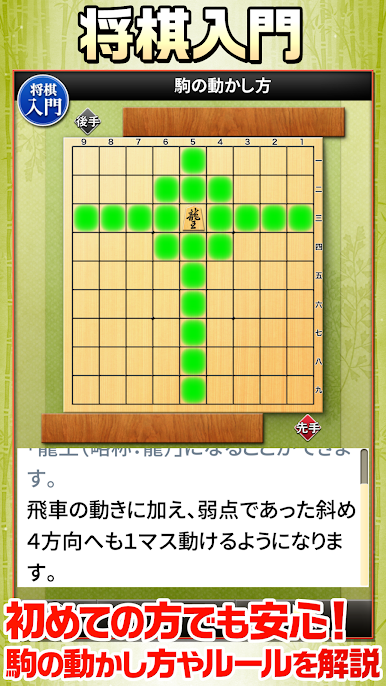
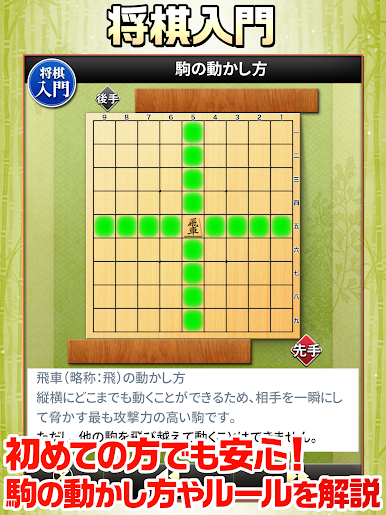
●●初心者も安心の『将棋教室』を収録●●
駒の動かし方やルールなど、初心者でも安心の将棋教室を収録!
●●プレミアム会員になって、もっと遊びつくそう!!●●
プレミアム会員は月額360円で、さまざまな特典を受けられるサービスです。
(1) 対局モードを追加
次の2つの対局モードが追加されます。
・より多くの戦法に挑戦できる200段階のレベル「金沢将棋200」
・戦法を選び、最高四段の棋力と対局できる「金沢将棋 四段」
(2) 日替わり詰将棋
日替わり詰将棋を一週間分遡ってお楽しみいただけます。
(3) 上達モードに強さを追加
上達モードで、強さを3段階から選択できます。
(4) 広告の削除
ゲーム中の広告が削除されます。
※プレミアム会員に関する注意事項
プレミアム会員は自動更新(有料)です。
登録後、ご利用期間終了の24時間以上前に解除しない限り自動更新されます。
自動更新の解約をおこなうには、Google Playより手続きをおこなってください。
ご利用料金の日割り対応や、利用登録期間のキャンセル及び返金はできません。
※ご案内
・「日替わり詰将棋」の問題は、別アプリ『みんなの詰将棋』の中から出題されます。
・「将棋入門」は、別アプリ『みんなの将棋教室Ⅰ』から一部抜粋したものです。
・追加の対局モードは高い棋力を発揮するため、将棋サーバーと通信をおこないます。
■「みんなの将棋」の特徴
・将棋対局も詰将棋も将棋入門もこれ1本!
・対局は無料で100段階のレベルと対戦可能!
・詰め将棋は一手詰/三手詰/五手詰/七手詰を毎日出題!
・はじめて将棋で遊ぶ人でも安心の将棋教室。
・しょうぎが初めてでも安心の一手詰め
・ヒマ潰しに最適な1手詰/3手詰/5手詰/7手詰
・みんなの将棋で将棋マスター
・追加の対局モードは専用の将棋サーバーとオンライン対局。
・初心者でもルールなど、基礎から学んで遊べる将棋。
・毎日コツコツ続けるのがオススメ!
みんなの将棋 - 100段階のレベルと対局・詰将棋・講座で実をPCでプレイ
-
BlueStacksをダウンロードしてPCにインストールします。
-
GoogleにサインインしてGoogle Play ストアにアクセスします。(こちらの操作は後で行っても問題ありません)
-
右上の検索バーにみんなの将棋 - 100段階のレベルと対局・詰将棋・講座で実を入力して検索します。
-
クリックして検索結果からみんなの将棋 - 100段階のレベルと対局・詰将棋・講座で実をインストールします。
-
Googleサインインを完了してみんなの将棋 - 100段階のレベルと対局・詰将棋・講座で実をインストールします。※手順2を飛ばしていた場合
-
ホーム画面にてみんなの将棋 - 100段階のレベルと対局・詰将棋・講座で実のアイコンをクリックしてアプリを起動します。

