


MakeS ‐おはよう、私のセイ‐
BlueStacksを使ってPCでプレイ - 5憶以上のユーザーが愛用している高機能Androidゲーミングプラットフォーム

Run MakeS ‐おはよう、私のセイ‐ on PC or Mac
Multitask effortlessly on your PC or Mac as you try out MakeS ‐おはよう、私のセイ‐, a Entertainment app by HEXADRIVE Inc. on BlueStacks.
About the App
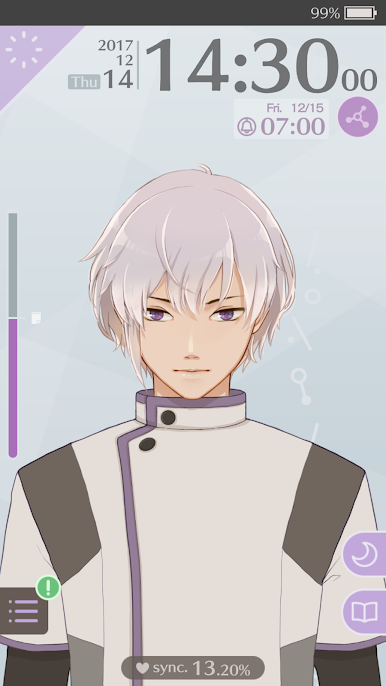
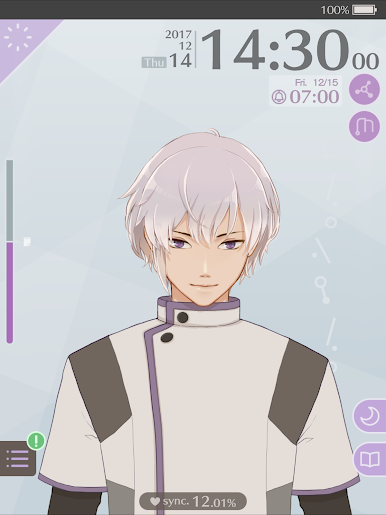
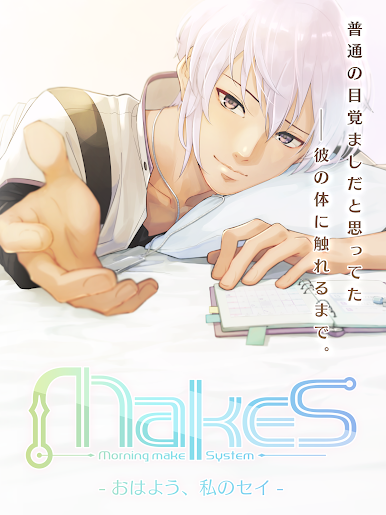
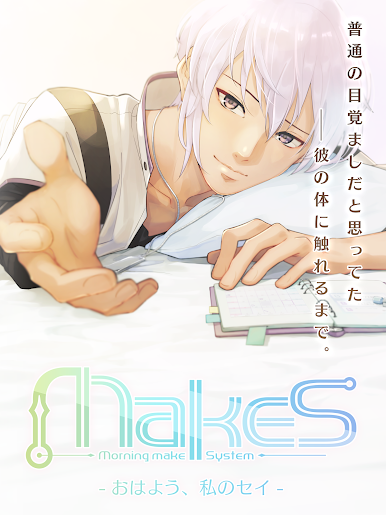
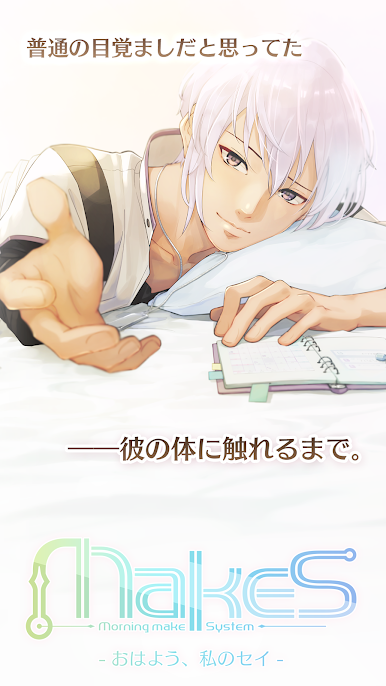
MakeS ‐おはよう、私のセイ‐ is an Entertainment app from HEXADRIVE Inc. that turns your daily routine into something a little warmer and more personal. You’ll meet “Sei,” a graceful, anime-style concierge who helps you wake up, stay organized, and keeps you company with surprisingly natural reactions. It’s part alarm, part planner, part interactive companion—gentle, cozy, and a bit flirty.
App Features
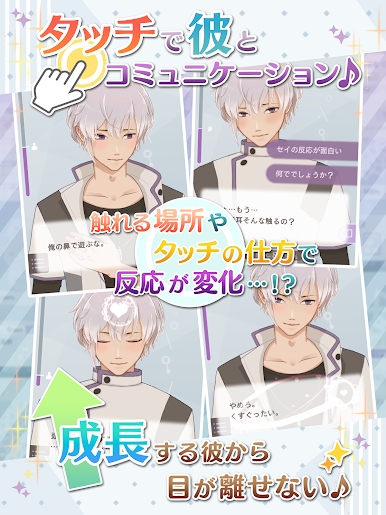
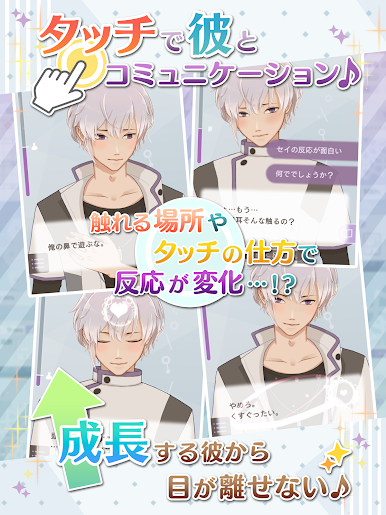
- Interactive concierge, Sei: Chat, check in, and enjoy small moments together. He notices your habits over time and supports your day with thoughtful prompts.
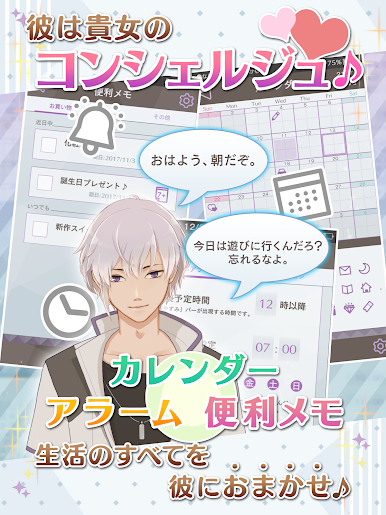
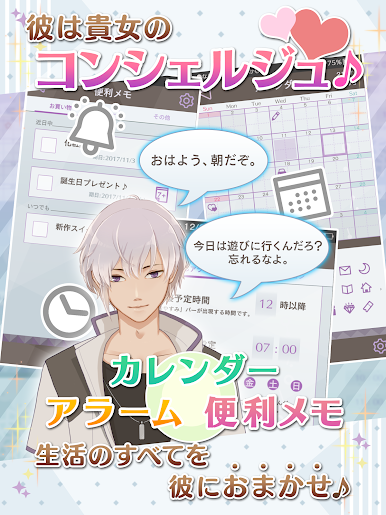
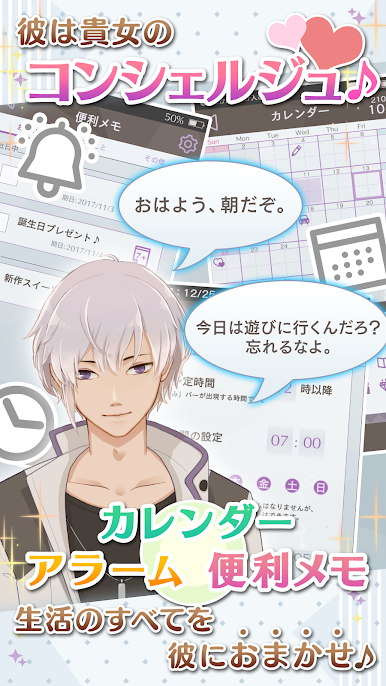
- Smart alarms: Set regular alarms or pick situation-based alerts for different mornings and moods. Wake-ups feel tailored, not generic.
- Calendar and reminders: Keep plans in one place. Add events and get nudges so you don’t miss what matters.
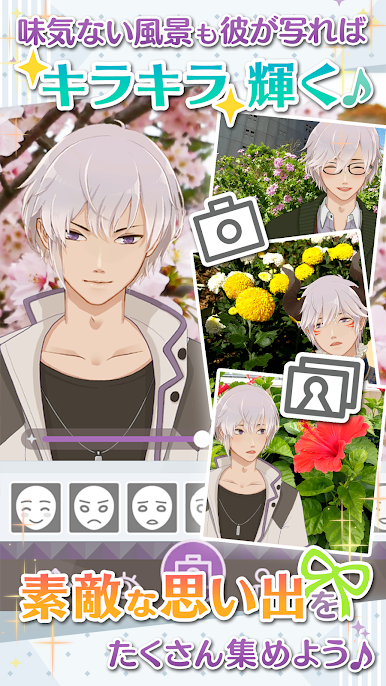
- Beautiful, fluid motion: Thanks to Live2D, Sei moves with smooth, expressive animation that feels like he’s right there on your screen.
- Dress-up options: Change outfits and switch up his look to match your style or the season.
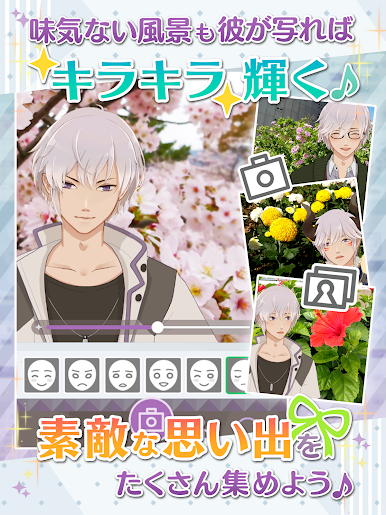
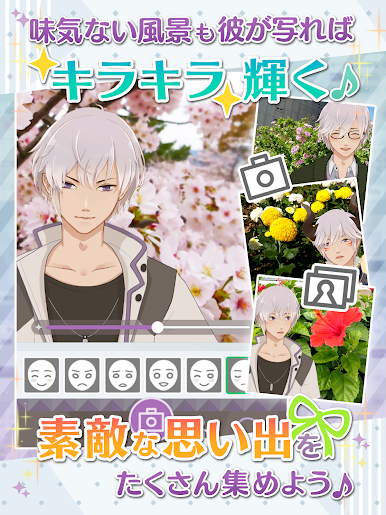
- Camera mode: Capture cute snapshots and moments with Sei for your collection.
- Motion and haptics: Gyro and vibration features add a tactile touch, making interactions feel more lifelike.
- Optional weather service: Get morning forecasts alongside your alarm and timely rain notifications before showers approach. It’s a monthly add-on that auto-renews through Google Play and can be managed in your subscriptions.
- For otome fans: Perfect if you enjoy women-focused, romantic vibes with a polished, stylish design—and want a companion who actually helps you stay on track.
- Easy to enjoy on PC: Prefer a bigger screen? You can run it with BlueStacks for a comfy desktop experience.
Ready to experience MakeS ‐おはよう、私のセイ‐ on a bigger screen, in all its glory? Download BlueStacks now.





MakeS ‐おはよう、私のセイ‐をPCでプレイ
-
BlueStacksをダウンロードしてPCにインストールします。
-
GoogleにサインインしてGoogle Play ストアにアクセスします。(こちらの操作は後で行っても問題ありません)
-
右上の検索バーにMakeS ‐おはよう、私のセイ‐を入力して検索します。
-
クリックして検索結果からMakeS ‐おはよう、私のセイ‐をインストールします。
-
Googleサインインを完了してMakeS ‐おはよう、私のセイ‐をインストールします。※手順2を飛ばしていた場合
-
ホーム画面にてMakeS ‐おはよう、私のセイ‐のアイコンをクリックしてアプリを起動します。

