


ClearMind Productivity Timer
BlueStacksを使ってPCでプレイ - 5憶以上のユーザーが愛用している高機能Androidゲーミングプラットフォーム

概要
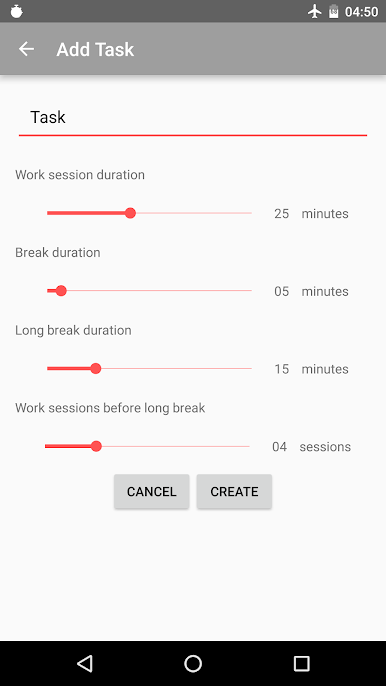
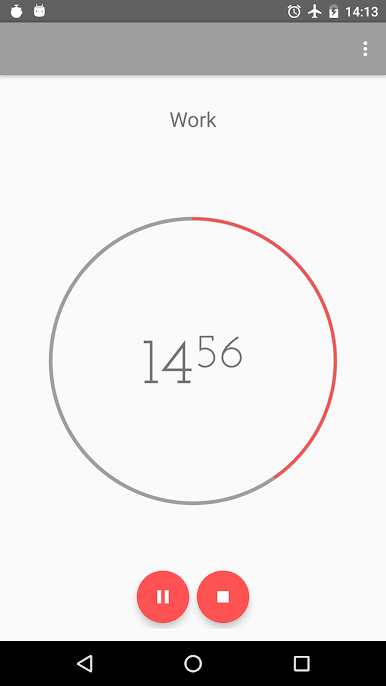
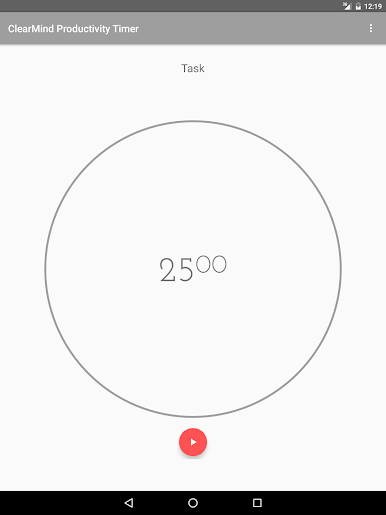
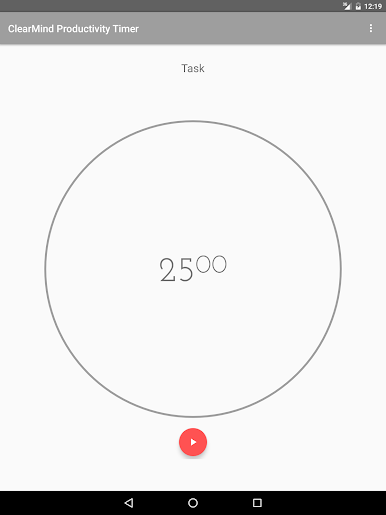
This technique is really simple. This method was developed in the late 80's and consists in dividing your task into 25 minutes intervals separated by short breaks.
Here's how it works:
1) Pick a task you need to accomplish
2) Set a timer for 25 minutes and start working
3) When the time rings, take a 3-5 minute break
4) Every fourth break should be long 15-25 minutes
Features:
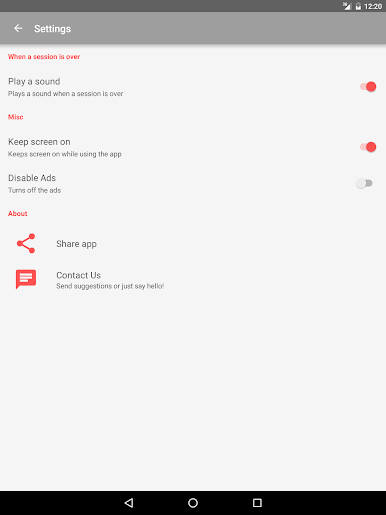
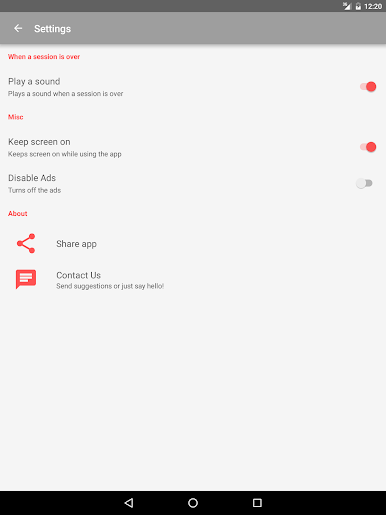
* ad-free
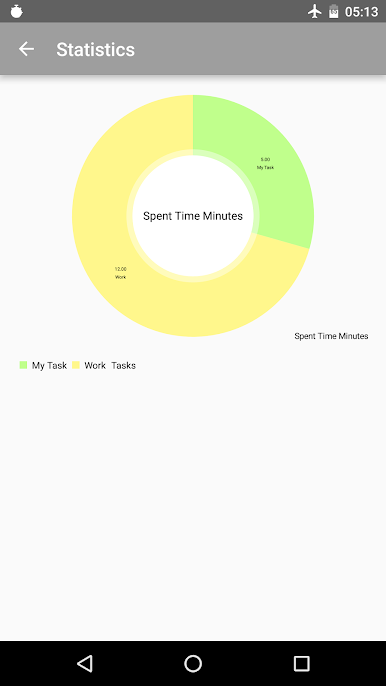
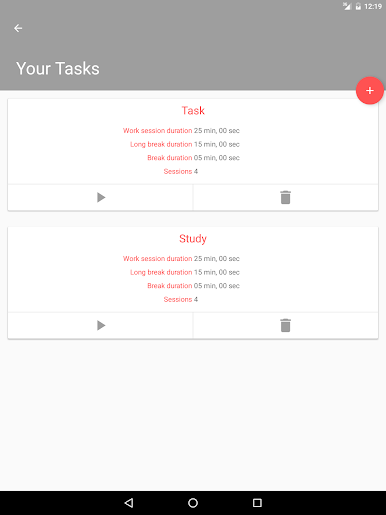
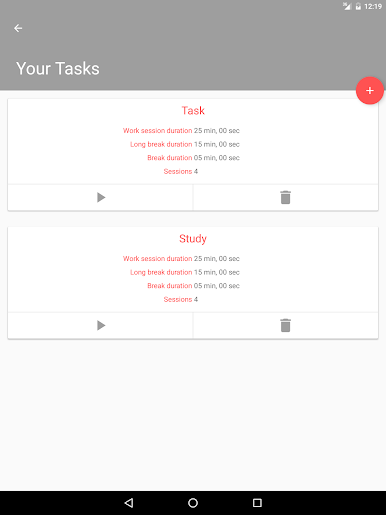
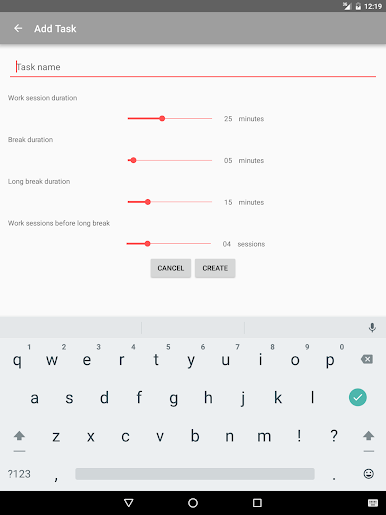
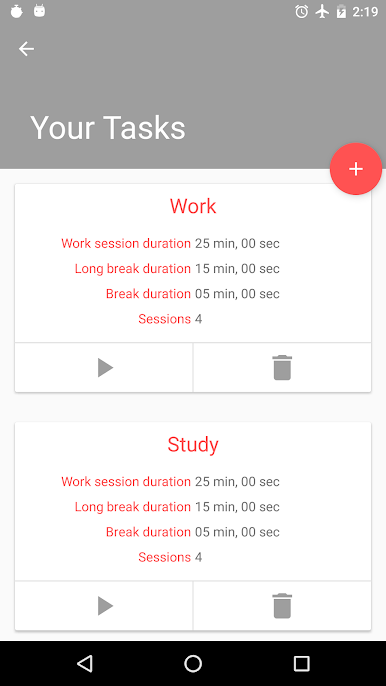
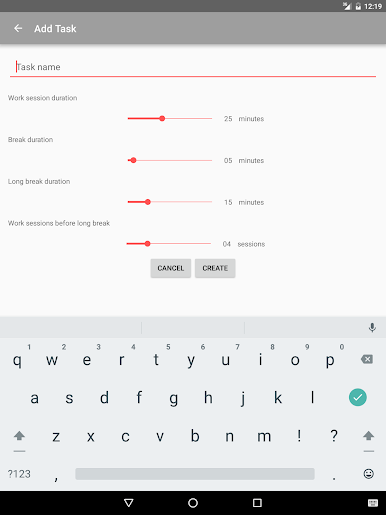
* multiple tasks supported (with statistics)
* pausable timer
* battery friendly
* sound and vibration notifications
* works in the background
Pomodoro™ and Pomodoro Technique® are registered trademarks of Francesco Cirillo.
This app is not affiliated with Francesco Cirillo.
ClearMind Productivity TimerをPCでプレイ
-
BlueStacksをダウンロードしてPCにインストールします。
-
GoogleにサインインしてGoogle Play ストアにアクセスします。(こちらの操作は後で行っても問題ありません)
-
右上の検索バーにClearMind Productivity Timerを入力して検索します。
-
クリックして検索結果からClearMind Productivity Timerをインストールします。
-
Googleサインインを完了してClearMind Productivity Timerをインストールします。※手順2を飛ばしていた場合
-
ホーム画面にてClearMind Productivity Timerのアイコンをクリックしてアプリを起動します。

