


このページには広告が含まれます
VoiceMap: Audio Tours & Guides
トラベルとローカル | AudioGuide
BlueStacksを使ってPCでプレイ - 5憶以上のユーザーが愛用している高機能Androidゲーミングプラットフォーム

Play VoiceMap: Audio Tours & Guides on PC
Experience the magic of GPS audio walks, cycles, drives and even boat rides with VoiceMap self-guided tours in almost 500 destinations worldwide.
VoiceMap tours are like podcasts that move with you, to tell stories about what you’re seeing right now. They're produced by insightful local storytellers, including journalists, filmmakers, novelists, podcasters, and tour guides. Sir Ian McKellen has even created a tour.
Why use VoiceMap?
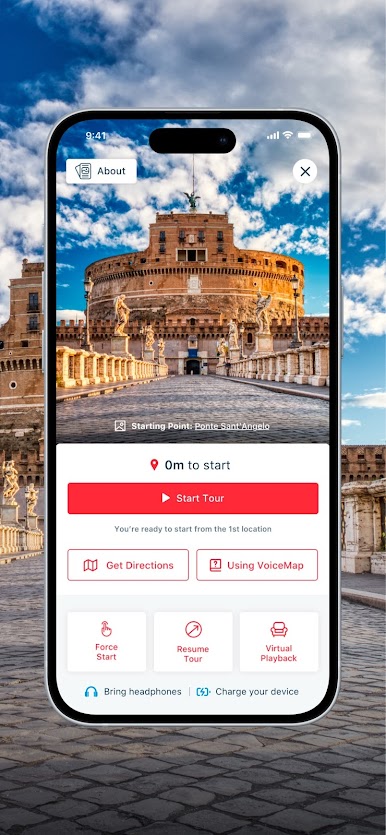
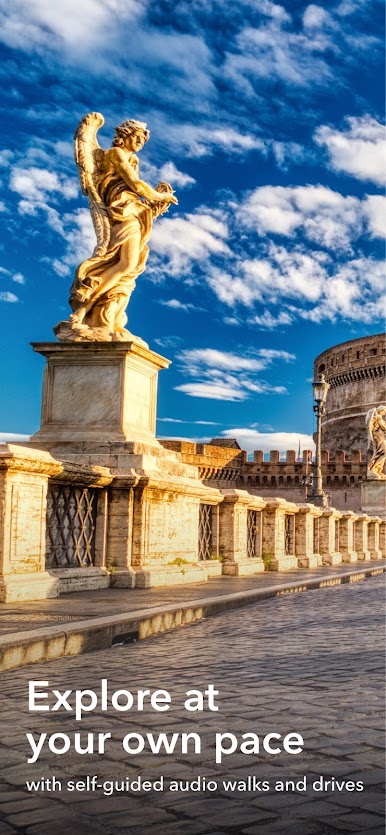
• Explore at your own pace instead of being herded along in a group. Start and stop tours whenever you like, to grab a drink or take in the view, then tap Resume to pick up exactly where you left off.
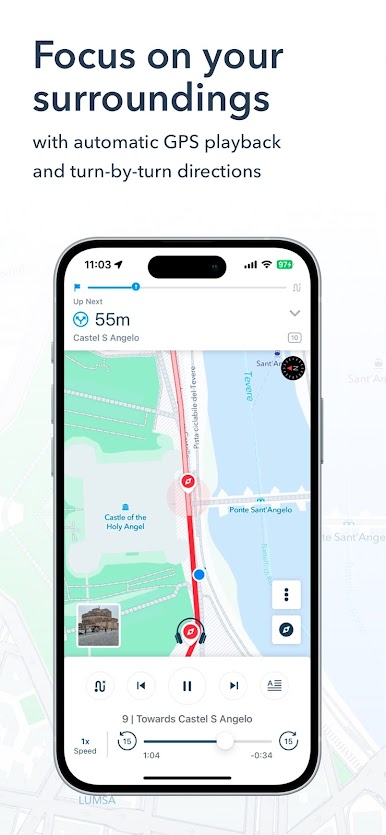
• Focus on your surroundings, not the screen. With automatic GPS playback, you can just tap on Start and let VoiceMap guide you.
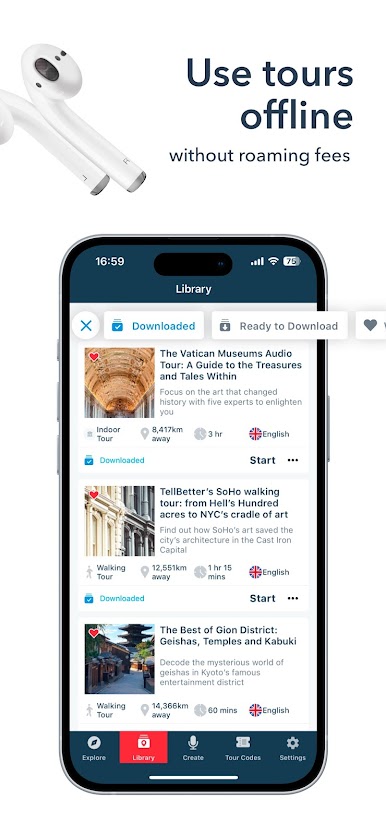
• Avoid expensive roaming fees or fiddly connection issues. After you download a tour, VoiceMap works offline and includes an offline map.
• Enjoy tours as many times as you like, both in your destination and with your feet up, at home. Virtual Playback turns every tour into a podcast or audio book.
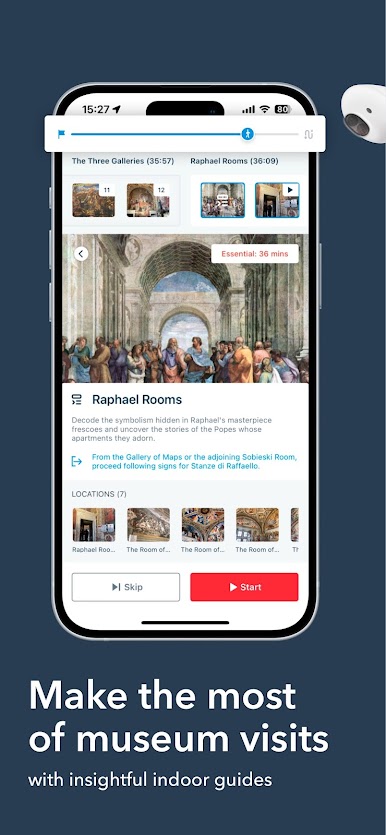
• Extend your attention span with indoor tours that help you make the most of your time at a growing range of museums and art galleries around the world.
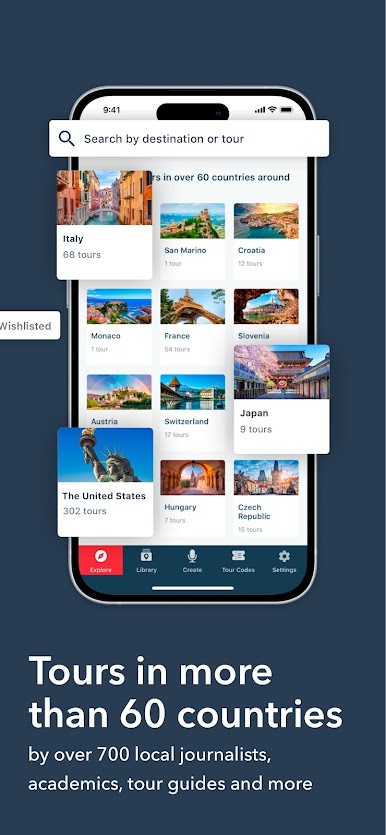
• With over 1,500 free and paid tours in 70 plus countries, VoiceMap offers huge variety. There are over 100 tours in London alone!
Press:
“High-quality self-guided walking tours...Narrated by local experts, they provide insight into corners of the city sometimes overlooked by regular guided tours.”
Lonely Planet
“We may be biased, but could there be anything more helpful than having a journalist in your pocket when touring a new city? How about a historian, a novelist or just a really passionate local? VoiceMap culls city-specific stories from them all and fits them neatly into walking tours.”
New York Times
VoiceMap tours are like podcasts that move with you, to tell stories about what you’re seeing right now. They're produced by insightful local storytellers, including journalists, filmmakers, novelists, podcasters, and tour guides. Sir Ian McKellen has even created a tour.
Why use VoiceMap?
• Explore at your own pace instead of being herded along in a group. Start and stop tours whenever you like, to grab a drink or take in the view, then tap Resume to pick up exactly where you left off.
• Focus on your surroundings, not the screen. With automatic GPS playback, you can just tap on Start and let VoiceMap guide you.
• Avoid expensive roaming fees or fiddly connection issues. After you download a tour, VoiceMap works offline and includes an offline map.
• Enjoy tours as many times as you like, both in your destination and with your feet up, at home. Virtual Playback turns every tour into a podcast or audio book.
• Extend your attention span with indoor tours that help you make the most of your time at a growing range of museums and art galleries around the world.
• With over 1,500 free and paid tours in 70 plus countries, VoiceMap offers huge variety. There are over 100 tours in London alone!
Press:
“High-quality self-guided walking tours...Narrated by local experts, they provide insight into corners of the city sometimes overlooked by regular guided tours.”
Lonely Planet
“We may be biased, but could there be anything more helpful than having a journalist in your pocket when touring a new city? How about a historian, a novelist or just a really passionate local? VoiceMap culls city-specific stories from them all and fits them neatly into walking tours.”
New York Times
VoiceMap: Audio Tours & GuidesをPCでプレイ
-
BlueStacksをダウンロードしてPCにインストールします。
-
GoogleにサインインしてGoogle Play ストアにアクセスします。(こちらの操作は後で行っても問題ありません)
-
右上の検索バーにVoiceMap: Audio Tours & Guidesを入力して検索します。
-
クリックして検索結果からVoiceMap: Audio Tours & Guidesをインストールします。
-
Googleサインインを完了してVoiceMap: Audio Tours & Guidesをインストールします。※手順2を飛ばしていた場合
-
ホーム画面にてVoiceMap: Audio Tours & Guidesのアイコンをクリックしてアプリを起動します。

