


懐中電灯
BlueStacksを使ってPCでプレイ - 5憶以上のユーザーが愛用している高機能Androidゲーミングプラットフォーム

Run Flashlight (free & without ads) on PC or Mac
Let BlueStacks turn your PC, Mac, or laptop into the perfect home for Flashlight (free & without ads), a fun Productivity app from FreeApps.mobi.
About the App
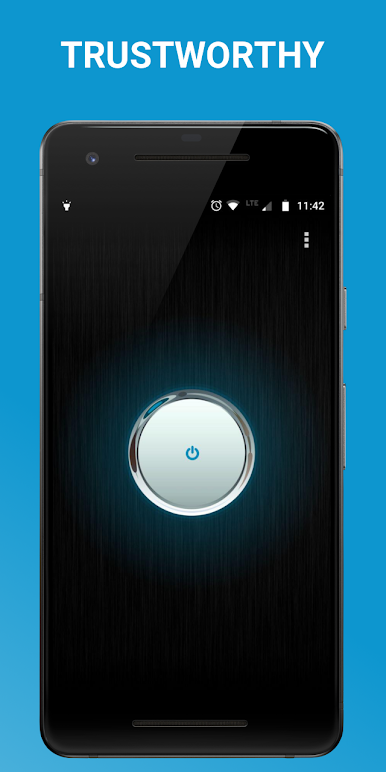
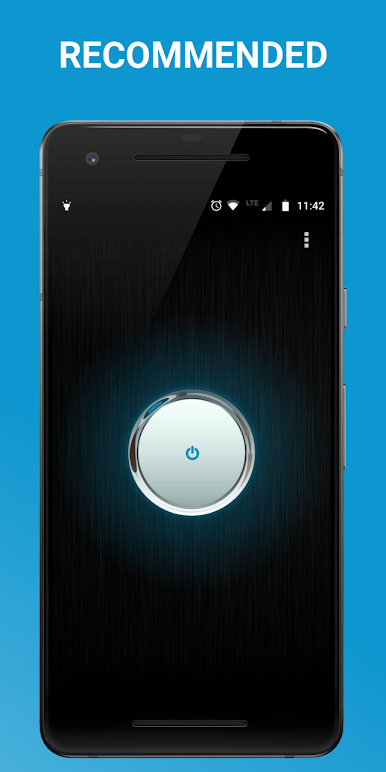
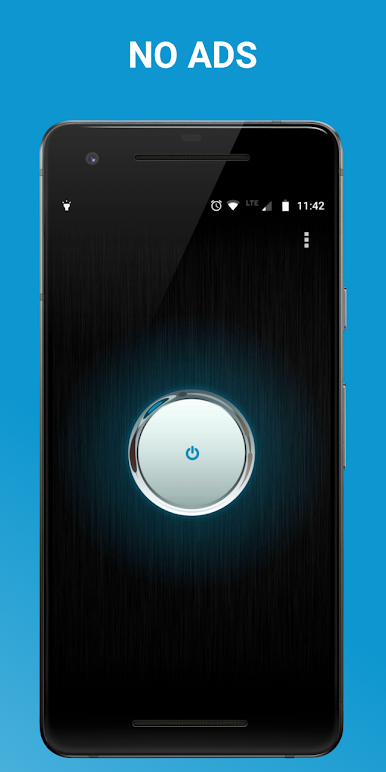
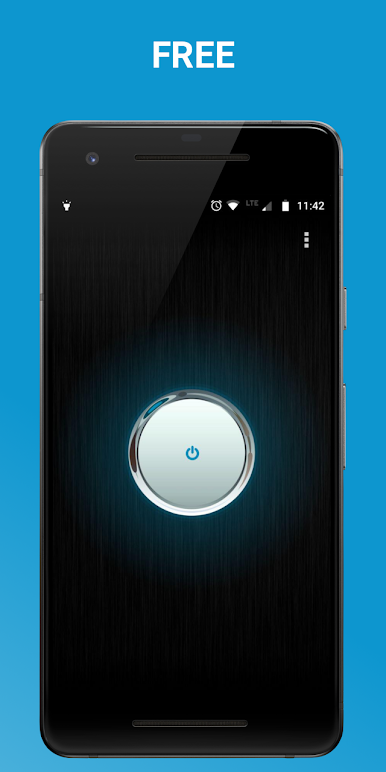
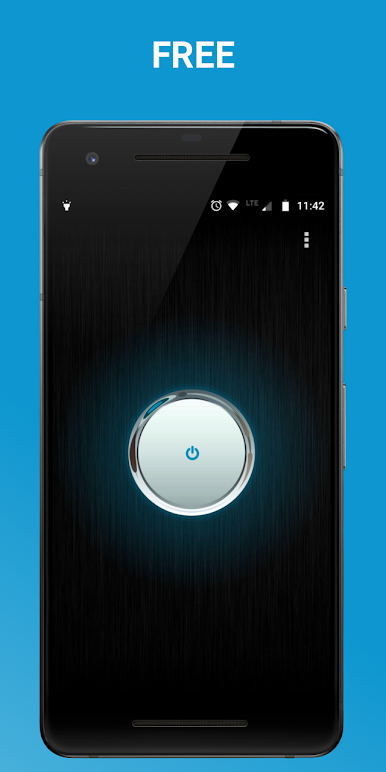
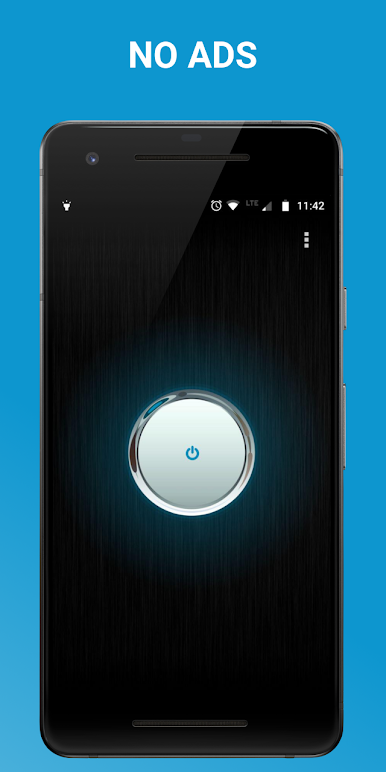
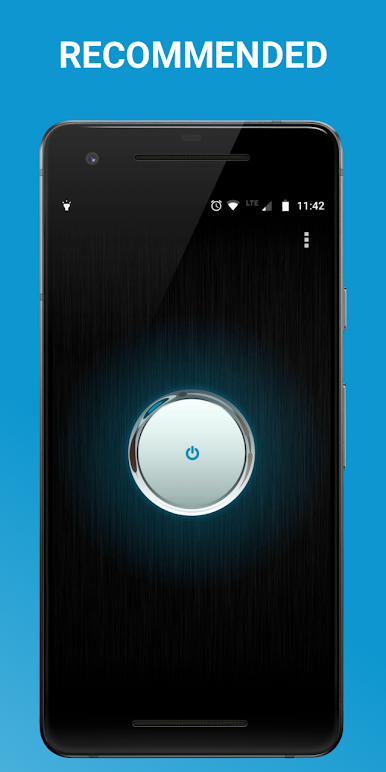
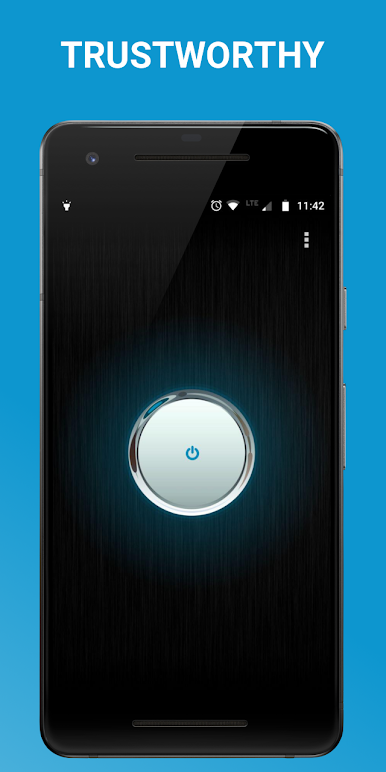
Need a quick, reliable light without all the distractions? Flashlight (free & without ads) from FreeApps.mobi skips the nonsense and gives you just what you want—a super bright LED flashlight that’s ready whenever you are. Whether you’re searching for your keys in the dark, or just need a little extra light, this handy tool is always just a tap away. And no, you won’t get bombarded by ads or deal with a cluttered interface.
App Features
-
Seriously Bright Light
Count on a powerful LED beam that lights up dark spaces with ease. It’s surprisingly bright for something so straightforward. -
Instant On/Off
No hang-ups, just a simple, fast switch that lets you turn your flashlight on or off in a snap. Because sometimes every second counts. -
Shake Gesture Control
Flip the light on or off with a quick shake—perfect if your hands are full or you’re in a hurry. You can even tweak the sensitivity to fit how you move. -
Handy Widget
Add the flashlight widget to your home screen for even faster access. Flick it on without even opening the app. -
Works When Locked
No need to unlock your phone just to shed a little light—the flashlight works even if your device is locked. -
No Extra Permissions
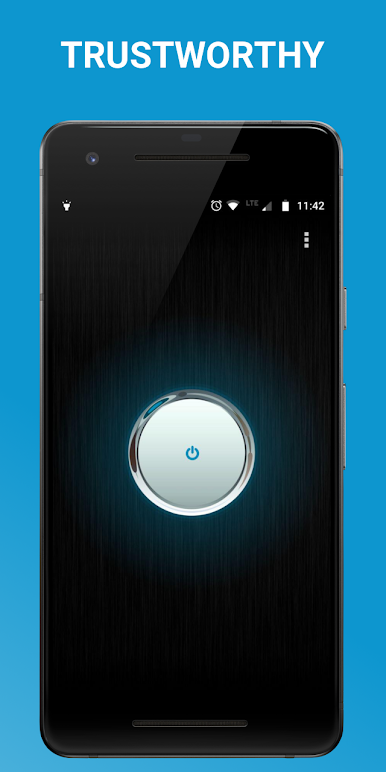
The app sticks to what it’s supposed to do: no unnecessary permissions, and your privacy stays protected. -
No Ads Ever
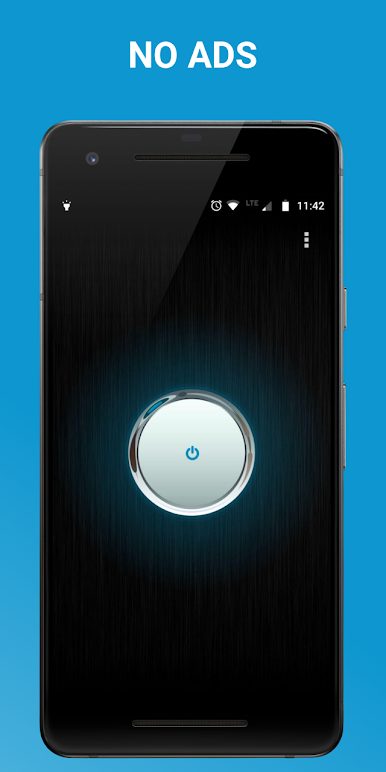
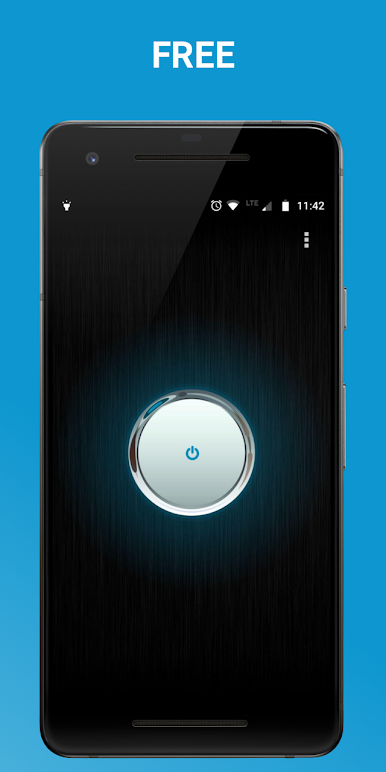
Enjoy using the flashlight with zero interruptions or pop-ups. It’s entirely free, too. -
Minimal Camera Permission
On some devices, you’ll see a camera permission request. That’s just a technical thing—the app needs it to use the LED but never accesses your camera for previews or photos.
If you prefer using this kind of utility on a bigger screen, Flashlight (free & without ads) also runs smoothly on BlueStacks.
BlueStacks brings your apps to life on a bigger screen—seamless and straightforward.
懐中電灯をPCでプレイ
-
BlueStacksをダウンロードしてPCにインストールします。
-
GoogleにサインインしてGoogle Play ストアにアクセスします。(こちらの操作は後で行っても問題ありません)
-
右上の検索バーに懐中電灯を入力して検索します。
-
クリックして検索結果から懐中電灯をインストールします。
-
Googleサインインを完了して懐中電灯をインストールします。※手順2を飛ばしていた場合
-
ホーム画面にて懐中電灯のアイコンをクリックしてアプリを起動します。

