


このページには広告が含まれます
アプリはバックアップ 復元 転送
ツール | Trustlook Security Lab
BlueStacksを使ってPCでプレイ - 5憶以上のユーザーが愛用している高機能Androidゲーミングプラットフォーム

PCでアプリはバックアップ 復元 転送をプレイ
Backup, Restore, Transfer Apps for FREE.
Easy Extract Apk. Never lose your data!
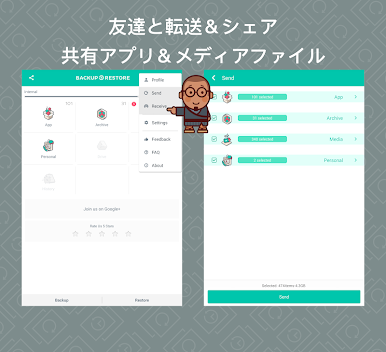
App Backup Restore - Transfer can batch Backup & Restore apk of apps that are not frequently used to save phone space. Backup & Restore multi-versions to avoid unnecessary updates. Backup & Restore personal data for safety. Cloud Backup & Restore for data security. Transfer & Share files between Android devices.
★ Editor's Choice
No.1 in "10 best Android backup apps and other ways to backup Android!” - Android Authority
No.1 Free backup & restore app in “10 Best Android Backup Apps” - Tom’s Guide
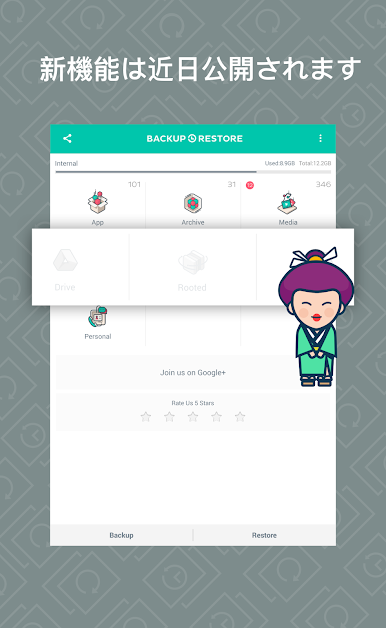
◈ Backup & Restore to Local or Cloud
✓ App
✓ APK
✓ Contacts
✓ SMS
✓ Call log
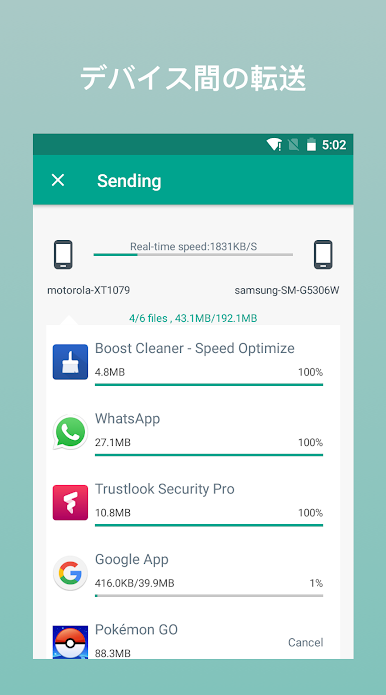
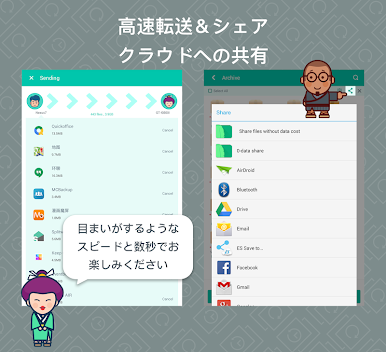
◈ Transfer & Share in Seconds
✓ App
✓ APK
✓ Contacts
✓ SMS
✓ Call log
◈ Features
· Backup & Restore to phone memory in default
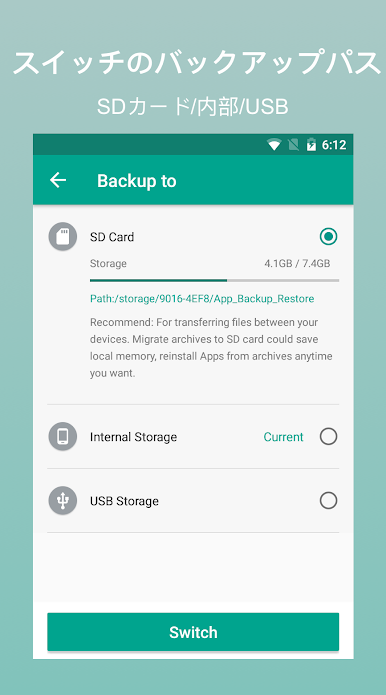
· Backup & Restore to SD card or USB
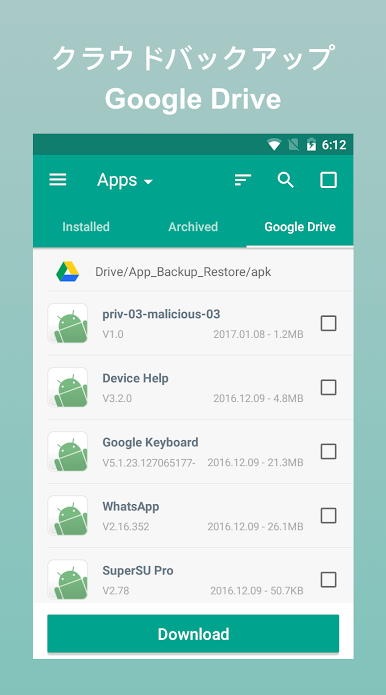
· Cloud backup to Google Drive, Dropbox, etc.
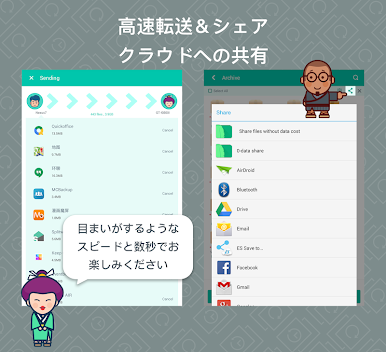
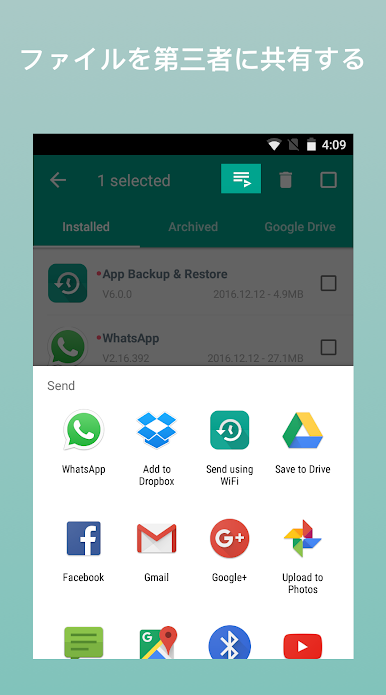
· Send files to the third party platforms
· Backup & Restore apps, contacts, sms, calls
· Extract & Retrieve APK files
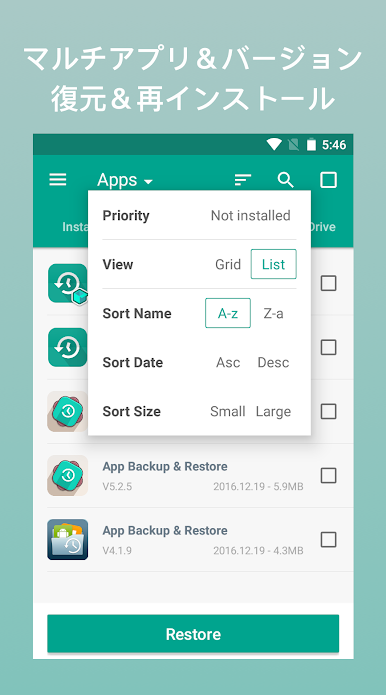
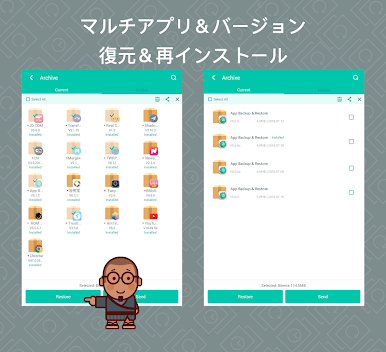
· Overwrite, downgrade app versions
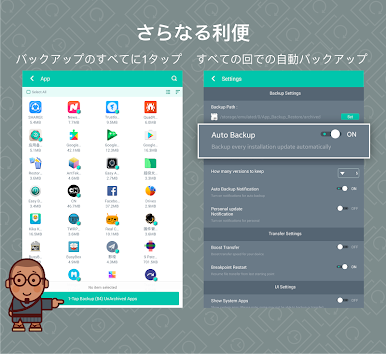
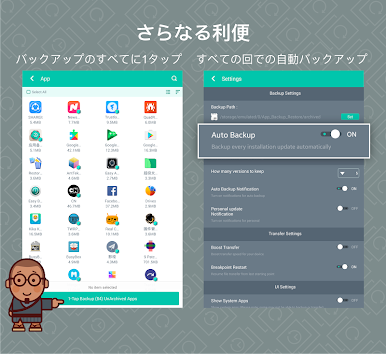
· Auto backup at all times
· Set auto backup list
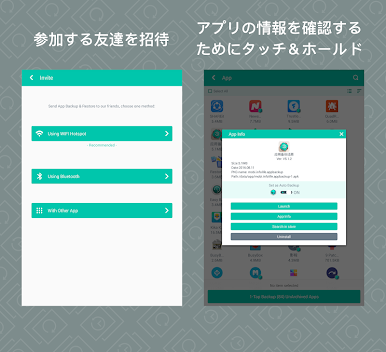
· Transfer & Share by building private Wifi-hotspot
· Wireless Transfer & Share with dizzying speed
· Auto backup & personal update with notifications
· Google Drive upload/download with notifications
· Onekey backup & restore system apps
· Scan APK files stored in your phone
· Scan virus for more protection
· Auto install/uninstall
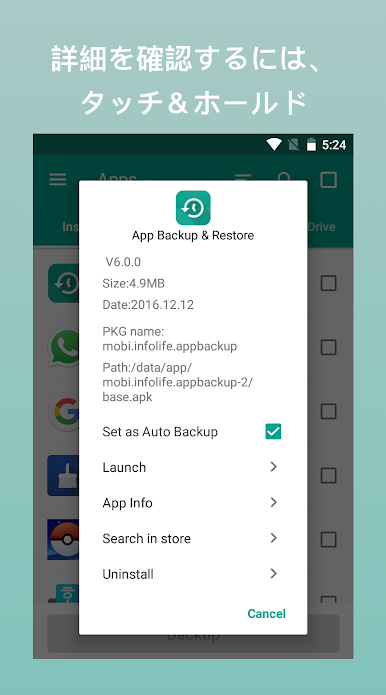
· Touch & Hold apps to check details
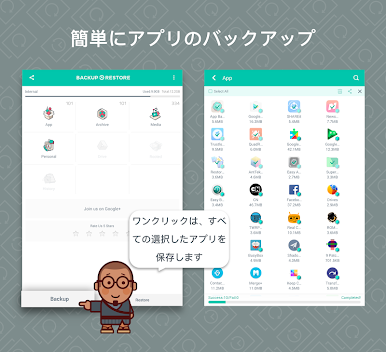
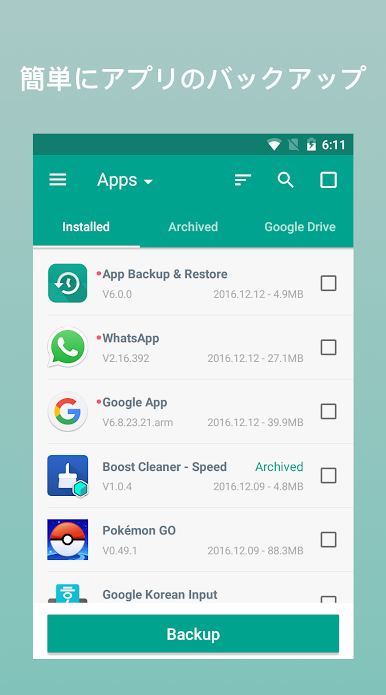
· Batch backup, restore, transfer, share
· Manage app by installed, archived, Drive
· Sort files by name, date, size
· Show backups’ size & time
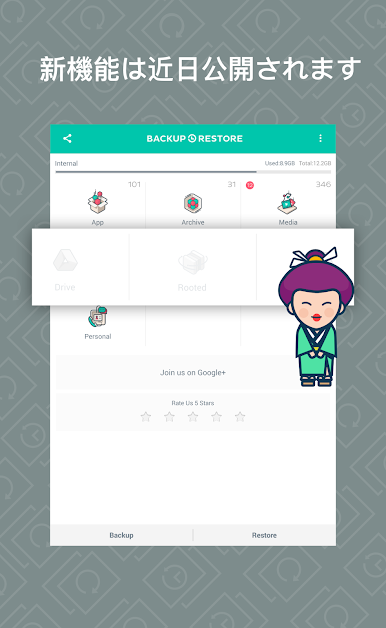
· Show used & total storage
· Recover phone after factor reset, Samsung supported
Notice:
App Backup Restore - Transfer CANNOT backup, restore, transfer data or settings of apps, it only backup, restore, transfer the apk files.
App Backup Restore - Transfer can only restore files that have backed up BEFORE.
Please backup to sd card or cloud before factor reset, or all backups will be deleted due to system restriction.
For Android 4.4 and above, Google reserved the permission to write plug-in SD card. It is now granted only for Google and cellphone manufactures.
Requested Permissions:
READ CONTACTS/SMS/PHONE to backup & restore your personal data
READ PHOTO/MEDIA/FILES to transfer & share your media files
READ WIFI/BLUETOOTH/GPS to ensure transfer & share feature
REQUEST CERTAIN PRIVACY PERMISSIONS to enable virus scan & Google Drive backup
Like us on Facebook: https://goo.gl/9Blp5L
Join our Google+ Community: https://goo.gl/rViS0q
Contact us if you want to help making the app into your language: support@apexapps.xyz
Easy Extract Apk. Never lose your data!
App Backup Restore - Transfer can batch Backup & Restore apk of apps that are not frequently used to save phone space. Backup & Restore multi-versions to avoid unnecessary updates. Backup & Restore personal data for safety. Cloud Backup & Restore for data security. Transfer & Share files between Android devices.
★ Editor's Choice
No.1 in "10 best Android backup apps and other ways to backup Android!” - Android Authority
No.1 Free backup & restore app in “10 Best Android Backup Apps” - Tom’s Guide
◈ Backup & Restore to Local or Cloud
✓ App
✓ APK
✓ Contacts
✓ SMS
✓ Call log
◈ Transfer & Share in Seconds
✓ App
✓ APK
✓ Contacts
✓ SMS
✓ Call log
◈ Features
· Backup & Restore to phone memory in default
· Backup & Restore to SD card or USB
· Cloud backup to Google Drive, Dropbox, etc.
· Send files to the third party platforms
· Backup & Restore apps, contacts, sms, calls
· Extract & Retrieve APK files
· Overwrite, downgrade app versions
· Auto backup at all times
· Set auto backup list
· Transfer & Share by building private Wifi-hotspot
· Wireless Transfer & Share with dizzying speed
· Auto backup & personal update with notifications
· Google Drive upload/download with notifications
· Onekey backup & restore system apps
· Scan APK files stored in your phone
· Scan virus for more protection
· Auto install/uninstall
· Touch & Hold apps to check details
· Batch backup, restore, transfer, share
· Manage app by installed, archived, Drive
· Sort files by name, date, size
· Show backups’ size & time
· Show used & total storage
· Recover phone after factor reset, Samsung supported
Notice:
App Backup Restore - Transfer CANNOT backup, restore, transfer data or settings of apps, it only backup, restore, transfer the apk files.
App Backup Restore - Transfer can only restore files that have backed up BEFORE.
Please backup to sd card or cloud before factor reset, or all backups will be deleted due to system restriction.
For Android 4.4 and above, Google reserved the permission to write plug-in SD card. It is now granted only for Google and cellphone manufactures.
Requested Permissions:
READ CONTACTS/SMS/PHONE to backup & restore your personal data
READ PHOTO/MEDIA/FILES to transfer & share your media files
READ WIFI/BLUETOOTH/GPS to ensure transfer & share feature
REQUEST CERTAIN PRIVACY PERMISSIONS to enable virus scan & Google Drive backup
Like us on Facebook: https://goo.gl/9Blp5L
Join our Google+ Community: https://goo.gl/rViS0q
Contact us if you want to help making the app into your language: support@apexapps.xyz
アプリはバックアップ 復元 転送をPCでプレイ
-
BlueStacksをダウンロードしてPCにインストールします。
-
GoogleにサインインしてGoogle Play ストアにアクセスします。(こちらの操作は後で行っても問題ありません)
-
右上の検索バーにアプリはバックアップ 復元 転送を入力して検索します。
-
クリックして検索結果からアプリはバックアップ 復元 転送をインストールします。
-
Googleサインインを完了してアプリはバックアップ 復元 転送をインストールします。※手順2を飛ばしていた場合
-
ホーム画面にてアプリはバックアップ 復元 転送のアイコンをクリックしてアプリを起動します。

