

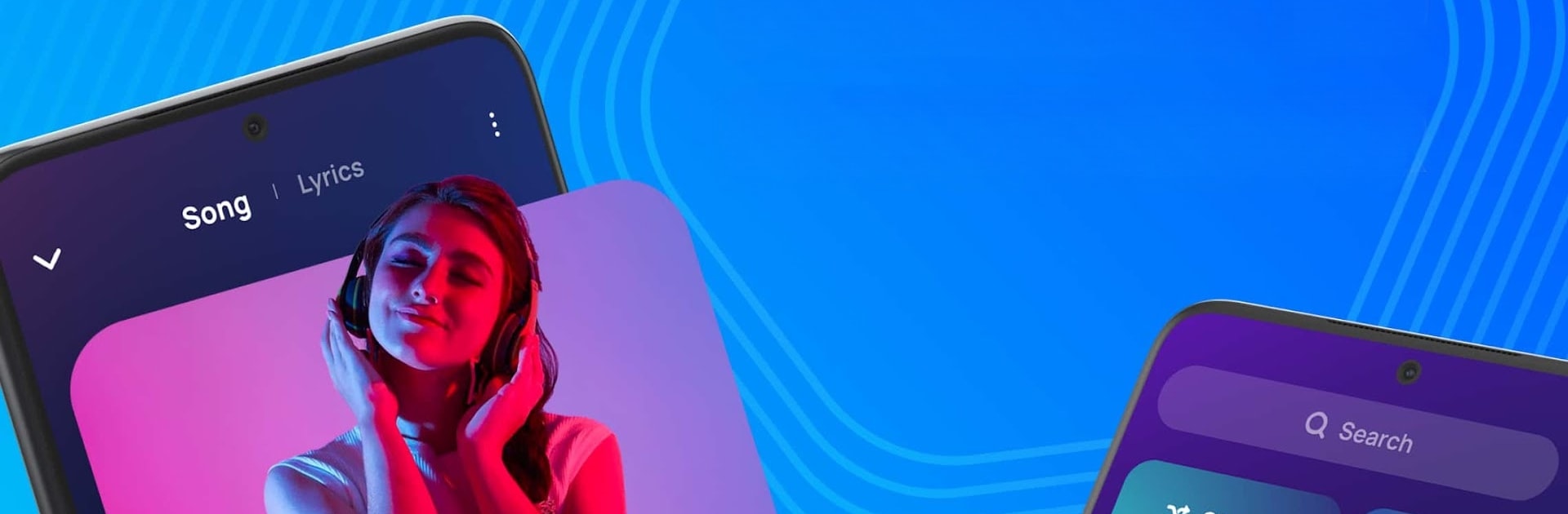
音楽プレーヤー - MP3プレーヤー
BlueStacksを使ってPCでプレイ - 5憶以上のユーザーが愛用している高機能Androidゲーミングプラットフォーム

Run Music Player Offline & MP3 on PC or Mac
Music Player Offline & MP3 is a Music & Audio app developed by AceTools Team. BlueStacks app player is the best android emulator to use this android app on your PC or Mac for an immersive Android experience.
About the App
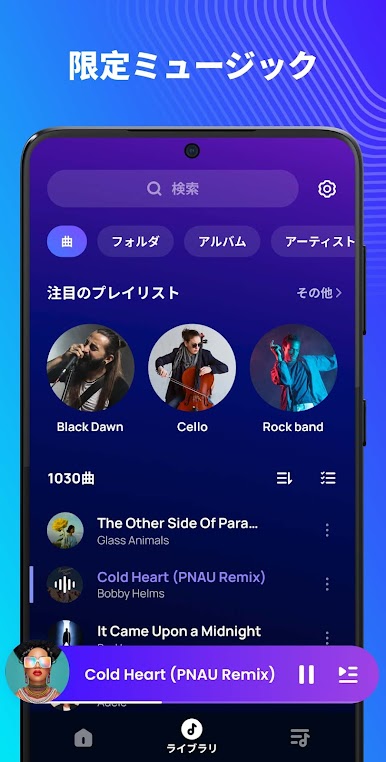
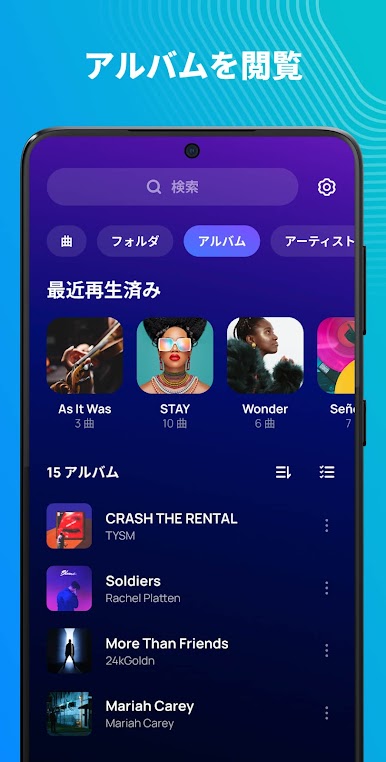
Music Player Offline & MP3, crafted by AceTools Team, is your go-to app for enjoying music without a connection. It offers captivating and seamless playback, transforming your everyday listening into an extraordinary experience.
App Features
-
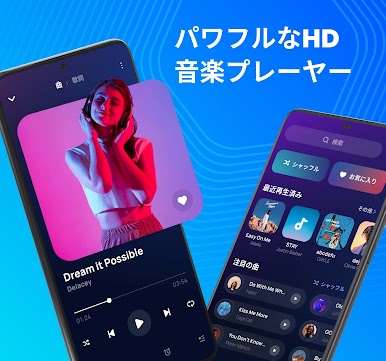
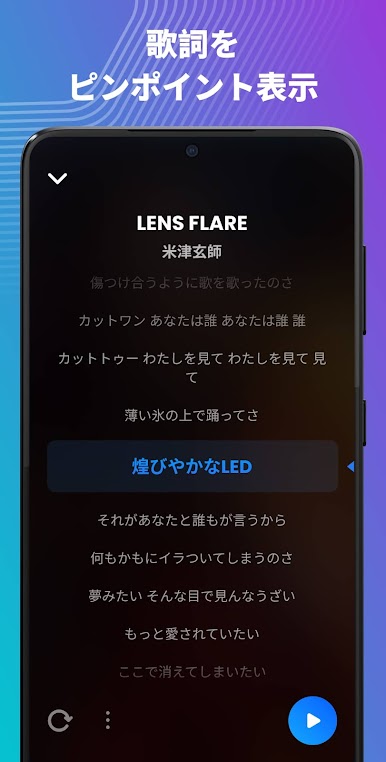
Powerful Playback Capabilities
Dive into managing multiple audio file types effortlessly, with support for lyrics both online and offline. It’s your all-in-one music solution! -
Personalized Music Experience
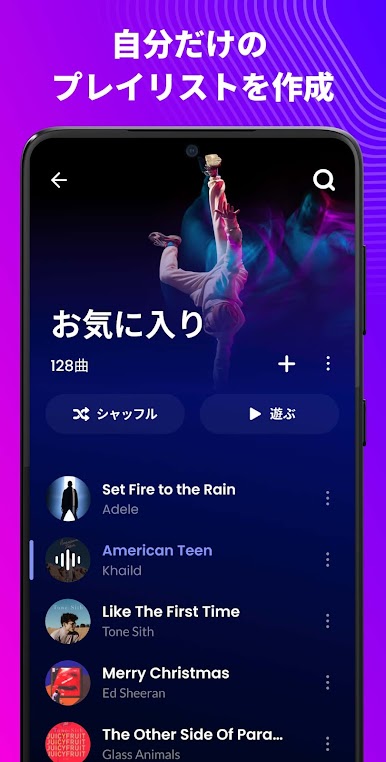
Automatically curated playlists like My Favorite, Most Played, and Featured let you enjoy music that matches your vibe. -
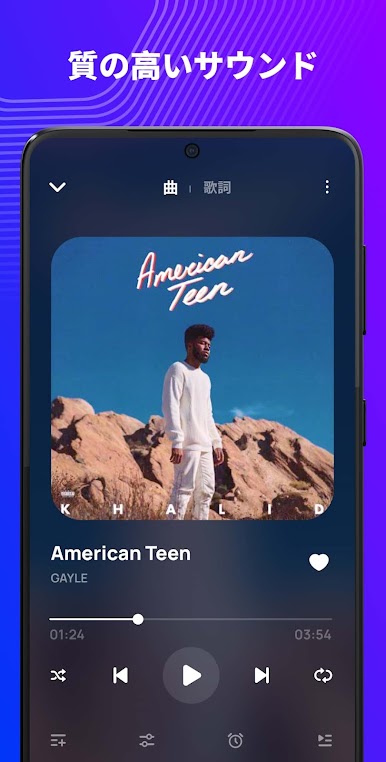
Sleek Design
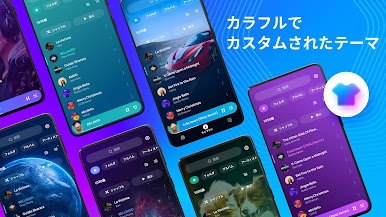
Experience user-friendly interaction through a modern, stylish interface that enhances your listening journey. -
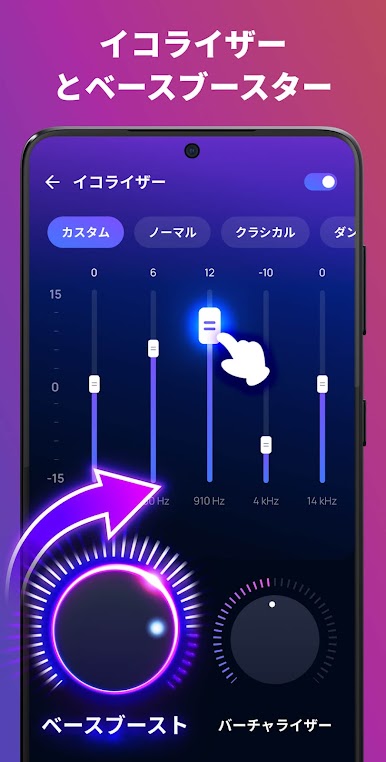
Exceptional Equalizer
Tailor your sound with presets like jazz and hip hop, plus reverb effects and virtualizers to suit any musical preference.
Noteworthy Features
- Comprehensive audio format support
- Smart auto playlists
- Seamless lock screen integration
- Convenient playlist management
Enjoy every note and beat on your Android device with Music Player Offline & MP3—it’s music freedom at your fingertips!
音楽プレーヤー - MP3プレーヤーをPCでプレイ
-
BlueStacksをダウンロードしてPCにインストールします。
-
GoogleにサインインしてGoogle Play ストアにアクセスします。(こちらの操作は後で行っても問題ありません)
-
右上の検索バーに音楽プレーヤー - MP3プレーヤーを入力して検索します。
-
クリックして検索結果から音楽プレーヤー - MP3プレーヤーをインストールします。
-
Googleサインインを完了して音楽プレーヤー - MP3プレーヤーをインストールします。※手順2を飛ばしていた場合
-
ホーム画面にて音楽プレーヤー - MP3プレーヤーのアイコンをクリックしてアプリを起動します。

