


このページには広告が含まれます
B737 MRG
書籍と資料 | MCC BV
BlueStacksを使ってPCでプレイ - 5憶以上のユーザーが愛用している高機能Androidゲーミングプラットフォーム

Play B737 MRG on PC
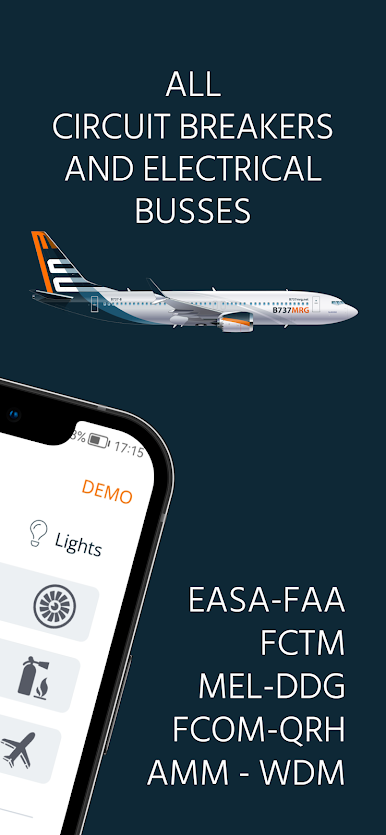
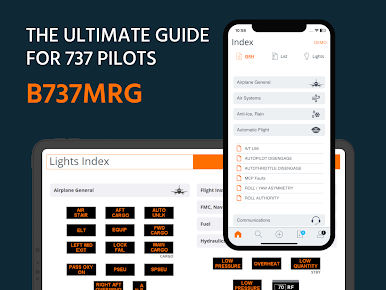
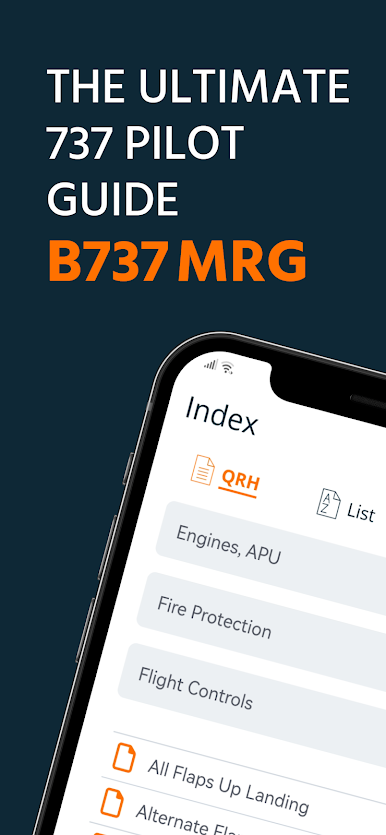
The B737MRG is the most trusted professional reference for airline pilots flying the Boeing 737.
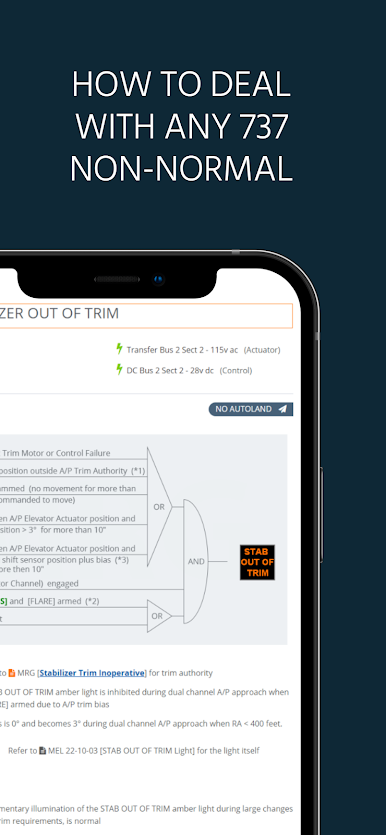
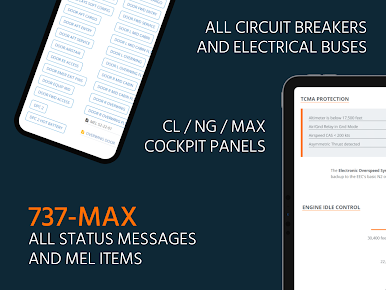
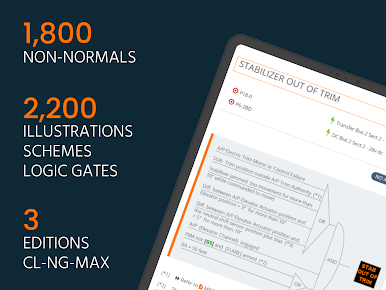
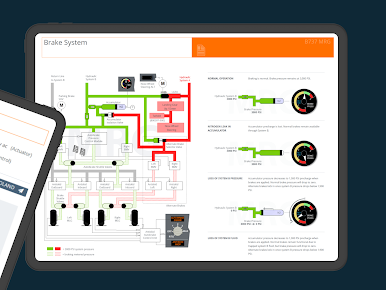
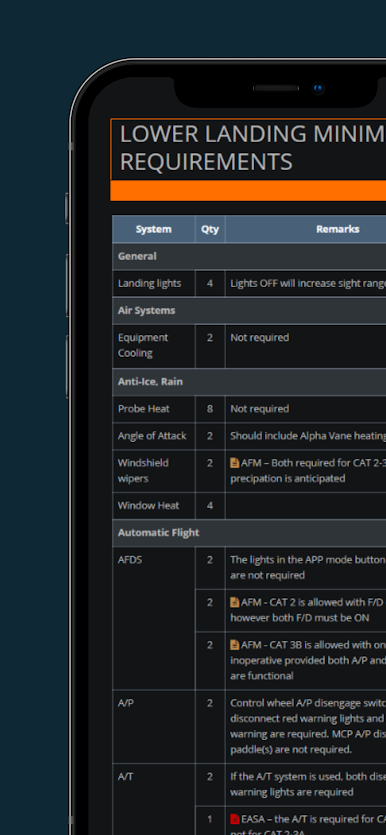
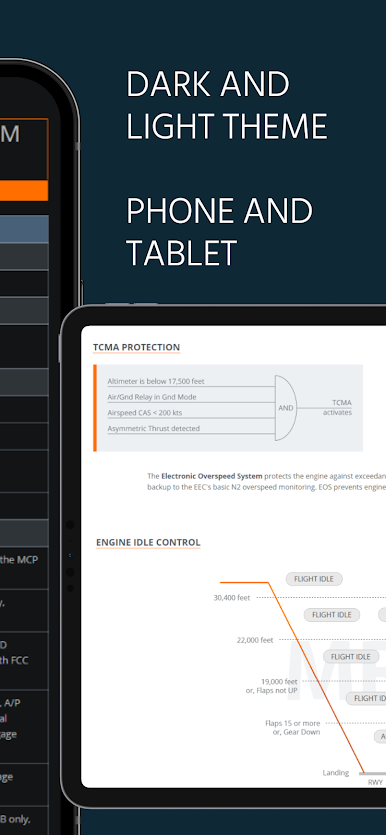
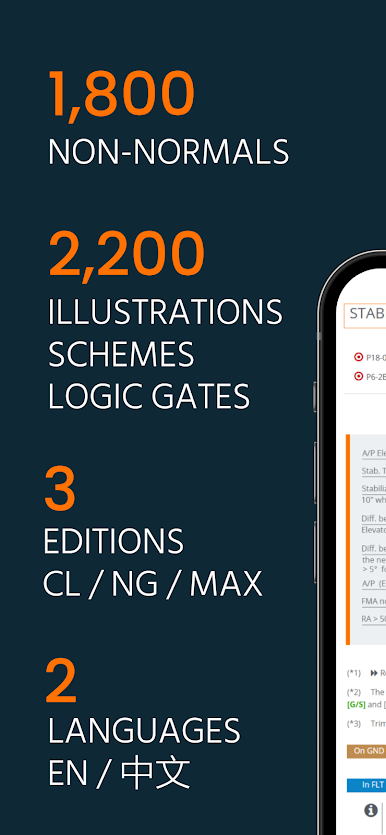
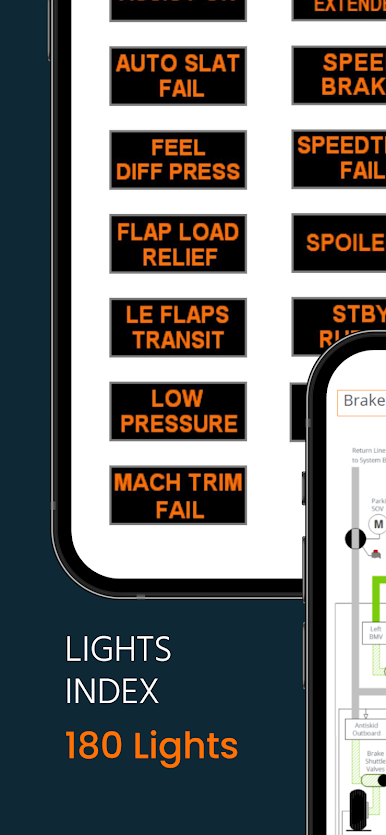
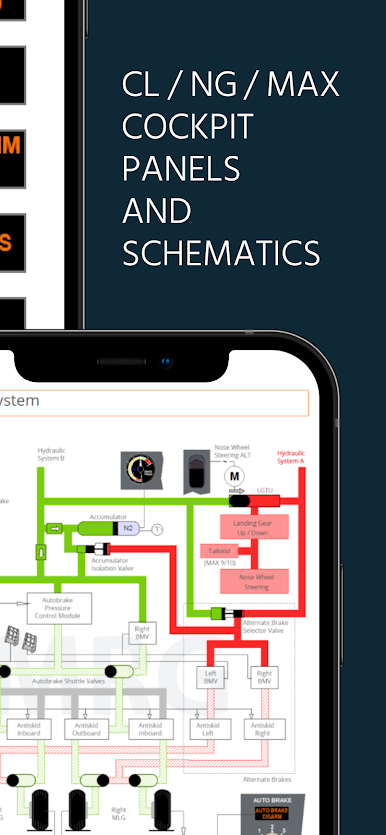
The B737MRG covers 300 different non-normals, that is a hundred more than the official QRH. The app provides system notes and practical advice on how to deal with each non-normal, both on ground and in flight. The app comes with over 2,200 illustrations, logic gates, lights and schematics!
Captain Pat BOONE, author of the B737 MRG, is a senior instructor with more than 20,000 flight hours on Boeing aircraft (Boeing 737, Boeing 767 and Boeing 787 Dreamliner).
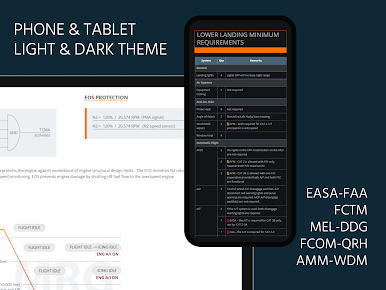
You can free download the app and review a couple of demo pages. You need a paid subscription to access the entire content. With a subscription you get access to all editions of the B737MRG (CL, NG, MAX) in all languages (English, Chinese). Your subscription includes all updates of the content that are published by the author on a regular basis.
Subscription details:
Your subscription runs for a period of 1 year, starting the date of in-app purchase. There is no free trial period. The price for the subscription is around a dollar / euro per month. The exact price depends on local taxes and is displayed inside the app.
A single subscription can be used on multiple devices (phone, tablet), as long as these devices run the same app store account.
Cancellation and refund of your current subscription are not possible. Your subscription runs until the end of the current period. Your subscription is automatically renewed, unless Auto-Renew is turned off at least 24 hours before the end of the current period. Your app store account will be charged for renewal within 24 hours prior to the end of the current period. You can turn-off auto-renewal by going to your app store account settings, anytime after your initial purchase.
Terms and Conditions & Privacy Policy :
Visit : https://b737mrg.net/disclaimer/
The B737MRG covers 300 different non-normals, that is a hundred more than the official QRH. The app provides system notes and practical advice on how to deal with each non-normal, both on ground and in flight. The app comes with over 2,200 illustrations, logic gates, lights and schematics!
Captain Pat BOONE, author of the B737 MRG, is a senior instructor with more than 20,000 flight hours on Boeing aircraft (Boeing 737, Boeing 767 and Boeing 787 Dreamliner).
You can free download the app and review a couple of demo pages. You need a paid subscription to access the entire content. With a subscription you get access to all editions of the B737MRG (CL, NG, MAX) in all languages (English, Chinese). Your subscription includes all updates of the content that are published by the author on a regular basis.
Subscription details:
Your subscription runs for a period of 1 year, starting the date of in-app purchase. There is no free trial period. The price for the subscription is around a dollar / euro per month. The exact price depends on local taxes and is displayed inside the app.
A single subscription can be used on multiple devices (phone, tablet), as long as these devices run the same app store account.
Cancellation and refund of your current subscription are not possible. Your subscription runs until the end of the current period. Your subscription is automatically renewed, unless Auto-Renew is turned off at least 24 hours before the end of the current period. Your app store account will be charged for renewal within 24 hours prior to the end of the current period. You can turn-off auto-renewal by going to your app store account settings, anytime after your initial purchase.
Terms and Conditions & Privacy Policy :
Visit : https://b737mrg.net/disclaimer/
B737 MRGをPCでプレイ
-
BlueStacksをダウンロードしてPCにインストールします。
-
GoogleにサインインしてGoogle Play ストアにアクセスします。(こちらの操作は後で行っても問題ありません)
-
右上の検索バーにB737 MRGを入力して検索します。
-
クリックして検索結果からB737 MRGをインストールします。
-
Googleサインインを完了してB737 MRGをインストールします。※手順2を飛ばしていた場合
-
ホーム画面にてB737 MRGのアイコンをクリックしてアプリを起動します。

