

ManageBridge
BlueStacksを使ってPCでプレイ - 5憶以上のユーザーが愛用している高機能Androidゲーミングプラットフォーム

Run ManageBridge on PC or Mac
What’s better than using ManageBridge by Everbridge Inc.? Well, try it on a big screen, on your PC or Mac, with BlueStacks to see the difference.
About the App
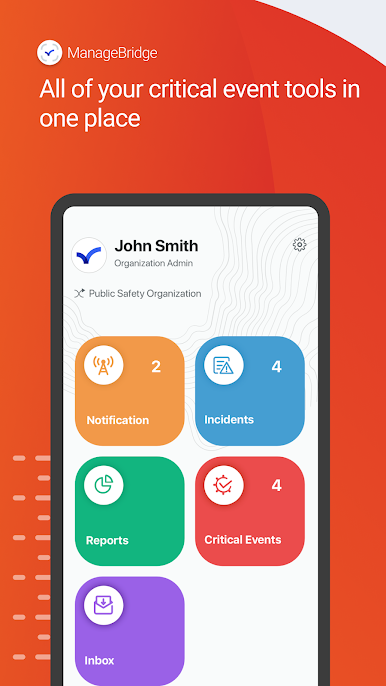
ManageBridge by Everbridge Inc. puts your organization’s urgent messaging tools right on your phone or tablet. Built for admins and coordinators, it helps you keep people informed and operations moving, even when you’re away from your desk. It’s a Communication app for Everbridge clients that extends the platform you already use to the devices you carry every day. Prefer working from a larger screen sometimes? You can also run ManageBridge with BlueStacks.
App Features
- Mobile command access: Sign in to the Everbridge Platform from anywhere to start, manage, or review communications without opening a laptop.
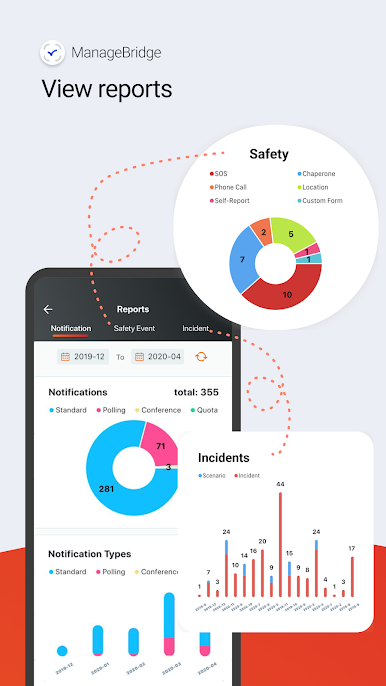
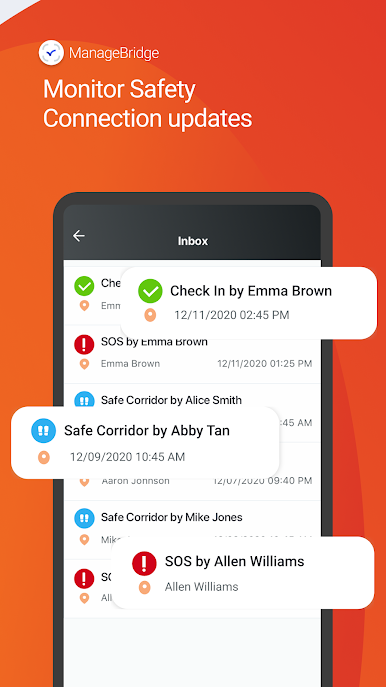
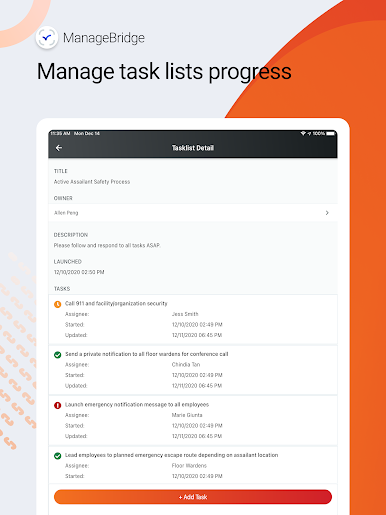
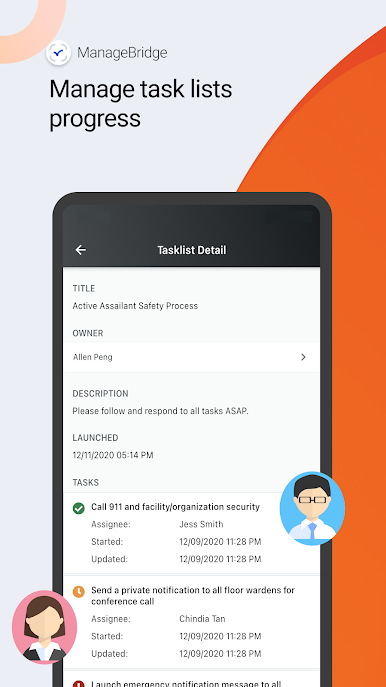
- Real-time monitoring: Watch delivery status and responses roll in with clear, visual reporting so you can adjust on the fly.
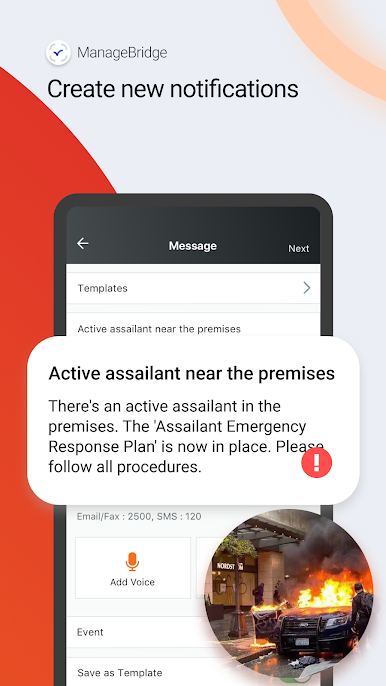
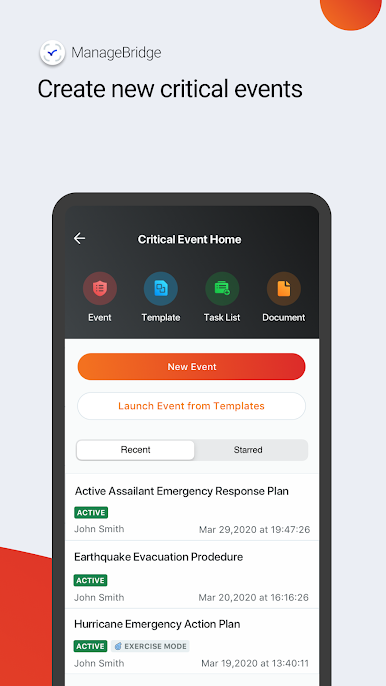
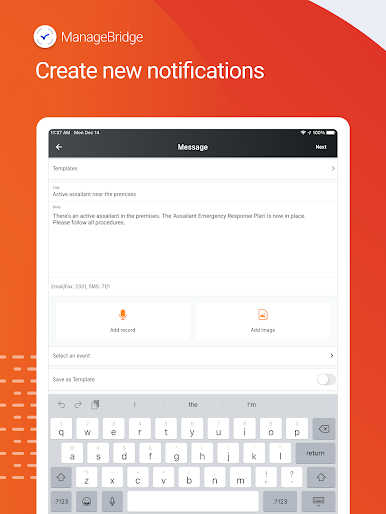
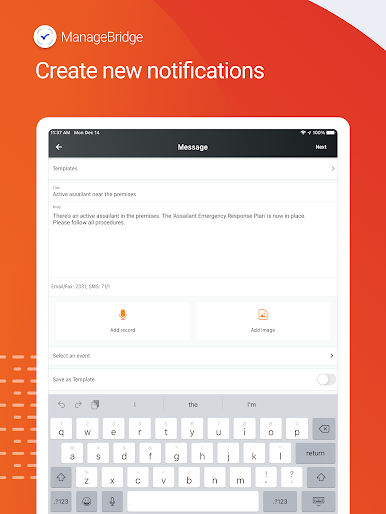
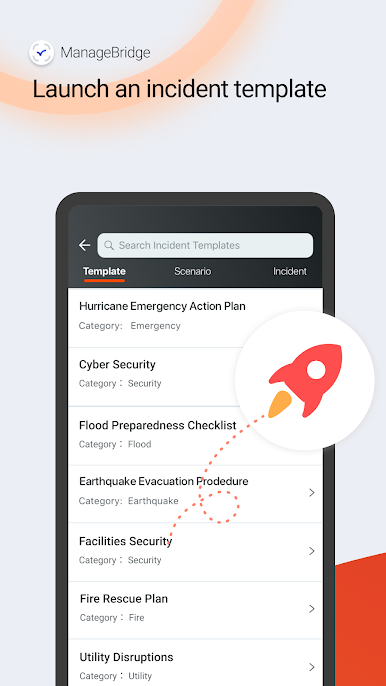
- Fast message launches: Send time-sensitive notifications immediately or pull from saved templates when you need consistency and speed.
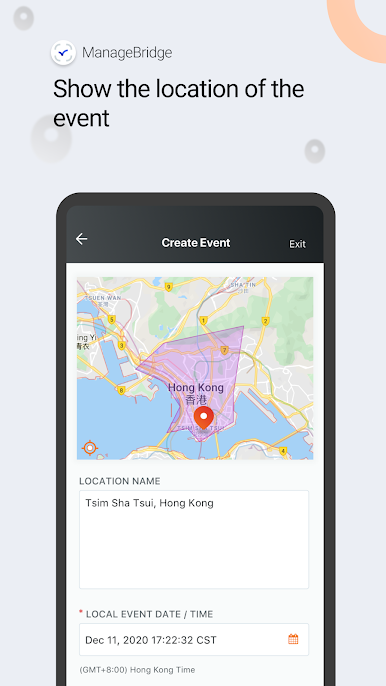
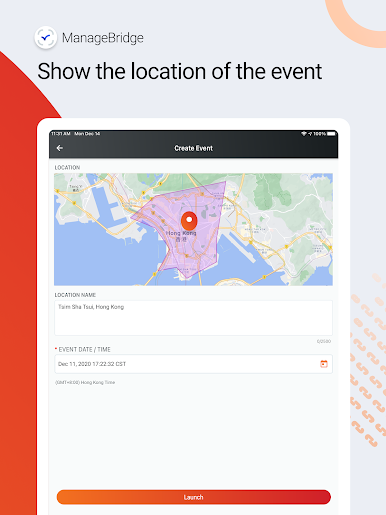
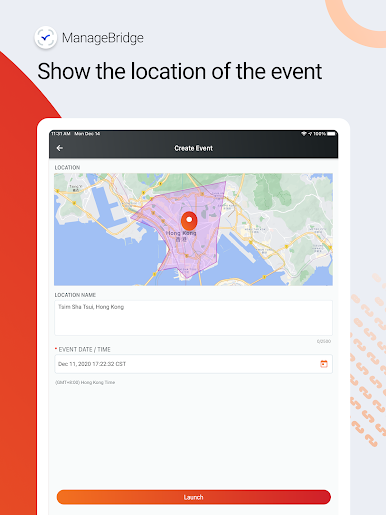
- Smart targeting: Reach the right people by choosing Individuals, Groups, Rules, or a geographic region—attach images when context matters.
- Voice messaging: Record a voice message in the app, send it instantly, or save it as a reusable template for future events.
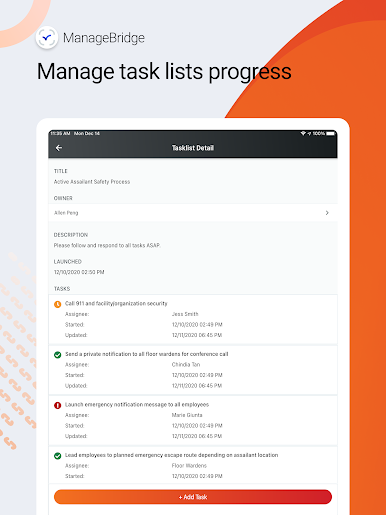
- Admin-friendly workflow: Made for teams that live on smartphones and tablets, keeping your processes aligned with your existing Everbridge setup.
- Secure sending: Share updates confidently and keep control over recipients, content, and timing across your communications.
Big screen. Bigger performance. Use BlueStacks on your PC or Mac to run your favorite apps.
ManageBridgeをPCでプレイ
-
BlueStacksをダウンロードしてPCにインストールします。
-
GoogleにサインインしてGoogle Play ストアにアクセスします。(こちらの操作は後で行っても問題ありません)
-
右上の検索バーにManageBridgeを入力して検索します。
-
クリックして検索結果からManageBridgeをインストールします。
-
Googleサインインを完了してManageBridgeをインストールします。※手順2を飛ばしていた場合
-
ホーム画面にてManageBridgeのアイコンをクリックしてアプリを起動します。

