

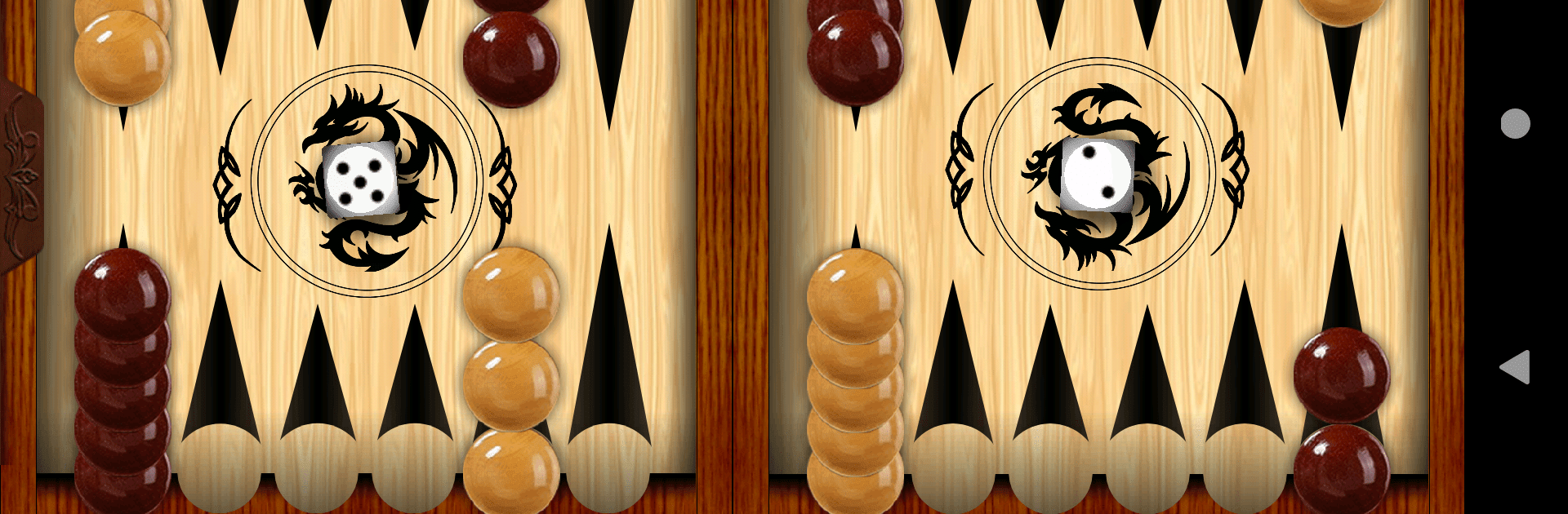
Backgammon
BlueStacksを使ってPCでプレイ - 5憶以上のユーザーが愛用している高機能Androidゲーミングプラットフォーム

Play Backgammon on PC or Mac
Join millions to experience Backgammon, an exciting Board game from AAStudio. With BlueStacks App Player, you are always a step ahead of your opponent, ready to outplay them with faster gameplay and better control with the mouse and keyboard on your PC or Mac.
About the Game
Backgammon by AAStudio puts a classic board game right at your fingertips. Want to challenge your brain or just chill with some strategy? This game serves up those time-tested moves, whether you’re playing against a clever computer or facing off with a friend. It’s about strategy, a little luck with the dice, and that feeling you get when you send your opponent’s piece back to the beginning.
Game Features
-
Play Your Way
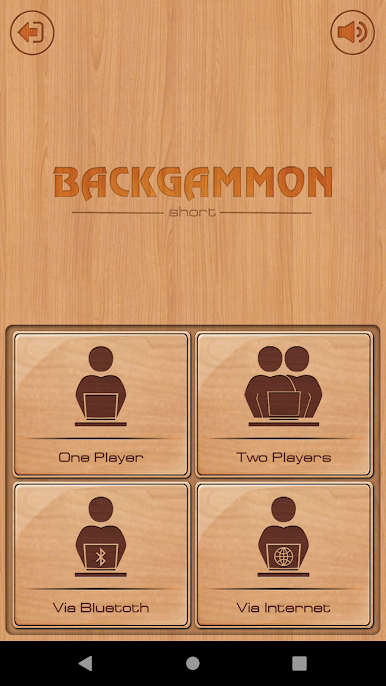
Solo mode lets you challenge an AI opponent that doesn’t go easy on you. Or, if you prefer a bit of human unpredictability, grab a friend and play on the same device—no extra gear needed. -
Go Wireless
Up for a game but not sitting side by side? Try out Bluetooth play and match up with a buddy nearby, skipping the need for Wi-Fi or cables. -
Online Matches
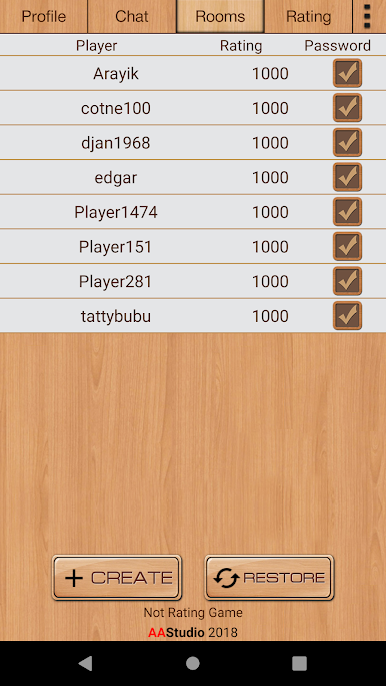
Got friends across the country? You can go online and test your skills against them, or mix it up with other players whenever you’ve got a few minutes. -
Classic Gameplay
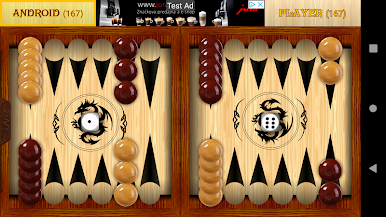
Everything you love about Backgammon, no strange rules or oddball variations. It’s all about rolling dice, moving your checkers, and racing to clear your side before your opponent does. -
Board Game Vibes on BlueStacks
If you’re looking for a big-screen vibe, give it a spin on BlueStacks—it feels pretty slick to play a timeless board game with a proper view.
Slay your opponents with your epic moves. Play it your way on BlueStacks and dominate the battlefield.
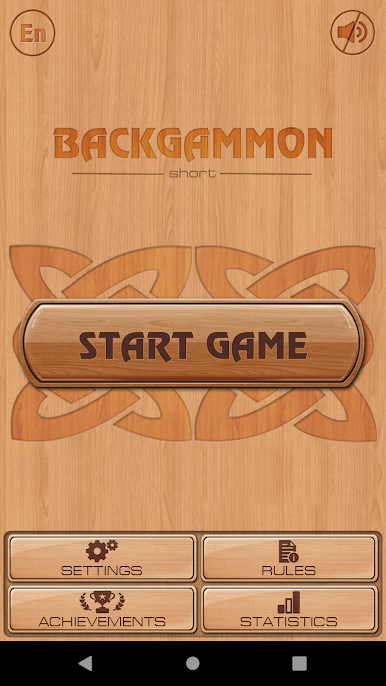
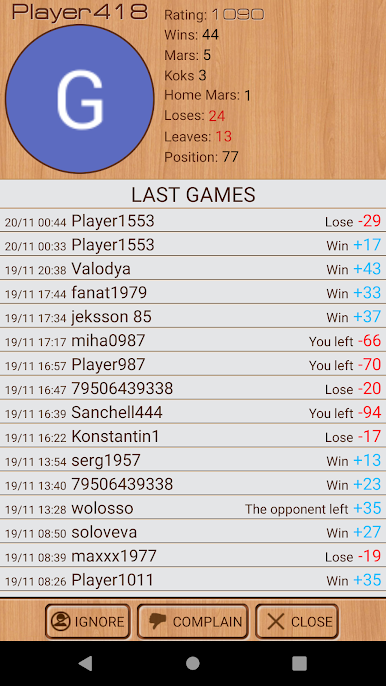
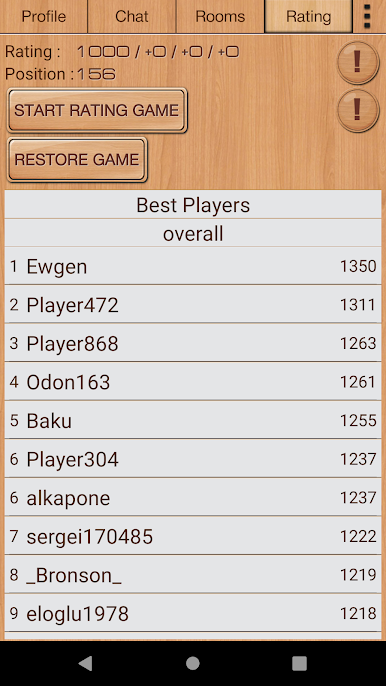
BackgammonをPCでプレイ
-
BlueStacksをダウンロードしてPCにインストールします。
-
GoogleにサインインしてGoogle Play ストアにアクセスします。(こちらの操作は後で行っても問題ありません)
-
右上の検索バーにBackgammonを入力して検索します。
-
クリックして検索結果からBackgammonをインストールします。
-
Googleサインインを完了してBackgammonをインストールします。※手順2を飛ばしていた場合
-
ホーム画面にてBackgammonのアイコンをクリックしてアプリを起動します。

