


The Great Tournament
BlueStacksを使ってPCでプレイ - 5憶以上のユーザーが愛用している高機能Androidゲーミングプラットフォーム

Play The Great Tournament on PC or Mac
The Great Tournament brings the Role Playing genre to life, and throws up exciting challenges for gamers. Developed by Hosted Games, this Android game is best experienced on BlueStacks, the World’s #1 app player for PC and Mac users.
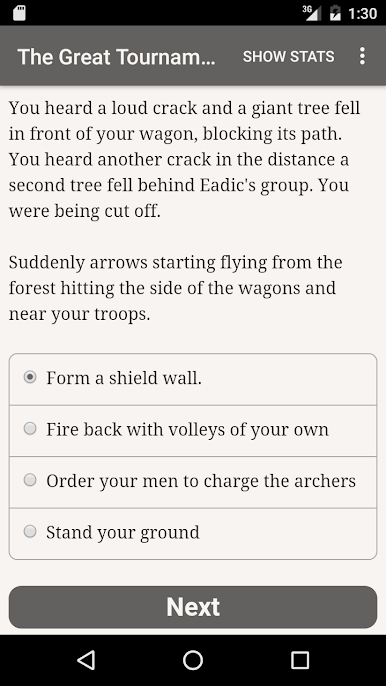
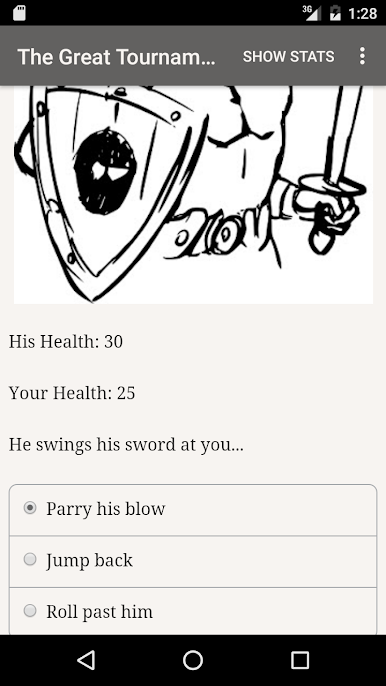
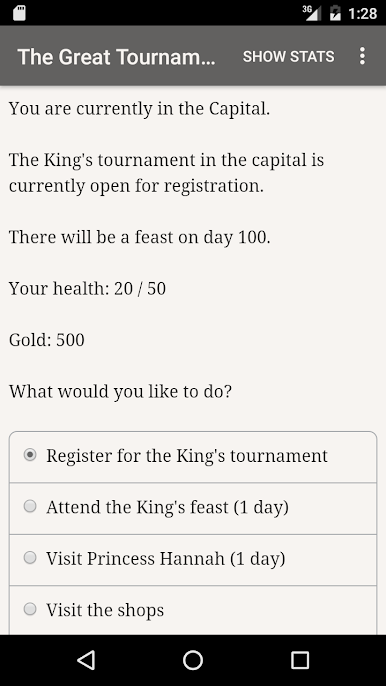
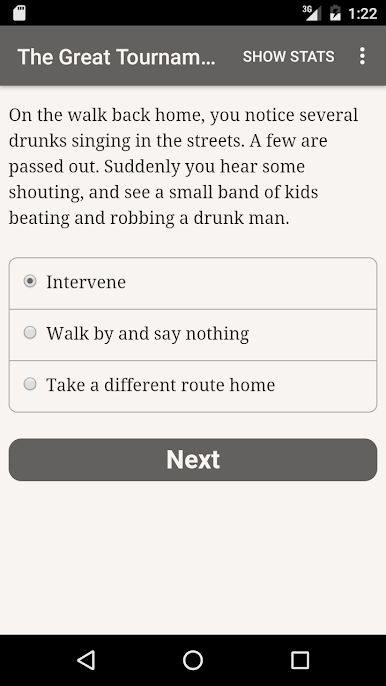
The Great Tournament lets players slip into medieval times, starting out as a nobody—a young peasant who ends up as a squire serving a well-known knight. The game unfolds through text, so there aren’t any flashy graphics or background music. What hooks a lot of people is how the story develops completely based on choices, and with a hefty word count, the options actually matter. Players make decisions on how to train, what skills to focus on, and how to handle competitions like jousts, archery, and sword fighting. There’s more to it than just winning contests, though—the path you take could turn you into a respected hero, someone out for glory, or even a person with eyes on the throne.
Combat and character creation are pretty flexible, which means every playthrough changes up who you become and what happens. People who enjoy the feeling of growing from nothing—climbing up from basic squire chores to competing in events that decide the fate of the entire kingdom—tend to really click with this. There isn’t a right or wrong way to play either; the choices lean into different personalities and ambitions, and that ends up changing how things play out. Since it’s all about reading and decision-making, it works pretty well on PC with BlueStacks, especially if you like settling in with a long story without distractions. Each play session can feel completely different, especially with the multiple ways things can end. If someone likes interactive novels or just wants something mellow but with some solid stakes, this one fits nicely.
Slay your opponents with your epic moves. Play it your way on BlueStacks and dominate the battlefield.

The Great TournamentをPCでプレイ
-
BlueStacksをダウンロードしてPCにインストールします。
-
GoogleにサインインしてGoogle Play ストアにアクセスします。(こちらの操作は後で行っても問題ありません)
-
右上の検索バーにThe Great Tournamentを入力して検索します。
-
クリックして検索結果からThe Great Tournamentをインストールします。
-
Googleサインインを完了してThe Great Tournamentをインストールします。※手順2を飛ばしていた場合
-
ホーム画面にてThe Great Tournamentのアイコンをクリックしてアプリを起動します。

