


このページには広告が含まれます
Piano Beat: Tiles Touch
Music | SENSOR NOTES
BlueStacksを使ってPCでプレイ - 5憶以上のユーザーが愛用している高機能Androidゲーミングプラットフォーム

概要
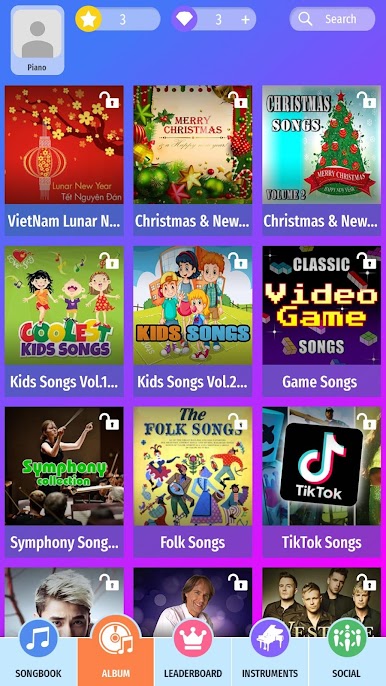
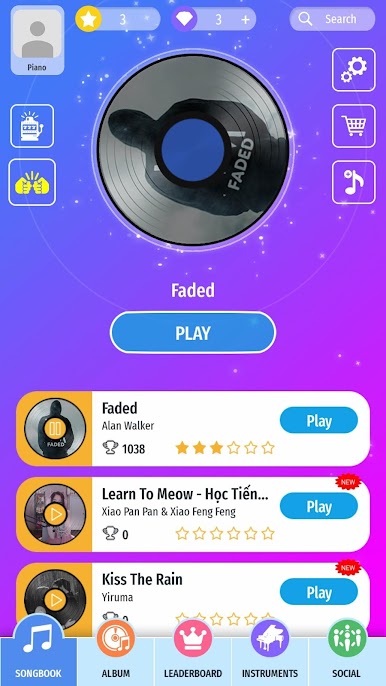
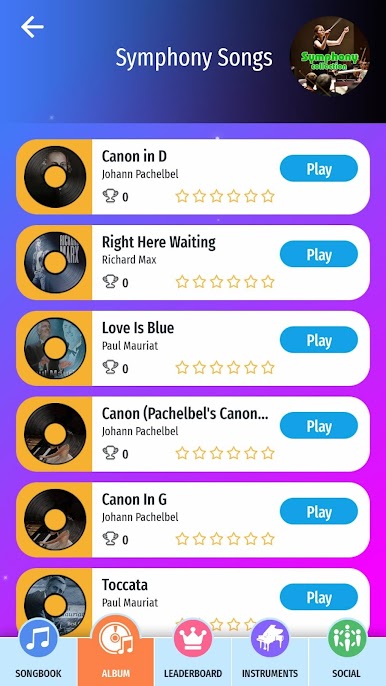
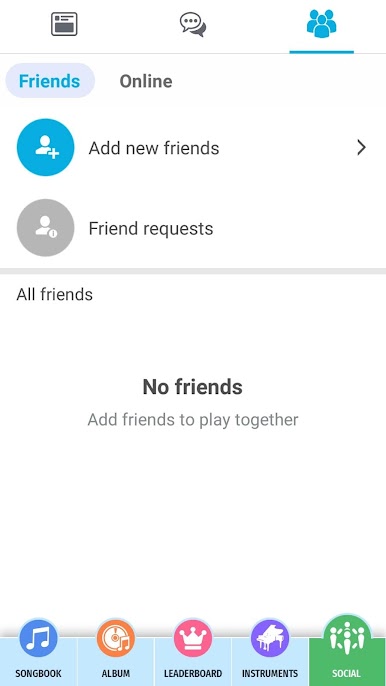
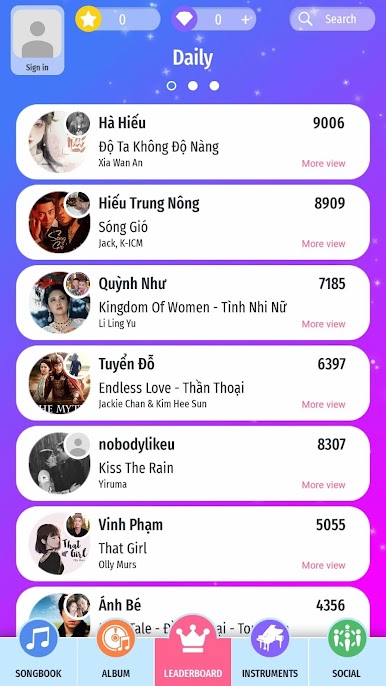
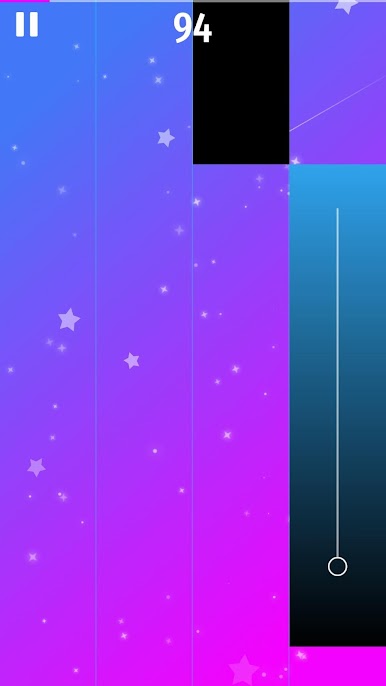
Piano Beat: Tiles Touch 's similar to other piano games, you just have to tap the music tiles then enjoy the wonderful music and rhythm in game.
With Piano Beat: Tiles Touch, you can perform piano music by simply tapping piano tiles. With ease and fun, melody and rhythm of piano songs flow freely along your finger touch.
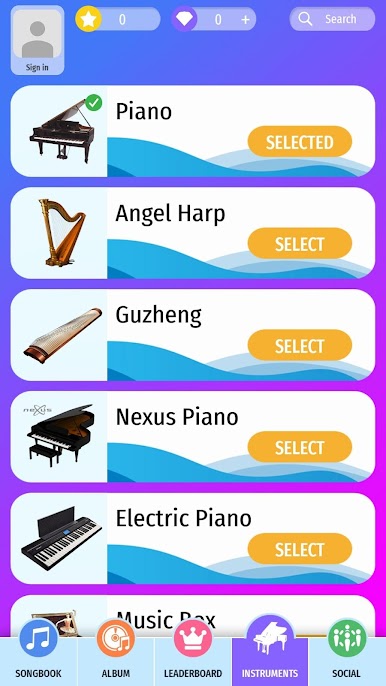
Supports a wide variety of keyboard instruments (Piano, Grand Piano, Pipe Organ, Harpsichord, Accordion, Electric Guitar, Harp, Cello Pizzicato, Guzheng, Nylon Guitar, Plucked String, Music Box, Sitar, Xylophone, Harp, Vibes, Clarinet, Ukulele, Brass, Thai Bells, Tabbla, Dizi, Banjo, Flute, Saxophone, Cellto, Hamonica, Trumpet, Violin, Panpipe, Maracas, Tuba, Dulcimer, Kalimba,...)
With Piano Beat: Tiles Touch, you can perform piano music by simply tapping piano tiles. With ease and fun, melody and rhythm of piano songs flow freely along your finger touch.
Supports a wide variety of keyboard instruments (Piano, Grand Piano, Pipe Organ, Harpsichord, Accordion, Electric Guitar, Harp, Cello Pizzicato, Guzheng, Nylon Guitar, Plucked String, Music Box, Sitar, Xylophone, Harp, Vibes, Clarinet, Ukulele, Brass, Thai Bells, Tabbla, Dizi, Banjo, Flute, Saxophone, Cellto, Hamonica, Trumpet, Violin, Panpipe, Maracas, Tuba, Dulcimer, Kalimba,...)

Piano Beat: Tiles TouchをPCでプレイ
-
BlueStacksをダウンロードしてPCにインストールします。
-
GoogleにサインインしてGoogle Play ストアにアクセスします。(こちらの操作は後で行っても問題ありません)
-
右上の検索バーにPiano Beat: Tiles Touchを入力して検索します。
-
クリックして検索結果からPiano Beat: Tiles Touchをインストールします。
-
Googleサインインを完了してPiano Beat: Tiles Touchをインストールします。※手順2を飛ばしていた場合
-
ホーム画面にてPiano Beat: Tiles Touchのアイコンをクリックしてアプリを起動します。

