


QRコード読み取りアプリ・QRコード&バーコードリーダー
BlueStacksを使ってPCでプレイ - 5憶以上のユーザーが愛用している高機能Androidゲーミングプラットフォーム

Run QR Code Scanner - Scan Barcode on PC or Mac
Why limit yourself to your small screen on the phone? Run QR Code Scanner – Scan Barcode, an app by Tools & Utilities Apps, best experienced on your PC or Mac with BlueStacks, the world’s #1 Android emulator.
About the App
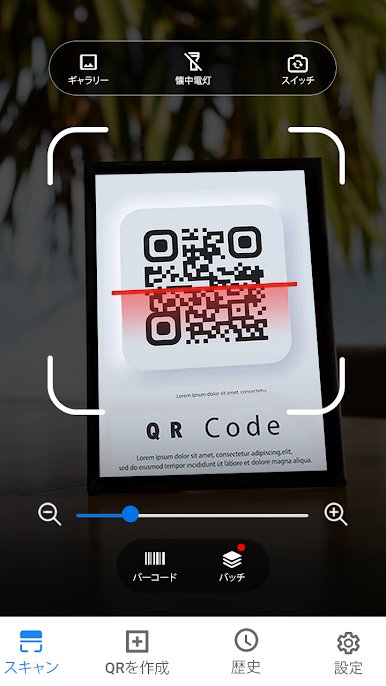
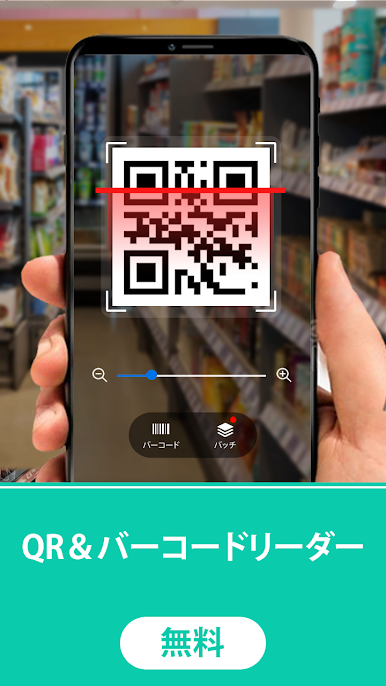
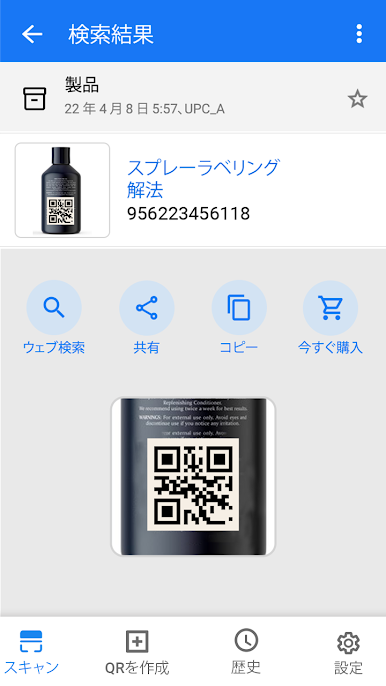
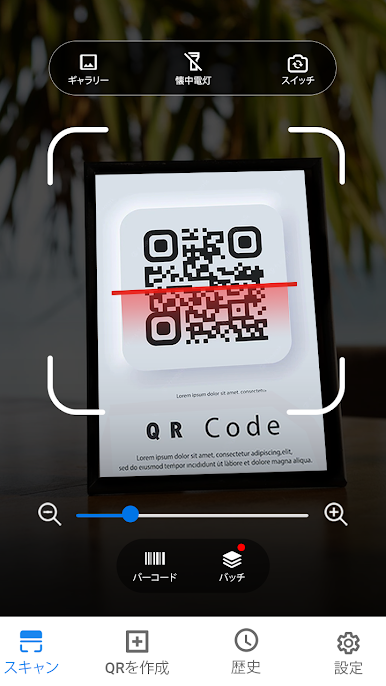
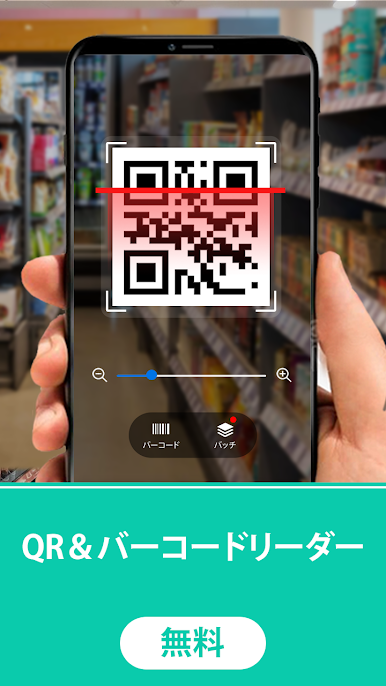
QR Code Scanner – Scan Barcode is the quick, no-fuss way to read QR codes and barcodes wherever you find them. Point your camera and it pulls up what you need—links, products, contacts, Wi‑Fi logins—right away. It’s a clean, fast Tools app from Tools & Utilities Apps that feels handy in everyday moments, from checking a package to sharing your own codes. Prefer scanning on a bigger screen? It runs smoothly through BlueStacks on your computer too.
App Features
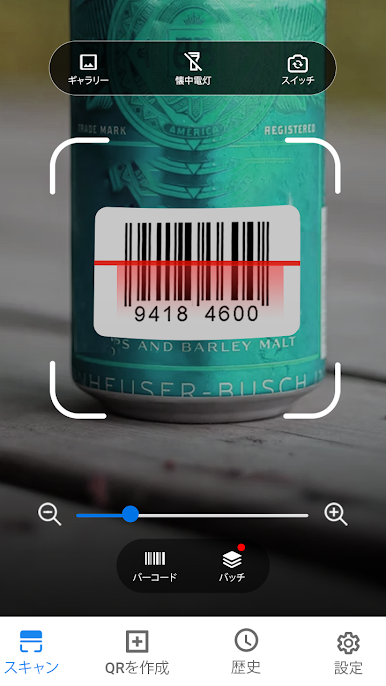
- Lightning-Fast Scan
-
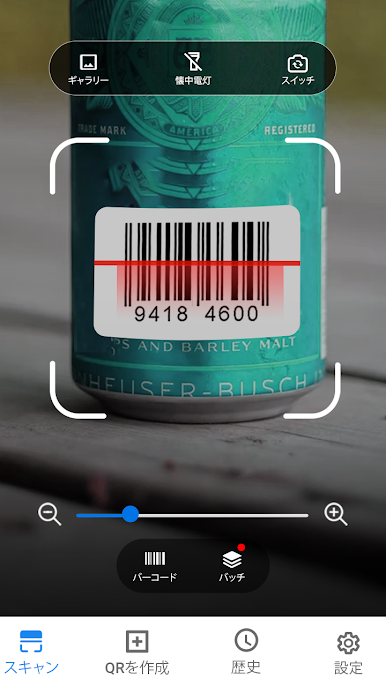
Auto-detects QR codes and barcodes without fiddling with focus or framing, then shows the result in a snap.
-
Read More Than Links
-
Open website URLs, add contacts, join Wi‑Fi, view calendar events, and more—straight from a single scan.
-
Batch Mode
-
Scan a whole stack of codes in one go. Great for inventory, tickets, or shipments when time matters.
-
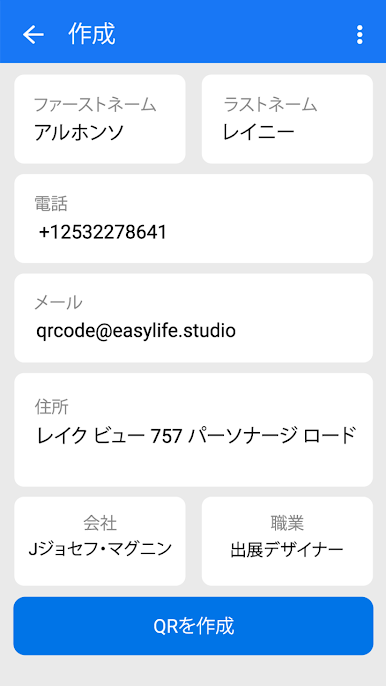
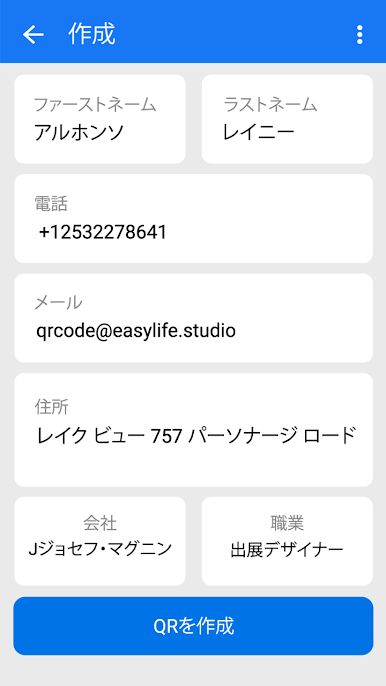
Built-In Code Generator
-
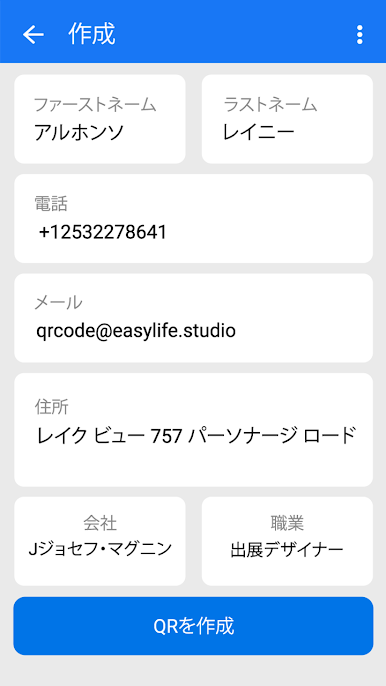
Make your own QR codes or barcodes for text, websites, contact details, or Wi‑Fi, then share them in seconds.
-
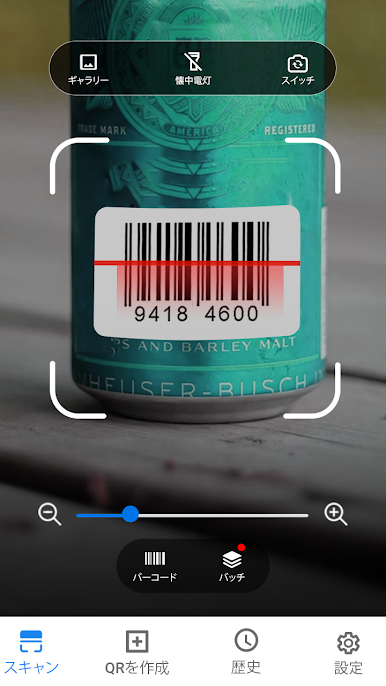
Barcode Reader for Shopping
-
Check products and prices quickly with a simple scan, perfect for on-the-go comparisons.
-
Scan from Photos
-
Got a screenshot or image with a code? Import it from your gallery and read it instantly.
-
Low-Light Friendly
-
Use the flashlight for dim spaces and switch on dark mode to keep things easy on the eyes.
-
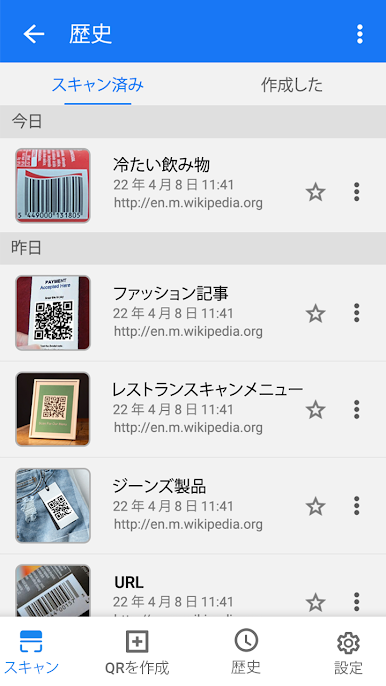
Save and Export
-
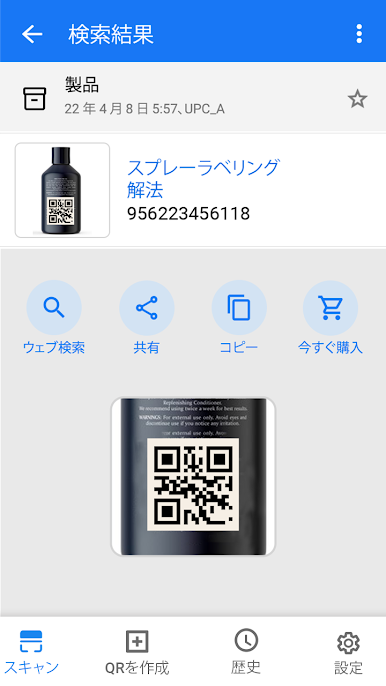
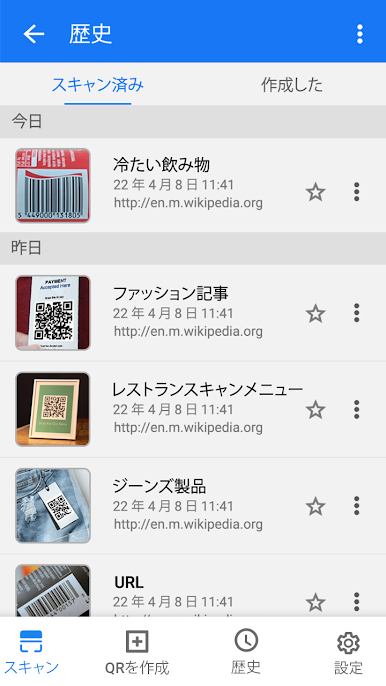
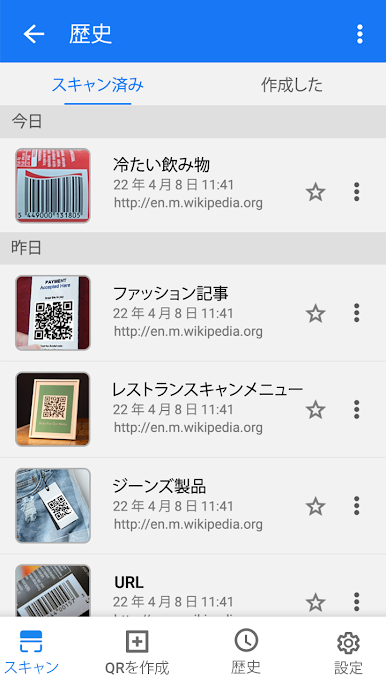
Your scans are stored in history and can be exported as Text or CSV files for backups or reports.
-
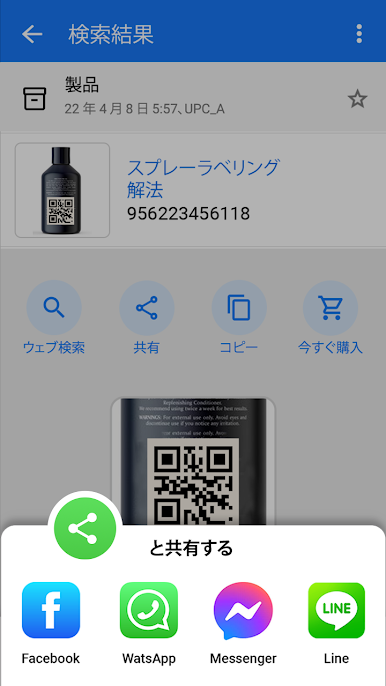
Easy Sharing
-
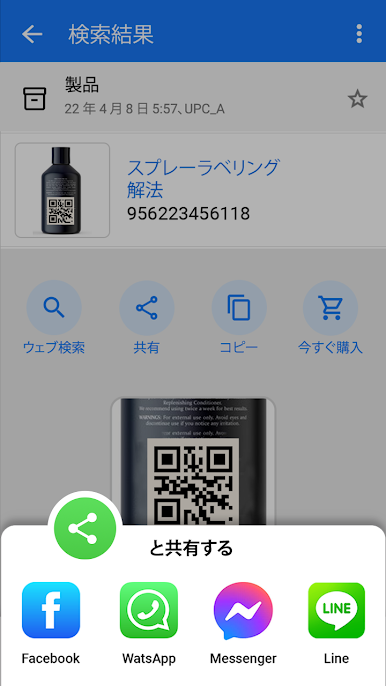
Send scanned details to friends, coworkers, or other apps with just a couple of taps.
-
Contactless Payments
- Scan payment codes for quick, secure transactions where supported—no extra hardware required.
BlueStacks brings your apps to life on a bigger screen—seamless and straightforward.
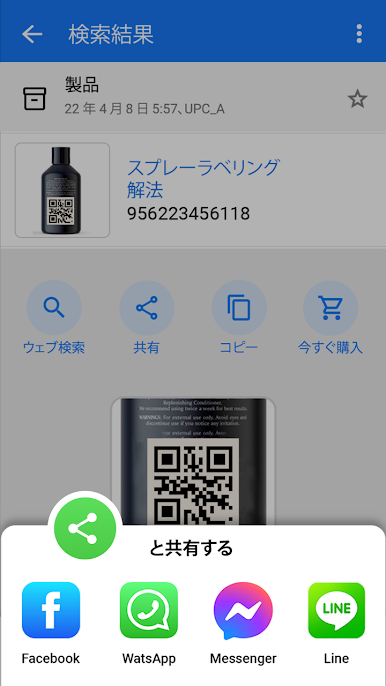
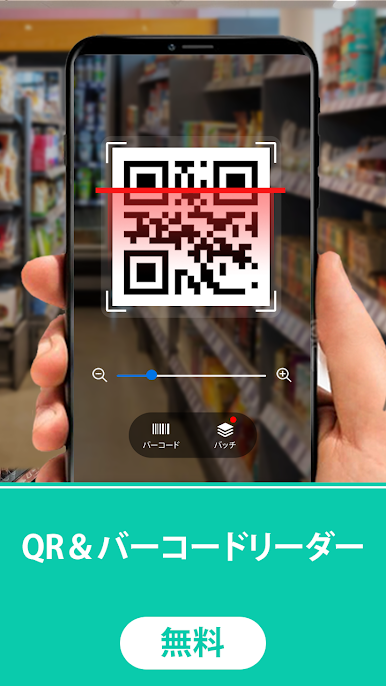
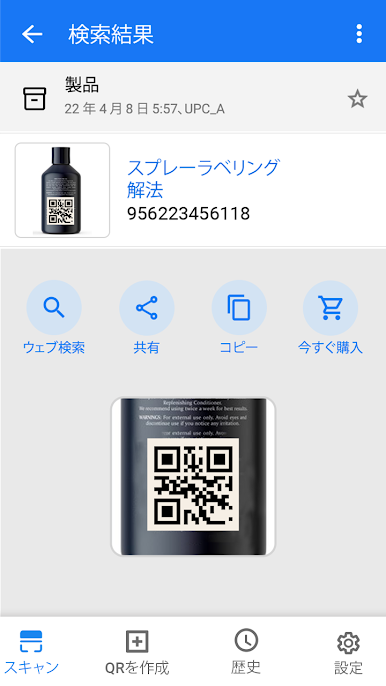
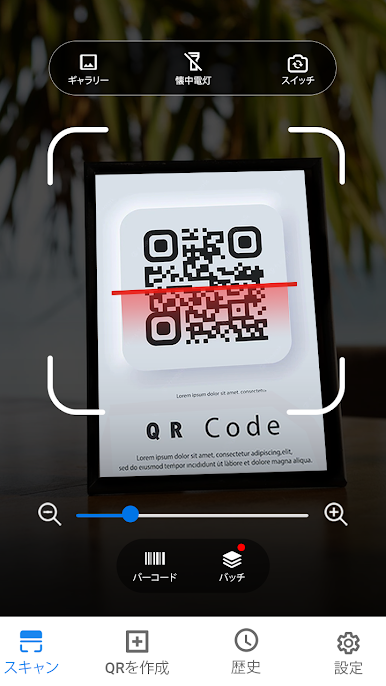
QRコード読み取りアプリ・QRコード&バーコードリーダーをPCでプレイ
-
BlueStacksをダウンロードしてPCにインストールします。
-
GoogleにサインインしてGoogle Play ストアにアクセスします。(こちらの操作は後で行っても問題ありません)
-
右上の検索バーにQRコード読み取りアプリ・QRコード&バーコードリーダーを入力して検索します。
-
クリックして検索結果からQRコード読み取りアプリ・QRコード&バーコードリーダーをインストールします。
-
Googleサインインを完了してQRコード読み取りアプリ・QRコード&バーコードリーダーをインストールします。※手順2を飛ばしていた場合
-
ホーム画面にてQRコード読み取りアプリ・QRコード&バーコードリーダーのアイコンをクリックしてアプリを起動します。

