


Radio FM
BlueStacksを使ってPCでプレイ - 5憶以上のユーザーが愛用している高機能Androidゲーミングプラットフォーム

Run Radio on PC or Mac
Get freedom from your phone’s obvious limitations. Use Radio, made by AppMind – Radio FM, Radio Online, Music and News, a Music & Audio app on your PC or Mac with BlueStacks, and level up your experience.
About the App
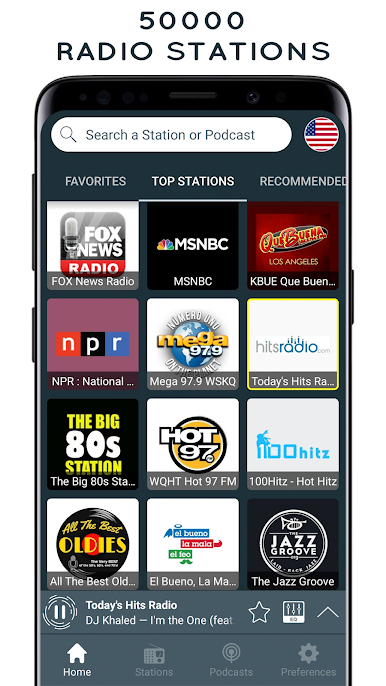
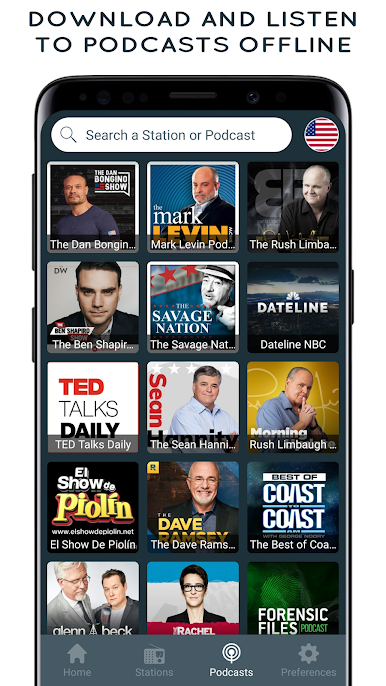
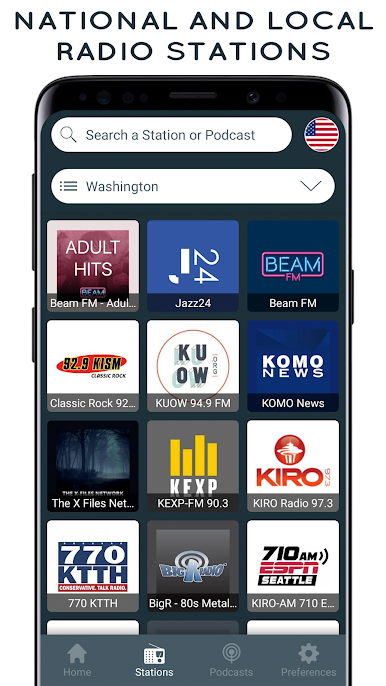
Radio is an easygoing way to catch live stations and podcasts from around the globe. Made by AppMind – Radio FM, Radio Online, Music and News, this Music & Audio app helps you find music, news, sports, and comedy without fuss — and lets you save the things you like quick and simple.
App Features
- Vast station library — Browse over 50,000 stations and podcasts covering every genre you can think of, from local FM to international streams.
- Background playback — Keep your music or talk shows playing while you use other apps or lock the screen.
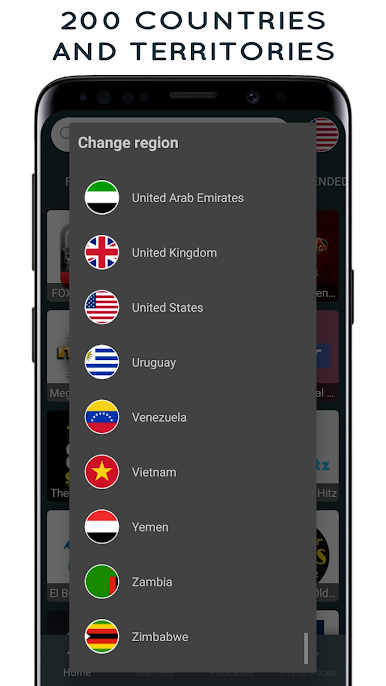
- Global FM access — Tune into FM broadcasts even when you’re traveling abroad, so you don’t miss favorite stations.
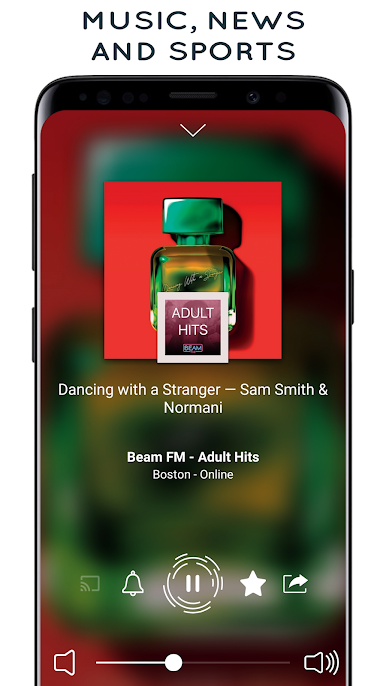
- What’s playing — See the current track for many stations so you can catch song titles without guessing.
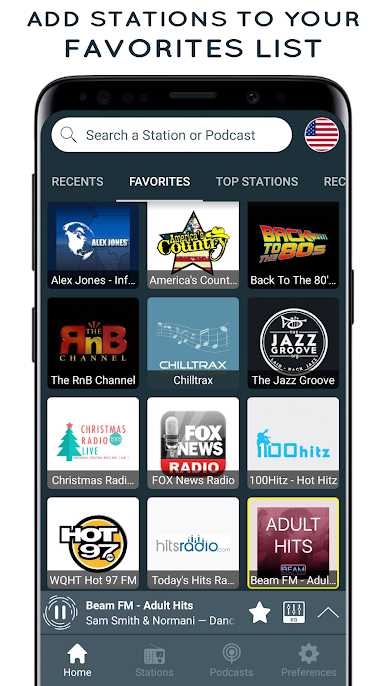
- Quick favorites — One tap adds a station or podcast to your favorites, making it simple to get back to what you love.
- Smart search — Find stations, shows, or podcasts fast with an easy search tool.
- Wake and sleep controls — Set an alarm to wake up to a station and a sleep timer to shut the app off when you drift off.
- Light and dark themes — Switch between themes to match your mood or save battery at night.
- Speaker-friendly — No headset required; you can listen through your device’s loudspeakers.
- Connectivity support — Works with Bluetooth and Chromecast for sharing audio around your home.
- Easy sharing — Send station picks to friends via social apps or messages.
- Play on PC — If you prefer a bigger screen, Radio runs on your computer using BlueStacks so you can enjoy stations from your desktop.
Switch to BlueStacks and make the most of your apps on your PC or Mac.
Radio FMをPCでプレイ
-
BlueStacksをダウンロードしてPCにインストールします。
-
GoogleにサインインしてGoogle Play ストアにアクセスします。(こちらの操作は後で行っても問題ありません)
-
右上の検索バーにRadio FMを入力して検索します。
-
クリックして検索結果からRadio FMをインストールします。
-
Googleサインインを完了してRadio FMをインストールします。※手順2を飛ばしていた場合
-
ホーム画面にてRadio FMのアイコンをクリックしてアプリを起動します。

