


このページには広告が含まれます
Gravity Box
アーケード | Luca1152
BlueStacksを使ってPCでプレイ - 5憶以上のユーザーが愛用している高機能Androidゲーミングプラットフォーム

Play Gravity Box on PC
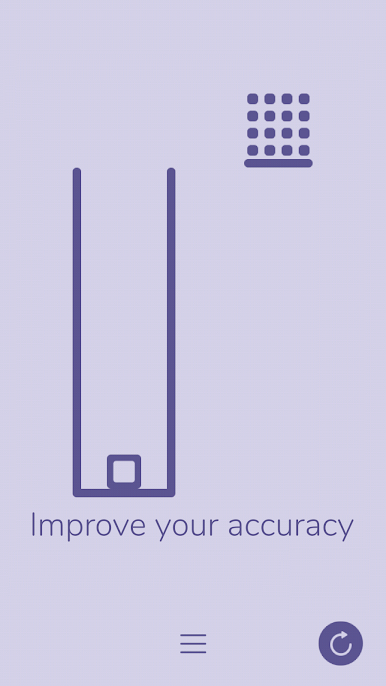
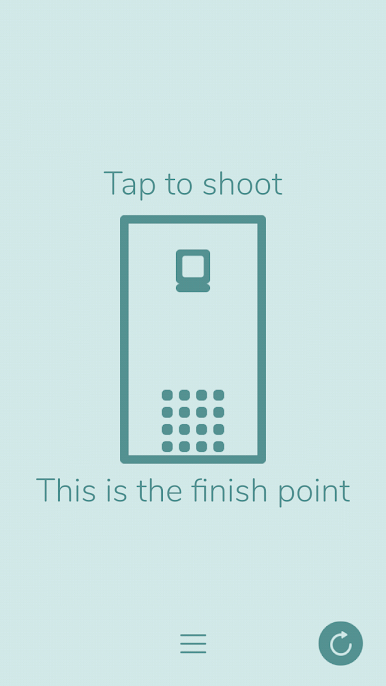
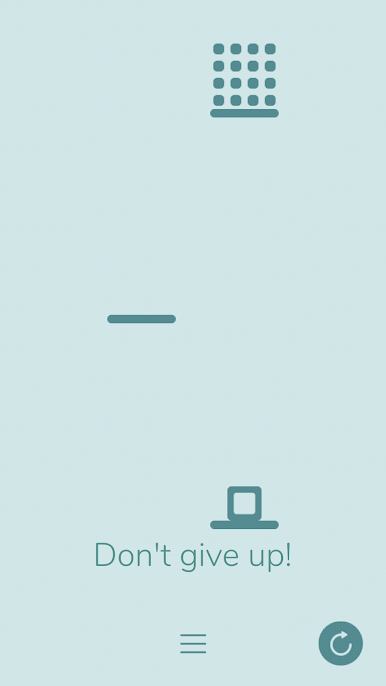
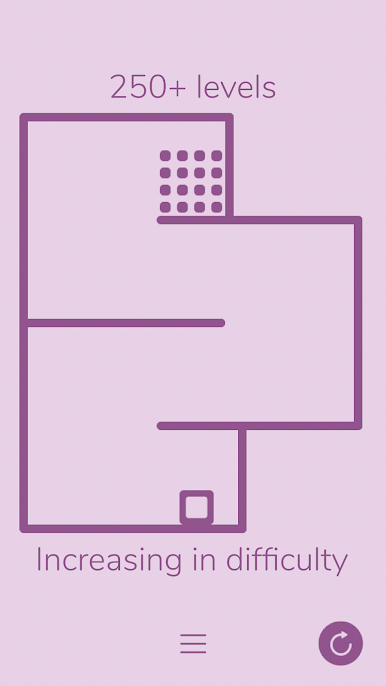
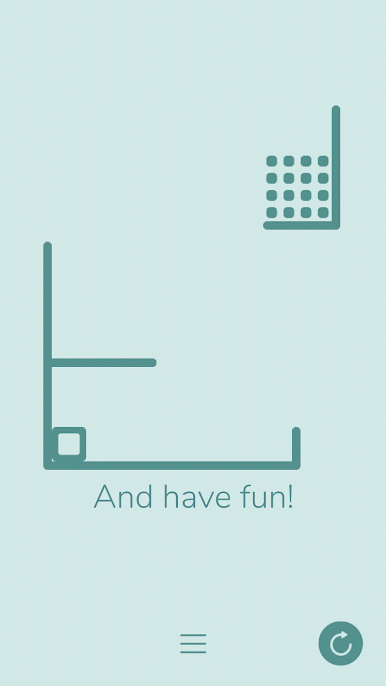
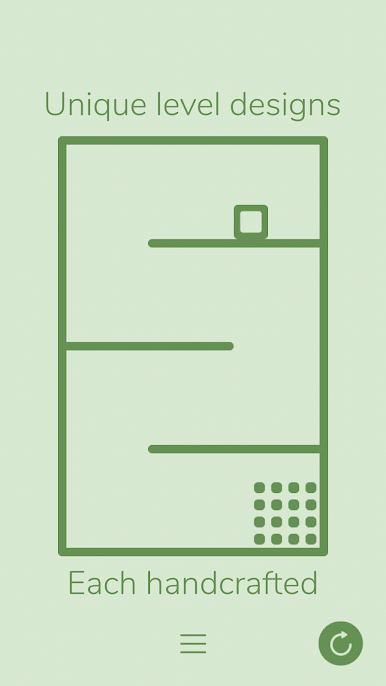
Gravity Box is a minimalist, skill-based physics puzzle where you use blasts to push a box around, hopefully in the finish point.
The early levels will teach you how to play the game and present the basic concepts: you are equipped with a rocket launcher used by tapping on the screen. Blasts are created where the rocket explodes.
The game's difficulty consists in using the right amount of force by launching rockets at the right distance and angle.
It's time to remember the laws of motion!
The early levels will teach you how to play the game and present the basic concepts: you are equipped with a rocket launcher used by tapping on the screen. Blasts are created where the rocket explodes.
The game's difficulty consists in using the right amount of force by launching rockets at the right distance and angle.
It's time to remember the laws of motion!


Gravity BoxをPCでプレイ
-
BlueStacksをダウンロードしてPCにインストールします。
-
GoogleにサインインしてGoogle Play ストアにアクセスします。(こちらの操作は後で行っても問題ありません)
-
右上の検索バーにGravity Boxを入力して検索します。
-
クリックして検索結果からGravity Boxをインストールします。
-
Googleサインインを完了してGravity Boxをインストールします。※手順2を飛ばしていた場合
-
ホーム画面にてGravity Boxのアイコンをクリックしてアプリを起動します。

