


このページには広告が含まれます
Tacx Training™
健康とフィットネス | Garmin
BlueStacksを使ってPCでプレイ - 5憶以上のユーザーが愛用している高機能Androidゲーミングプラットフォーム

Play Tacx Training™ on PC
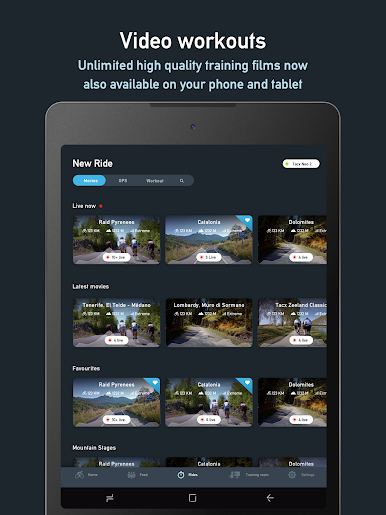
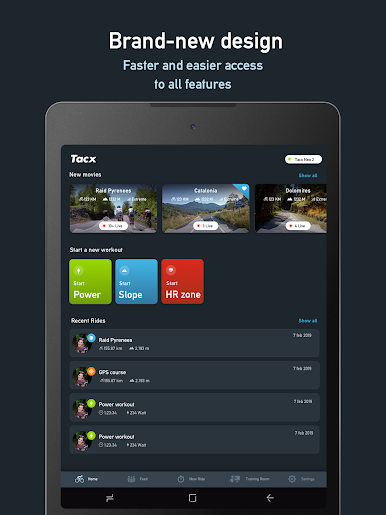
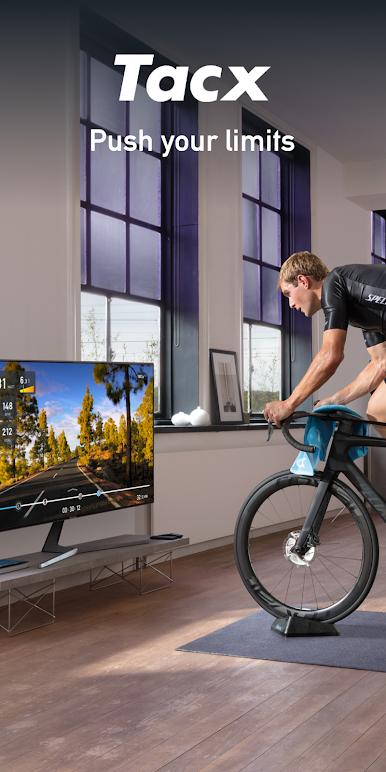
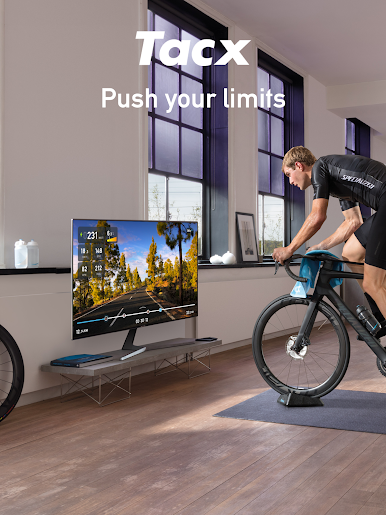
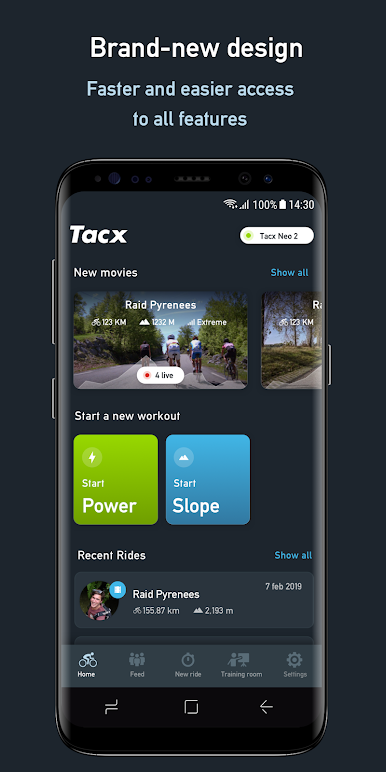
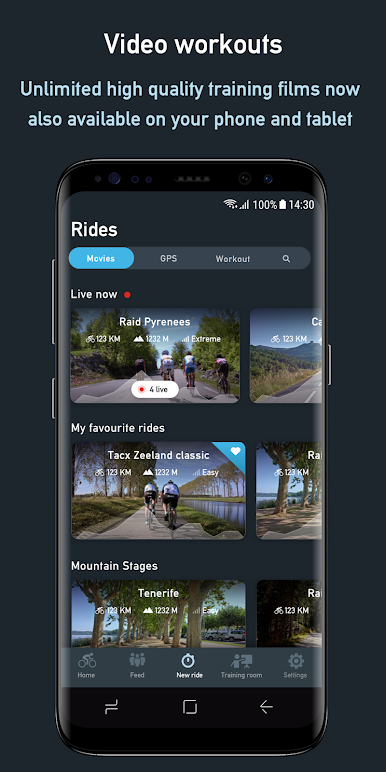
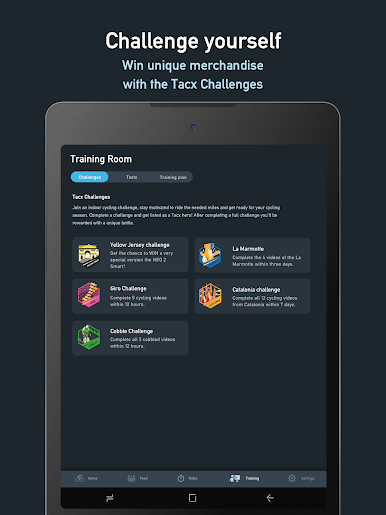
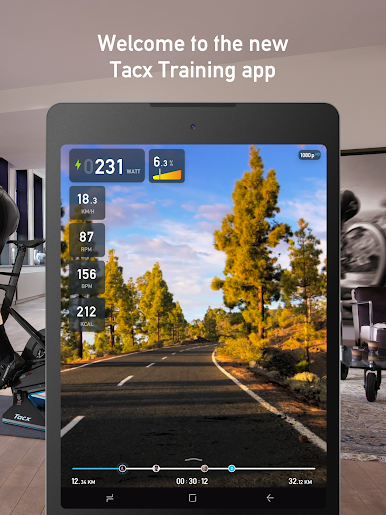
Take your indoor training to the next level. From phone to tablet to desktop, this app gets you the best virtual cycling experience. Simply connect your Tacx Smart trainer to the Tacx Training app and the world becomes your playground. Explore our large collection of high-quality training films, including everything from famous spring classics to the Alps. Or create your own workouts, and control just how much pain you’re feeling tomorrow.
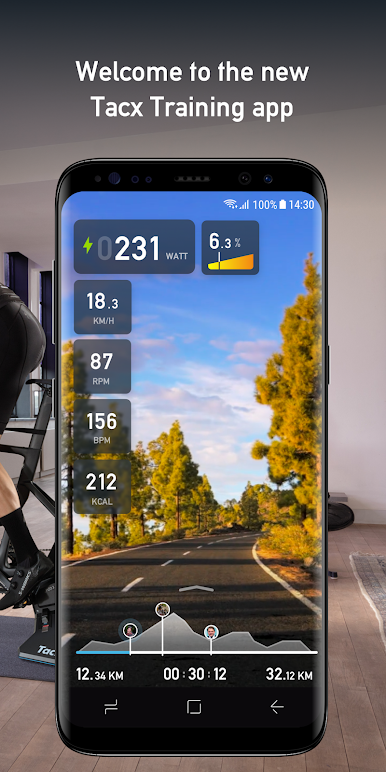
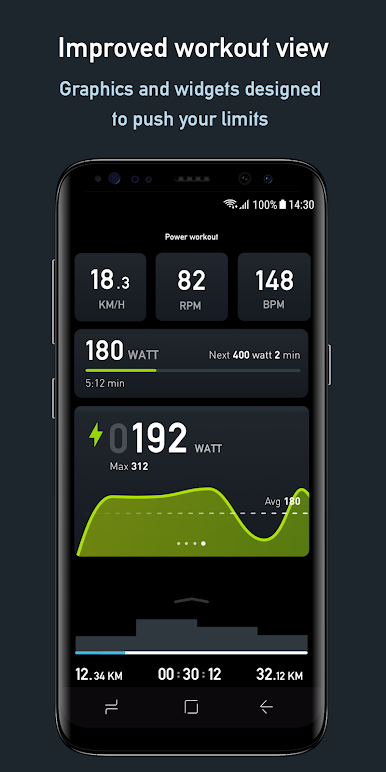
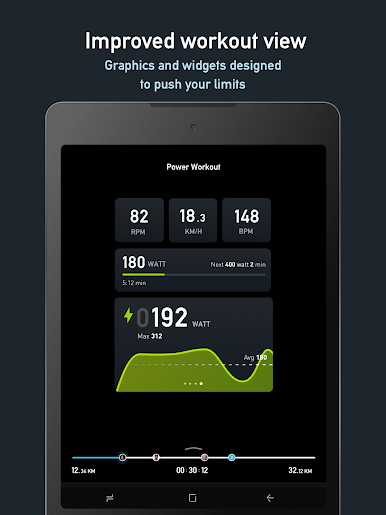
While you ride, your speed, power, cadence, and heart rate are displayed on-screen. All your indoor training data automatically loads to the Garmin Connect™ app where you can track and analyze your training stats afterwards. Year-round cycling has just got simpler.
Download and use the app for free or choose for Premium or Premium HD
Premium and Premium HD:
1. Streaming high-quality video workouts
2. 3D GPS map workouts
3. Live opponents
Free:
1. Structured workouts based on slope, power, or FTP
2. Analyze your activities with Garmin Connect
3. Export your data to Garmin Connect
4. Sync your workouts and activities between devices
Connectivity:
This application is compatible with Tacx Smart trainers and sensors with Bluetooth 4.0.
Please Note: Internet access is required. When Internet connection fails, functionality is limited.
Don’t forget to email our support team if you have any questions, concerns, compliments, or feature requests. https://support.garmin.com/en-US/?productID=696770&tab=topics
Designed and Produced in the Netherlands
--
While you ride, your speed, power, cadence, and heart rate are displayed on-screen. All your indoor training data automatically loads to the Garmin Connect™ app where you can track and analyze your training stats afterwards. Year-round cycling has just got simpler.
Download and use the app for free or choose for Premium or Premium HD
Premium and Premium HD:
1. Streaming high-quality video workouts
2. 3D GPS map workouts
3. Live opponents
Free:
1. Structured workouts based on slope, power, or FTP
2. Analyze your activities with Garmin Connect
3. Export your data to Garmin Connect
4. Sync your workouts and activities between devices
Connectivity:
This application is compatible with Tacx Smart trainers and sensors with Bluetooth 4.0.
Please Note: Internet access is required. When Internet connection fails, functionality is limited.
Don’t forget to email our support team if you have any questions, concerns, compliments, or feature requests. https://support.garmin.com/en-US/?productID=696770&tab=topics
Designed and Produced in the Netherlands
--
Tacx Training™をPCでプレイ
-
BlueStacksをダウンロードしてPCにインストールします。
-
GoogleにサインインしてGoogle Play ストアにアクセスします。(こちらの操作は後で行っても問題ありません)
-
右上の検索バーにTacx Training™を入力して検索します。
-
クリックして検索結果からTacx Training™をインストールします。
-
Googleサインインを完了してTacx Training™をインストールします。※手順2を飛ばしていた場合
-
ホーム画面にてTacx Training™のアイコンをクリックしてアプリを起動します。

