

Learn Java
Play on PC with BlueStacks – the Android Gaming Platform, trusted by 500M+ gamers.

Page Modified on: Mar 9, 2026
Run Learn Java on PC or Mac
Let BlueStacks turn your PC, Mac, or laptop into the perfect home for Learn Java, a fun Education app from Coding and Programming.
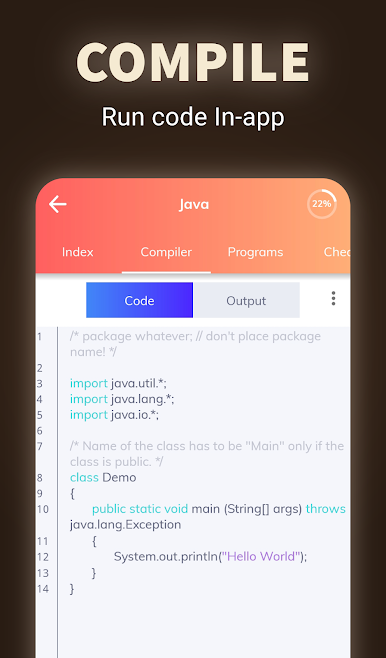
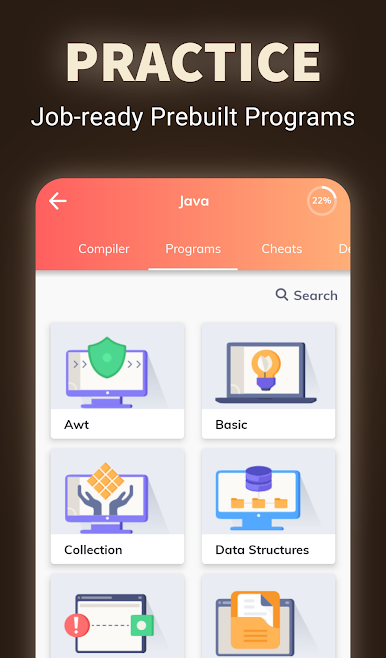
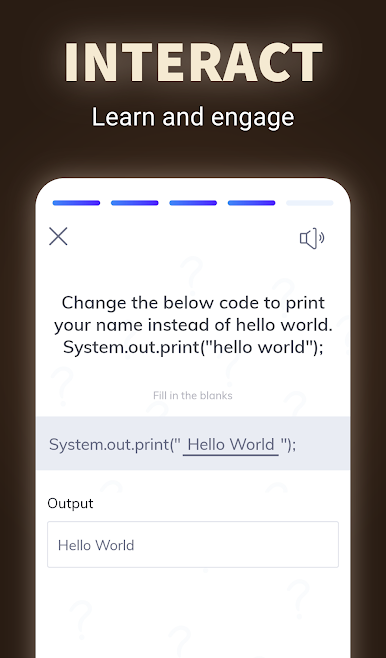
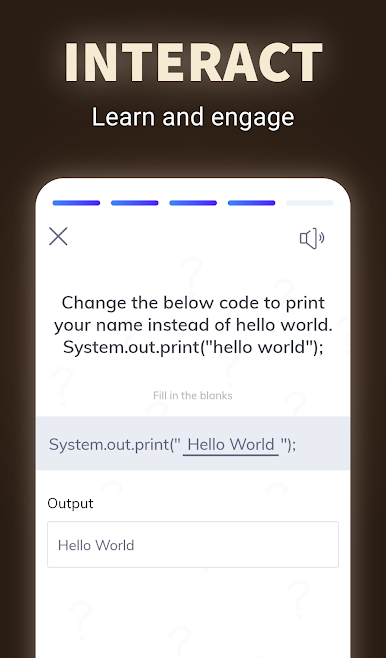
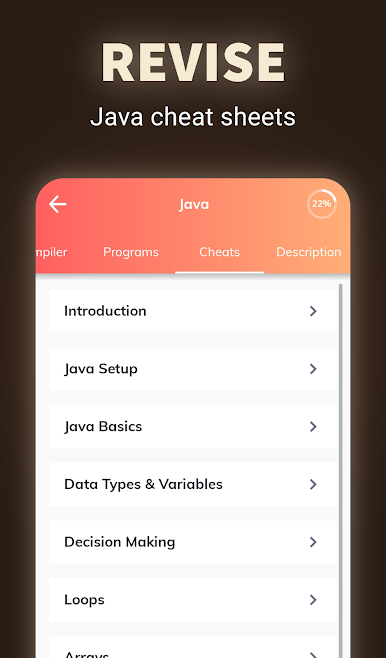
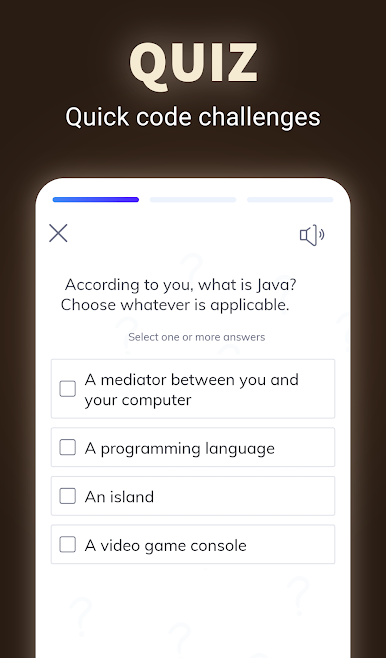
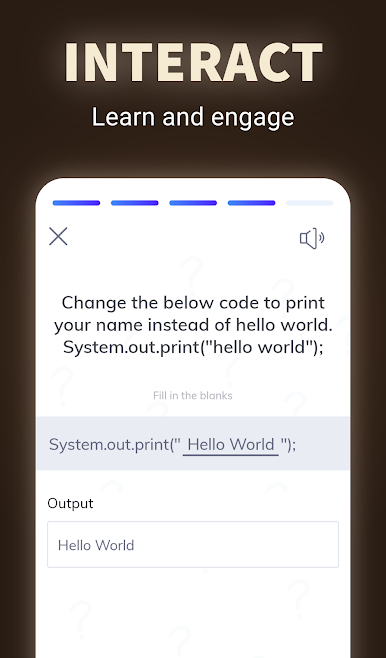
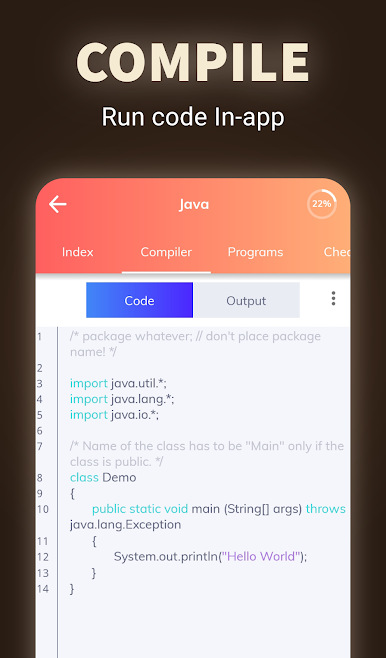
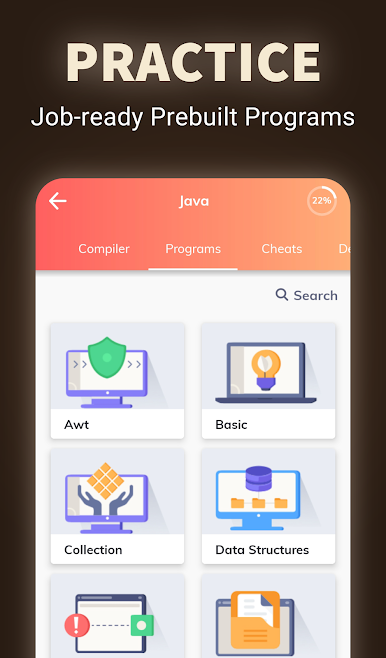
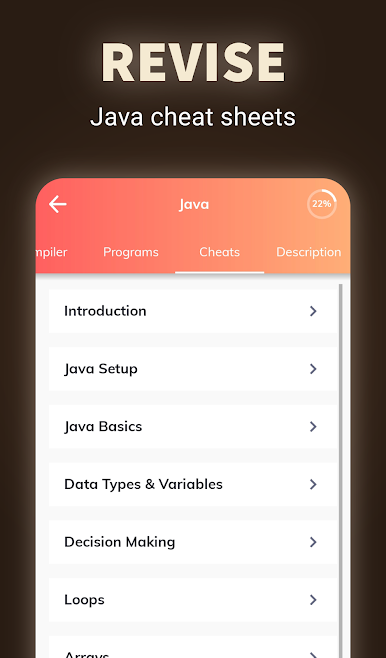
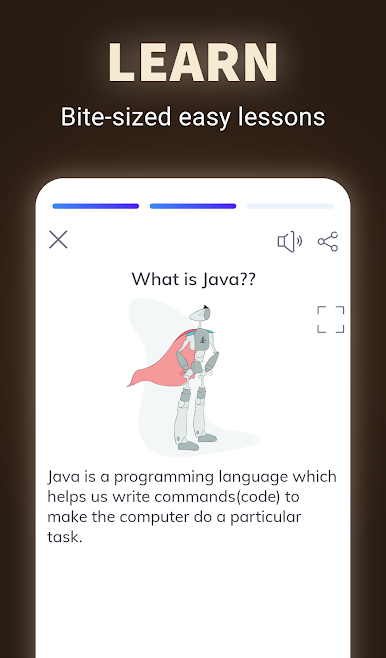
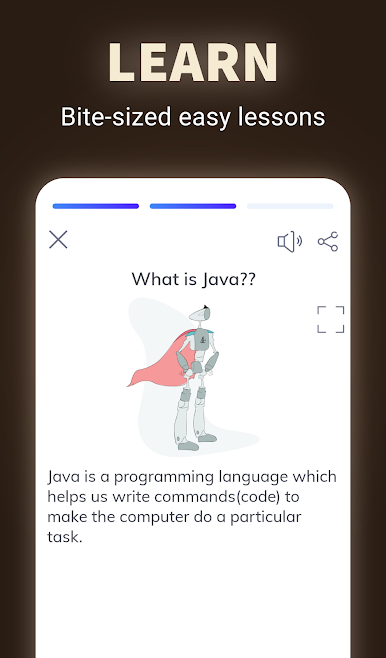
Learn Java is actually pretty straightforward and surprisingly useful if you’re trying to get better at Java without sorting through a bunch of scattered info online. It breaks down everything by chapters, so you don’t get lost in the weeds — just pick a topic, and go through at your own pace. There’s a whole pile of example programs, all with comments that help make sense of what’s actually happening in the code. Seeing both the code and its output makes it a lot easier to connect the dots if something’s not clicking at first.
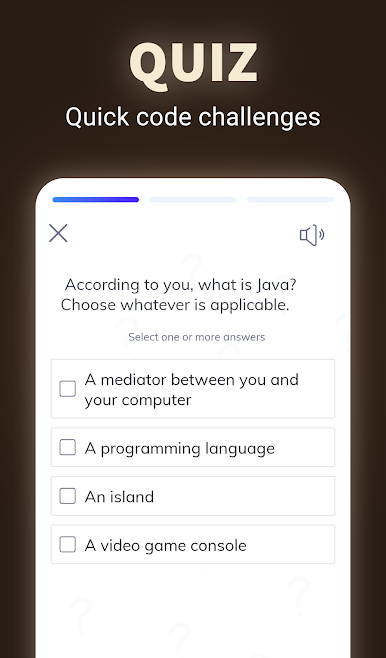
For anyone brushing up for a test or just looking to nail some interview questions, there’s a section where you can look through common Q&A that covers a bunch of different topics. Even if you’re starting out, it isn’t overwhelming — you can jump into beginner stuff or go for something more advanced if you want. Running it with BlueStacks on a PC feels a bit roomier than on a phone, plus it’s easier to scan through bigger code samples or tutorials. The interface is pretty clean and doesn’t feel cluttered, and sharing something you found helpful with a friend just takes a tap. It honestly feels handy, whether someone’s just starting or trying to refresh old knowledge.
Eager to take your app experience to the next level? Start right away by downloading BlueStacks on your PC or Mac.



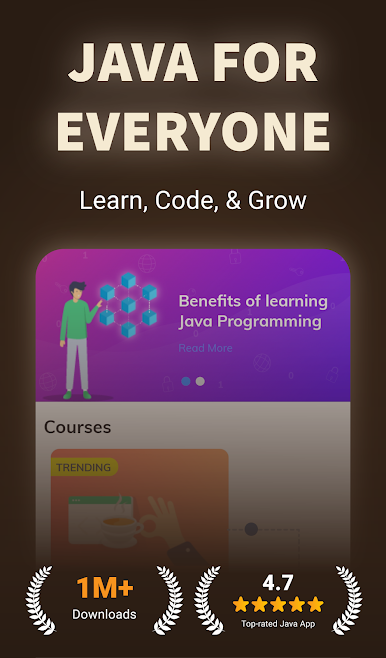
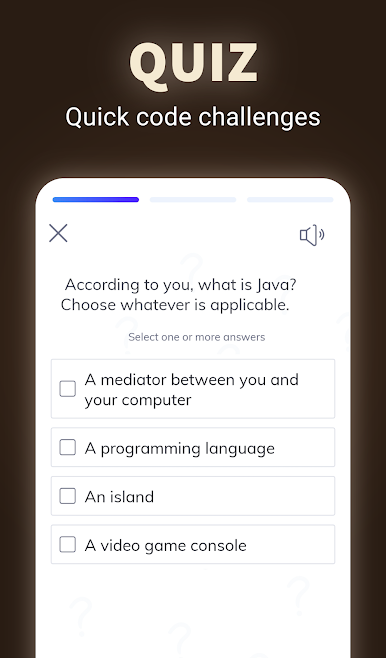
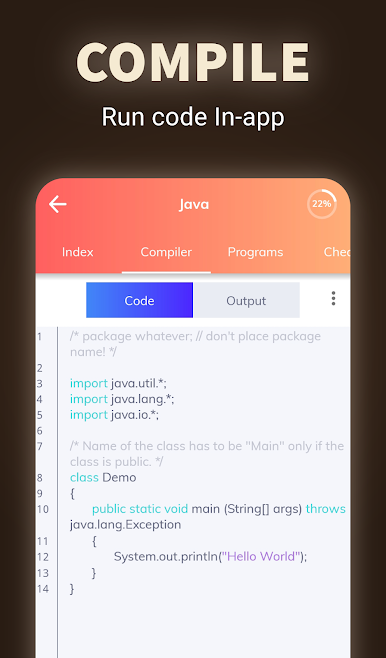
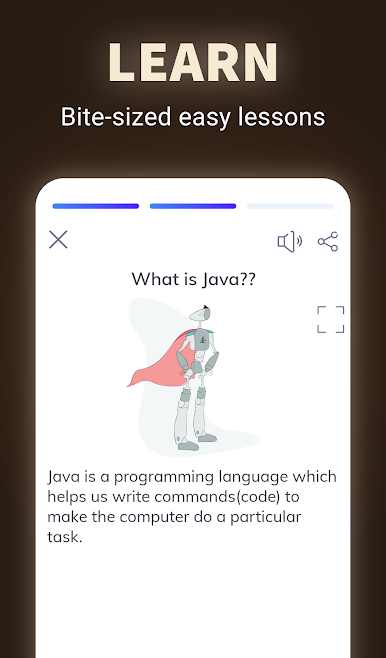

Play Learn Java on PC. It’s easy to get started.
-
Download and install BlueStacks on your PC
-
Complete Google sign-in to access the Play Store, or do it later
-
Look for Learn Java in the search bar at the top right corner
-
Click to install Learn Java from the search results
-
Complete Google sign-in (if you skipped step 2) to install Learn Java
-
Click the Learn Java icon on the home screen to start playing

