


control screen rotation
Play on PC with BlueStacks – the Android Gaming Platform, trusted by 500M+ gamers.

Page Modified on: Apr 22, 2026
Play control screen rotation on PC
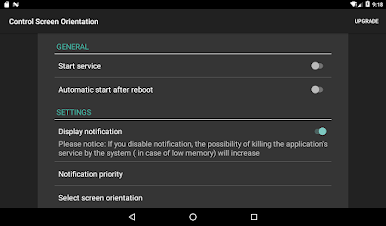
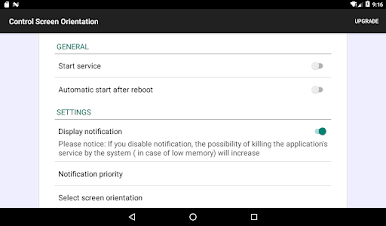
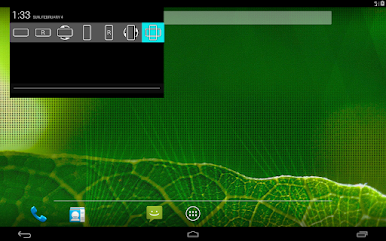
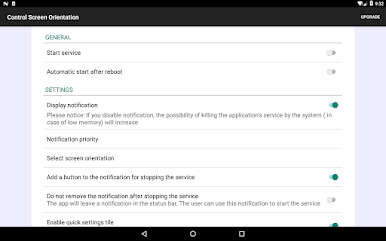
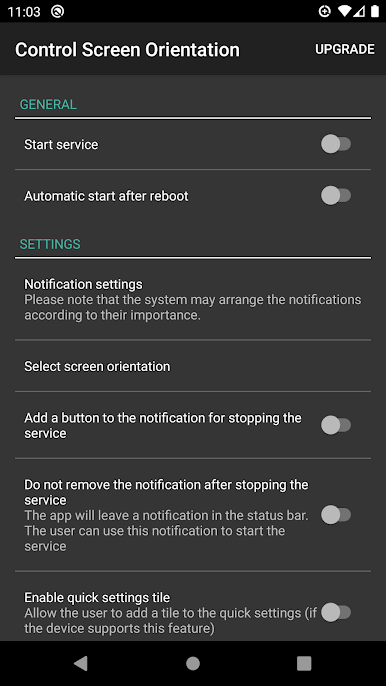
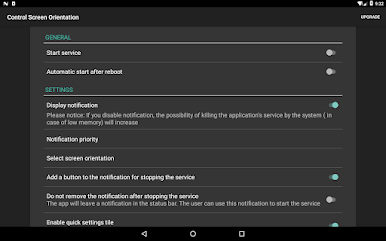
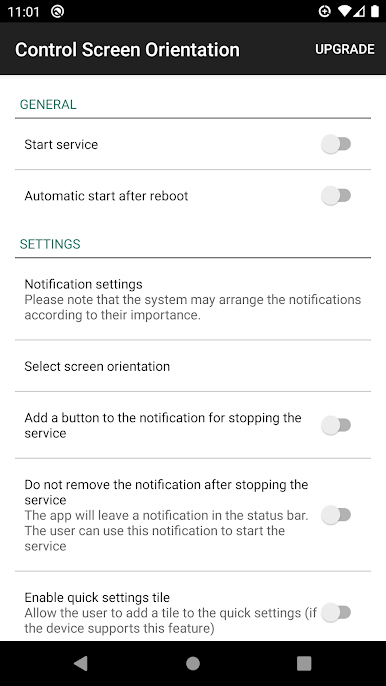
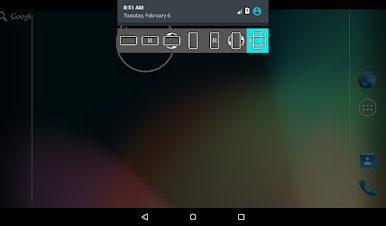
Prevent screen auto rotation and choose the screen orientation that you want with any application
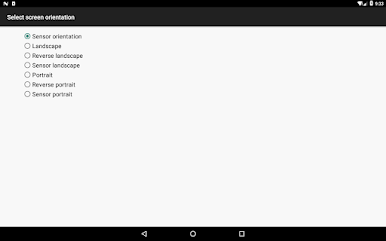
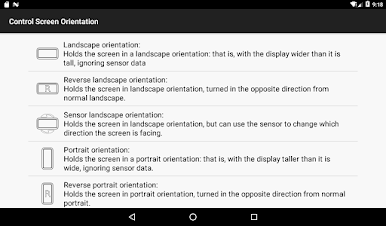
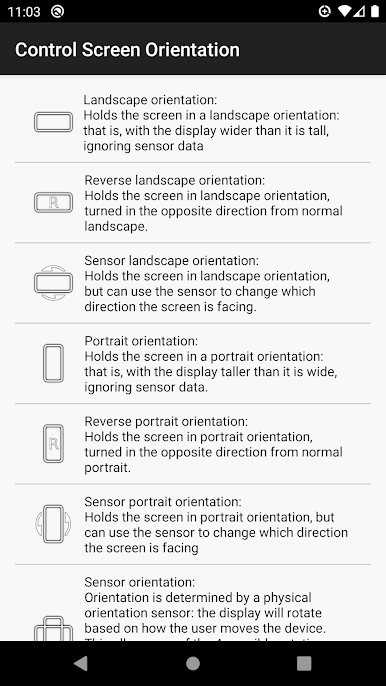
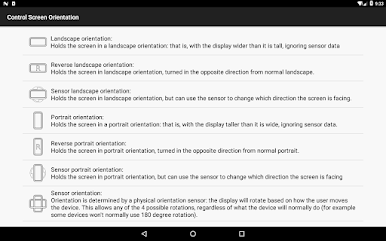
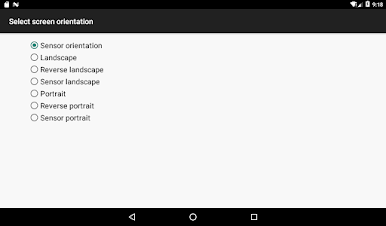
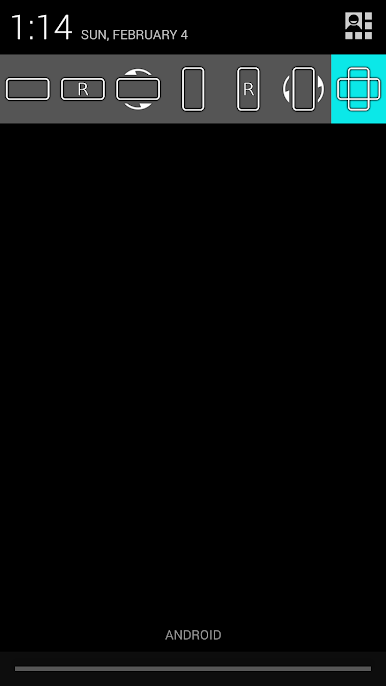
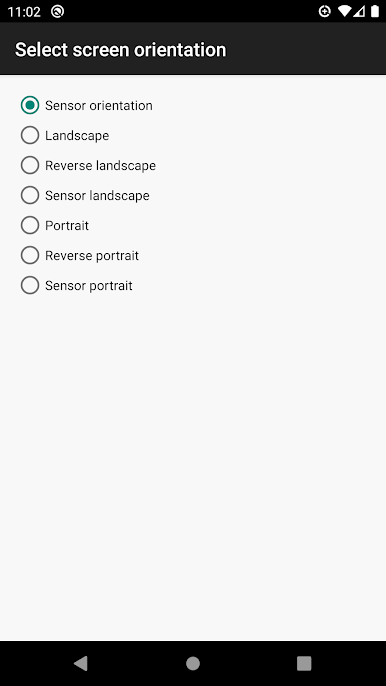
Available orientations:
Landscape
Reverse landscape
Sensor landscape
Portrait
Revers portrait
Sensor portrait
Sensor orientation (auto rotation)
PLEASE NOTICE THAT:
Some screen orientations may not available in some devices
Play control screen rotation on PC. It’s easy to get started.
-
Download and install BlueStacks on your PC
-
Complete Google sign-in to access the Play Store, or do it later
-
Look for control screen rotation in the search bar at the top right corner
-
Click to install control screen rotation from the search results
-
Complete Google sign-in (if you skipped step 2) to install control screen rotation
-
Click the control screen rotation icon on the home screen to start playing

