


K Health | 24/7 Virtual Care
Play on PC with BlueStacks – the Android Gaming Platform, trusted by 500M+ gamers.

Page Modified on: Oct 27, 2025
Overview
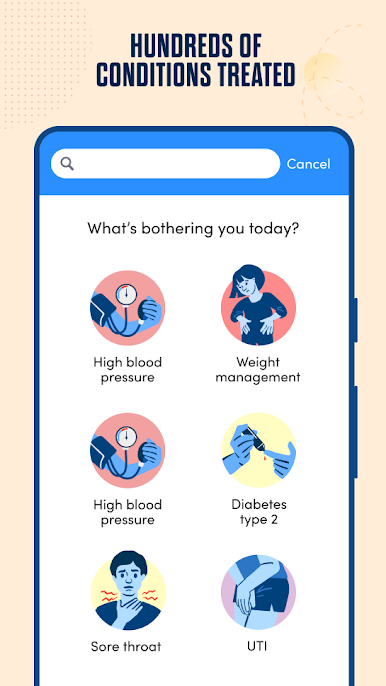
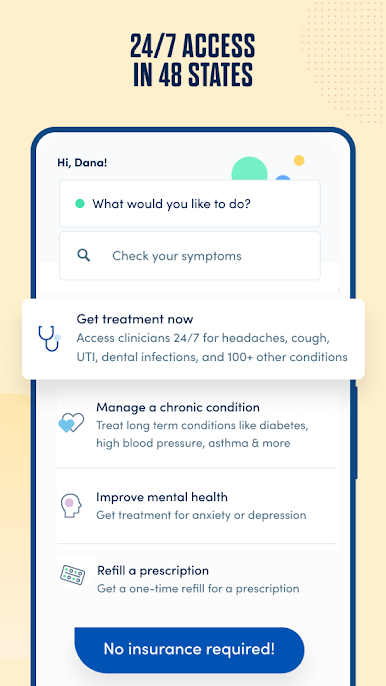
Get the treatment you need from licensed medical providers without setting foot in a doctor’s office. Providers on the K Health platform can treat hundreds of medical conditions, from anxiety to UTIs, and prescribe medication to get you feeling better faster.
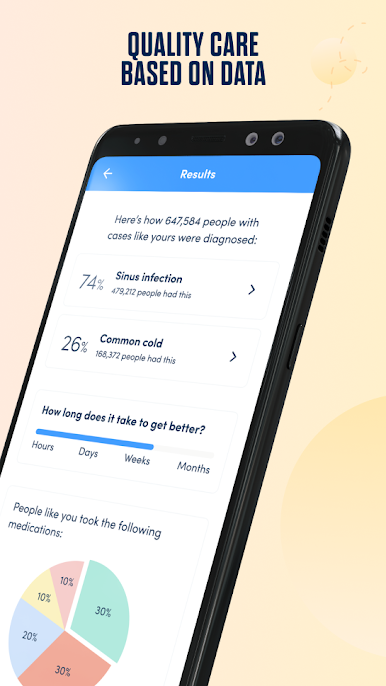
At K Health, we use advanced AI to provide better, more personalized medical care. Try it out for free by checking your symptoms: We’ll compare your case to millions of real patient records and tell you how people like you were diagnosed and treated.*
Then, you can chat with a provider to get the care you need. Pay just $49/month** for unlimited visits, $73 for a one-time virtual visit, or $449 for an entire year of unlimited visits (for a savings of $139).
With the K Health app, you can:
-Get free, clinically-proven information about your symptoms from the same AI your provider uses to make smarter medical decisions
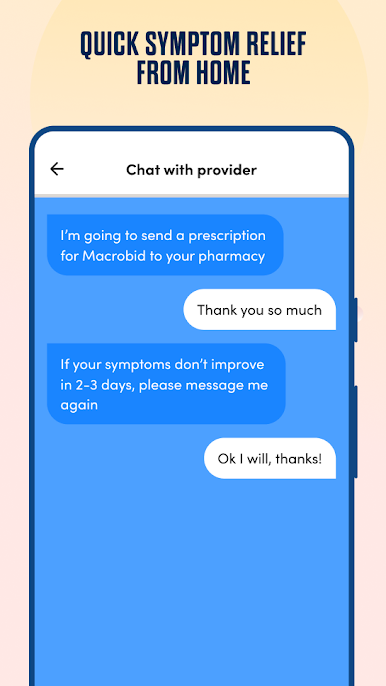
-Chat with a medical provider about urgent medical needs 24/7 by text and video
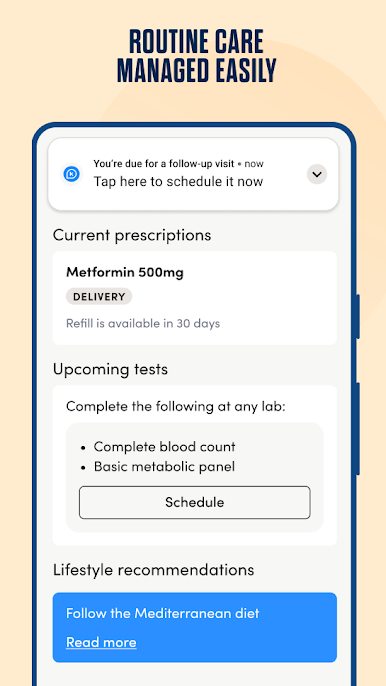
-Make virtual appointments with a provider who can help you manage (and prevent) chronic conditions like high blood pressure, diabetes, high cholesterol, and more
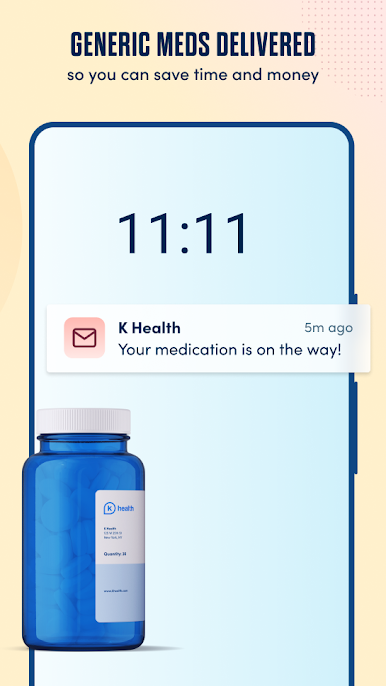
-Get generic prescription medication shipped directly to your door, saving you time and money
-Stay on top of lab orders, medication management, and specialist referrals
WHAT WE TREAT
Urgent care:
-Cold and flu
-Indigestion and abdominal pain
-UTIs
-Headaches and migraines
-Dental pain
-Rashes
Chronic care:
-Weight management
-Anxiety and depression
-High blood pressure
-High cholesterol
-Diabetes (type 2)
-Acid reflux
... and hundreds more
*The results from the Symptom Checker are not medical advice or a diagnosis, but you can connect with a medical provider practicing on the K Health platform for diagnosis and treatment.
**Billed quarterly after the first month


Play K Health | 24/7 Virtual Care on PC. It’s easy to get started.
-
Download and install BlueStacks on your PC
-
Complete Google sign-in to access the Play Store, or do it later
-
Look for K Health | 24/7 Virtual Care in the search bar at the top right corner
-
Click to install K Health | 24/7 Virtual Care from the search results
-
Complete Google sign-in (if you skipped step 2) to install K Health | 24/7 Virtual Care
-
Click the K Health | 24/7 Virtual Care icon on the home screen to start playing

