


AI Photo Studio: Editor Pro
Play on PC with BlueStacks – the Android Gaming Platform, trusted by 500M+ gamers.

Page Modified on: Sep 1, 2026
Play AI Photo Studio: Editor Pro on PC
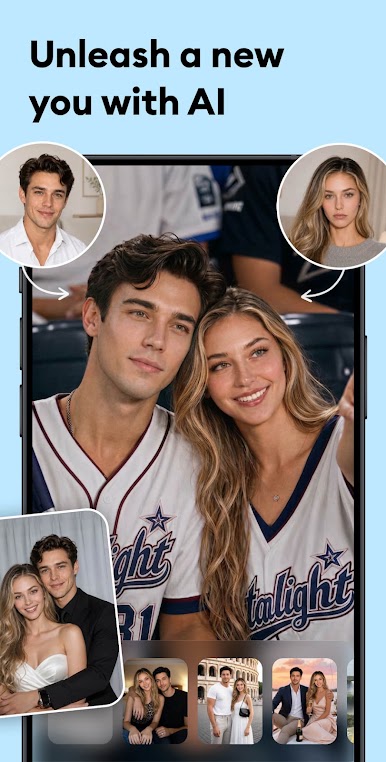
With this intuitive AI photo editor, you can enhance, retouch, and transform your photos like a pro. Create your own AI art with this AI photo generator and unleash your creative power right now!
🌟 KEY FEATURES AT A GLANCE 🌟
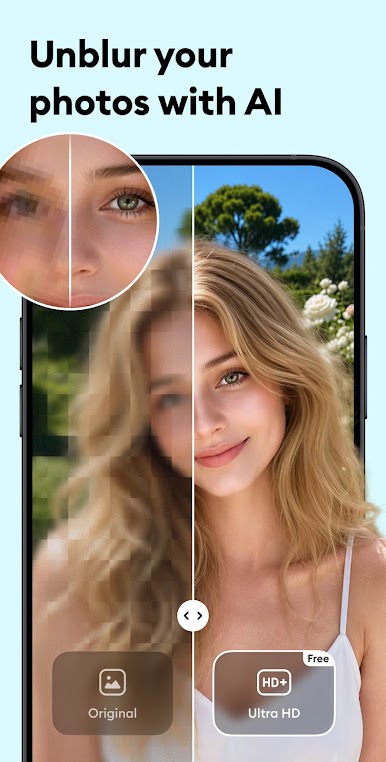
- Restore blurry photos with our cutting-edge AI algorithm.
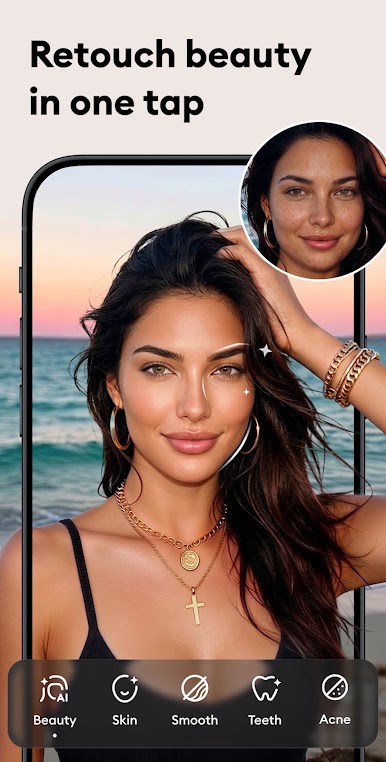
- Retouch your beauty using the photo editor feature.
- Choose from a wide variety of artistic filters for pictures.
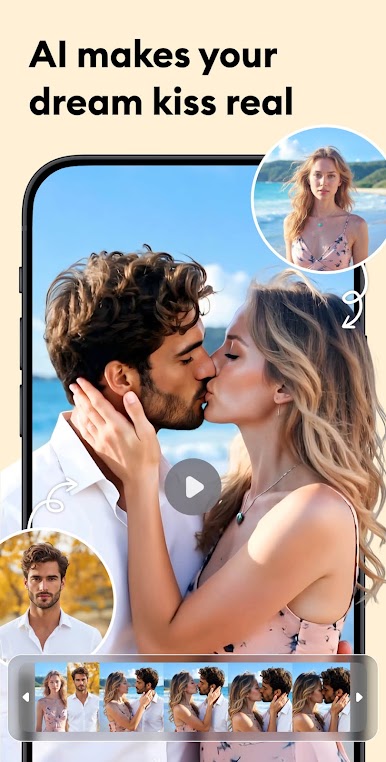
- Use AI photo generator to create unique AI-generated portraits.
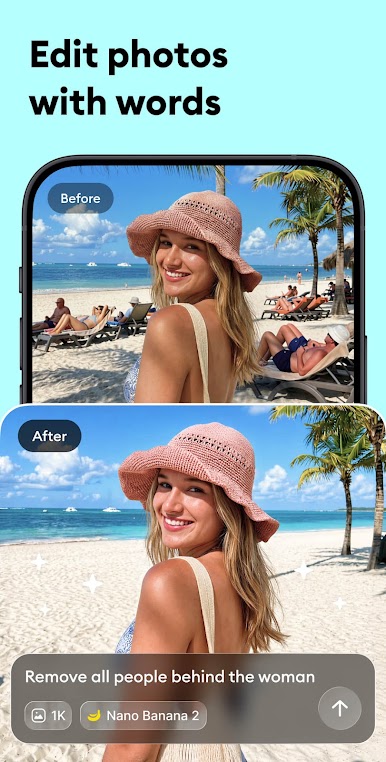
- Remove objects you don't want and fix obscured shots.
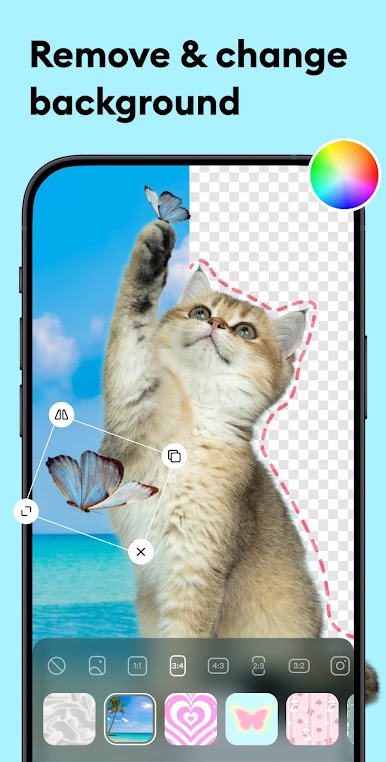
- Replace the background with a tap to retouch your selfies.
✨ Advanced Editing Features
• Picture Editor: Edit photos and apply stunning filters in seconds.
• AI Portrait: Transform selfies into breathtaking digital art.
• AI Eraser: Easily remove unwanted elements with a tap.
• Background Eraser: Erase or replace backgrounds effortlessly.
✨ Enhance Images with Filters & Effects
• Upgrade image resolution with a high-powered enhancer.
• Restore faded or damaged images to relive precious moments.
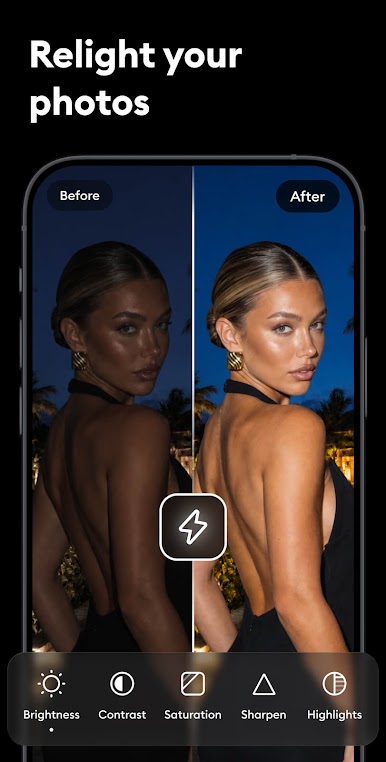
• Adjust image brightness, contrast, saturation, and more.
• Apply various AI filter templates such as Pet Love, Yearbook, and Superbowl Girls
✨ Perfect Your Look with Beauty Retouching
• One-tap HD beautify for a flawless, natural look.
• Remove acne, blemishes, and dark circles; smooth wrinkles instantly.
• Brighten your smile with easy-to-use teeth-whitening tools.
✨ HD Export & Easy Sharing
• Save photos in high definition without watermark or compression.
• One tap to share in the perfect size for TikTok, Facebook, Twitter, and other social media platforms.
🔜 More exciting features are coming soon!
Download AI Photo Studio now and build your personal AI art studio. Edit photos, apply filters for pictures, remove objects, and use the background eraser to refine your images, all in one app. Try to reface your photos with professional tools now—all at no cost.
📥 We'd love to hear from you! If you have any questions or suggestions, contact us at aistudioappfeedback@gmail.com. We're always working to improve your experience.
Terms of Service: https://aistudio.zankhana.ltd/terms.html
Privacy Policy: https://aistudio.zankhana.ltd/privacypolicy.html

Play AI Photo Studio: Editor Pro on PC. It’s easy to get started.
-
Download and install BlueStacks on your PC
-
Complete Google sign-in to access the Play Store, or do it later
-
Look for AI Photo Studio: Editor Pro in the search bar at the top right corner
-
Click to install AI Photo Studio: Editor Pro from the search results
-
Complete Google sign-in (if you skipped step 2) to install AI Photo Studio: Editor Pro
-
Click the AI Photo Studio: Editor Pro icon on the home screen to start playing

