


PolyBuzz: Chat with AI Friends
Play on PC with BlueStacks – the Android Gaming Platform, trusted by 500M+ gamers.

Page Modified on: Sep 4, 2026
Run PolyBuzz: Chat with AI Friends on PC or Mac
Why limit yourself to your small screen on the phone? Run PolyBuzz: Chat with AI Friends, an app by CLOUD WHALE INTERACTIVE TECHNOLOGY LLC., best experienced on your PC or Mac with BlueStacks, the world’s #1 Android emulator.
About the App
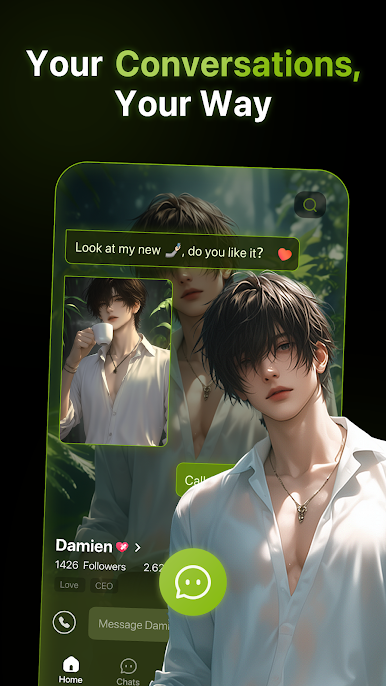
PolyBuzz: Chat with AI Friends makes conversations with virtual characters feel surprisingly real. You’ll hear authentic voices, see distinct personalities shine through, and get replies that flow like natural back-and-forth chat. Whether you’re here for fun, roleplay, or a little learning on the side, it’s built to keep you curious and entertained.
Created by CLOUD WHALE INTERACTIVE TECHNOLOGY LLC. in the Entertainment genre, it’s easy to use on your phone—and if you prefer a bigger screen, it works great on PC with BlueStacks too.
App Features
- Lifelike voices: Characters don’t just type back—they speak with expressive, natural-sounding voices that match their personalities.
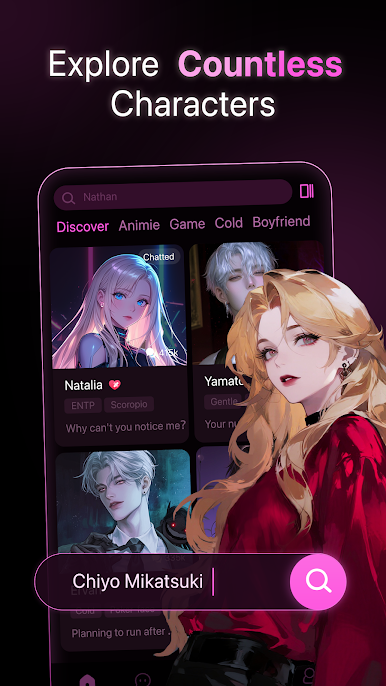
- Huge character lineup: Browse a broad mix of stars, fictional heroes, and historical figures, then jump into a one-on-one chat like you’re talking to someone you know.
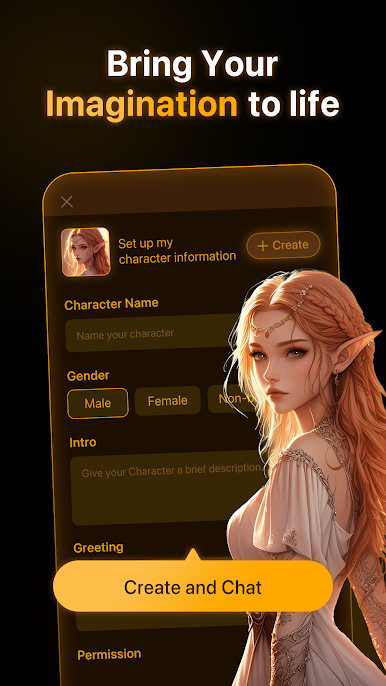
- Build your own: Create any character you imagine, set their traits and voice, and decide if they’re just for you or shared with everyone.
- Community-made favorites: Explore a lively hub of user-created characters. Discover trending personas or niche gems and chat away.
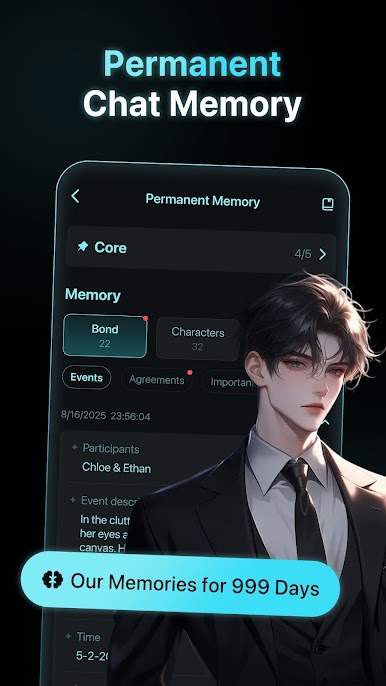
- Conversations that stay fresh: No stiff scripts. Replies feel fluid and engaging, opening the door to stories, roleplay, and unexpected twists.
- Start chatting free: Open the app, pick a character, and talk—simple as that. Great for quick chats or longer sessions.
- Talk your way: Enjoy casual banter, brainstorming, or practice across multiple languages with natural responses.
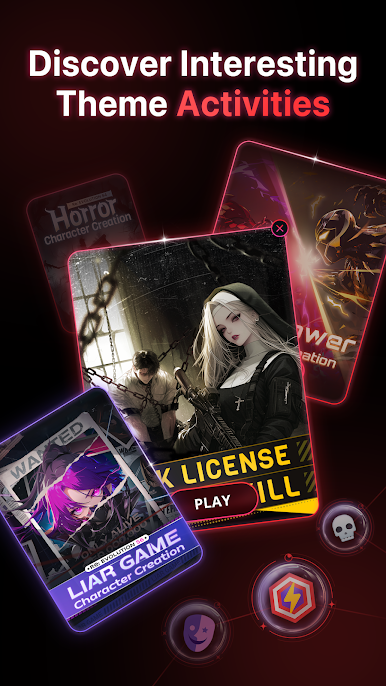
- Always something new: The character library keeps growing, so you’ll never run out of personalities to meet.
- Smooth on any setup: Handy on mobile for on-the-go chats; comfortable on PC via BlueStacks when you want a full keyboard and longer conversations.
Ready to experience PolyBuzz: Chat with AI Friends on a bigger screen, in all its glory? Download BlueStacks now.

Play PolyBuzz: Chat with AI Friends on PC. It’s easy to get started.
-
Download and install BlueStacks on your PC
-
Complete Google sign-in to access the Play Store, or do it later
-
Look for PolyBuzz: Chat with AI Friends in the search bar at the top right corner
-
Click to install PolyBuzz: Chat with AI Friends from the search results
-
Complete Google sign-in (if you skipped step 2) to install PolyBuzz: Chat with AI Friends
-
Click the PolyBuzz: Chat with AI Friends icon on the home screen to start playing

