


81Dojo (World Online Shogi)
Play on PC with BlueStacks – the Android Gaming Platform, trusted by 500M+ gamers.

Page Modified on: Oct 23, 2025
Play 81Dojo (World Online Shogi) on PC or Mac
From the innovators and creators at 81Dojo, 81Dojo (World Online Shogi) is another fun addition to the World of Board games. Go beyond your mobile screen and play it bigger and better on your PC or Mac. An immersive experience awaits you.
About the Game
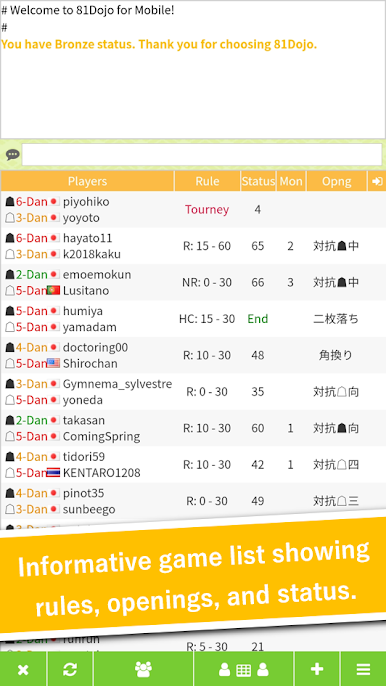
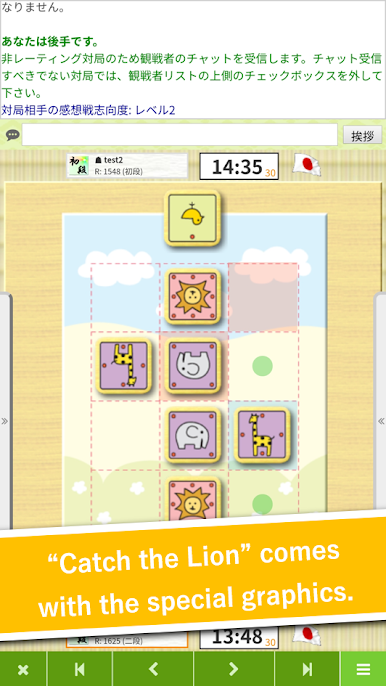
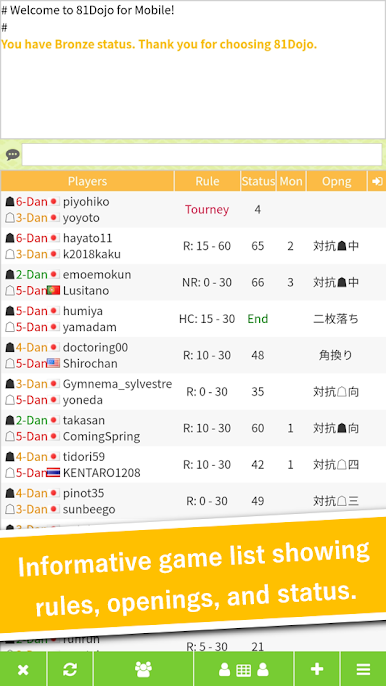
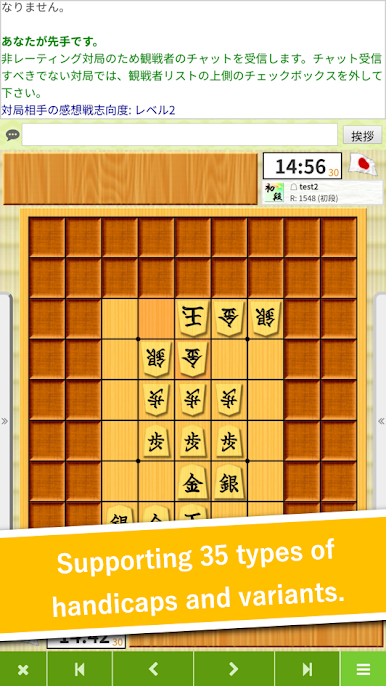
Looking to challenge your mind and connect with shogi fans from all over the world? 81Dojo (World Online Shogi) is the place where classic Japanese strategy comes alive, whether you’re a total beginner or already counting your wins. You can play a quick match on your phone, analyze your moves, or unwind with some friendly competition at any hour. It feels like stepping into a real shogi parlor, but you don’t have to leave your couch.
Game Features
-
Realistic Playing Environment
Think authentic touches like professional byoyomi (countdown) voices and a setup that’s easy to get lost in—even if you’re just killing time. -
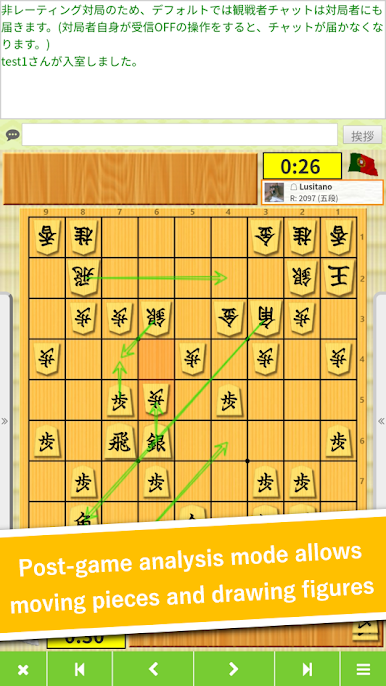
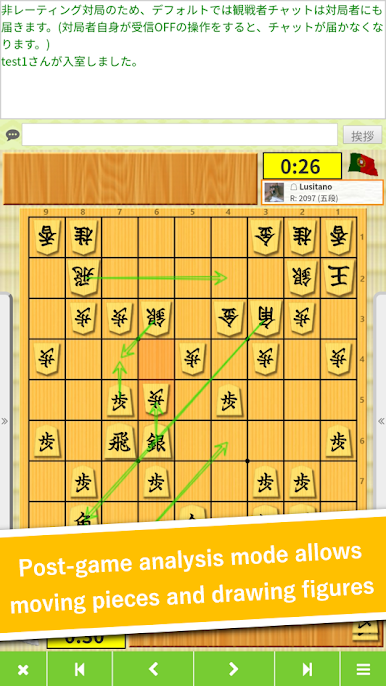
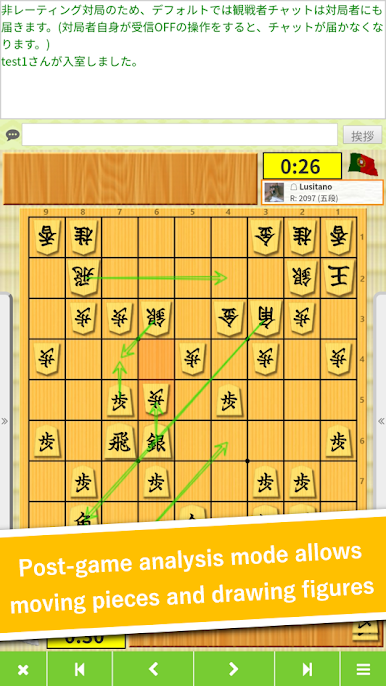
Interactive Game Analysis
After a match, jump into powerful analysis tools. See where you nailed it or spot that mistake you’ll never make again—break down your games move by move. -
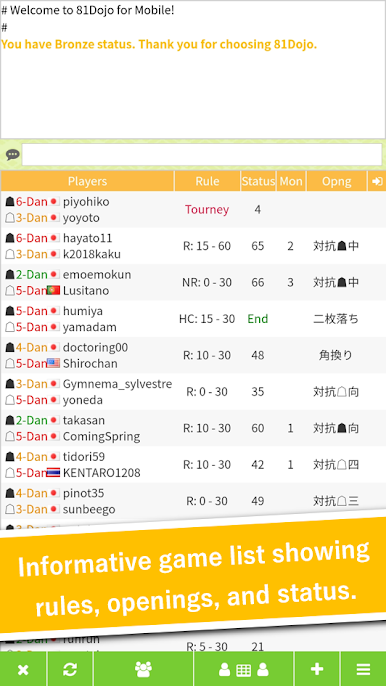
Play with the World
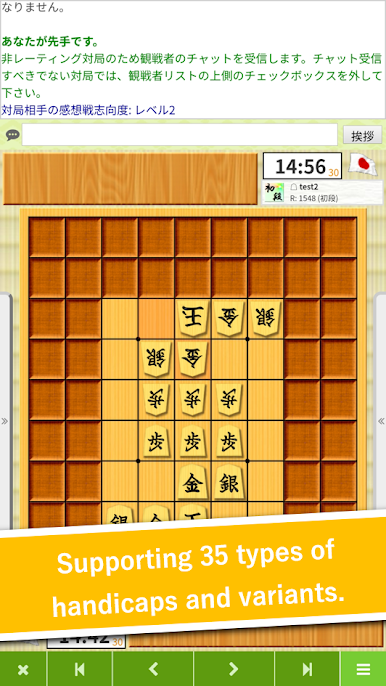
Tired of the same opponents? This app connects you to a global community, so you can match up with shogi lovers across different countries and skill levels. -
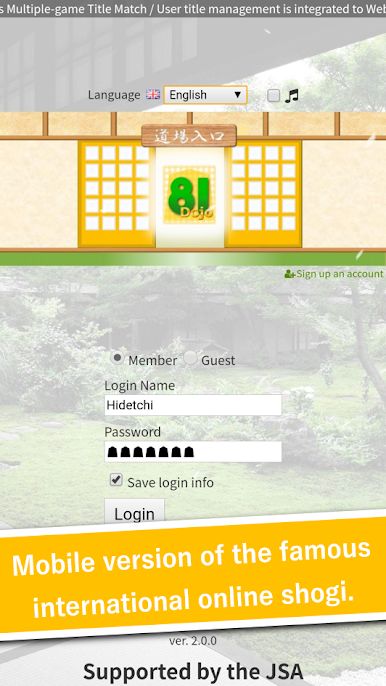
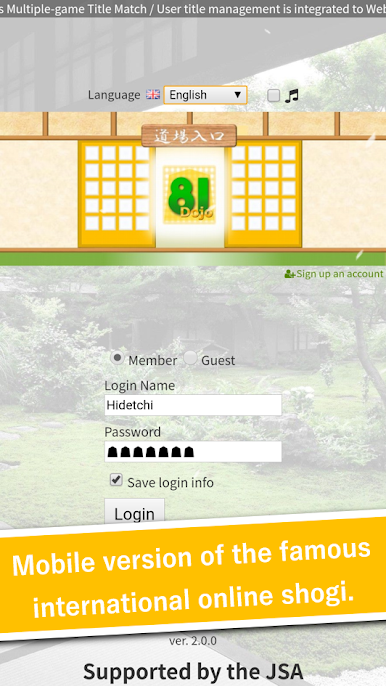
Flexible Accounts
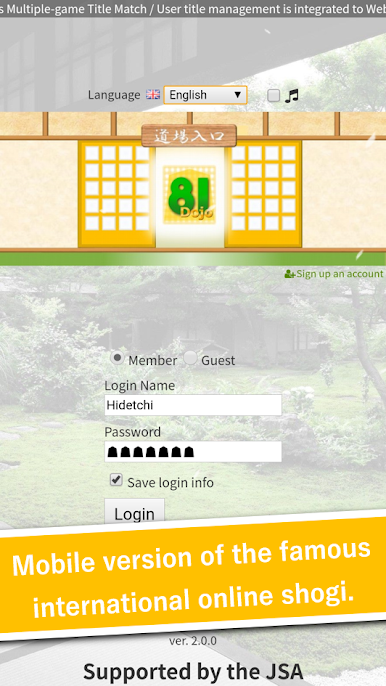
New here? No stress. Try things out as a guest or register for a full account when you’re ready to take things up a notch. -
Always at Hand
Take a quick game anywhere—on your lunch break or while you’re out. And if you’re using BlueStacks, you’ll enjoy all the features comfortably on a bigger display whenever you want. -
International Appeal
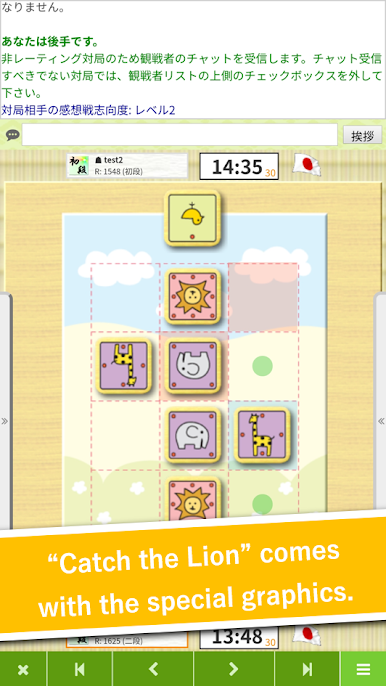
Menus, boards, and even in-game chat are designed to be friendly for players worldwide, not just in Japan. -
Free to Play
No sneaky fees. Download and start playing, practice your skills, or just hang out and watch top matches—there’s no cost to jump in.
Get ready for a buttery smooth, high-performance gaming action only on BlueStacks.
Play 81Dojo (World Online Shogi) on PC. It’s easy to get started.
-
Download and install BlueStacks on your PC
-
Complete Google sign-in to access the Play Store, or do it later
-
Look for 81Dojo (World Online Shogi) in the search bar at the top right corner
-
Click to install 81Dojo (World Online Shogi) from the search results
-
Complete Google sign-in (if you skipped step 2) to install 81Dojo (World Online Shogi)
-
Click the 81Dojo (World Online Shogi) icon on the home screen to start playing

