

Wolfson Talmud
Play on PC with BlueStacks – the Android Gaming Platform, trusted by 500M+ gamers.

Page Modified on: Jan 9, 2025
Run Wolfson Talmud on PC or Mac
Why limit yourself to your small screen on the phone? Run Wolfson Talmud, an app by Torah Educational Software, Inc., best experienced on your PC or Mac with BlueStacks, the world’s #1 Android emulator.
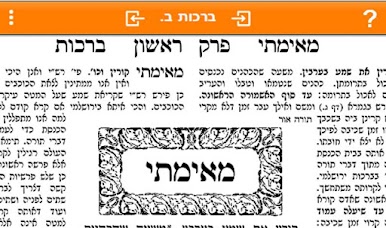
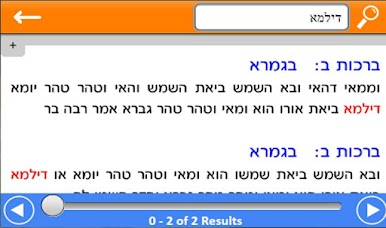
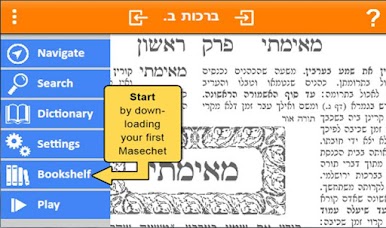
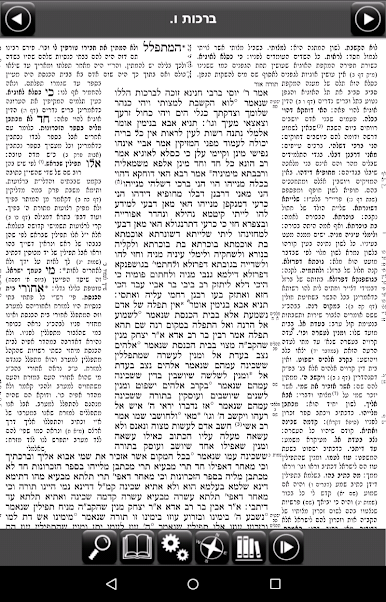
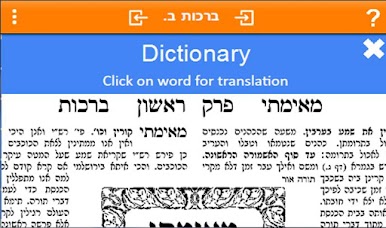
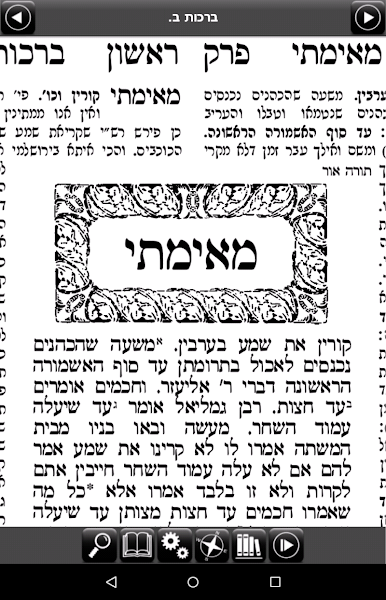
Wolfson Talmud comes across like a patient study partner that actually speaks the text. The Talmud is voiced in the original Aramaic and Hebrew, while every word is shown in English and lines get short, clear explanations so the meaning is not lost in the middle of a sentence. The digital page looks like the classic printed daf, which helps when switching between the app and a real book, and the line-highlighting that follows the narration makes it easy to track along without losing your place. There is a built in search for the daf, Rashi and Tosefos, plus a pop up glossary for quick word lookups, and an automatic Daf Yomi calendar to keep things on schedule. The first six blatt are free to try, so users can see whether they like the voice and the pace.
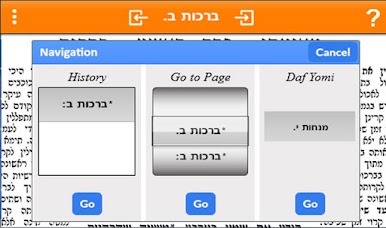
On a PC with BlueStacks the experience opens up a bit because the page is larger and navigation feels smoother with a mouse. It is straightforward to move between sugiyot, jump to commentaries, or tap a word to get an instant translation. The translation and line-by-line elucidation were prepared by Rabbi Avrohom Kosman and the app is endorsed by several rabbis, which some users will care about. It is not flashy, but it is practical and focused on learning, good for someone who wants a readable, audible Talmud study tool on a bigger screen.
Big screen. Bigger performance. Use BlueStacks on your PC or Mac to run your favorite apps.
Play Wolfson Talmud on PC. It’s easy to get started.
-
Download and install BlueStacks on your PC
-
Complete Google sign-in to access the Play Store, or do it later
-
Look for Wolfson Talmud in the search bar at the top right corner
-
Click to install Wolfson Talmud from the search results
-
Complete Google sign-in (if you skipped step 2) to install Wolfson Talmud
-
Click the Wolfson Talmud icon on the home screen to start playing

