


異世界スローライフ - 異世界転生×開拓
Play on PC with BlueStacks – the Android Gaming Platform, trusted by 500M+ gamers.

Page Modified on: Sep 18, 2025
Play 異世界スローライフ - 異世界転生×開拓 on PC or Mac
Explore a whole new adventure with 異世界スローライフ – 異世界転生×開拓, a Adventure game created by GlobalGear Co. Ltd.. Experience great gameplay with BlueStacks, the most popular gaming platform to play Android games on your PC or Mac.
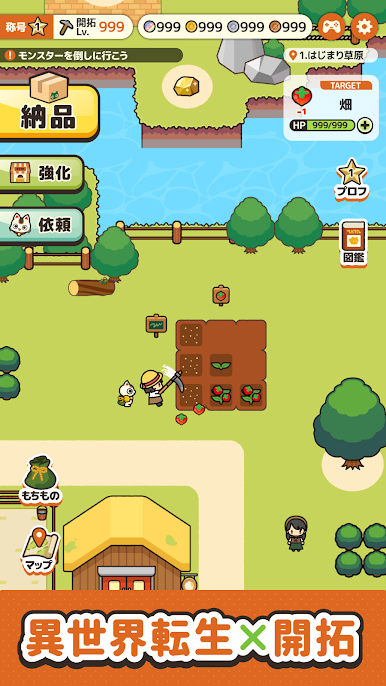
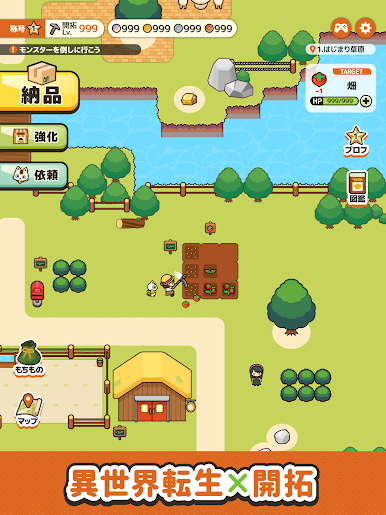
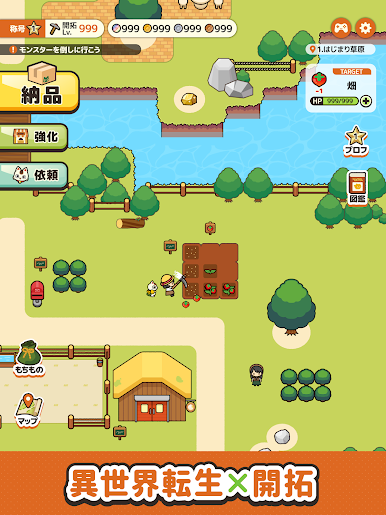
It drops the player into an isekai where they wake up as a small-time feudal lord with a lucky cat called Maneki, a patch of rough land, and a bunch of chores that feel oddly relaxing. The loop is simple in the best way: plant fields, gather stuff, bop a few monsters, then pour the earnings into buildings and new facilities so the little territory grows from nothing into something. Progress comes from collecting, unlocking new parts of the map, and turning deliveries into steady sales, so it scratches that management itch without being stressful. Combat is straightforward and quick, more about clearing the path than mastering complex combos. There is a main story plus lots of small side tales, all with that light isekai flavor. One minute it is fishing or digging up ore, the next it is poking through a dungeon or cooking with strange ingredients to craft magic tools and other odd goods.
It runs nicely on PC with BlueStacks, which makes all the clicking and dragging feel clean. The bigger screen helps when placing buildings, checking production chains, and lining up fields so everything looks neat. The tone stays calm, the music is cozy, and the art leans cute without being loud. People who enjoy easy management sims, short story chapters, fictional foods, and a slow rural grind will find alot to tinker with here. It is chill, a little goofy, and never tries to rush the player.
Make your gaming sessions memorable with precise controls that give you an edge in close combats and visuals that pop up, bringing every character to life.









Play 異世界スローライフ - 異世界転生×開拓 on PC. It’s easy to get started.
-
Download and install BlueStacks on your PC
-
Complete Google sign-in to access the Play Store, or do it later
-
Look for 異世界スローライフ - 異世界転生×開拓 in the search bar at the top right corner
-
Click to install 異世界スローライフ - 異世界転生×開拓 from the search results
-
Complete Google sign-in (if you skipped step 2) to install 異世界スローライフ - 異世界転生×開拓
-
Click the 異世界スローライフ - 異世界転生×開拓 icon on the home screen to start playing

