


Aliens vs Zombies: Invasion
Play on PC with BlueStacks – the Android Gaming Platform, trusted by 500M+ gamers.

Page Modified on: Oct 19, 2026
Main Aliens vs Zombies: Invasion on PC
Prepare for an intense tower defense game where strategy is the only way to survive.
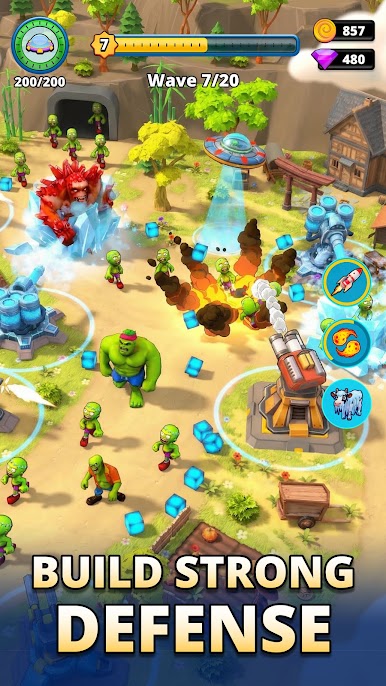
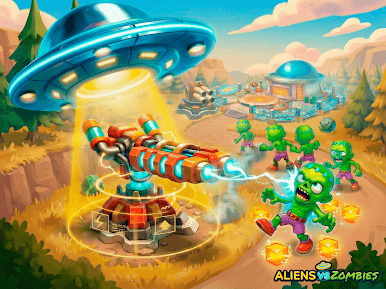
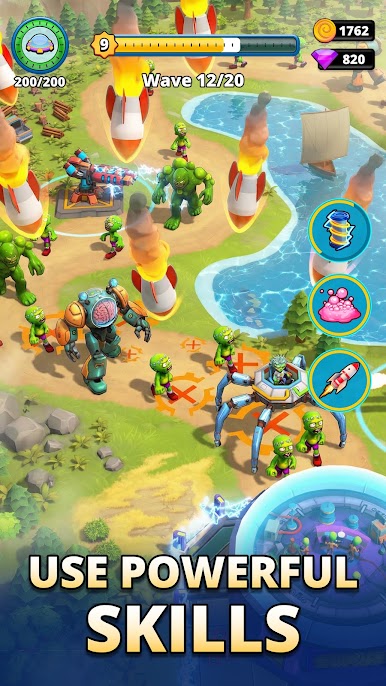
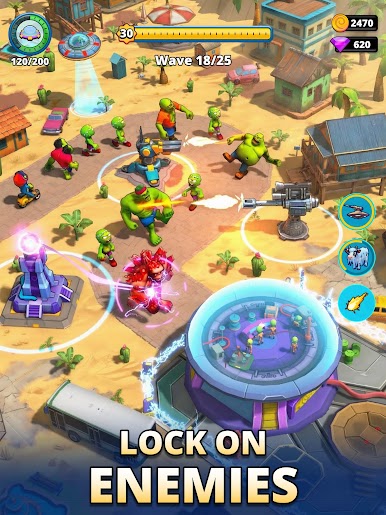
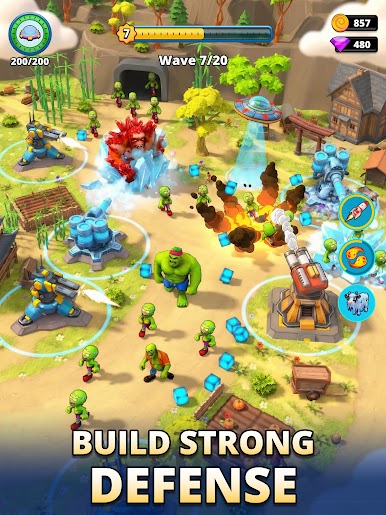
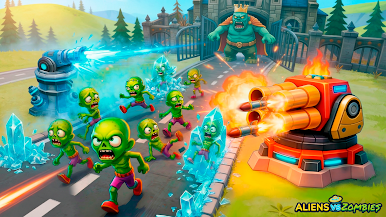
This alien game combines classic zombie tower defense mechanics with fast-paced invasion gameplay. Build powerful defense towers, stop the enemy rush, and protect your base from endless waves of zombies and alien forces.
👾 Alien Invasion Strategy Game
In this invasion game, aliens trigger a global outbreak. Zombies swallow everything in their path, and your mission is clear:
defeat zombies, stop the invasion, and defend your base.
This is a true strategy game, not just action. Every tower placement, upgrade, and decision affects the outcome.
🧠 Tower Defense Gameplay
Master deep TD mechanics designed for strategy fans:
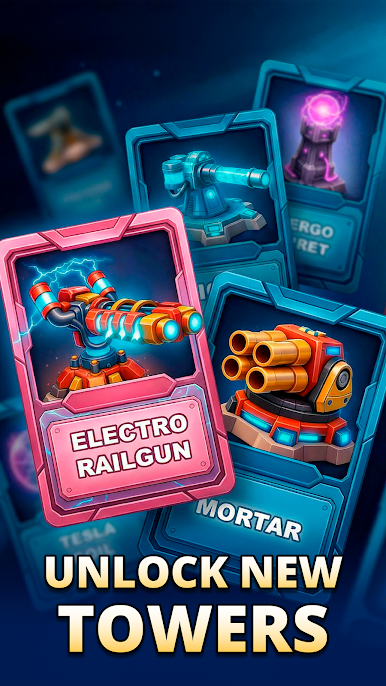
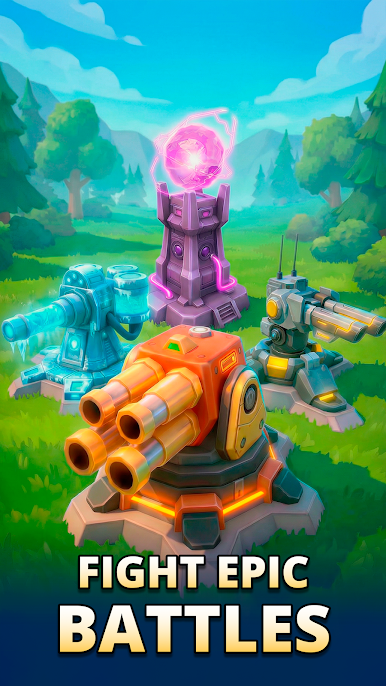
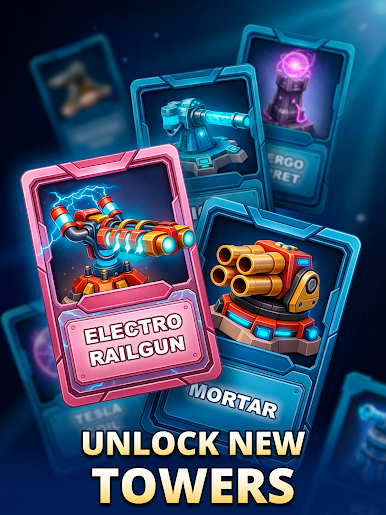
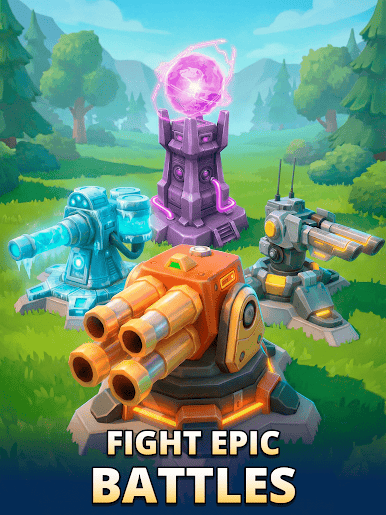
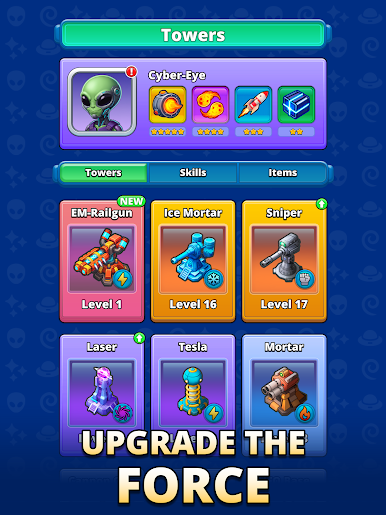
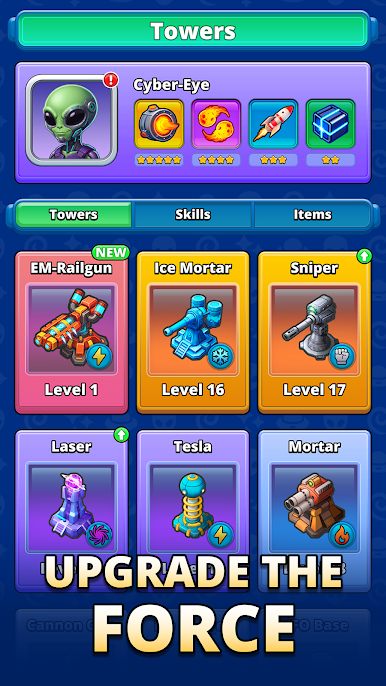
Build and upgrade multiple defense tower types
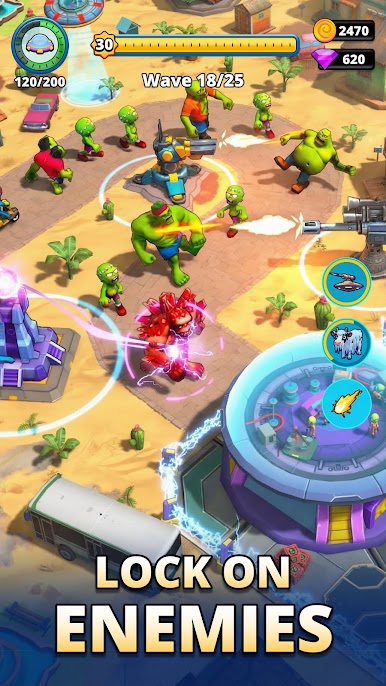
Control enemy paths during zombie rush waves
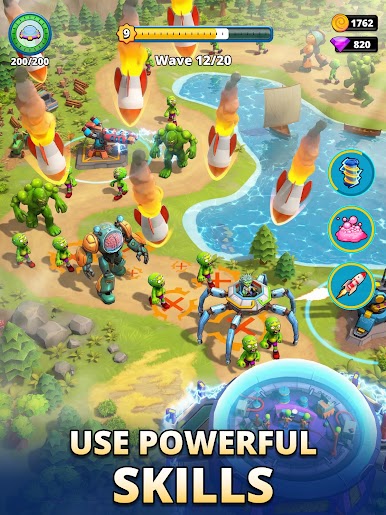
Adapt your tower defense strategy to new threats
Balance resources to survive longer invasions
Enemies become faster, stronger, and more dangerous with each level.
🧟 Zombie Defense & Base Protection
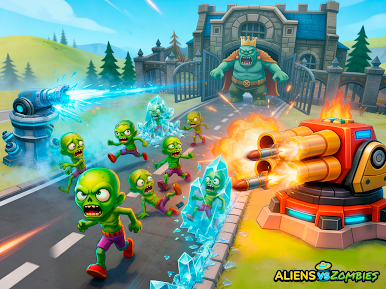
This zombie defense game challenges your ability to think ahead. Massive zombie attack waves will test your planning skills and reaction speed. Only smart commanders can hold the line.
🚀 Key Features
Addictive tower defense game with strategic depth
Unique mix of aliens, zombies, and invasion mechanics
Multiple towers and upgrade paths
Intense rush waves and evolving enemies
Offline play — defend your base anytime
Designed for fans of strategy, TD, and base defense games
🎯 For Strategy & TD Fans
If you enjoy tower defense, strategy games, or challenging invasion games, this is your battlefield. Build your towers, stop the rush, and survive the alien invasion.
The invasion won’t stop.
Zombies won’t retreat.
Your base is the last line of defense.
Download now and prove your strategy can survive the alien and zombie invasion.
Privacy Policy: https://www.gamegears.online/privacy-policy
Terms of Use: https://www.gamegears.online/term-of-use

Play Aliens vs Zombies: Invasion on PC. It’s easy to get started.
-
Download and install BlueStacks on your PC
-
Complete Google sign-in to access the Play Store, or do it later
-
Look for Aliens vs Zombies: Invasion in the search bar at the top right corner
-
Click to install Aliens vs Zombies: Invasion from the search results
-
Complete Google sign-in (if you skipped step 2) to install Aliens vs Zombies: Invasion
-
Click the Aliens vs Zombies: Invasion icon on the home screen to start playing

