


aDrama
Play on PC with BlueStacks – the Android Gaming Platform, trusted by 500M+ gamers.

Page Modified on: Mar 17, 2026
Overview
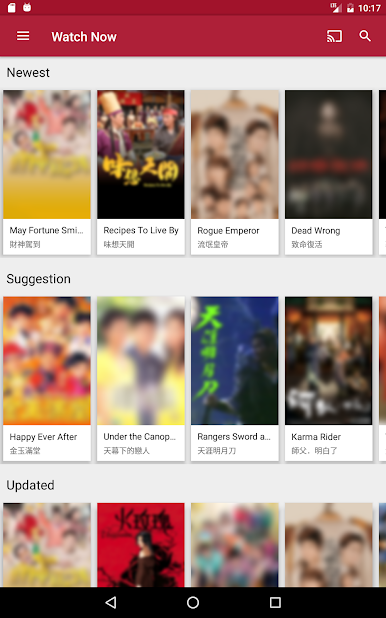
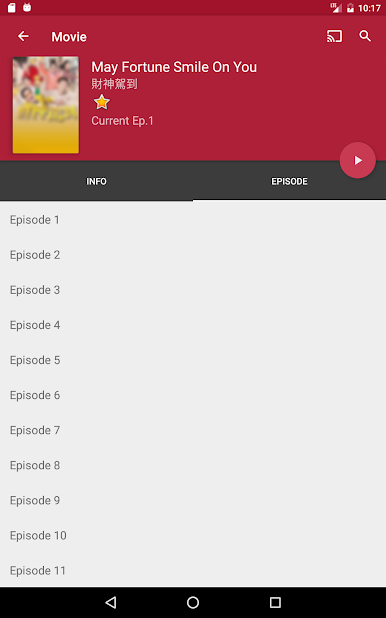
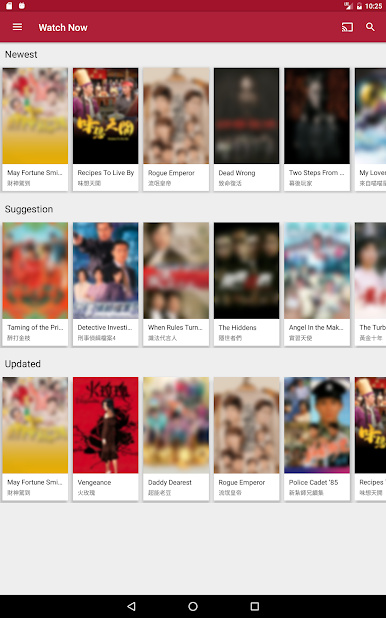
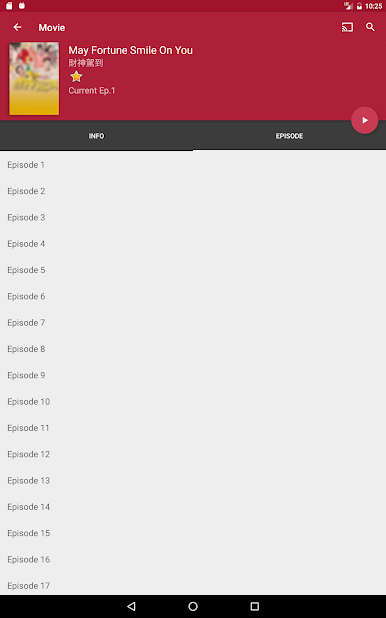
- Enjoy your favorite HongKong drama in Cantonese
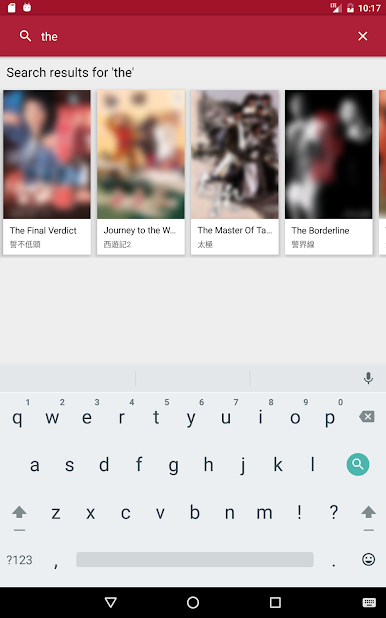
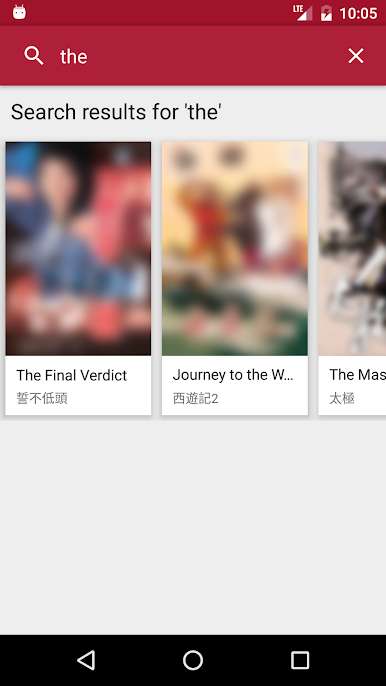
- Search quickly by voice.
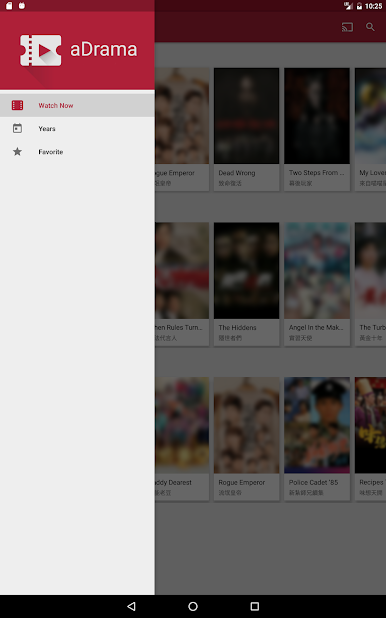
- Add drama to favorite list.
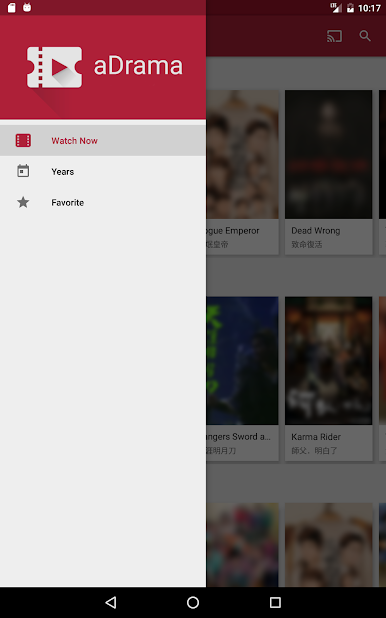
- Group drama by years.
- Support Google Cast
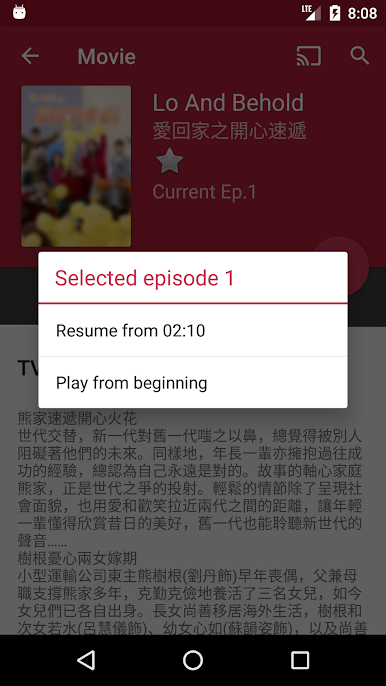
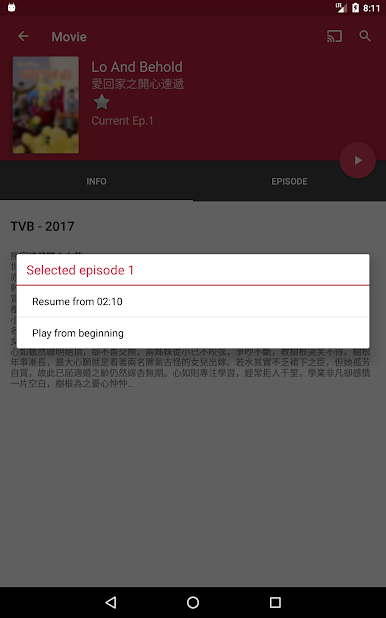
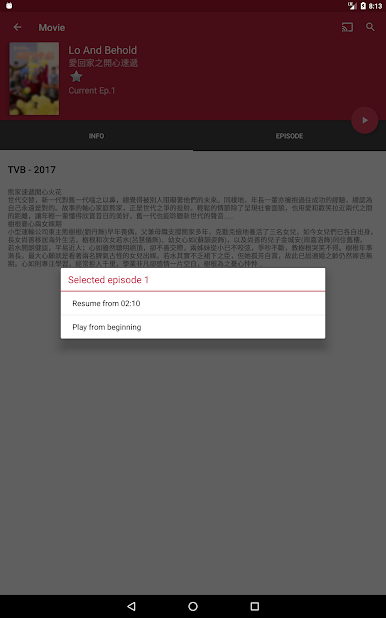
- Continue watching feature.
**** Tips ****
- If you are using Android TV and stuck in movie loading. It may be the issue of Google Play services.
- Please go to Settings -> Apps -> find Google Play services -> uninstall update -> try aDrama again.
***** Disclaimer *****
All the dramas in this app are publicly free and available on public domains. We just provide a way to stream videos that are uploaded by the officials channels themselves. We are not providing any way to download these content. Our dramas teams have no ownership and responsibility regarding videos and content. All the videos provided in this application has the copyrights of their respective owners. We do not show any live tv.
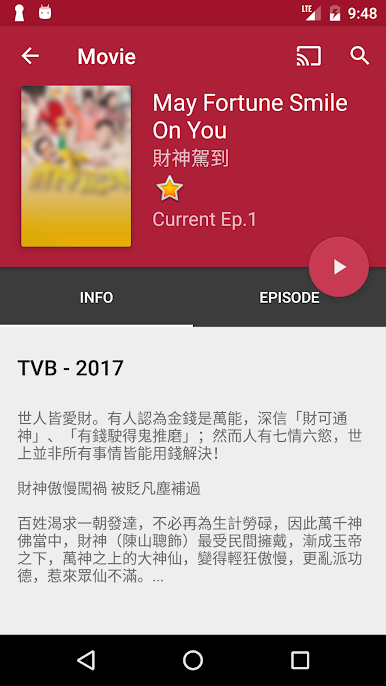
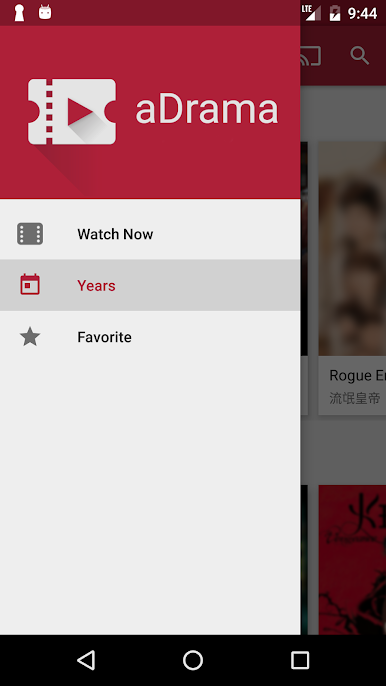
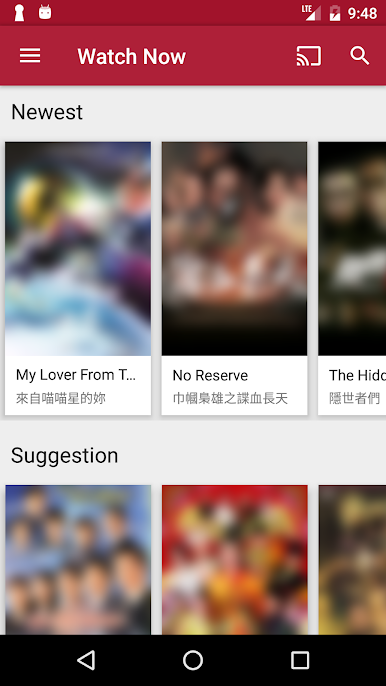
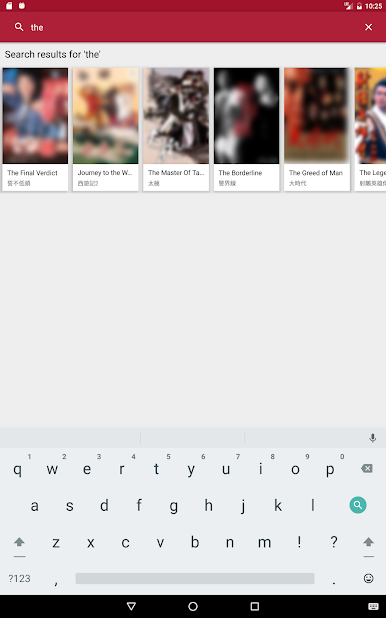
Play aDrama on PC. It’s easy to get started.
-
Download and install BlueStacks on your PC
-
Complete Google sign-in to access the Play Store, or do it later
-
Look for aDrama in the search bar at the top right corner
-
Click to install aDrama from the search results
-
Complete Google sign-in (if you skipped step 2) to install aDrama
-
Click the aDrama icon on the home screen to start playing

