


Arabic English Translator Pro
Play on PC with BlueStacks – the Android Gaming Platform, trusted by 500M+ gamers.

Page Modified on: Jan 16, 2024
Play Arabic English Translator Pro on PC
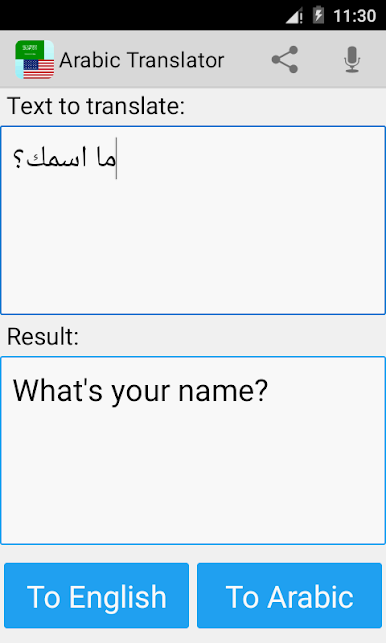
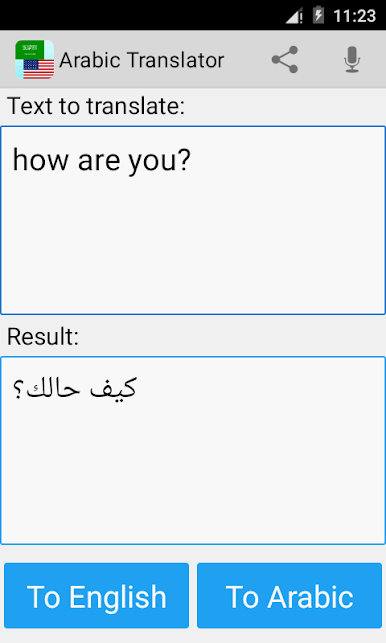
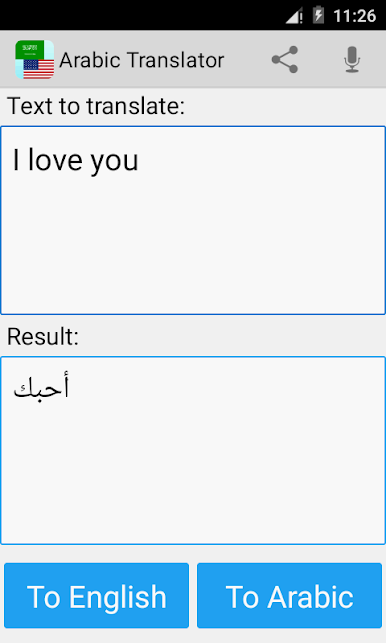
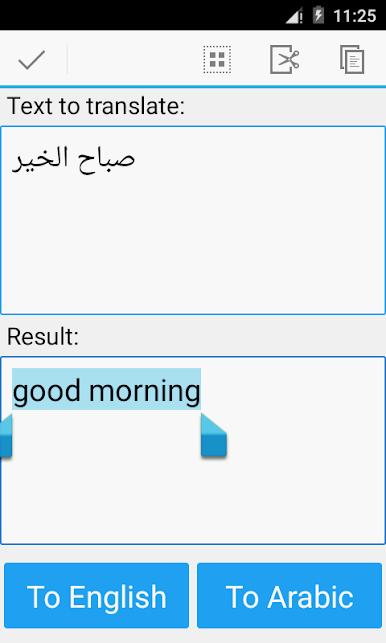
This app is able to translate words and texts from english to arabic, and from arabic to english.
- very useful app for easy and fast translations, which can be used like a dictionary
- voice input for text available
- share translations with your friends and contacts
- if you are a student, tourist or traveler, it will helps you to learn the language!
- Arabic is spoken in countries like Saudi Arabia, Oman, Iraq, Egypt and more.
Disclaimer: This service may contain translations powered by Google. Google disclaims all warranties related to the translations, express or implied, including any warranties of accuracy, reliability, and any implied warranties of merchantability, fitness for a particular purpose and noninfringement.
Google Translate link: http://translate.google.com
Play Arabic English Translator Pro on PC. It’s easy to get started.
-
Download and install BlueStacks on your PC
-
Complete Google sign-in to access the Play Store, or do it later
-
Look for Arabic English Translator Pro in the search bar at the top right corner
-
Click to install Arabic English Translator Pro from the search results
-
Complete Google sign-in (if you skipped step 2) to install Arabic English Translator Pro
-
Click the Arabic English Translator Pro icon on the home screen to start playing

