

German Radio Online
Play on PC with BlueStacks – the Android Gaming Platform, trusted by 500M+ gamers.

Page Modified on: Jul 22, 2025
Run German Radio Online on PC or Mac
Get freedom from your phone’s obvious limitations. Use German Radio Online, made by GK Apps, a Music & Audio app on your PC or Mac with BlueStacks, and level up your experience.
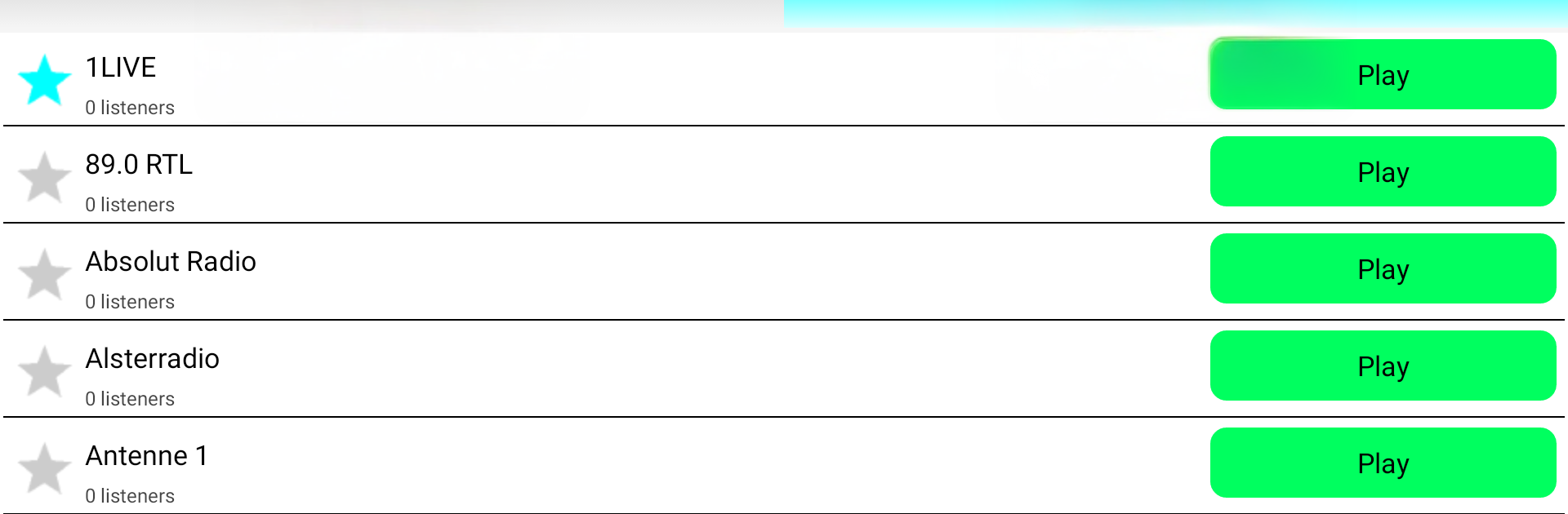
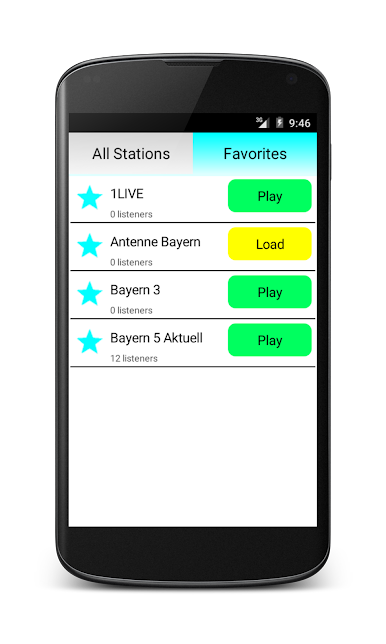
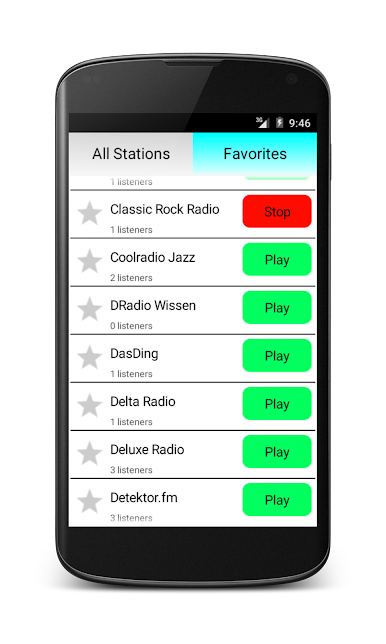
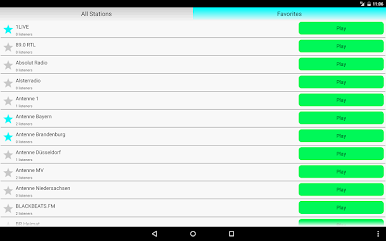
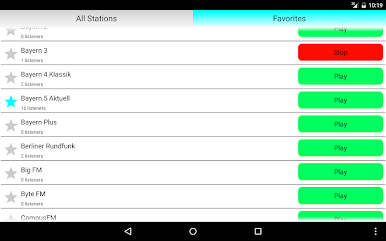
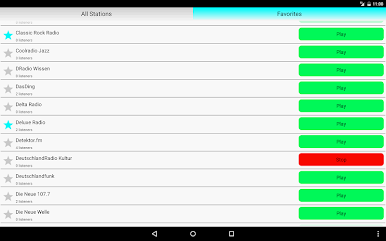
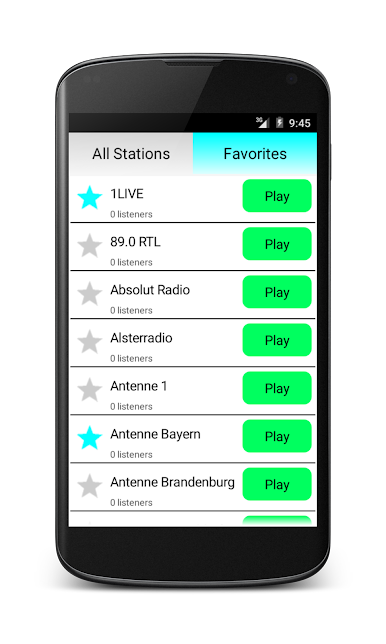
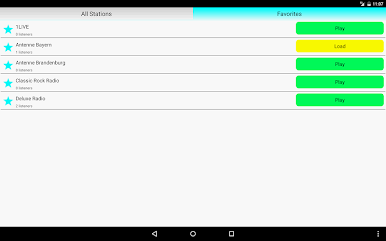
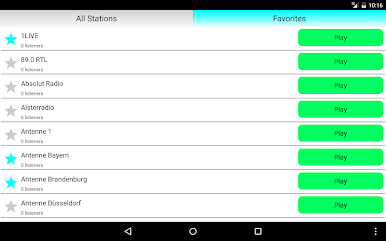
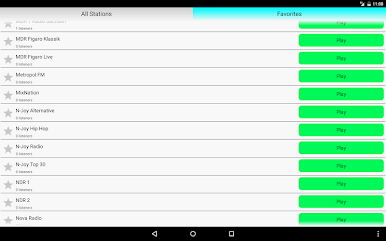
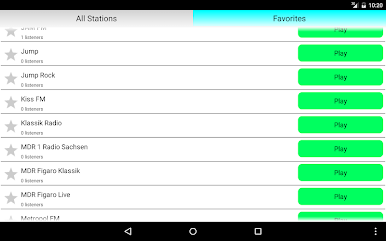
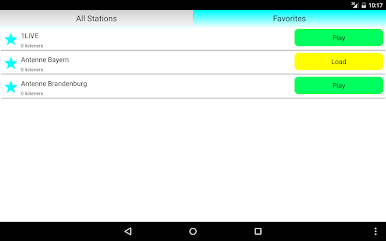
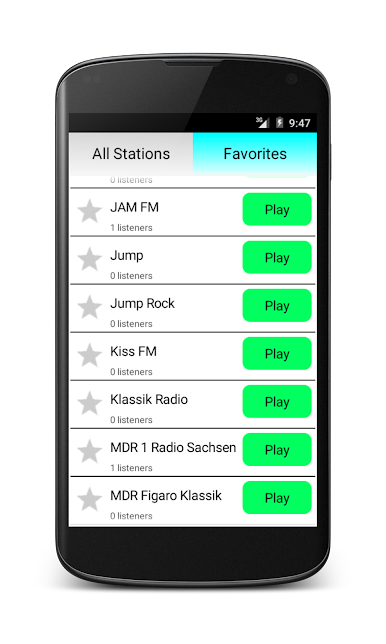
German Radio Online feels like a straightforward radio dial for anyone curious about what is playing in Germany right now. It loads a long list of stations and lets the user jump between pop, rock, hip hop, or classic schlager without any fuss. Names people will recognize pop up right away, like 1Live, Antenne Bayern, Bayern 3, Deutschlandfunk, SWR3, and plenty of regional stations that are fun to stumble into. Switching is quick, streams start fast, and the audio stays stable most of the time, even if a station or two may need a second try now and then.
On a PC with BlueStacks, it basically turns into a small desktop radio that can sit in a corner while someone works or browses. Click a station, let it play in the background, and that is it. There are not many settings or flashy extras, which is nice if the goal is simply getting music or news without fiddling around. One thing to watch out for though. If any power saving tool tries to put the app to sleep, the playback may stop. The app hints at this on phones, and Samsung users might need to tweak Smart Manager so the stream keeps going. Past that, it is low effort listening with a lot of German stations plus some international tracks mixed in, great for discovering what is current or just leaving something on while doing other stuff.
Eager to take your app experience to the next level? Start right away by downloading BlueStacks on your PC or Mac.

Play German Radio Online on PC. It’s easy to get started.
-
Download and install BlueStacks on your PC
-
Complete Google sign-in to access the Play Store, or do it later
-
Look for German Radio Online in the search bar at the top right corner
-
Click to install German Radio Online from the search results
-
Complete Google sign-in (if you skipped step 2) to install German Radio Online
-
Click the German Radio Online icon on the home screen to start playing

