


3 Dots - Connect em all
Play on PC with BlueStacks – the Android Gaming Platform, trusted by 500M+ gamers.

Page Modified on: Dec 11, 2025
Play 3 Dots - Connect em all on PC or Mac
Step into the World of 3 Dots – Connect em all, a thrilling Puzzle game from the house of LIHUHU PTE. LTD.. Play this Android game on BlueStacks App Player and experience immersive gaming on PC or Mac.
About the Game
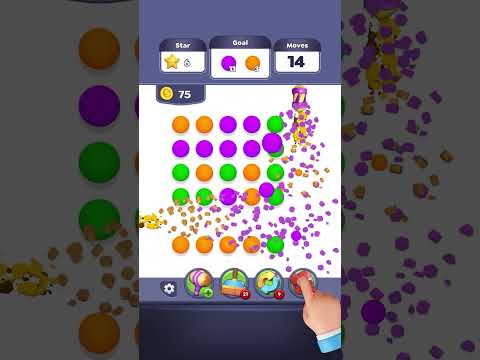
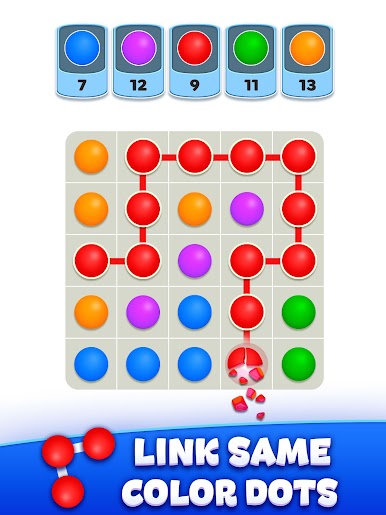
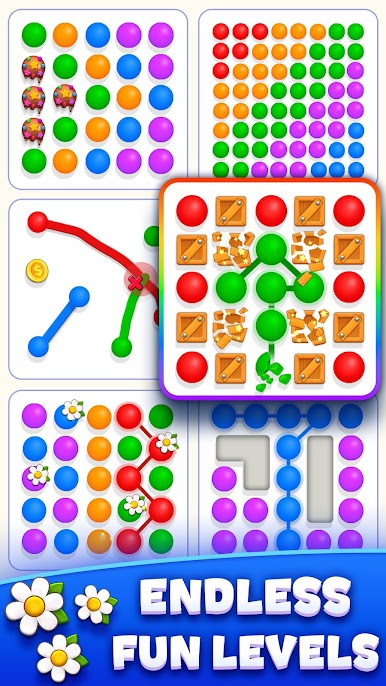
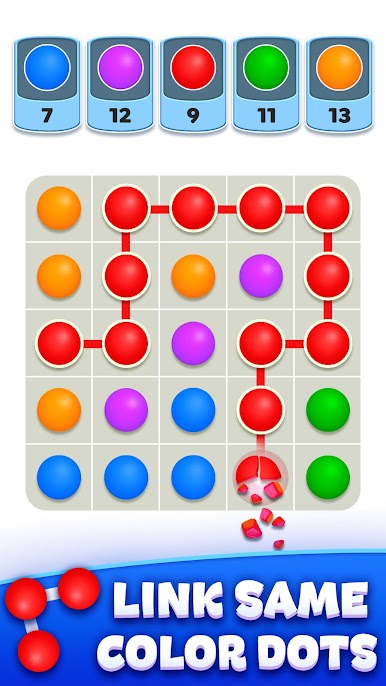
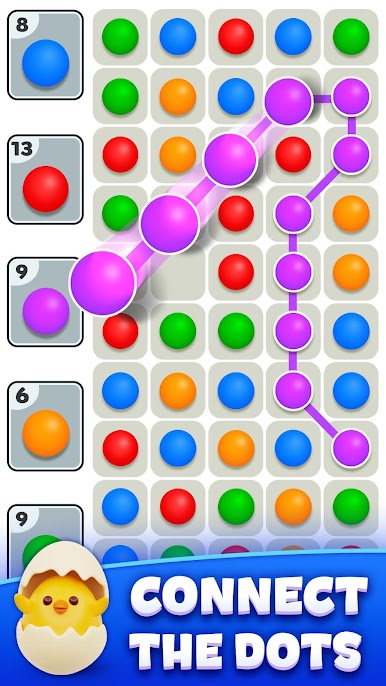
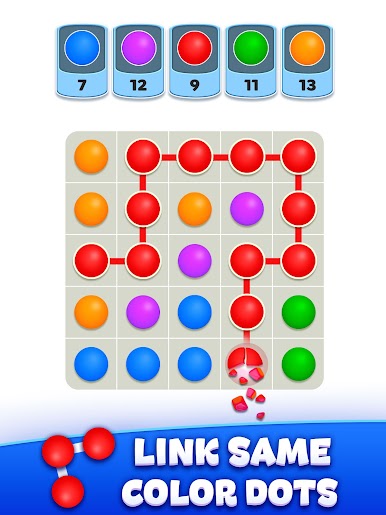
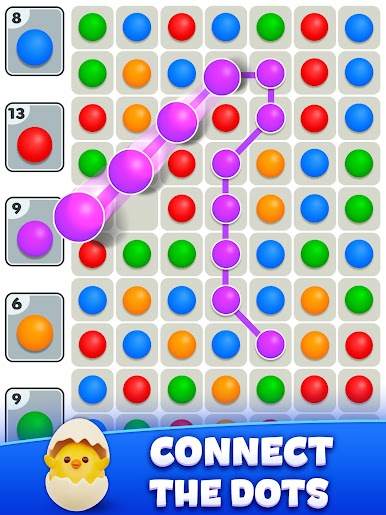
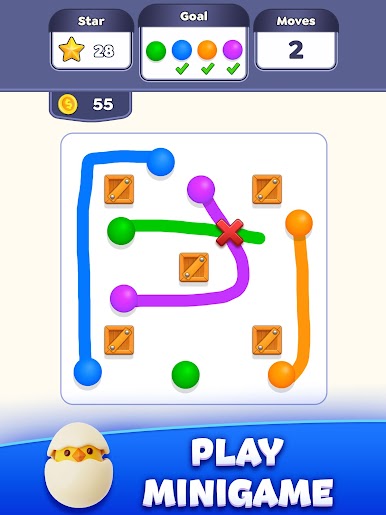
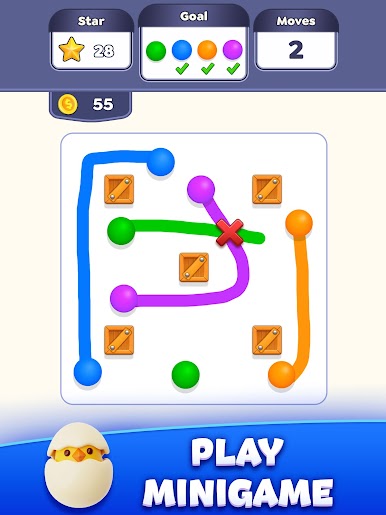
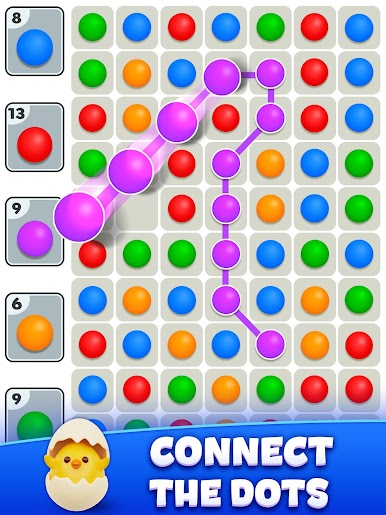
3 Dots – Connect em all brings that perfect mix of chill and challenge you’re probably looking for in a puzzle game. Designed by LIHUHU PTE. LTD., it’s all about connecting colorful dots in clever ways to clear the board, rack up points, and knock out level goals. Whether you’re sneaking in a quick break or letting off steam after a long day, this game’s got plenty to keep your brain busy.
Game Features
-
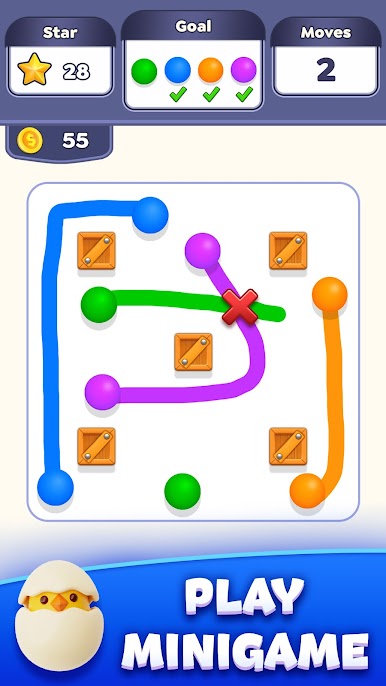
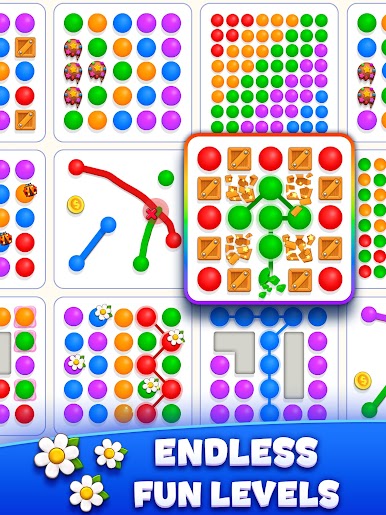
Loads of Puzzles: With over 500 levels, you won’t run out of puzzles anytime soon. Each one tosses in something new, so the fun keeps on rolling.
-
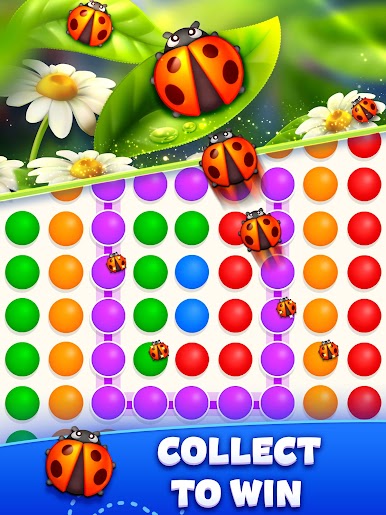
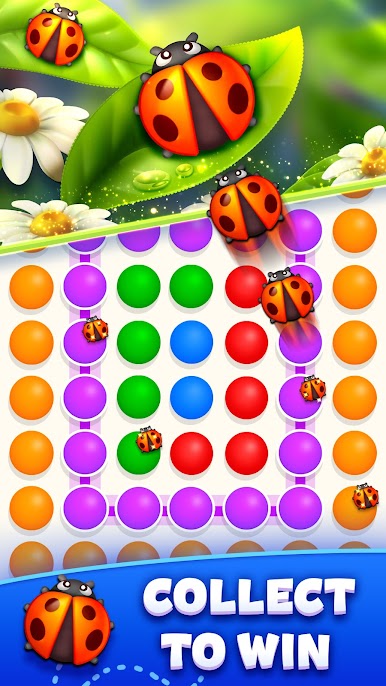
Bright and Variety-Packed: The variety of colored balls keeps your screen popping—trust me, it’s hard not to feel a bit cheered up looking at all those vibrant combinations.
-
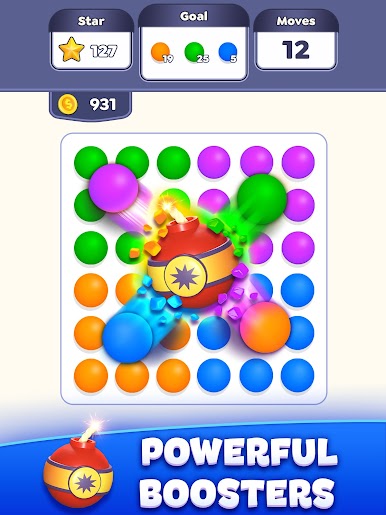
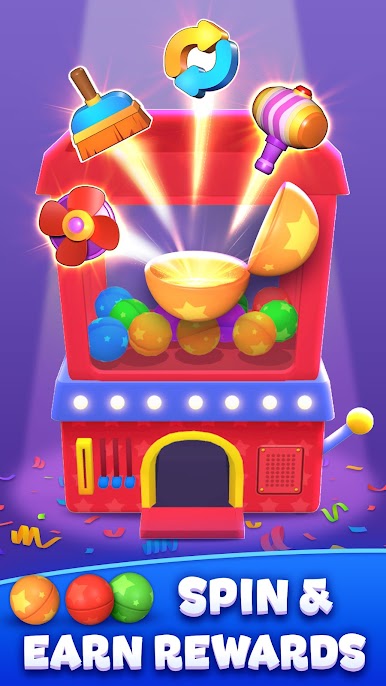
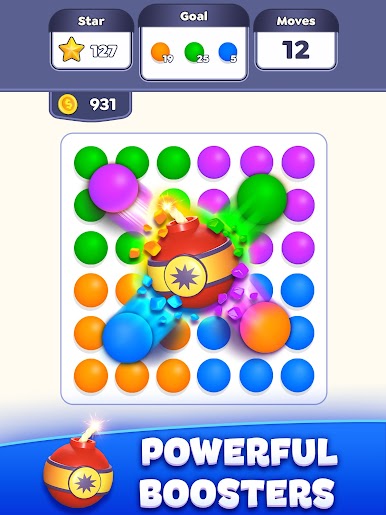
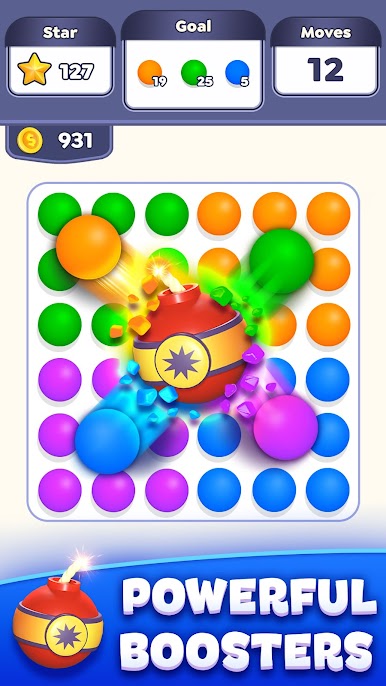
Boosters at Your Side: Stuck on a tricky section? There are more than six different boosters ready to help you connect dots even quicker.
-
Easy to Pick Up: Just swipe to connect matching dots—super simple controls mean you can start playing right away, whether you’re a puzzle veteran or totally new.
-
Race the Clock: Some levels add a bit of pressure with timers, so you’ve got to think quick and act faster if you want to clear the objectives.
-
On-the-Go Play: Waiting for a friend or need to kill a few minutes? You can play whenever you’ve got a moment, and the game plays great on mobile or with BlueStacks.
-
For All Ages: Whether you’re a kid or just a kid at heart, 3 Dots – Connect em all is designed to be relaxing, but it’s also clever enough to keep you hooked.
Get ready for a buttery smooth, high-performance gaming action only on BlueStacks.


Play 3 Dots - Connect em all on PC. It’s easy to get started.
-
Download and install BlueStacks on your PC
-
Complete Google sign-in to access the Play Store, or do it later
-
Look for 3 Dots - Connect em all in the search bar at the top right corner
-
Click to install 3 Dots - Connect em all from the search results
-
Complete Google sign-in (if you skipped step 2) to install 3 Dots - Connect em all
-
Click the 3 Dots - Connect em all icon on the home screen to start playing

