


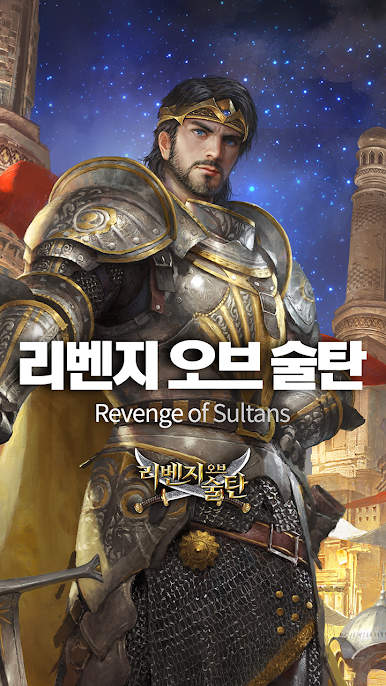
Revenge of Sultans (ROS)
Play on PC with BlueStacks – the Android Gaming Platform, trusted by 500M+ gamers.

Page Modified on: Nov 22, 2025
Overview
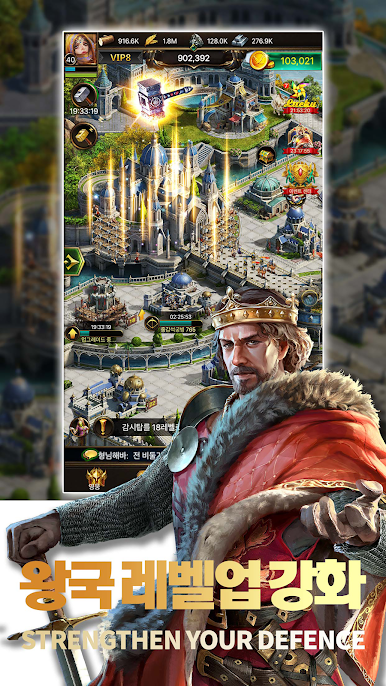
In an age of chaos and darkness, you will be a great monarch who receives the expectations and respect of the people, and you will triumphantly overcome the challenges of other empires.
Enjoy the great strategic game Revenge of Sultanate of Sultans, which is available in 150 countries around the world and has about 300 million downloads.
Google Play Best Games Award
App Store 'Mana Top Grosing' Award
Alibaba Games Winning 'Best Overseas Gaming'
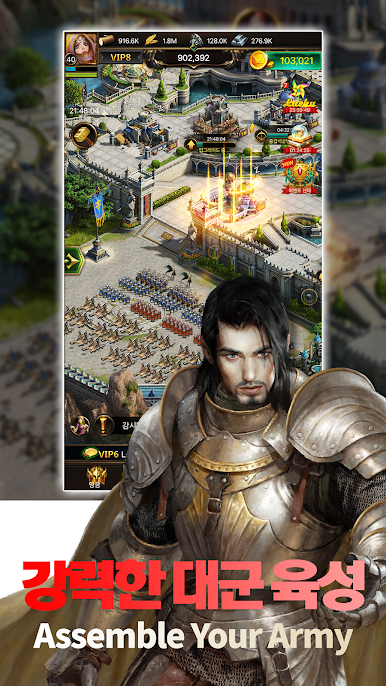
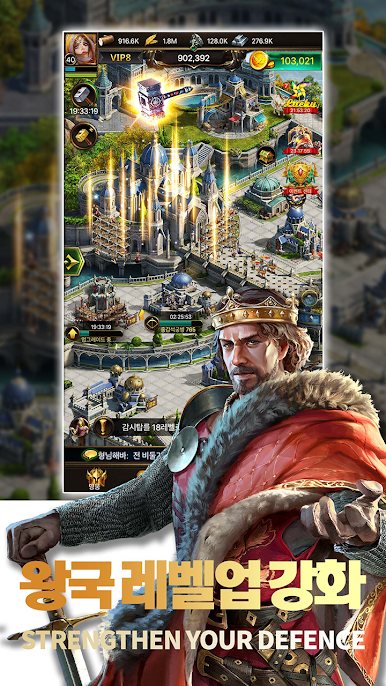
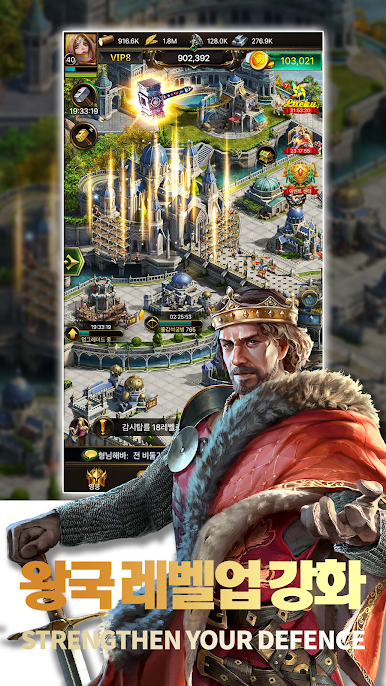
■ Experience a war in history.
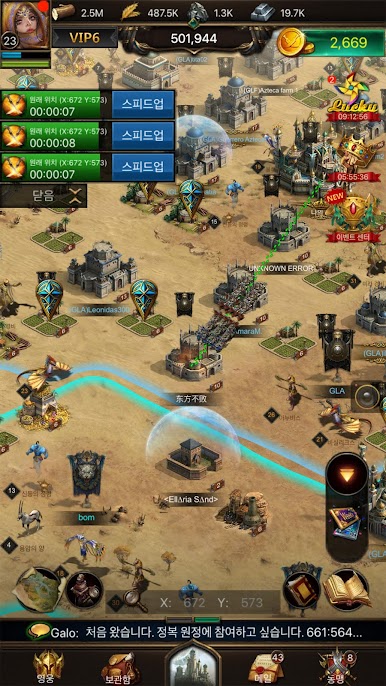
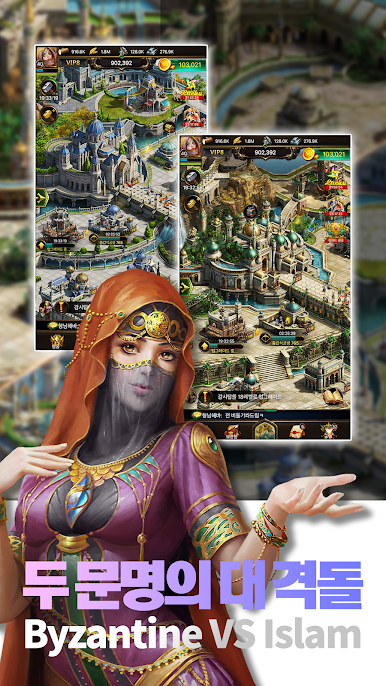
Choose Arab and Byzantine civilizations that you've never experienced before to play strategy simulation. You can experience great characters with a historically authentic, different-looking civilization.
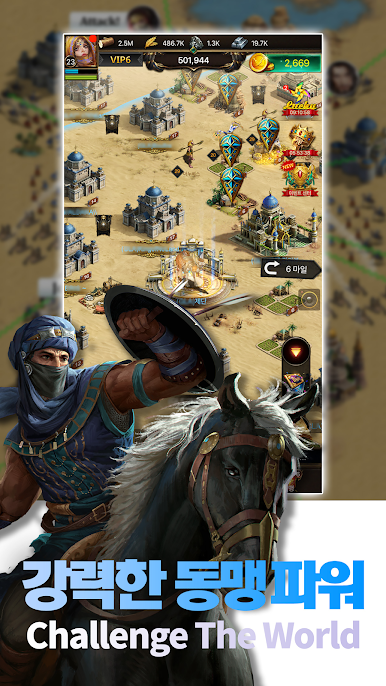
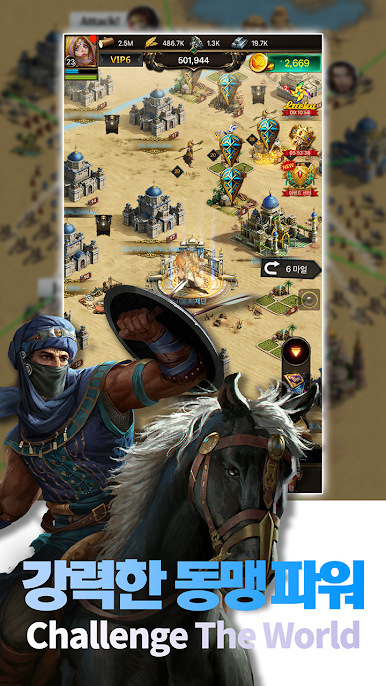
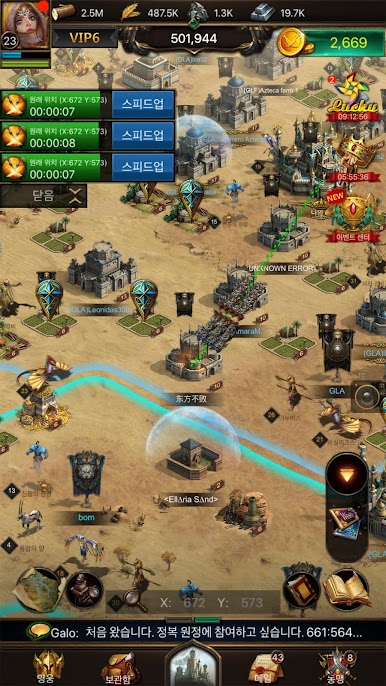
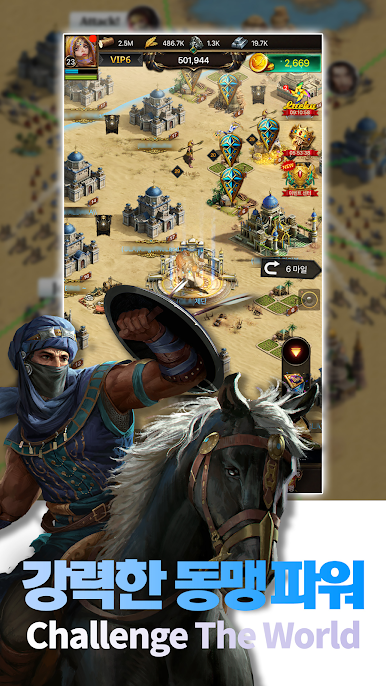
■ Global Alliance System
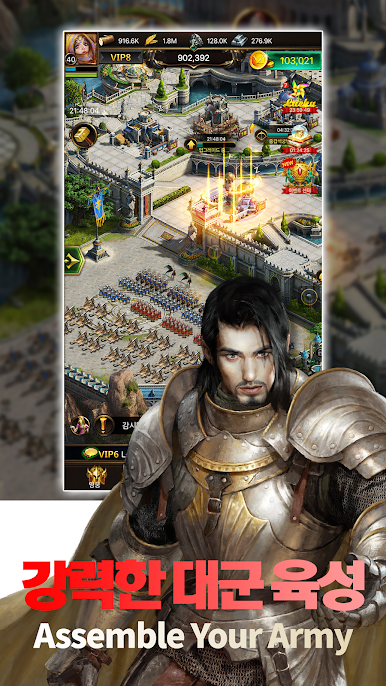
Meet friends from all over the world and form alliances to train and strengthen soldiers. You can talk comfortably through language support.
Work with other allies or confront each other and create truly the best alliance.
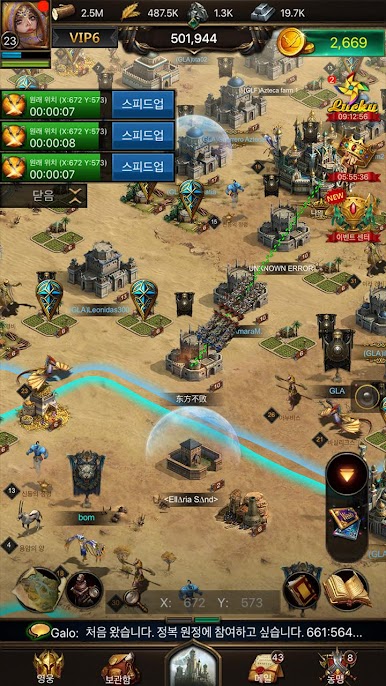
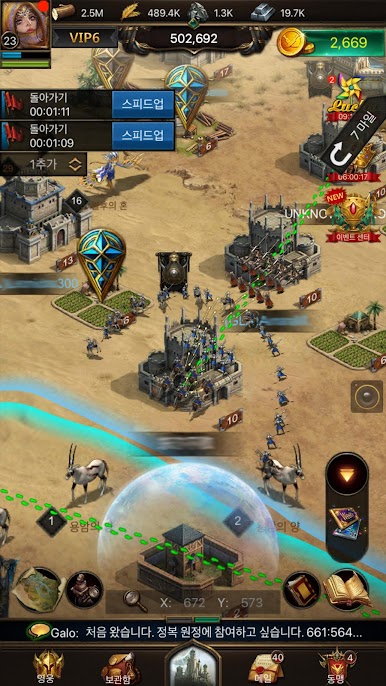
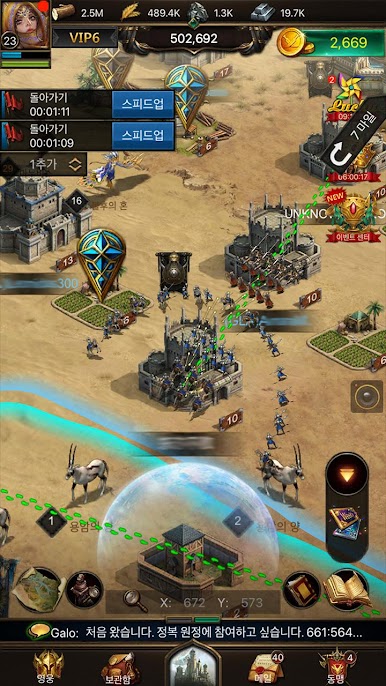
Make a strategic invasion with the resources of the real-time.
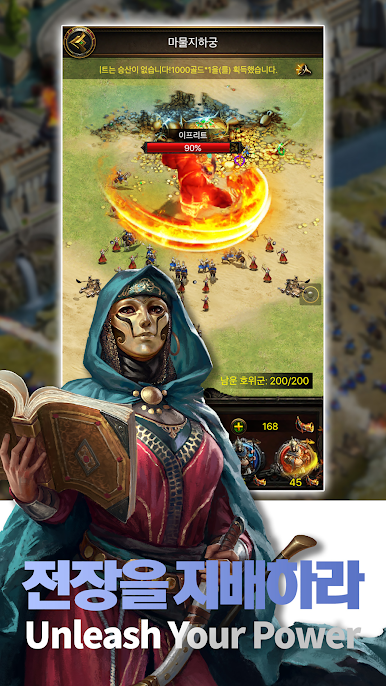
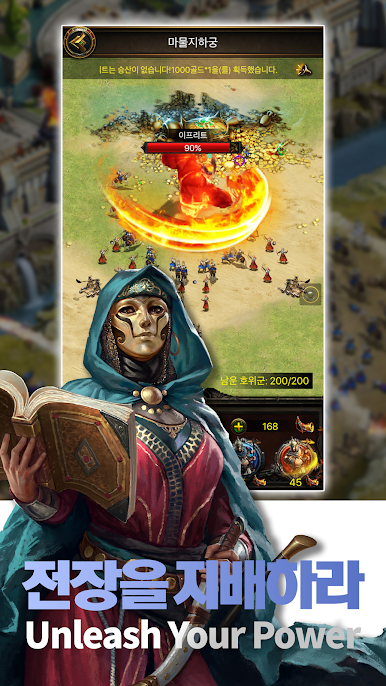
■ Severe Legends-level Combat
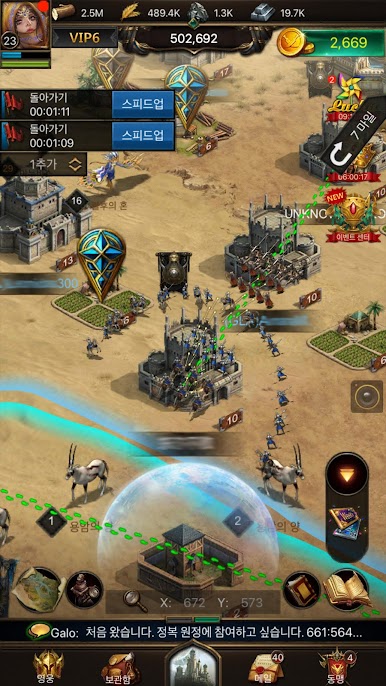
Train infantry, archers, and cavalry, and build a resonance weapon to increase your combat power.
Enjoy a fierce battle through real-time action.
■ Pet system
Choose and raise your own pet, which ranges from camels, black leopards, lions, and elephants.
Each selected pet has its own buff effect and will be of great help to the king's strategy at a level.
■ Hero system
Win the war with the heroes of the Arab Empire and Byzantine civilization.
Each hero has a special ability to help with the war. It's very helpful to win the war if you use it in context.
-----------------------------------------------------------------
■ Access authority guidance
When using the app, we request access to provide the following services:
[Requirement]
Access photos/media/files: Required to store the files needed to run the game.
[Optional Permissions]
Audio: It's necessary to record a video in the game.
■ Retracting access authority
After you agree to access rights, you can reset or revoke access rights as follows:
[Operation system 6.0 or later]
Settings > Application Management > Apps Selection > Privileges > Acceptance or withdrawal of access
[Operation system under 6.0]
Upgrade the operating system to revoke access rights or to delete apps
-----------------------------------------------------------------
[formal community]
Officially, Naver Cafe: h Cafe. naver.com/revengeofsultan
Official Facebook: https://www.facebook.com/RevengeOfSultansKR
[Support]
Customer Center: support@ventumm.com
----
Developer Contact :
support@ventumm.com


Play Revenge of Sultans (ROS) on PC. It’s easy to get started.
-
Download and install BlueStacks on your PC
-
Complete Google sign-in to access the Play Store, or do it later
-
Look for Revenge of Sultans (ROS) in the search bar at the top right corner
-
Click to install Revenge of Sultans (ROS) from the search results
-
Complete Google sign-in (if you skipped step 2) to install Revenge of Sultans (ROS)
-
Click the Revenge of Sultans (ROS) icon on the home screen to start playing

