


Hazzar
Play on PC with BlueStacks – the Android Gaming Platform, trusted by 500M+ gamers.

Page Modified on: Oct 10, 2026
Play Hazzar on PC or Mac
Step into the World of Hazzar, a thrilling Trivia game from the house of HAZZAR GAMES. Play this Android game on BlueStacks App Player and experience immersive gaming on PC or Mac.
About the Game
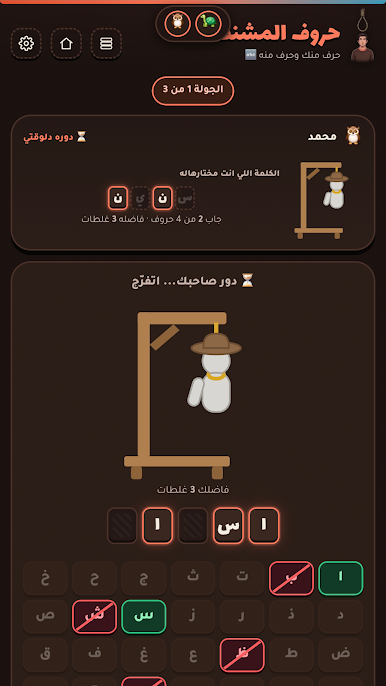
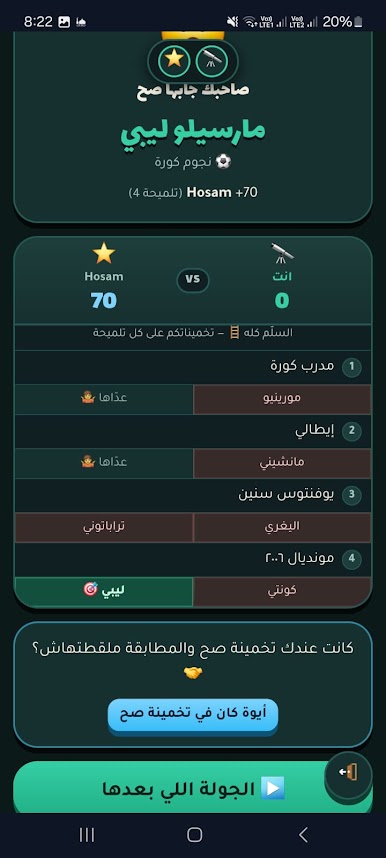
Hazzar is a fast, social Trivia playground where quick thinking, bluffing, and clever hints keep every round fresh. Jump in solo or bring the crew—there are tons of short, punchy games that revolve around secret words, drawing, guessing, and reading your friends. Want a bigger screen? It runs smoothly on PC with BlueStacks.
Game Features
- Many ways to play: Jump between party games, head-to-head duels, and solo challenges without switching apps—keep the energy up and the rules simple.
- Easy rooms & instant joins: Create a private room with a short code or QR and get everyone in within seconds, no registration or setup.
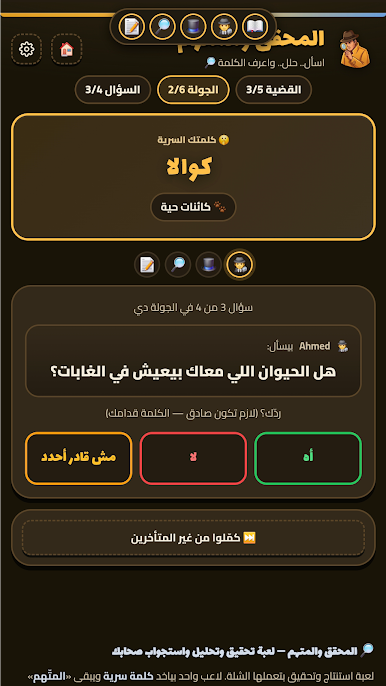
- Party-friendly setup: Play with 3–12 people on separate devices, share one-word clues, interrogate suspects with yes/no questions, vote for the spy, or rate each other’s drawings.
- Pass-and-play support: All in one place? Hand the device around and keep the laughs going—no rooms or codes needed.
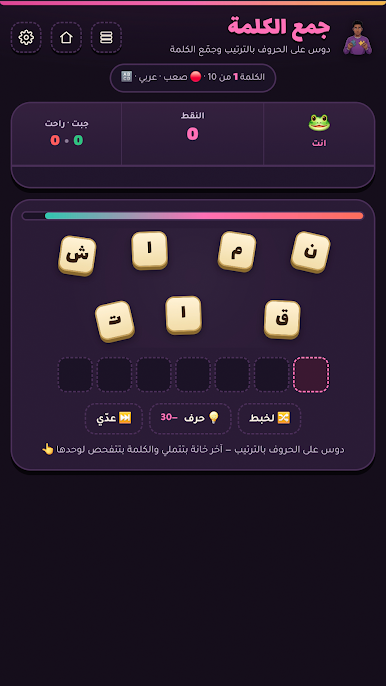
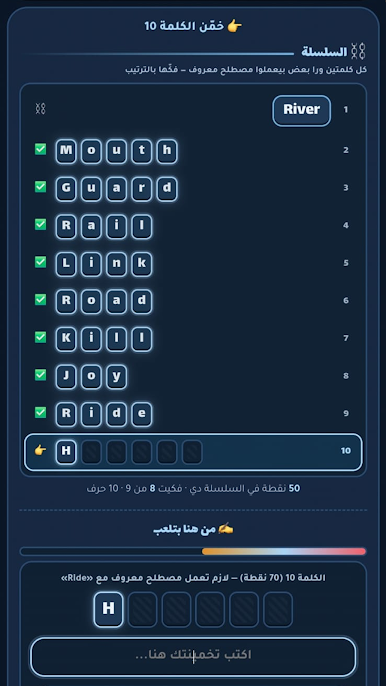
- Head-to-head duels: Challenge a friend in fast rounds like Word Chain, Word Puzzle, Be Clever, and Catch Hamasa, racing to spell, unscramble, or guess first.
- Solo challenges that stick: Tackle bite-size modes on your own, chase personal bests, and collect titles—your stats are saved locally so you can try to beat yourself later.
- Built for Egyptian Arabic: Words, clues, and prompts pull from everyday Egyptian Arabic, so everything feels natural and familiar.
- Always fresh content: Large and growing banks across categories and difficulty levels mean you won’t bump into repeats in the same room.
- Connection-friendly design: If the internet drops, come back on the same device and your spot, points, and progress are still there.
- Quick vote option: Sure you’ve found the spy? Skip the remaining turns and trigger a fast vote to keep the pace snappy.
- Chat and safety tools: Talk in-room, and use block/report tools to keep the vibe friendly.
- Free with optional ad-free: Play the full lineup for free, with an optional subscription if you prefer no ads.
Ready to top the leaderboard? We bet you do. Let precise controls and sharp visuals optimized on BlueStacks lead you to victory.



Play Hazzar on PC. It’s easy to get started.
-
Download and install BlueStacks on your PC
-
Complete Google sign-in to access the Play Store, or do it later
-
Look for Hazzar in the search bar at the top right corner
-
Click to install Hazzar from the search results
-
Complete Google sign-in (if you skipped step 2) to install Hazzar
-
Click the Hazzar icon on the home screen to start playing

