


Matto Espresso
Play on PC with BlueStacks – the Android Gaming Platform, trusted by 500M+ gamers.

Page Modified on: Oct 2, 2026
Play Matto Espresso on PC
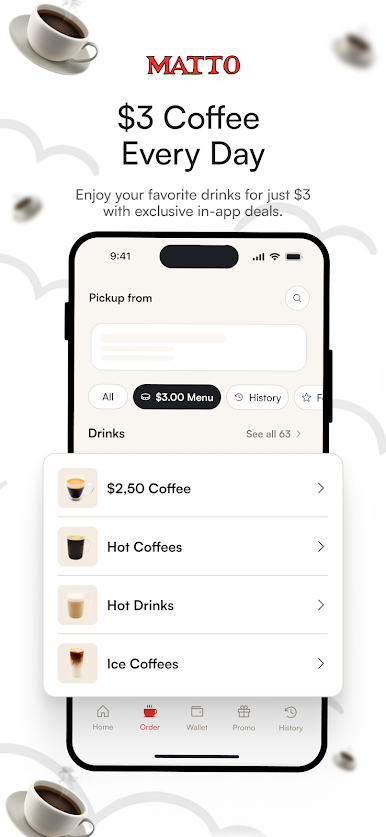
Skip the line, unlock our famous $3 menu, earn free drinks, and pay in one tap.
UNLOCK THE $3 MENU
• App-only $3 drinks, pastries, and more
• Exclusive deals you won't find in store
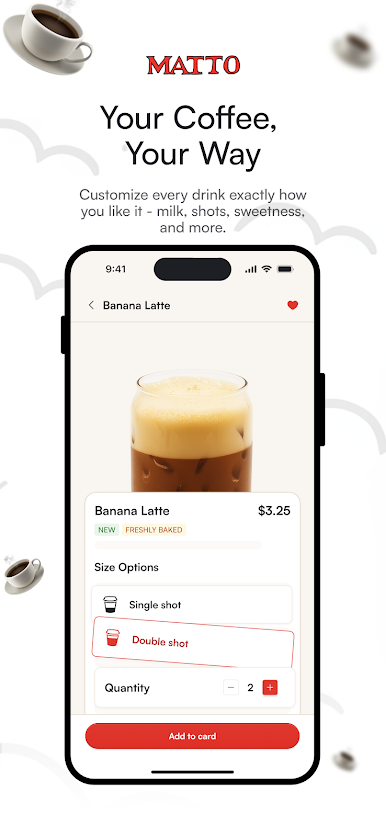
ORDER AHEAD
• Skip the line at your nearest Matto
• Customize drinks exactly how you like
• Reorder your favorites in one tap
EARN REWARDS
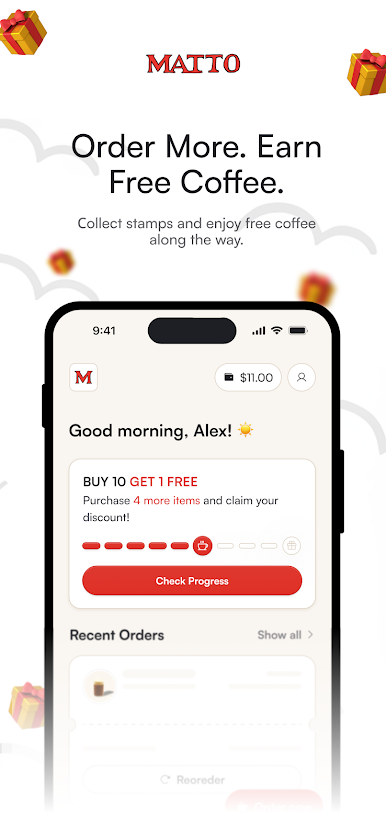
• Buy 10, get 1 free
• Free birthday treat - redeemable all week
• Refer a friend, get $5
• Bonus credit when you top up your Wallet
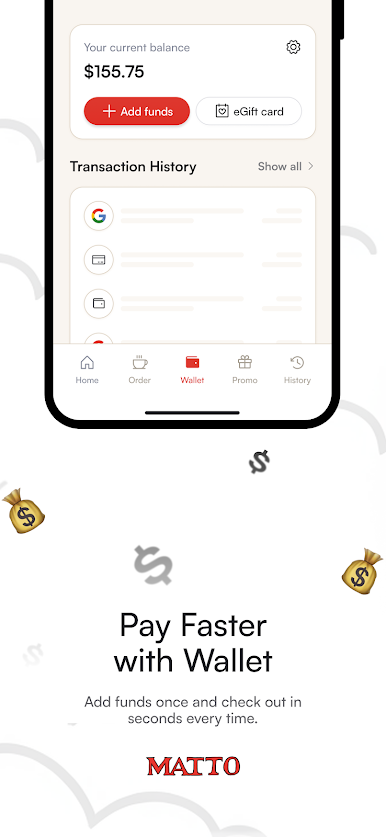
MATTO WALLET
• Pay in one tap
• Auto-reload so you're never stuck
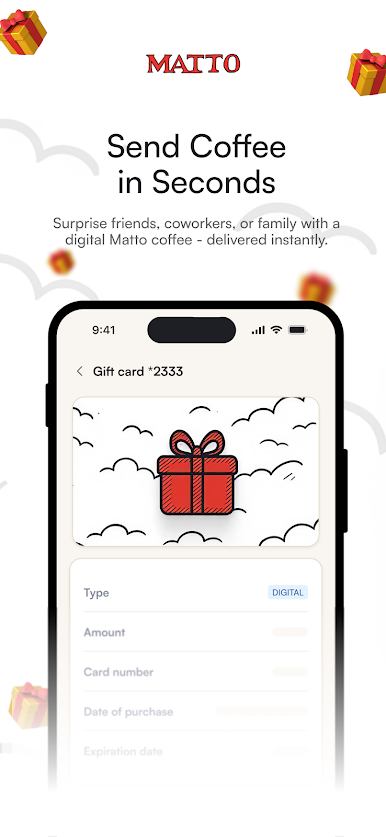
SEND eGIFTS
• Instantly send coffee to friends and family
• Delivered in seconds, redeemed in store
• Designs for every occasion
FIND A MATTO
• 20+ NYC locations with live hours and directions
Download free. Your first order says it all.
Play Matto Espresso on PC. It’s easy to get started.
-
Download and install BlueStacks on your PC
-
Complete Google sign-in to access the Play Store, or do it later
-
Look for Matto Espresso in the search bar at the top right corner
-
Click to install Matto Espresso from the search results
-
Complete Google sign-in (if you skipped step 2) to install Matto Espresso
-
Click the Matto Espresso icon on the home screen to start playing

