


nanogram
Play on PC with BlueStacks – the Android Gaming Platform, trusted by 500M+ gamers.

Page Modified on: Jan 13, 2026
Main nanogram on PC
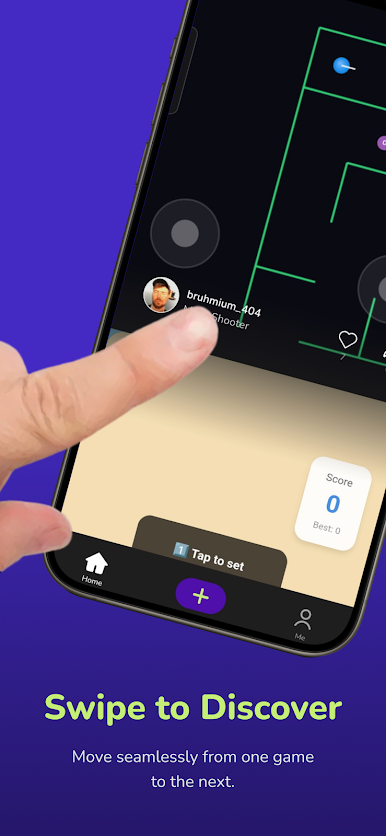
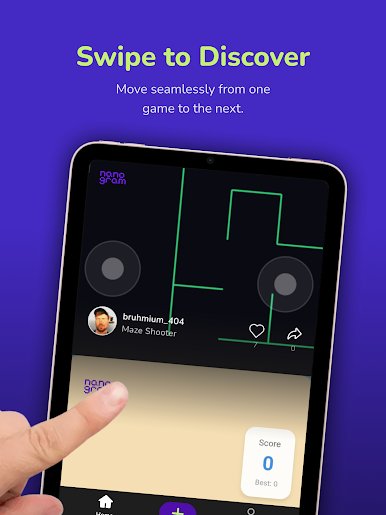
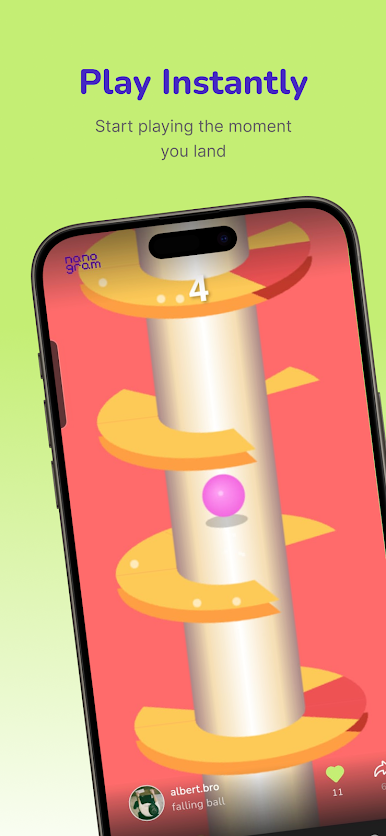
Every game is designed for quick, satisfying sessions with simple controls and immediate feedback. Games make sense in seconds and feel good to replay, which makes Nanogram perfect for short breaks or longer scroll sessions.
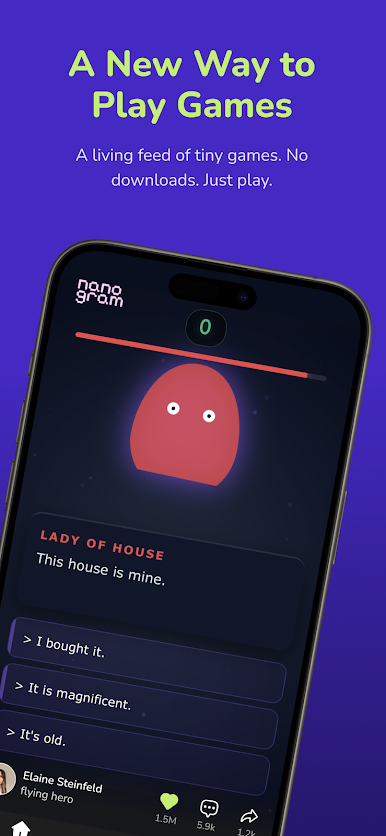
Nanogram uses AI to turn ideas into playable games. Describe a game in plain English and it becomes something others can play, share, and discover in the feed. Because every game is different, the experience doesn’t get repetitive. When one ends, the next one is already waiting.
This is short-form games. Create instantly. Play endlessly.
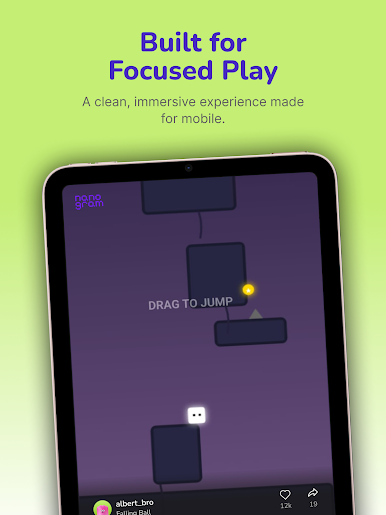
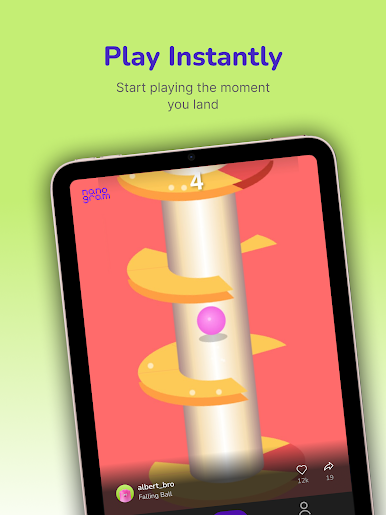
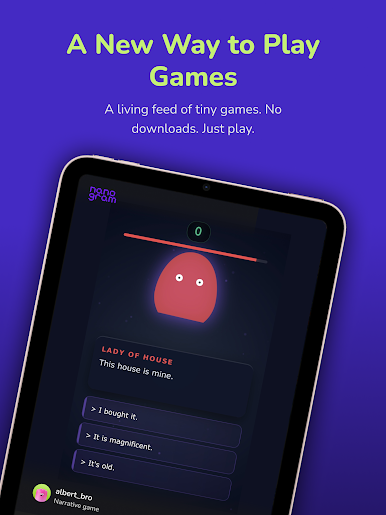
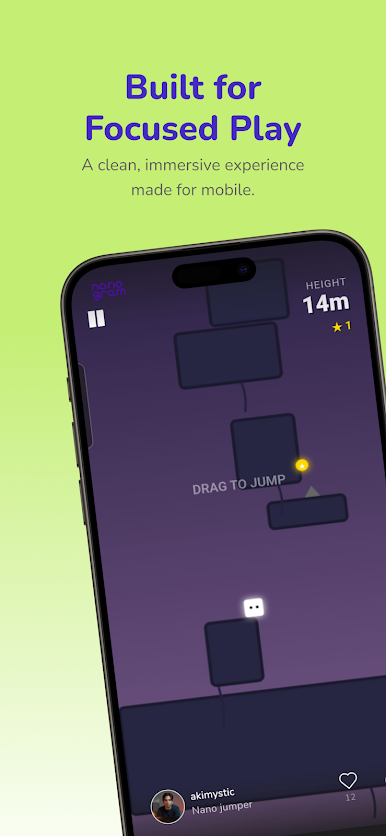
Play nanogram on PC. It’s easy to get started.
-
Download and install BlueStacks on your PC
-
Complete Google sign-in to access the Play Store, or do it later
-
Look for nanogram in the search bar at the top right corner
-
Click to install nanogram from the search results
-
Complete Google sign-in (if you skipped step 2) to install nanogram
-
Click the nanogram icon on the home screen to start playing

