


Fonts Type – Fonts Keyboard
Play on PC with BlueStacks – the Android Gaming Platform, trusted by 500M+ gamers.

Page Modified on: May 24, 2025
Play FontsType: Stylish Fonts Keyboard & Emojis on PC
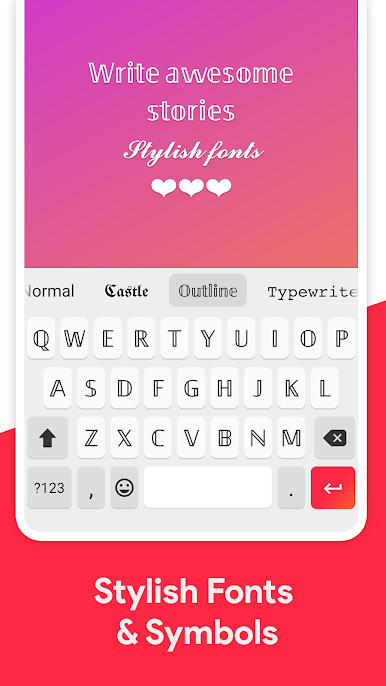
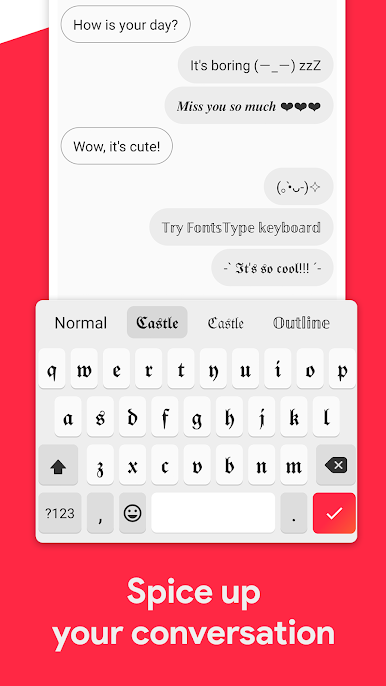
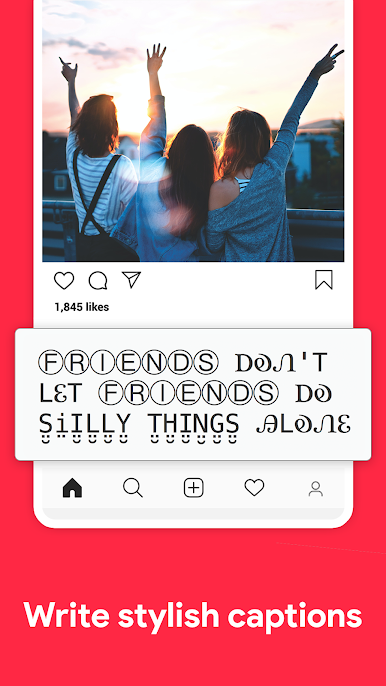
🚀 Pimp your Instagram bio and comments, write stylish Facebook status messages, add beautiful text to your Tik Tok videos, customize profile of Whatsapp or LINE with cute fonts. Get more likes, fans or retweets.
🚀 Generate super cool gaming name. Stand out in the game with your new cool name. Works with popular games as Free Fire, Battle Royale, Apex Legends, PUBG, CS GO...
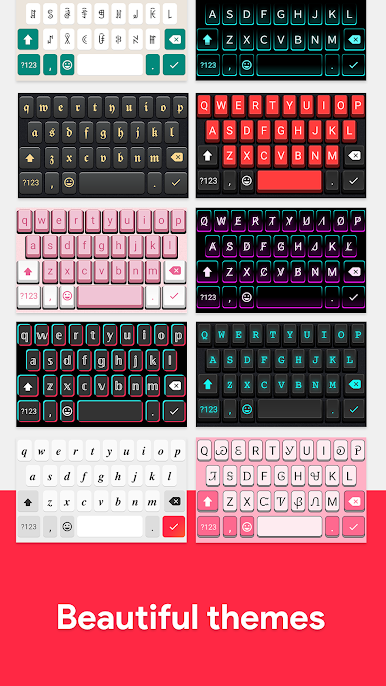
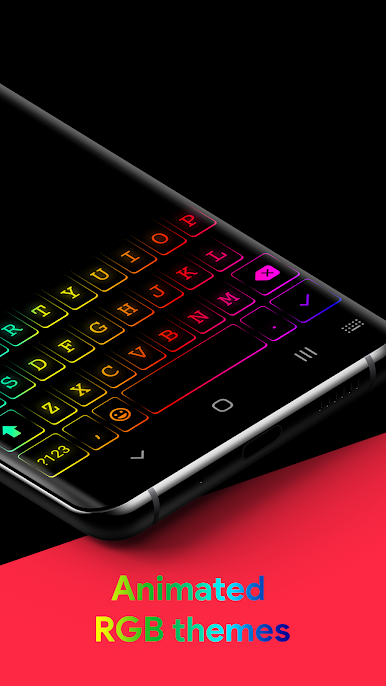
🚀 Great keyboad designs with dark / light and colorful themes.
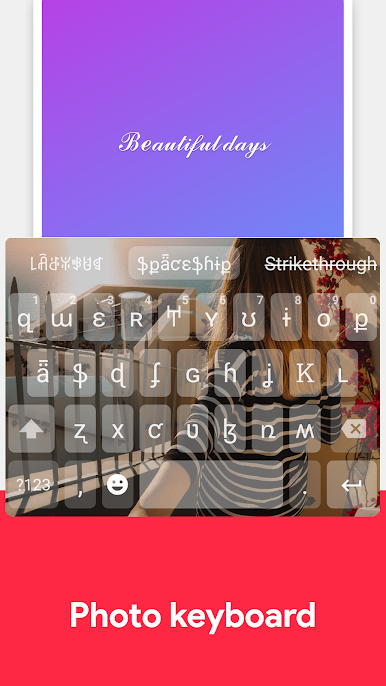
🚀 Create your own keyboard with photo.
🚀 Fast and lightweight applications.
NOTE:
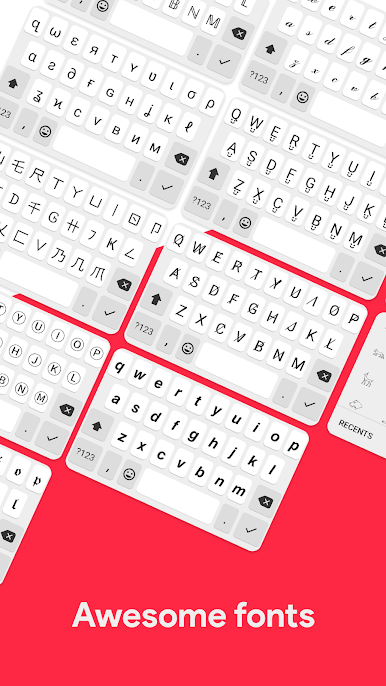
- Only Android 8.0 and above devices support all font styles and symbols. You won't see some fonts which are shown in screenshots on your device if you are running lower Android versions.
- Most of the fonts will only work with languages having Latin characters. Other language support is not guaranteed.
Play Fonts Type – Fonts Keyboard on PC. It’s easy to get started.
-
Download and install BlueStacks on your PC
-
Complete Google sign-in to access the Play Store, or do it later
-
Look for Fonts Type – Fonts Keyboard in the search bar at the top right corner
-
Click to install Fonts Type – Fonts Keyboard from the search results
-
Complete Google sign-in (if you skipped step 2) to install Fonts Type – Fonts Keyboard
-
Click the Fonts Type – Fonts Keyboard icon on the home screen to start playing

