

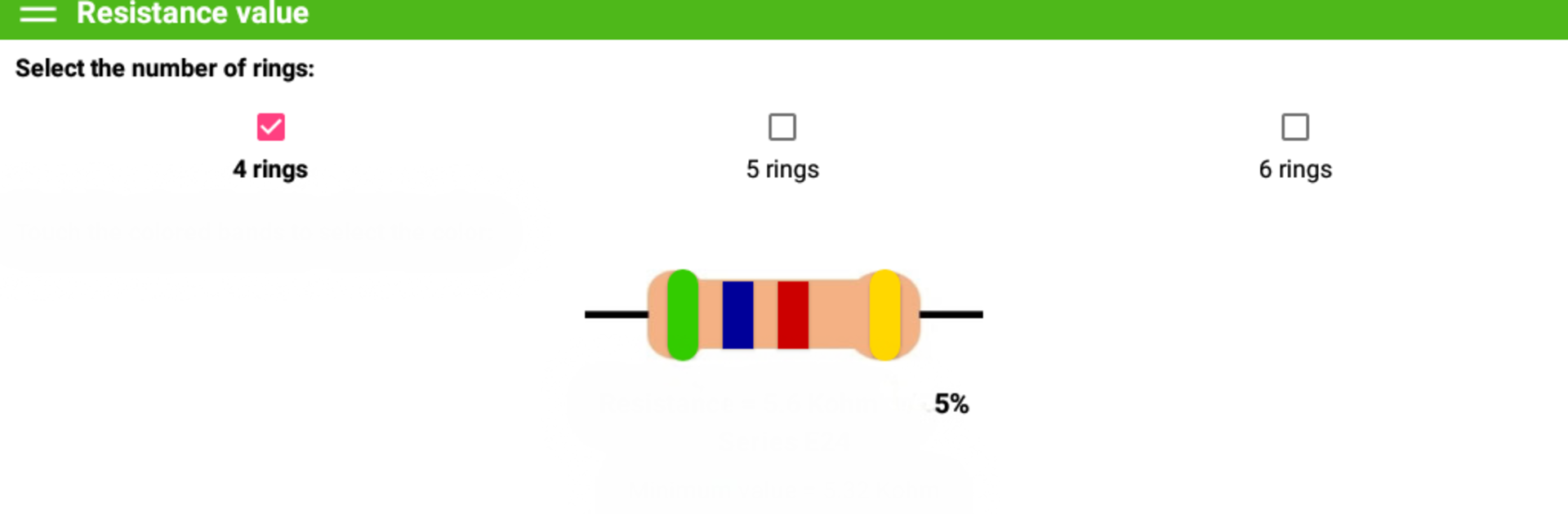
Resistor calculation
Play on PC with BlueStacks – the Android Gaming Platform, trusted by 500M+ gamers.

Page Modified on: Aug 30, 2025
Run Resistance value calculation on PC or Mac
What’s better than using Resistance value calculation by DavideM? Well, try it on a big screen, on your PC or Mac, with BlueStacks to see the difference.
About the App
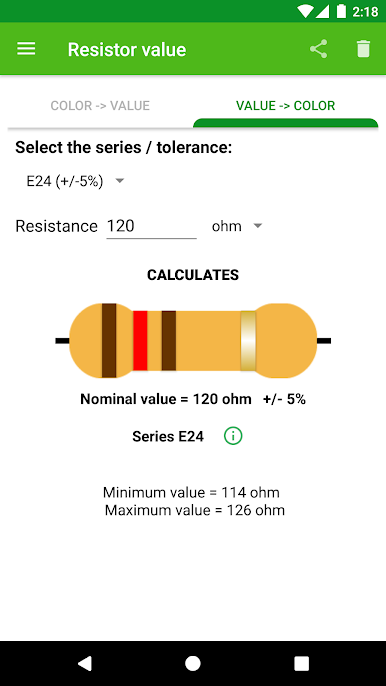
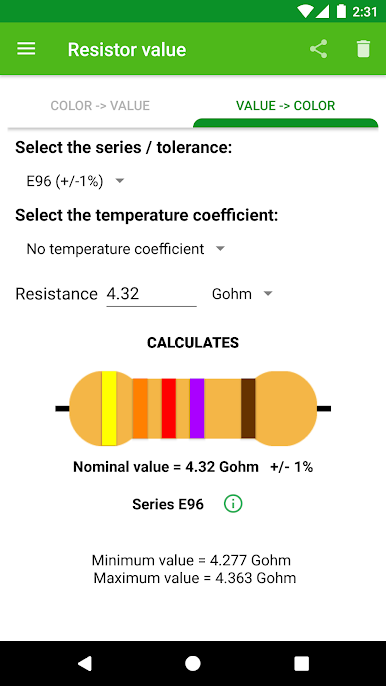
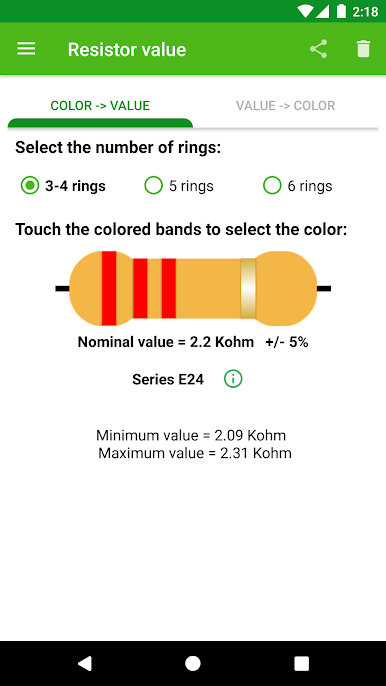
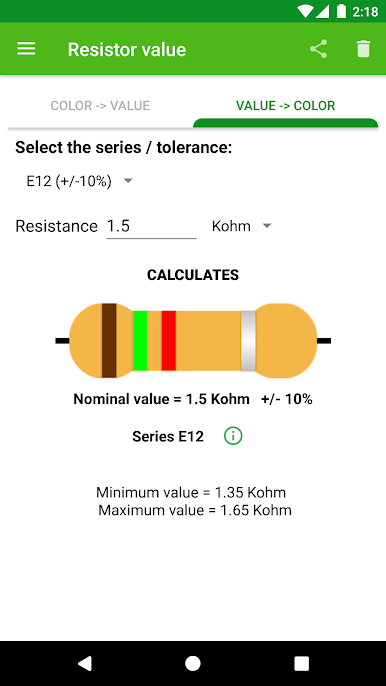
Ever wondered what those colorful stripes on resistors actually mean? With Resistance value calculation from DavideM, figuring that out is much easier. This handy Tools app lets you input the color bands on a resistor and instantly get the resistance value—no need to memorize anything or look up charts. Whether you’re tinkering with circuits for a class project or just getting started with electronics, this app takes the confusion out of reading resistor codes.
App Features
-
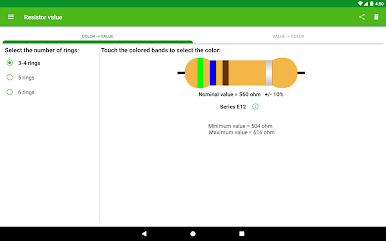
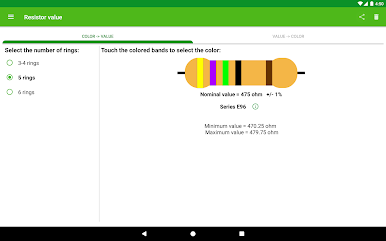
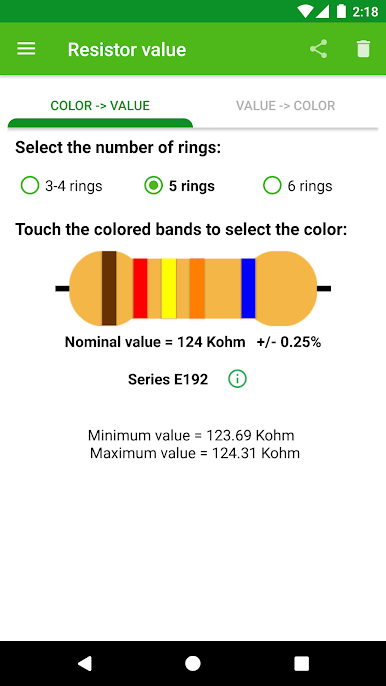
3, 4, 5, or 6 Band Support
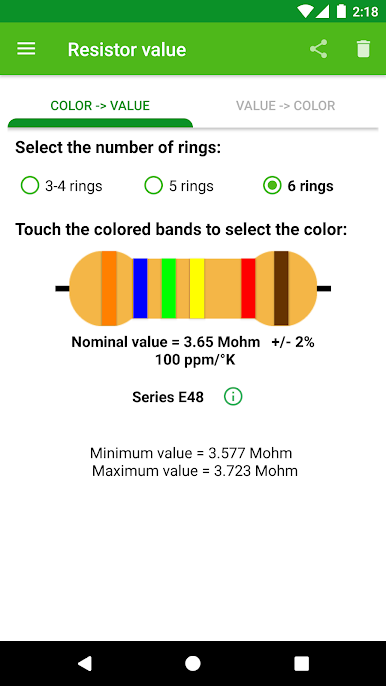
Choose how many rings are on your resistor—3, 4, 5, or 6. Switch easily between band types so you always get accurate readings, no matter what kind of resistor you’re working with. -
Interactive Color Band Selection
Just tap the colored bands right on your screen. The app does the rest and shows you the resistor’s value on the spot. No scrolling through endless menus or complex setup. -
Tolerance Range Calculation
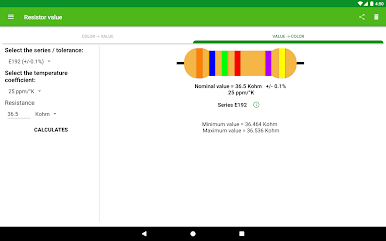
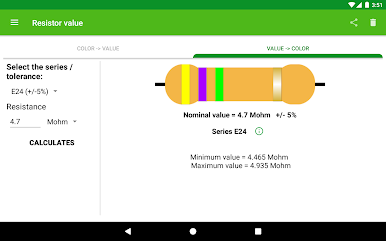
Besides giving you the standard (nominal) resistance, Resistance value calculation also shows the possible range based on your selected tolerance. That way, you’ll know how much your resistor might vary in a real circuit. -
Automatic Accuracy Check
If you make a mistake picking bands or try a combination that doesn’t make sense, you’ll get an alert. It’s like having a second pair of eyes making sure everything’s right. -
Easy Instructions Built In
Not sure where to start? Instructions are always easy to find and follow, so even beginners can jump right in. -
Smooth Experience Everywhere
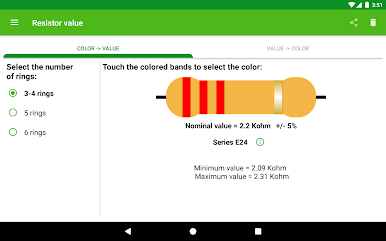
Works great on phones, and if you want an even bigger workspace, open it up on your PC using BlueStacks. Everything looks sharp and works just as smoothly.
With Resistance value calculation, handling resistor codes is as simple as tapping a few colors. No more squinting at tiny print or hunting through printed charts!
Ready to experience Resistance value calculation on a bigger screen, in all its glory? Download BlueStacks now.

Play Resistor calculation on PC. It’s easy to get started.
-
Download and install BlueStacks on your PC
-
Complete Google sign-in to access the Play Store, or do it later
-
Look for Resistor calculation in the search bar at the top right corner
-
Click to install Resistor calculation from the search results
-
Complete Google sign-in (if you skipped step 2) to install Resistor calculation
-
Click the Resistor calculation icon on the home screen to start playing

