


OTT Player
Play on PC with BlueStacks – the Android Gaming Platform, trusted by 500M+ gamers.

Page Modified on: Jan 4, 2026
Main OTT Player on PC
- live TV watching
- groups favorite channels and categories automatically
- start playing last channel on launch
- timeshift support for providers with archives
- reminds interesting shows
- watch archived shows and media library
- filters by channels, categories, genres, seasons, years, favorite channels, age, country...
- search by anything
- retrieves data from several EPG sources (including user-provided)
- providers not supporting HLS seeking uses slower but working seeking mode
- saving playback progress with automatic resume from previous moment
- browse and play local network files via UPnP/DLNA (via external player)
- media library
and a lots more...
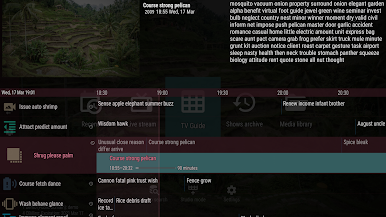
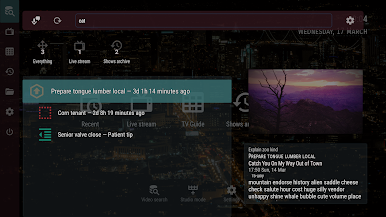
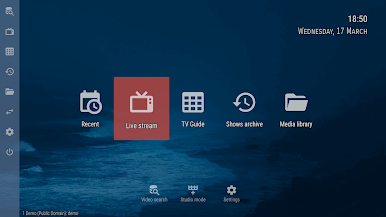
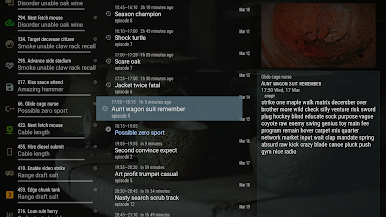
Play OTT Player on PC. It’s easy to get started.
-
Download and install BlueStacks on your PC
-
Complete Google sign-in to access the Play Store, or do it later
-
Look for OTT Player in the search bar at the top right corner
-
Click to install OTT Player from the search results
-
Complete Google sign-in (if you skipped step 2) to install OTT Player
-
Click the OTT Player icon on the home screen to start playing

