


OTT TV
Play on PC with BlueStacks – the Android Gaming Platform, trusted by 500M+ gamers.

Page Modified on: Jan 4, 2026
Main OTT TV on PC
This product doesn't offer video content on its own but operates with your provider's playlist or another source you provide. Its features include:
Live TV streaming;
Modern user interface designed for big screens;
Support for multiple playlists.
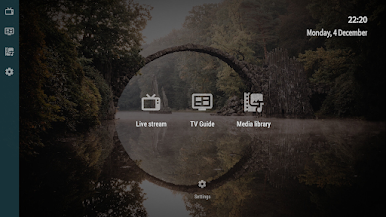
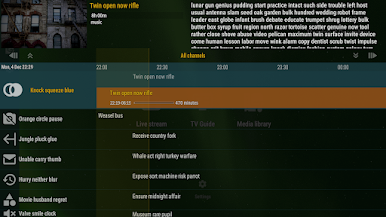
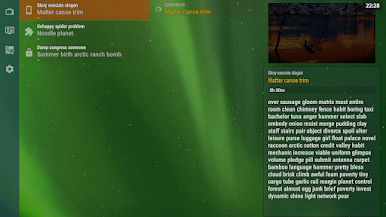

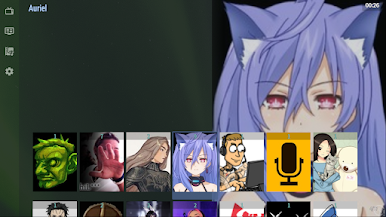
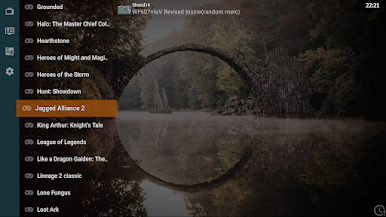
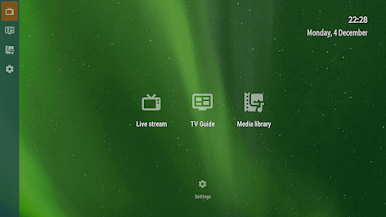
Play OTT TV on PC. It’s easy to get started.
-
Download and install BlueStacks on your PC
-
Complete Google sign-in to access the Play Store, or do it later
-
Look for OTT TV in the search bar at the top right corner
-
Click to install OTT TV from the search results
-
Complete Google sign-in (if you skipped step 2) to install OTT TV
-
Click the OTT TV icon on the home screen to start playing

