


Alien Worlds Music Visualizer
Play on PC with BlueStacks – the Android Gaming Platform, trusted by 500M+ gamers.

Page Modified on: Sep 1, 2025
Run Alien Worlds Music Visualizer - UFO & UAP Chillout on PC or Mac
Why limit yourself to your small screen on the phone? Run Alien Worlds Music Visualizer – UFO & UAP Chillout, an app by Mobile Visuals, best experienced on your PC or Mac with BlueStacks, the world’s #1 Android emulator.
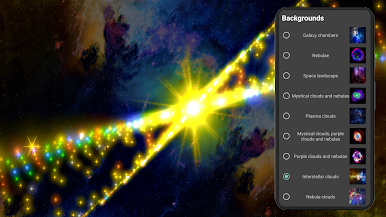
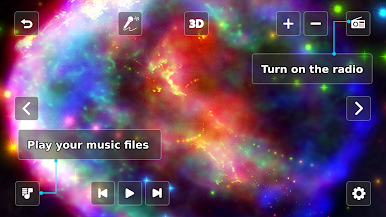
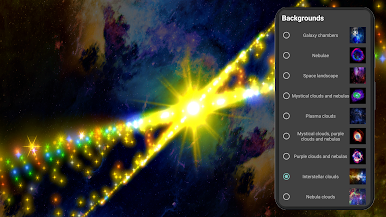
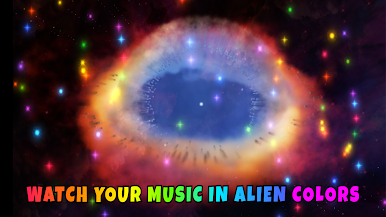
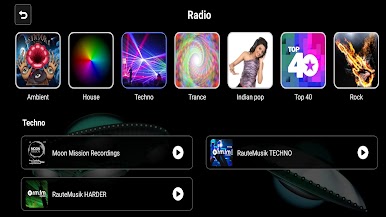
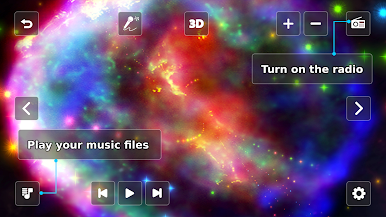
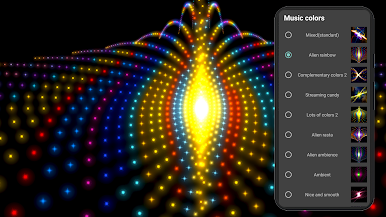
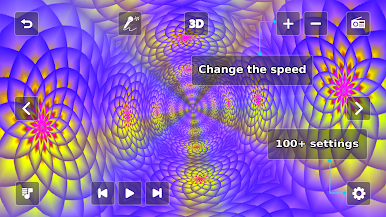
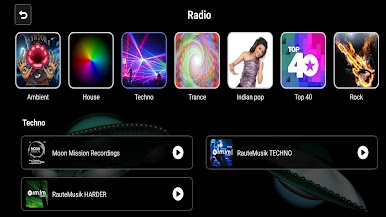
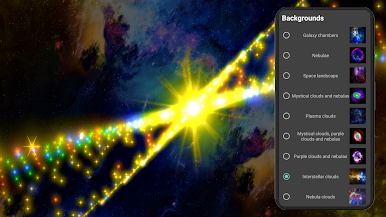
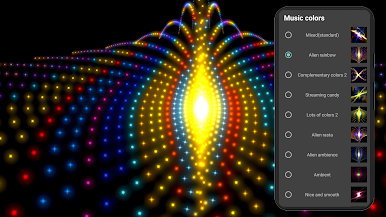
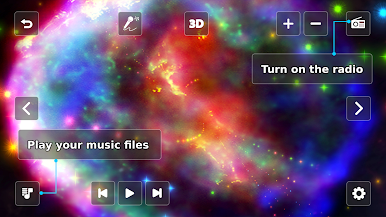
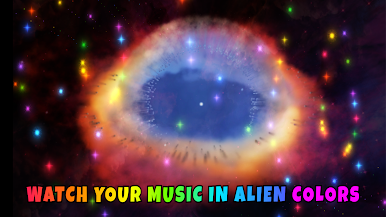
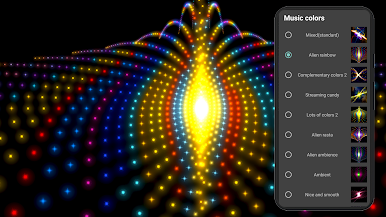
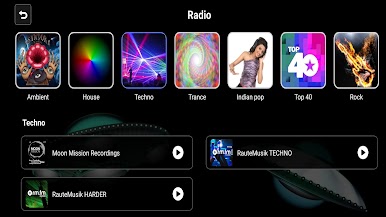
Alien Worlds Music Visualizer is more like a trippy space art show than a game. It listens to whatever music is playing and turns the beat into tunnels, galaxies, and alien scenes that roll across the screen. There are 14 themed worlds with names like Morphing Galaxy and Runner in the UFO, and the visuals are randomized, so it does not loop the same path every time. Users can play tracks in any audio app, then switch over and it just starts reacting. There is also a built in player, plus a pile of 47 radio channels that range from trance and ambient to jazz, metal, reggae, nature sounds, even holiday tunes.
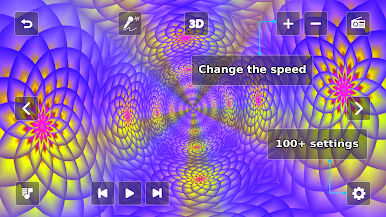
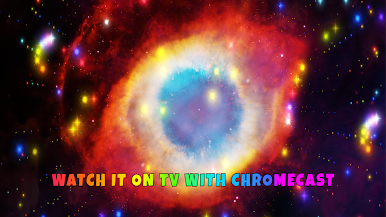
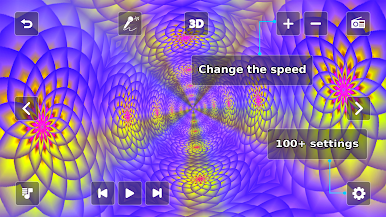
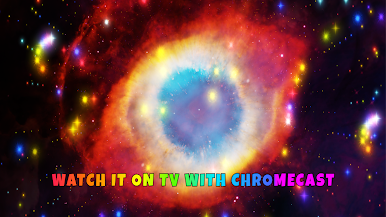
On PC with BlueStacks, it feels great on a big monitor and the keyboard works nicely. The up and down arrows change the visual speed, which is simple and oddly satisfying. The full version mentions a gyroscope for steering the ride, though that depends on hardware. Customization is a huge part of it. There are over 100 settings to tweak colors, shapes, motion, and more. In the free version you can temporarily unlock settings by watching a quick ad, and that access lasts until the app is closed. Casting to a TV with Chromecast is supported, so it works well for parties or just background chill time.
There is a warning about realistic alien images. Some of the faces look intentionally eerie, so sensitive viewers may want to stick to the abstract scenes. Music can be paused to use it as a silent visual tool, and it does fine as a quick meditation break, focus helper, or just a moving wallpaper to zone out to.
BlueStacks brings your apps to life on a bigger screen—seamless and straightforward.



Play Alien Worlds Music Visualizer on PC. It’s easy to get started.
-
Download and install BlueStacks on your PC
-
Complete Google sign-in to access the Play Store, or do it later
-
Look for Alien Worlds Music Visualizer in the search bar at the top right corner
-
Click to install Alien Worlds Music Visualizer from the search results
-
Complete Google sign-in (if you skipped step 2) to install Alien Worlds Music Visualizer
-
Click the Alien Worlds Music Visualizer icon on the home screen to start playing

